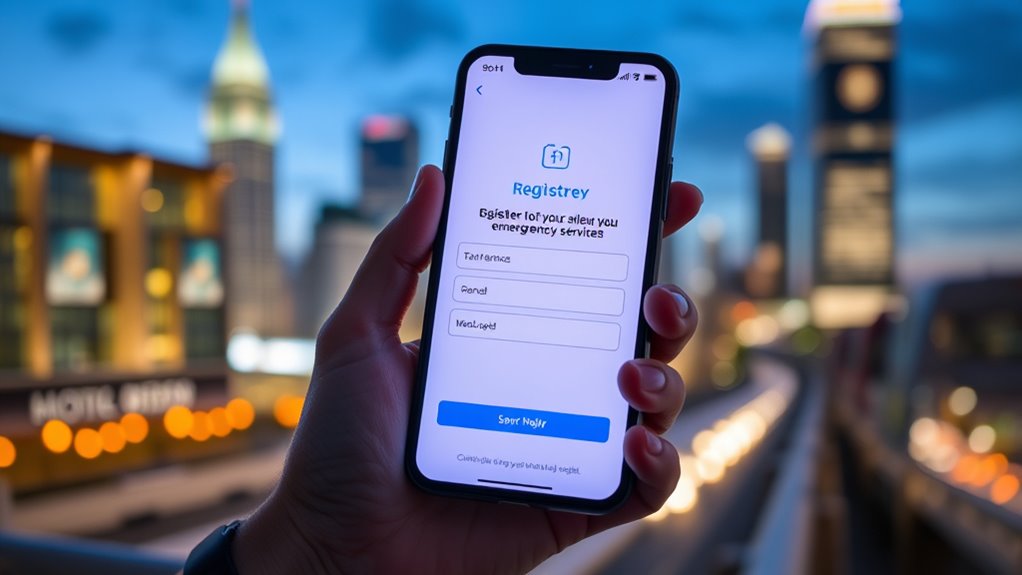

To register your mobile for emergency texting services, visit your local emergency management or official platform website. Provide your contact details, such as your phone number, address, and regional alert preferences. This simple step guarantees you receive timely alerts during crises, even if traditional calls fail. Keep your info updated and understand how to respond to messages. If you want to learn more about staying prepared, keep exploring how these services can help you stay safe.

Get everyday helpers delivered free with Prime
- Fast, free delivery on millions of items
- Prime Video, Amazon Music and more included
- Member-only deals all year
Key Takeaways
- Visit your local emergency management website or official platform to find registration options.
- Provide your mobile number, address, and regional alert preferences during registration.
- Ensure your contact information is accurate and up-to-date for effective alerts.
- Confirm your registration to start receiving real-time emergency text messages.
- Set alert preferences and enable notifications to customize the types of alerts you receive.
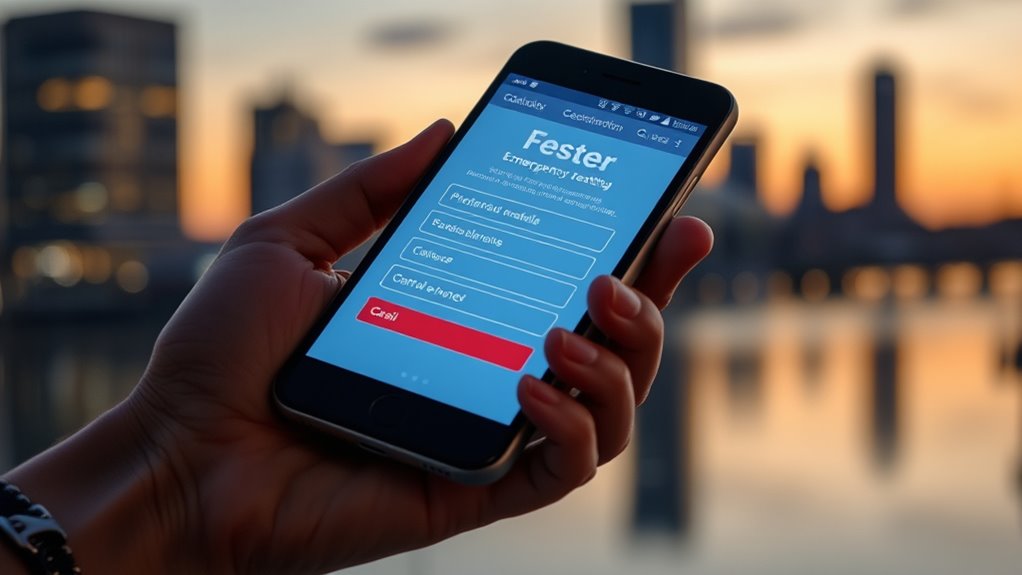
Emergency texting services provide a quick and reliable way to communicate during crises when traditional phone calls may not be possible. In times of disaster, every second counts, and being able to send or receive urgent messages can make all the difference. By registering your mobile device with these services, you guarantee you’re prepared for emergencies and can stay connected when it matters most. This is a vital component of disaster preparedness, which involves planning ahead to minimize risks and maximize your safety during unforeseen events. Modern communication technology has transformed how we respond to emergencies, making it easier to stay informed and alert even when infrastructure is compromised.
Emergency texting ensures quick, reliable communication during crises, keeping you informed and connected when traditional methods fail.
Registering your mobile is straightforward, but it’s an indispensable step in leveraging these services effectively. Start by visiting your local emergency management website or the official platform providing the texting service. You’ll likely need to provide basic information such as your mobile number, address, and any relevant alerts specific to your region. Some services also allow you to specify preferences, like the types of alerts you want to receive—whether weather warnings, evacuation notices, or community alerts. Once registered, you’ll start receiving text messages directly on your device, often in real-time, giving you the latest updates to help you make informed decisions.
One of the main advantages of emergency texting services is that they work across various communication technology platforms. Unlike traditional calls, which can be blocked or overwhelmed during a crisis, texts are more likely to get through, especially when network congestion occurs. This reliability guarantees that critical information reaches you, even if voice lines are busy or networks are damaged. To maximize your preparedness, it’s wise to keep your mobile device’s contact information updated and ensure you have enough battery life, as these services depend on your device’s connectivity. Additionally, understanding the role of contrast ratio in emergency communications can help you better interpret visual alerts or instructions received through multimedia messages.
Beyond just registering, it’s important to familiarize yourself with how the system functions. Know how to respond to messages, whether it’s following instructions, confirming your safety, or seeking help. Consider setting up emergency contacts within your messaging platform if the service supports two-way communication. This way, you can report your status or ask questions during an event. Remember, the goal of these services is to supplement your disaster preparedness plan, not replace it. They’re designed to keep you informed and connected when conventional communication methods might fail or be less effective.
emergency alert notification device
As an affiliate, we earn on qualifying purchases.
As an affiliate, we earn on qualifying purchases.
Frequently Asked Questions
How Often Should I Update My Emergency Contact Information?
You should update your contact details regularly to guarantee emergency services have the most accurate information. The frequency of registration updates depends on changes in your contact info, such as phone number or address, but it’s wise to review and update at least once a year. Doing so guarantees emergency responders can reach you quickly if needed. Stay proactive by updating your registration whenever your contact details change to keep your safety a priority.
Can I Register Multiple Mobile Numbers for One Account?
Imagine the chaos if you only registered one mobile number when you have multiple devices! Yes, you can register multiple mobile numbers for one account. This guarantees you stay connected during emergencies, no matter which device you’re using. Managing multiple devices becomes effortless with proper account management. By registering all your numbers, you guarantee swift alerts and essential updates reach you instantly, providing peace of mind and safety across all your devices.
Is There a Fee for Using Emergency Texting Services?
You might wonder if there are service fees or registration costs for emergency texting services. Generally, using these services doesn’t involve extra charges, and registration is free. However, some providers could have specific fees for certain features or premium options. It’s best to check with your service provider for precise details. Remember, emergency texting services are designed to keep you safe without adding costs, so always verify before registering.
Will My Location Be Shared Automatically During an Emergency?
You might wonder if your location sharing happens automatically during an emergency. Usually, emergency texting services do share your location to help responders find you faster, but privacy concerns are valid. Rest assured, your device often only shares precise location data when you send an emergency message, and you can check your settings to control privacy. Being aware of this balance helps you stay safe without compromising your privacy.
How Do I Delete or Deactivate My Registration?
To delete or deactivate your registration, start by logging into your account on the service’s website or app. Look for account security or privacy settings, where you’ll find options to deactivate or remove your registration. Doing this helps address privacy concerns and keeps your data secure. Always confirm any prompts to ensure your registration is fully deactivated, and consider reaching out to support if you encounter issues.
Conclusion
By registering your mobile with emergency texting services, you’re planting a safety net that catches you when you need it most. Think of it as having a lifeline ready to reach out in times of crisis, ensuring help is just a message away. Don’t wait for trouble to strike; take action now and make sure your emergency contacts are always within reach. Stay protected, stay prepared—because safety is a bridge you build before you need to cross.
Fall Picks
fall essentials
As an affiliate, we earn on qualifying purchases.