Captioned phones turn your spoken words into on-screen text instantly using speech recognition technology. When you speak, microphones capture your voice, and software processes it into real-time captions, making conversations clearer, especially if you have hearing difficulties. Your device relies on internet connections for faster, more accurate transcription, and various apps or hardware support this process. If you want to understand how this seamless communication works, keep exploring the details you can discover next.
Key Takeaways
- Captioned phones use speech recognition technology to convert spoken words into text in real time during calls.
- Microphones capture your voice, which is processed by software to generate instant text captions.
- Cloud servers and advanced algorithms improve transcription accuracy and speed for natural conversation flow.
- Connectivity, such as Wi-Fi or cellular networks, affects caption clarity and reliability during calls.
- These devices help users with hearing difficulties communicate independently by providing real-time textual transcription of speech.
captioned phones with real-time transcription
As an affiliate, we earn on qualifying purchases.
As an affiliate, we earn on qualifying purchases.
What Are Captioned Phones and How Do They Help You Communicate?
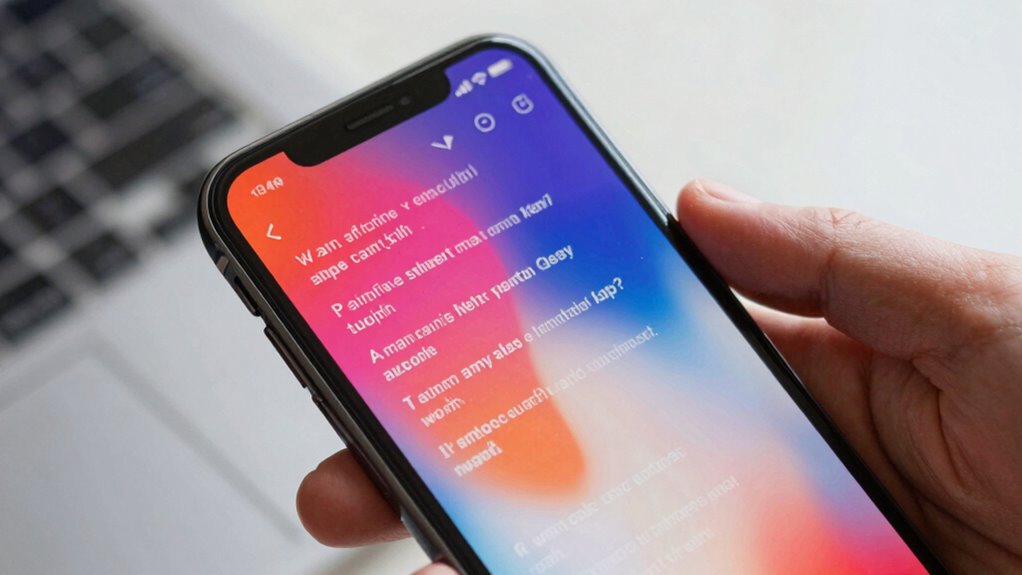
Have you ever struggled to hear or understand phone conversations clearly? That’s where captioned phones come in. These devices use assistive technology to display spoken words as text on your screen in real time, making conversations more accessible. They’re equipped with accessibility features designed specifically for users with hearing loss or difficulty hearing. With a captioned phone, you can read what the other person is saying instantly, reducing misunderstandings and frustration. This technology allows you to participate fully in calls, whether for personal or professional reasons. By combining speech recognition with user-friendly features, captioned phones guarantee that communication remains seamless and inclusive, giving you confidence and independence in every call. Contrast ratio plays a key role in ensuring clear and legible text display, especially in varying lighting conditions. To ensure optimal performance, selecting a device with reliable power supply and backup options is essential. Additionally, understanding the importance of assistive technology can help users choose the most suitable device for their needs. Incorporating real-time captioning capabilities further enhances the clarity and accuracy of conversations, providing an even more effective communication experience. For optimal effectiveness, understanding field‑of‑view considerations can help users select devices that fit their specific environments and usage needs.
How Does Real-Time Text Conversion Work on Captioned Phones?
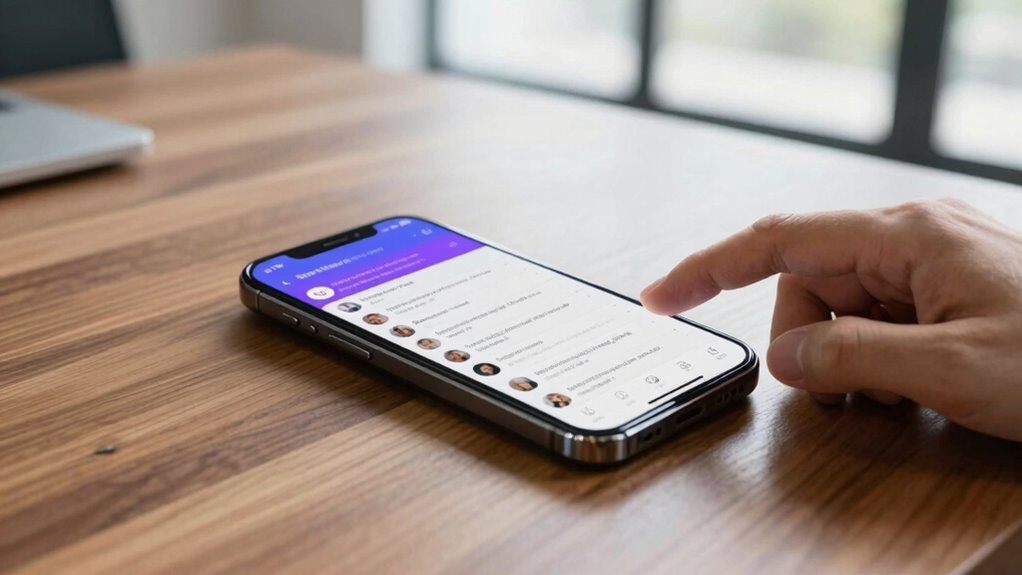
Real-time text conversion on captioned phones works by using advanced speech recognition technology to transcribe spoken words instantly as you talk. When you speak, the microphone captures your voice, and the software quickly processes it into text displayed on the screen. This allows you to see your words in real time, making conversations smoother and more natural. If you use sign language or hearing aids, this technology complements those methods by providing an additional communication tool. It’s especially helpful in noisy environments or when speech isn’t clear. The system doesn’t rely on sign language directly but works alongside it, ensuring everyone can follow conversations easily. This instant transcription bridges the gap between spoken words and written text, enhancing communication for users with hearing impairments. Additionally, integrating innovative cloud servers can improve the speed and accuracy of this real-time translation by securely processing data through energy-efficient European cloud infrastructure. These servers also facilitate seamless updates, ensuring the technology stays current and reliable. Moreover, these servers help in maintaining privacy and security, which are crucial for sensitive communication situations. Incorporating cloud-based solutions further enhances the system’s ability to adapt and evolve with technological advancements, including leveraging recent AI discoveries to improve transcription accuracy and contextual understanding.
What Devices and Apps Make Captioned Phones Possible?
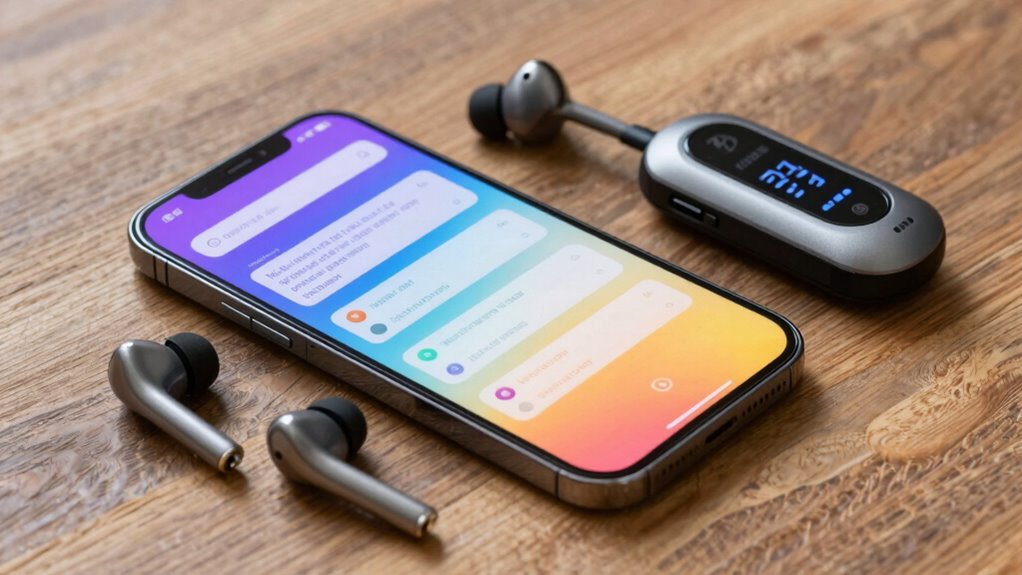
Various devices and apps work together to make captioned phones accessible and effective. These tools rely on advanced accessibility features and seamless device integration to deliver real-time captions. You might use smartphones with built-in captioning apps, dedicated captioned phone devices, or complementary accessories. These technologies ensure smooth communication, especially for those with hearing impairments. The key elements include speech recognition software, user-friendly interfaces, and compatibility with various hardware. They work behind the scenes to capture speech, convert it to text instantly, and display it clearly on your device. Connected equipment and apps are essential for creating a seamless experience in smart home fitness, ensuring compatibility and ease of use. Additionally, the integration of assistive technology enhances the overall effectiveness and user experience of captioned phones. Incorporating integrated voice recognition further improves responsiveness and accuracy in real-time transcription, making communication even more reliable. Modern captioned phones also leverage cloud-based processing to improve performance and update features continuously, often utilizing advanced speech algorithms to enhance accuracy in diverse environments.
How Does Speech-to-Text Software Transcribe Your Conversations in Real Time?
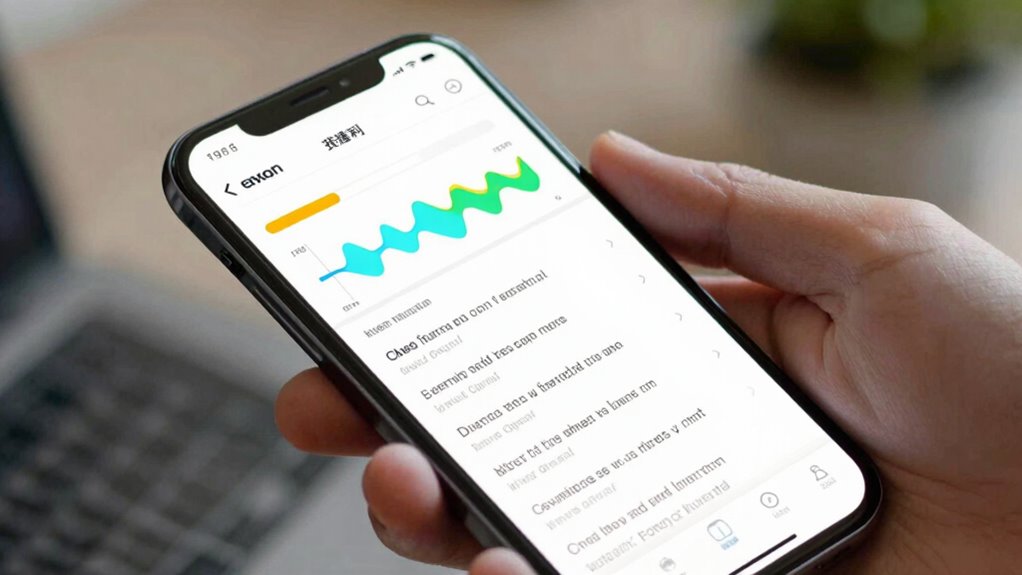
Speech-to-text software works by continuously analyzing the sounds you speak and converting them into written words almost instantly. It uses advanced speech recognition technology to identify individual sounds, words, and phrases as you speak. When you talk, the software captures your voice through a microphone and processes the audio in real time. Voice transcription algorithms then match your speech patterns to a vast database of language models, accurately translating your spoken words into text. This seamless process allows captions to appear on your screen almost immediately, providing real-time transcription of your conversations. The efficiency of speech recognition guarantees minimal delays, making communication clearer and more accessible for users relying on captioned phones. Additionally, personalized care plans ensure that the technology adapts to each user’s unique speech patterns and needs. Because of ongoing advancements in speech recognition technology, these systems are becoming even more precise and reliable over time. The integration of home technology also helps improve accuracy by learning from user interactions and context. As these systems continue to evolve, machine learning algorithms further enhance transcription quality by adapting to different accents and speech variations.
How Does Internet Connectivity Affect Captioned Phone Accuracy?
Your captioned phone’s accuracy depends heavily on your internet connection speed. Faster connections, whether through Wi-Fi or cellular networks, provide clearer, more reliable transcription. Slower speeds can cause delays or errors, affecting how well the captions match what’s actually said. Additionally, a stable connection helps ensure consistent access to essential audio processing resources necessary for accurate transcription. Moreover, maintaining a robust internet connection minimizes disruptions caused by network fluctuations, further improving caption accuracy. Ensuring your device is configured to prioritize network stability can also enhance overall performance. As nanotechnology advances, integrating innovative connectivity solutions may further improve real-time communication devices like captioned phones.
Connection Speed Impact
Internet connectivity plays a crucial role in the accuracy of captioned phones. Faster connection speeds ensure real-time transcription without delays, making conversations smoother. When your connection is slow, network latency increases, causing captions to lag behind speech, which can lead to misunderstandings. Bandwidth limitations can also restrict data flow, resulting in missed words or garbled text. To optimize performance, a stable and high-speed internet connection is indispensable. Keep in mind that even minor fluctuations can impact caption quality, especially during busy network periods. Ensuring your device has a reliable connection minimizes delays and enhances overall clarity. Staying aware of your network’s speed and stability helps you get the most accurate and effective captioned phone experience. Understanding network factors can help you troubleshoot and improve connection quality for better transcription accuracy. Being aware of network stability and how it affects data flow can make a significant difference in your captioning experience. Additionally, network congestion during peak times can further reduce connection quality, emphasizing the need for a reliable internet setup.
Wi-Fi vs Cellular
Choosing between Wi-Fi and cellular data can considerably impact the accuracy of captioned phones. Wi-Fi often provides a more stable and faster connection, which enhances speech recognition and reduces errors. This benefits the accessibility features designed to support users with hearing difficulties. However, cellular networks are portable and more convenient when you’re on the go, though they may experience fluctuations in signal quality. Proper user training is essential to maximize caption accuracy, regardless of the connection type. Learning how to connect to reliable networks and troubleshoot issues ensures better captioning results. Ultimately, understanding the strengths and limitations of each connection helps you choose the best option for your needs, improving overall accessibility and communication effectiveness.
Who Benefits Most From Using Captioned Phones? Key Use Cases
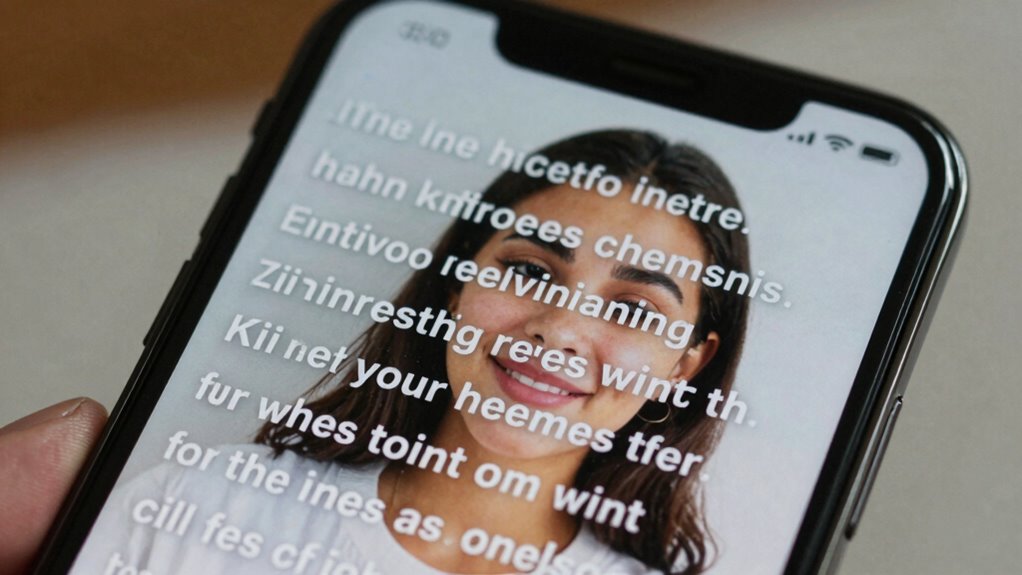
People who have difficulty hearing or understanding speech over the phone benefit most from captioned phones. These devices serve as essential assistive technology, enhancing communication accessibility for users with hearing loss. Whether you’re elderly, hard of hearing, or have auditory processing challenges, captioned phones make conversations clearer and more manageable. They are especially useful in situations like customer service calls, emergency contacts, or staying connected with loved ones. By converting speech into text in real-time, captioned phones help you follow along easily. Key use cases include:
- Hearing impairment or deafness
- Age-related hearing decline
- Auditory processing disorders
- Speech clarity issues
- Language barriers or accents
This technology empowers you to communicate confidently and independently.
What Common Issues Occur With Captioned Phones and How Can You Fix Them?
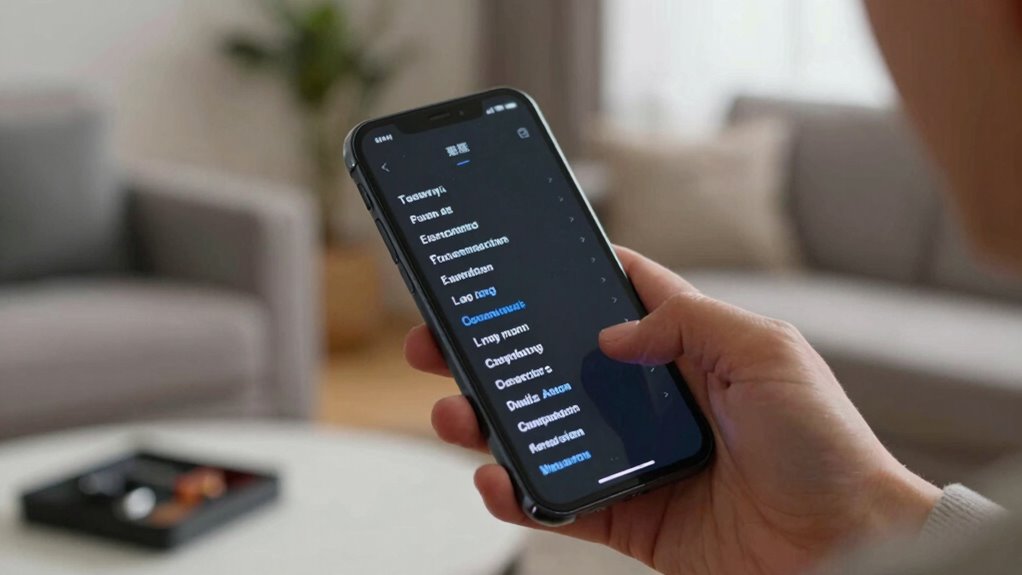
You might encounter common technical glitches or connectivity issues with your captioned phone. These problems can disrupt your communication and cause frustration. Luckily, most issues can be fixed quickly with simple troubleshooting steps.
Common Technical Glitches
While captioned phones are highly beneficial for those with hearing impairments, they can sometimes experience technical glitches that disrupt communication. Common issues include audio feedback, device compatibility problems, delayed captions, incorrect text display, and power or battery issues. Audio feedback can occur if the microphone picks up sound from the speaker, causing a loop. Device compatibility issues may prevent the captioning feature from working properly, especially with outdated software or incompatible devices. Delayed captions or incorrect text can lead to misunderstandings. Power or battery problems might cause the device to turn off unexpectedly or malfunction. To fix these glitches, verify your device has the latest software updates, check audio levels, and confirm compatibility with your phone system. Regular maintenance minimizes these common technical glitches.
Troubleshooting Connectivity Issues
Connectivity issues with captioned phones can disrupt your ability to receive real-time captions, making communication frustrating. First, check your network stability, as a weak or unstable connection often causes interruptions. Restart your device and router to improve signal strength. Ensure your captioned phone is compatible with your network; outdated or incompatible devices may struggle to stay connected. Update your device’s software and firmware to fix bugs that could affect connectivity. If issues persist, test your connection with another device to identify if the problem lies with your network or the phone itself. Finally, consult your service provider for assistance, especially if network compatibility or coverage issues are suspected. Keeping your device compatible and your network stable will help ensure smooth, reliable captioning.
What Are the Future Trends in Captioned Phone Technology?
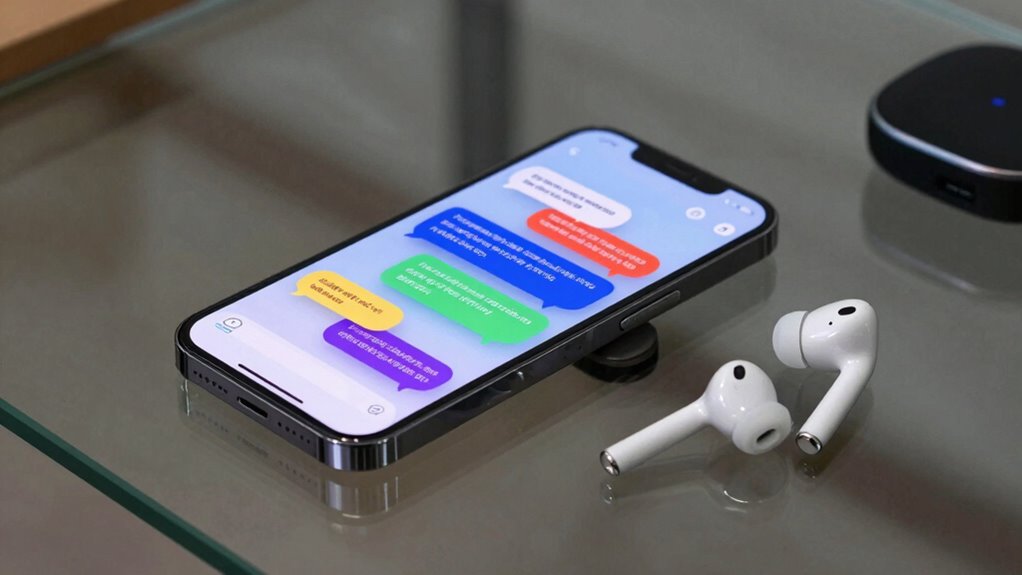
Advancements in captioned phone technology are rapidly shaping a more accessible future for users with hearing impairments. You can expect smarter, more intuitive features driven by voice recognition and AI advancements that improve accuracy and speed. Future trends include real-time language translation, personalized speech models, and enhanced noise filtering. These innovations will make conversations clearer and more natural, reducing misunderstandings. Additionally, integration with smart home devices and wearable tech will expand accessibility options. As AI continues to evolve, captioned phones will become more adaptive to individual needs, offering seamless communication across different environments. Staying aware of these developments guarantees you’ll benefit from cutting-edge tools that empower your everyday interactions and enhance your independence.
Frequently Asked Questions
Are Captioned Phones Compatible With All Hearing Impairments?
Captioned phones are generally compatible with many hearing impairments, but not all. They offer visual adaptation features and user customization, allowing you to adjust text size, color, and display to suit your needs. However, if you have severe hearing loss or specific needs, it’s best to consult with an audiologist or provider. These phones enhance communication, but their effectiveness depends on your individual hearing impairment and how well you utilize the available features.
How Secure Is the Conversation Privacy on Captioned Phones?
Think of your conversation as a delicate glass fragile to outside eyes. While captioned phones prioritize privacy, there are still privacy concerns. They often use encryption standards to protect your data, but no system is foolproof. You should stay aware of potential vulnerabilities, especially if discussing sensitive topics. Regularly check for updates and use additional security measures to keep your conversations as safe as possible on captioned phones.
Can Captioned Phones Be Used Internationally?
Yes, you can use captioned phones internationally, but you’ll need to take into account international usage and voltage compatibility. Many captioned phones are designed for specific regions, so check if the device supports voltage standards and network frequencies in your destination country. Some models are universal and adaptable, making travel easier. Just ensure the phone’s hardware and software are compatible with local infrastructure to enjoy seamless communication abroad.
What Training Is Needed to Effectively Use Captioned Phones?
To effectively use captioned phones, you need basic training on device operation and software features. The training requirements typically include understanding how to turn on the captioning function, adjust settings, and troubleshoot common issues. With proper training, you’ll quickly build user proficiency, ensuring smooth communication. Most users find that a short tutorial or guided practice session suffices to become comfortable and confident in using captioned phones daily.
How Do Captioned Phones Integrate With Other Assistive Technologies?
Captioned phones integrate seamlessly with other assistive technologies by utilizing voice recognition and real-time translation features. You can connect your captioned phone to hearing aids or cochlear implants, enhancing clarity. These devices work together to provide a holistic communication system, allowing you to see captions instantly and even translate conversations into different languages. This integration makes conversations more accessible, empowering you to participate fully in various settings.
Conclusion
Think of captioned phones as your trusted lighthouse guiding you through communication storms. They turn your spoken words into clear text, illuminating your conversations and helping you stay connected. As technology advances, this lighthouse will shine even brighter, making communication smoother for everyone. Embrace these tools, and you’ll find your way through any fog of misunderstanding, confidently steering conversations with clarity and ease.