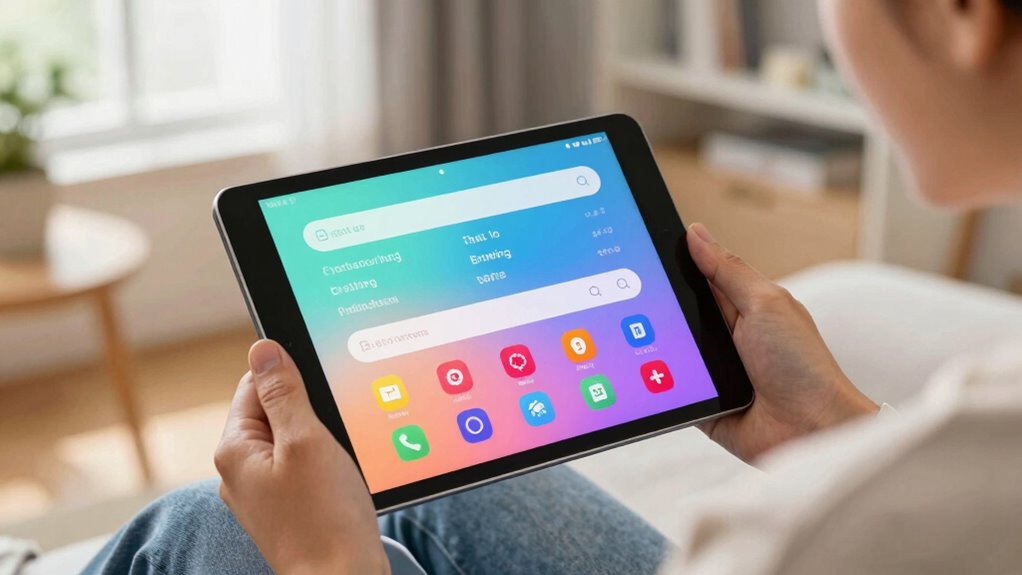

Tablets help you with captioning, reading, and communication by offering built-in tools like speech recognition and text-to-speech, making it easier to understand and be understood. You can adjust display settings for better visibility and use captioning functions to transcribe spoken words during calls or videos. With customizable input options and assistive apps, your device adapts to your needs. Keep exploring to discover more ways tablets support your everyday accessibility and communication.

Get everyday helpers delivered free with Prime
- Fast, free delivery on millions of items
- Prime Video, Amazon Music and more included
- Member-only deals all year
Key Takeaways
- Tablets offer real-time captioning apps that transcribe spoken words for easier understanding and communication.
- Adjustable display settings improve readability for users with visual impairments.
- Built-in speech recognition and speech-to-text apps facilitate seamless speech and communication support.
- External input options like stylus and switches accommodate various physical limitations.
- Integration with assistive technology and smart home systems enhances environmental control and accessibility.
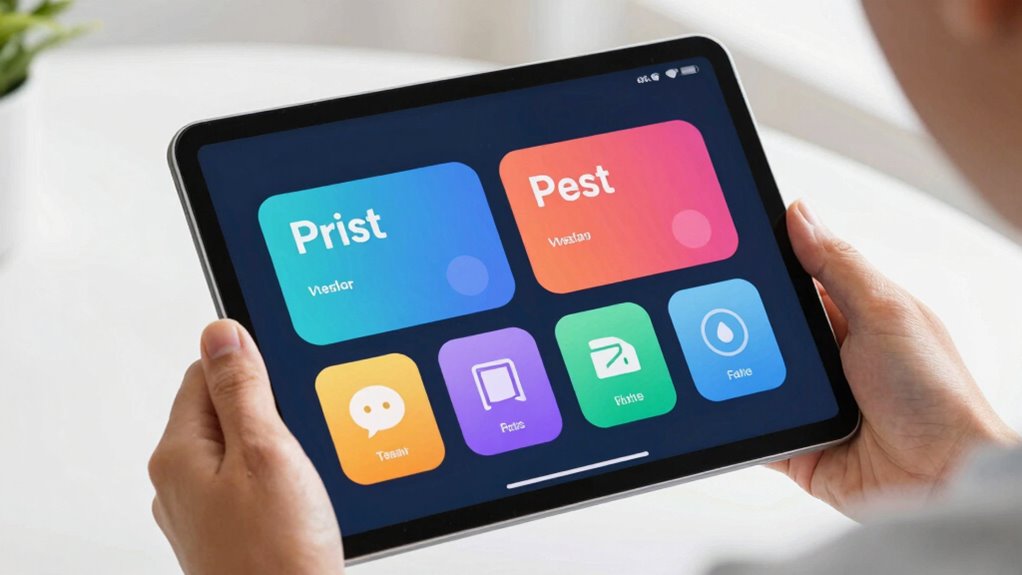
Tablets have become essential tools for individuals who rely on captioning, reading, and communication aids, offering versatile solutions that enhance independence and accessibility. They serve as powerful devices that integrate digital accessibility features and assistive technology, making everyday tasks more manageable for people with diverse needs. Whether you’re deaf, hard of hearing, visually impaired, or have speech difficulties, tablets can be customized to support your specific communication requirements.
Tablets enhance independence by offering customizable accessibility features for diverse communication and assistive needs.
One of the key advantages of tablets is their ability to support digital accessibility. Built-in features like text-to-speech, speech recognition, and adjustable display settings allow you to tailor the device to your preferences. For example, if you struggle with reading small text, you can enlarge fonts or switch to high-contrast modes, improving readability. For those with hearing impairments, captioning functions can instantly transcribe spoken words during phone calls or video chats, ensuring you don’t miss critical information. These tools empower you to access content and communicate more effectively, breaking down barriers that might otherwise hinder your participation in daily activities.
Assistive technology on tablets extends beyond basic accessibility features. You can install specialized apps designed to support communication, such as real-time captioning services or speech-generating devices. These tools convert your spoken words into text or voice output, enabling smoother conversations. If you’re deaf or hard of hearing, real-time captioning apps can provide instant transcriptions of conversations, meetings, or media, reducing misunderstandings and fostering more inclusive interactions. For individuals with speech impairments, speech-to-text apps serve as digital voice assistants, translating your spoken words into written text that others can read instantly. Additionally, assistive technology options on tablets can be customized to suit unique communication needs, making them highly adaptable tools. Incorporating digital accessibility features ensures that these devices cater to a wide range of disabilities, further enhancing their effectiveness. Exploring adaptive input methods can also improve user interaction, accommodating diverse physical capabilities. Moreover, the availability of customizable settings allows users to optimize their experience based on their specific needs, improving overall usability.
Furthermore, tablets often come with versatile input options that accommodate various needs. You can use a touchscreen, stylus, or external switches, making it easier to interact with the device regardless of physical limitations. The portability of tablets means you can carry your communication aids with you wherever you go, ensuring continuous support throughout your day. Their compatibility with other assistive devices and smart home systems also broadens your ability to control your environment and access information seamlessly. Additionally, indoor air quality solutions integrated with smart technology can be controlled via tablets, enhancing overall accessibility and comfort.
tablet with built-in speech recognition
As an affiliate, we earn on qualifying purchases.
As an affiliate, we earn on qualifying purchases.
Frequently Asked Questions
Can Tablets Accommodate Multiple Languages for Captioning?
Yes, tablets can accommodate multiple languages for captioning thanks to their multilingual support. You can easily switch between languages, making captioning more accurate and accessible. Many tablets offer customizable language settings, ensuring captioning accuracy regardless of the language spoken. This feature helps you communicate effectively in diverse environments, whether for personal use or professional needs, enhancing your overall experience with captioning and multilingual communication.
How Durable Are Tablets for Everyday Use?
You’ll find tablets surprisingly durable for daily use, with many designed to withstand drops from up to four feet. Their screen durability varies, but reinforced glass and sturdy casings protect against scratches and impacts. The user interface is intuitive, helping you navigate effortlessly even if mishaps occur. Overall, with proper care, your tablet can handle everyday bumps and splashes, making it a reliable tool for captioning, reading, and communication.
Are There Affordable Tablet Options for Disabled Users?
Yes, there are affordable tablet options designed for disabled users. You can find models with built-in disability features like voice control, screen readers, and customizable accessibility settings at lower prices. Brands like Amazon Fire tablets and entry-level Android devices often include these features without costing a fortune. These options make it easier for you to access captioning, reading, and communication tools, ensuring you get the support you need without overspending.
Do Tablets Require Internet Access for Captioning Features?
No, tablets don’t always need internet access for captioning features. Many devices offer offline captioning through accessibility settings or pre-installed apps, allowing you to use captioning without an internet connection. You can enable these features in your tablet’s accessibility options, ensuring you stay connected and supported even when offline. This makes it easier to communicate and access content wherever you are, without relying on a steady internet connection.
How Long Does Tablet Battery Life Typically Last During Use?
Your tablet’s battery life during use varies, but with proper battery optimization and power management, you can extend it considerably. Typically, tablets last between 8 to 12 hours of active use, depending on the model and usage intensity. To maximize battery life, reduce screen brightness, close unused apps, and enable power-saving modes. These steps help conserve energy, ensuring your device stays functional longer during captioning, reading, or communication tasks.
Conclusion
Just like a trusty compass guides you through uncharted waters, tablets can steer your communication, reading, and captioning needs with ease. They’re your portable bridge, connecting you to a world of information and interaction. No matter the challenge, these devices turn obstacles into stepping stones, empowering you to navigate daily life confidently. With a tablet in hand, you’re never lost—you’re simply charting a new course toward independence and connection.
Halloween Picks
halloween
As an affiliate, we earn on qualifying purchases.