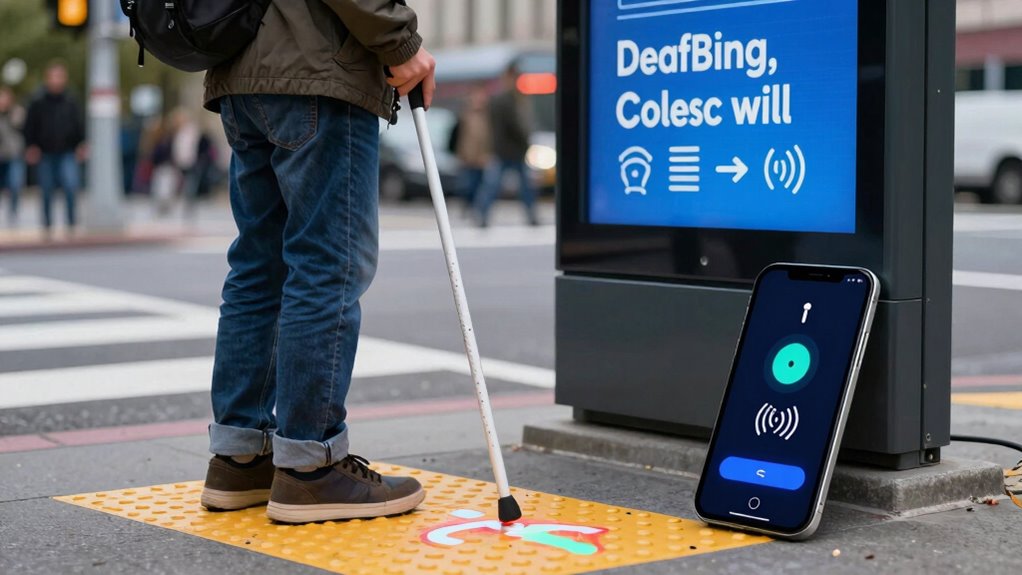

Digital accessibility transforms your experience by incorporating tactile interfaces like refreshable braille displays, so you can access digital content independently. Adaptive tools convert spoken words into tactile signals, enabling better communication, while inclusive design guarantees platforms are easier to navigate. As assistive technologies improve, your ability to participate fully in digital spaces grows. If you keep exploring, you’ll discover how innovations continue to make digital access even more seamless for you.

Get everyday helpers delivered free — and shop member deals
- Fast, free delivery on millions of items
- Access to Prime Big Deal Days deals on October 6–7
- Prime Video, Amazon Music and more included
Key Takeaways
- Tactile interfaces like refreshable braille displays provide real-time digital content access without relying on visual cues.
- Adaptive communication tools translate speech into tactile signals, enabling conversation for DeafBlind users.
- Advances in assistive technology continually improve navigation and interaction within digital environments.
- User-centered and inclusive design ensures accessibility features meet diverse DeafBlind needs from development.
- Integrating biodiversity and sustainability into accessible platforms promotes environmental awareness and social inclusion.
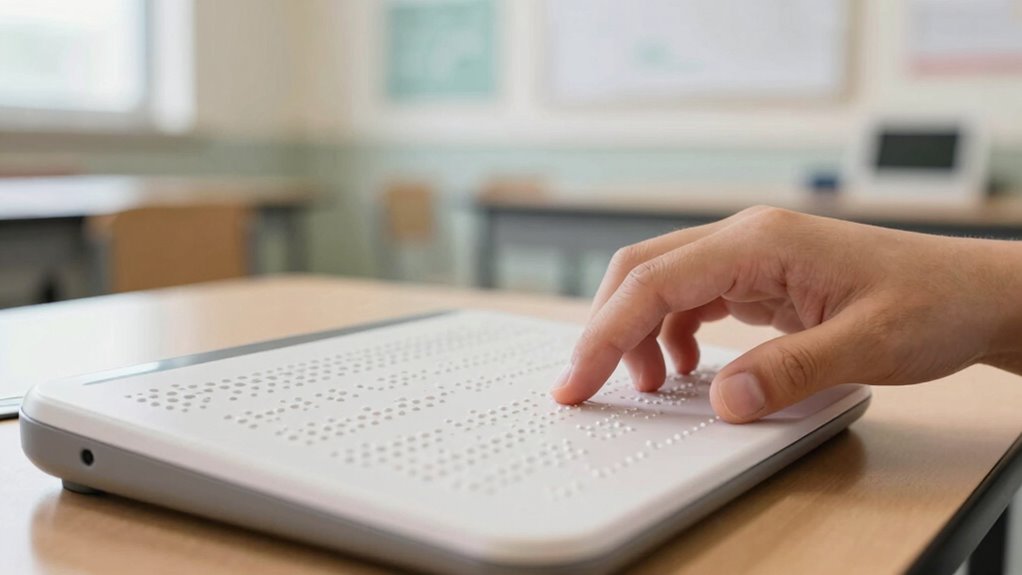
Digital accessibility is essential for ensuring that DeafBlind users can fully participate in the digital world. When you navigate online spaces, tactile interfaces become vital tools that bridge the gap between sight and sound, allowing you to feel your way through digital content. These interfaces often include refreshable braille displays that convert text into braille, giving you real-time access to information. Unlike visual screens, tactile interfaces provide a physical connection to data, making it possible for you to read emails, browse websites, or access apps independently. This shift transforms digital interaction from a visual experience into a tactile one, empowering you to engage with technology on your own terms. Biodiversity and sustainable living practices are also being integrated into accessible technology to promote a more inclusive digital environment. Adaptive communication plays a crucial role in enhancing your digital experience. Traditional text or audio-based communication methods often fall short for DeafBlind users, but adaptive tools facilitate more effective exchanges. For example, you might use specialized software that translates spoken language into braille or tactile signals, enabling you to participate in conversations that would otherwise be inaccessible. These tools adapt to your specific needs, whether you’re using a braille display, a tactile graphic, or a combination of devices. They guarantee that your ability to communicate isn’t limited by sensory barriers, fostering greater independence and social interaction. Additionally, ongoing advancements in assistive technology continue to improve accessibility, making digital spaces more navigable and inclusive. As new innovations emerge, they help create a more accessible digital environment that better supports your needs. Furthermore, user-centered design plays a vital role in ensuring these technologies are intuitive and effective for DeafBlind users. Emphasizing inclusive design ensures that technology development considers the diverse needs of all users from the start.
As an affiliate, we earn on qualifying purchases.
Frequently Asked Questions
How Do Deafblind Users Navigate Complex Online Interfaces?
You navigate complex online interfaces using sensory substitution devices, like braille displays, and tactile feedback. These tools convert visual information into tactile sensations, allowing you to feel the layout and interact effectively. By feeling vibrations or braille characters, you gain awareness of menu options and links. This tactile feedback, combined with assistive technologies, helps you explore digital spaces confidently, overcoming visual and auditory barriers seamlessly.
What Training Is Needed for Developers to Create Accessible Digital Tools?
Think of developers as explorers venturing into uncharted territory, learning to build bridges for everyone. You need training in inclusive design principles, ensuring your digital tools are accessible to all users. Conducting user testing with deafblind individuals reveals real-world challenges, guiding improvements. By embracing continuous learning and empathy, you craft digital experiences that empower every user, transforming complex interfaces into navigable pathways for all abilities.
Are There Specific Devices That Enhance Digital Accessibility for Deafblind Users?
Yes, there are specific devices that enhance digital accessibility for deafblind users. You can use Braille displays, which convert digital text into tactile Braille, allowing you to read screens privately. Haptic feedback devices also help by providing tactile alerts or cues for notifications and interactions. These tools work together to create a more accessible digital experience, enabling you to navigate technology independently and stay connected.
How Is Real-Time Communication Facilitated for Deafblind Individuals Online?
You can experience real-time communication through tactile feedback and sign language. About 85% of deafblind users rely on tactile methods, feeling vibrations or signals for instant updates. Devices like braille displays and haptic feedback tools transmit information directly to your fingertips, enabling seamless conversations. Sign language interpreters also facilitate live communication, whether through video relay services or specialized apps, ensuring you’re connected and informed without delay.
What Are the Privacy Concerns Related to Assistive Technologies for Deafblind Users?
You should be aware that assistive technologies for deafblind users raise privacy concerns related to data security and user privacy. These devices often collect sensitive information, like communication preferences or health data, which must be protected. If data security isn’t prioritized, hackers could access personal details. It is crucial to use trusted tools with strong security measures, ensuring your privacy remains intact and your information stays confidential.
Conclusion
As you navigate the digital world, remember that accessibility isn’t a mere scroll of the scroll wheel; it’s a bridge to inclusion. For deafblind users, innovations like haptic feedback and tactile interfaces transform screens into symphonies of sensation. Think of it as turning your device into a modern-day Gutenberg’s press—opening worlds once locked away. By championing these changes, you’re not just clicking buttons; you’re rewriting history, ensuring everyone’s voice can be heard and felt.
Fall Picks
fall essentials
As an affiliate, we earn on qualifying purchases.