
Caption mismatches on streaming apps often happen because of technical glitches, automatic transcription errors, or sync issues. Background noise, audio delays, and device or bandwidth problems can cause captions to lag behind or be out of sync with spoken words. Accents, slang, and speech patterns can also confuse the software, leading to inaccuracies. If you want to understand what causes these issues and how to fix them, keep exploring further.
Key Takeaways
- Automatic transcription inaccuracies due to background noise, speaker accents, or unclear audio can cause caption mismatches.
- Timing and synchronization errors often occur from audio delays, lag, or bandwidth issues, making captions appear out of sync.
- Variations in speech patterns, dialects, and slang challenge the accuracy of speech recognition algorithms.
- Formatting issues, such as inconsistent font size or improper line breaks, can reduce caption clarity and alignment.
- Software bugs, hardware compatibility problems, and outdated apps may lead to caption rendering errors and mismatches.
streaming app caption sync correction device
As an affiliate, we earn on qualifying purchases.
As an affiliate, we earn on qualifying purchases.
Why Are Streaming App Captions Often Mismatched?
Streaming app captions often appear mismatched because the technology behind automatic transcription isn’t perfect. These errors directly affect subtitle accuracy, making it harder to follow conversations or understand dialogue. Poor caption quality can result from misheard words, unclear audio, or background noise, which the software struggles to interpret correctly. When caption quality drops, the mismatch between spoken words and displayed text increases, leading to confusion. Automated systems are improving but still can’t match human accuracy consistently. As a result, viewers may see captions that lag behind or don’t align with the spoken content. This mismatch diminishes the viewing experience, especially for those relying heavily on captions for comprehension. Advances in cloud processing and the use of energy-efficient, secure European cloud servers are helping improve transcription technologies and overall streaming experiences. Additionally, color accuracy in captions can be compromised by inconsistent software performance, further contributing to mismatches. Ongoing developments in connected technology aim to enhance the synchronization between audio and text, making captions more reliable. Improvements in speech recognition technology are also helping reduce these discrepancies over time, as these systems leverage machine learning to better understand speech patterns and context.
automatic transcription error correction tool
As an affiliate, we earn on qualifying purchases.
As an affiliate, we earn on qualifying purchases.
Common Causes of Caption Mismatch on Streaming Platforms
Caption mismatches often happen because the audio and text aren’t perfectly synchronized. Speech recognition errors can also cause captions to be inaccurate or out of sync. Additionally, timing and formatting issues can make captions appear at the wrong moments or look inconsistent. Ensuring proper safe installation practices can help prevent technical issues that contribute to caption errors. Understanding media literacy can also help viewers recognize and interpret caption inaccuracies when they occur.
Syncing Audio and Text
When the audio and text aren’t properly synchronized, viewers often notice captions that lag behind or race ahead of the dialogue. This mismatch usually stems from issues like audio delay or improper caption timing settings. If the audio is delayed, captions will appear too early or too late, disrupting the viewing experience. To understand this better, consider the following:
| Issue | Effect | Solution |
|---|---|---|
| Audio delay | Captions don’t match spoken words | Adjust caption timing settings |
| Caption timing | Captions appear off-sync with audio | Calibrate subtitle sync |
| Streaming lag | General delay between sound and image | Restart or refresh stream |
Fixing these issues ensures your captions stay aligned, making your viewing smoother and more accessible.
Speech Recognition Errors
Speech recognition technology can sometimes misinterpret spoken words, leading to caption mismatches during streaming. These errors often stem from limitations in machine learning algorithms that struggle with accents, background noise, or fast speech. When the system mishears words, captions become inaccurate or out of sync with what’s actually said. Developers rely heavily on user feedback to identify and fix these issues, improving the system’s accuracy over time. As users report mismatched captions, machine learning models adapt, learning from real-world speech patterns. **Integrating user feedback effectively is crucial for refining recognition accuracy.** However, until these models are fully refined, errors will still occur. This ongoing process highlights the importance of continuous updates and user input to minimize speech recognition errors and enhance caption accuracy. Understanding slang and colloquialisms can also help developers better interpret informal speech patterns and improve recognition accuracy. Additionally, implementing adaptive learning techniques can further boost the system’s ability to handle diverse speech styles. Incorporating real-time feedback mechanisms allows for quicker adjustments and ongoing improvements to caption synchronization.
Timing and Formatting
Timing and formatting issues are among the most common causes of caption mismatch on streaming platforms. Poor subtitle timing can make captions appear too early, too late, or out of sync with speech, confusing viewers and disrupting comprehension. Caption formatting problems, such as inconsistent font size, style, or line breaks, can also hinder readability and cause discrepancies between what is spoken and what’s displayed. If the subtitle timing isn’t precise, viewers may miss critical dialogue or read captions that don’t match the audio, leading to frustration. Properly synchronized subtitle timing ensures captions match speech flow, while correct caption formatting maintains clarity and visual consistency. Additionally, understanding the importance of safe wiring practices can help content creators ensure their videos adhere to technical standards and deliver a better viewer experience. Addressing these issues can considerably improve the accuracy and viewer experience of your streaming captions. Regularly checking video encoding settings can prevent common formatting issues that impact caption display and synchronization. Moreover, consistent video quality can help prevent visual artifacts that interfere with caption readability and synchronization. Ensuring proper media file standards are followed can also improve caption accuracy and compatibility across platforms, especially when using reliable captioning software to streamline the process.
caption timing calibration software
As an affiliate, we earn on qualifying purchases.
As an affiliate, we earn on qualifying purchases.
How Automatic Captioning Errors Happen and Affect You

Automatic captioning systems rely on complex algorithms that interpret spoken words and convert them into text. Errors happen when these algorithms mishear or misinterpret speech, leading to inaccurate captions. Poor caption quality can confuse you, disrupt your understanding, and reduce overall enjoyment. Common causes include background noise, accents, fast speech, or technical limitations. These mistakes directly impact your user experience by making content harder to follow or causing frustration. You might notice captions that skip words, add incorrect terms, or lag behind the audio. To stay engaged and informed, it’s essential to be aware of these issues. Improving caption accuracy depends on better algorithms and clearer audio, but current errors still influence how well you understand and enjoy streaming content. Additionally, water resistance in devices can help mitigate technical issues caused by environmental factors, ensuring more reliable captioning performance.
caption synchronization hardware
As an affiliate, we earn on qualifying purchases.
As an affiliate, we earn on qualifying purchases.
Technical Glitches That Can Disrupt Caption Sync
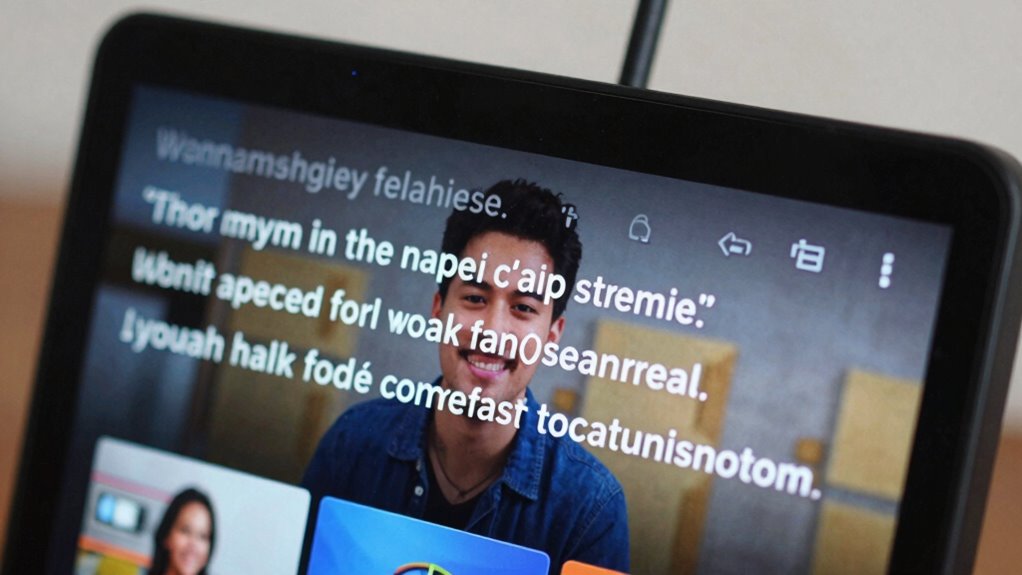
Technical glitches can suddenly throw caption sync out of step, making it hard to follow along with the content. One common issue is audio delay, where sound lags behind the video, causing captions to appear out of sync. Poor caption formatting can also worsen the problem, with improper line breaks or font issues distracting you further. These glitches often stem from streaming platform errors or network hiccups. To visualize, consider this table:
| Issue | Effect |
|---|---|
| Audio delay | Captions don’t match speech |
| Caption formatting | Disorganized or hard-to-read |
| Streaming lag | Caption timing falls behind |
| Sync errors | Inconsistent caption placement |
Understanding these glitches helps you recognize when technical problems are to blame, rather than your comprehension skills. Additionally, environmental considerations such as internet stability can influence caption synchronization during streaming. Being aware of streaming platform errors can also help troubleshoot caption issues more effectively.
How Accents, Language, and Speech Patterns Cause Caption Issues
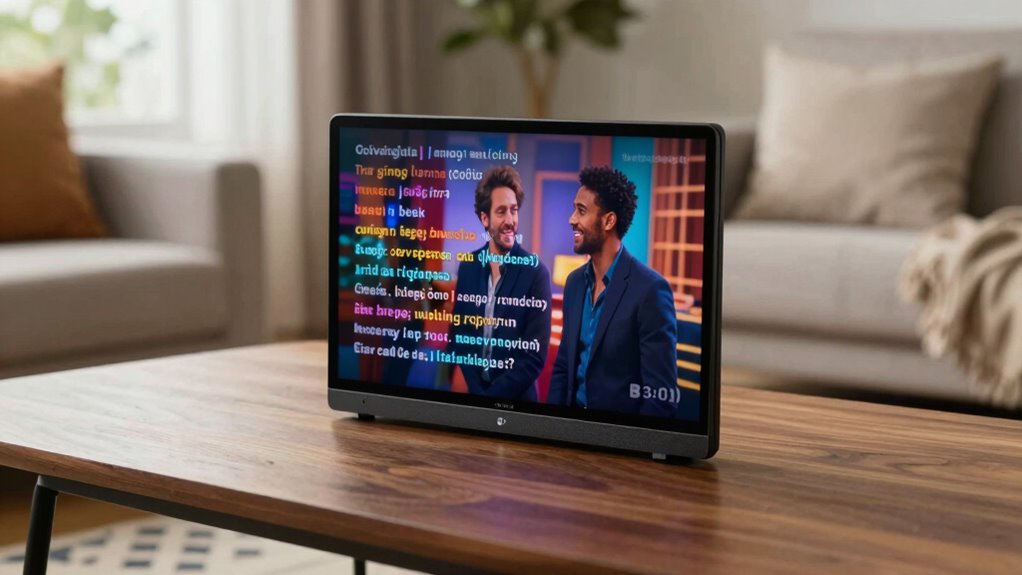
Your captions can get mixed up when accents vary or speech patterns differ from the norm. Algorithms often struggle to interpret different pronunciation and intonation, leading to errors. Language nuances and unique speech styles further complicate accurate captioning, causing mismatches that frustrate viewers. Incorporating insights from sound healing science, which studies how specific frequencies influence brainwave patterns, can help improve speech recognition technology by aligning it more closely with natural speech variations. Additionally, understanding linguistic diversity and its impact on speech processing can contribute to more inclusive and accurate captioning systems.
Accent Variations Confuse Algorithms
Accents and regional speech patterns often throw caption algorithms off, making it hard for them to accurately transcribe spoken words. When you speak with a strong regional dialect or pronunciation differences, the software struggles to recognize and match sounds to text. This confusion can lead to mismatched captions or missed words. For example, accents might cause algorithms to misinterpret vowels or consonants, especially with diverse dialects. You might notice captions that don’t quite match what’s being said. Common issues include:
- Misreading regional pronunciations
- Struggling with unfamiliar phonetic sounds
- Confusing similar-sounding words in different dialects
- Failing to adapt to speech patterns from various regions
- Speech recognition challenges caused by linguistic diversity and accent variations
These variations challenge the algorithms, causing inaccuracies in captioning for viewers.
Language Nuances Affect Accuracy
Language nuances such as accents, dialects, and speech patterns directly influence the accuracy of streaming captions, often causing misinterpretations. These linguistic subtleties can challenge captioning algorithms that rely on standard pronunciation and vocabulary, leading to errors. Dialect differences, for example, may alter pronunciation and word usage, making it harder for automated systems to recognize speech accurately. Accents can distort sounds, causing words to be transcribed incorrectly or omitted altogether. Speech patterns, including fast talking or colloquial expressions, further complicate transcription. When captioning tools aren’t trained to account for these dialect differences and linguistic subtleties, captions become mismatched or confusing. This mismatch diminishes viewer understanding and highlights the importance of refining captioning technology to better grasp language diversity. Additionally, understanding the history of linguistic evolution can help developers improve captioning accuracy across diverse speech variations.
Speech Patterns Create Discrepancies
Speech patterns such as rapid delivery, colloquial expressions, and unique intonations can markedly disrupt caption accuracy. Your speech rhythm varies with accents, speeding up or slowing down, which confuses the transcription process. Pronunciation variations, like dropping consonants or blending sounds, make it hard for captions to keep up accurately. These factors lead to discrepancies in how spoken words align with captions. To understand the impact: speech recognition systems often struggle with diverse speech styles and pronunciations, leading to errors in captions.
- Fast or irregular speech timing throws off timing cues
- Slang and idiomatic expressions aren’t always recognized
- Accents alter pronunciation, confusing speech recognition
- Intonation shifts cause misinterpretation of emphasis and meaning
Can Copyright and Licensing Restrictions Impact Caption Accuracy?
Copyright and licensing restrictions can substantially affect the accuracy of captions on streaming apps. When content creators or rights holders impose copyright issues or licensing restrictions, streaming platforms may limit or modify the available dialogue and visuals. This can lead to captions that are incomplete or less precise, especially if certain words or scenes are restricted or altered. Licensing restrictions sometimes prevent platforms from using official transcripts or subtitles, forcing them to generate captions through automated systems that may struggle with accuracy. As a result, captions might not fully reflect the spoken words, causing mismatches. Additionally, understanding the Luggage & Bags and organization strategies can help viewers better navigate regional content restrictions that influence caption availability. Knowing about content licensing and how it impacts captioning can help users understand why discrepancies occur. Understanding these restrictions helps explain why your captions sometimes don’t match the dialogue perfectly, especially for content with complex licensing agreements or regional limitations.
Simple Settings Adjustments to Improve Caption Sync
Fortunately, many caption mismatches can be fixed with simple settings adjustments on your streaming device or app. Adjusting caption customization and aligning with your user preferences can considerably improve sync. Start by checking the caption delay settings—sometimes, a slight shift is needed to match speech. Next, tweak the font size and style for better readability. You can also modify the background opacity and color to make captions clearer. Additionally, ensure the language settings match your preferred dialect or region. These small adjustments can help align captions more accurately with spoken words, reducing frustration. Remember, customizing your caption preferences isn’t just about appearance—it’s about making the captions work better for you, leading to a smoother viewing experience.
How to Report Caption Problems and Get Them Fixed
When you notice caption issues during your streaming, the first step is to report the problem through the app or device’s support channels. Many platforms appreciate user feedback to improve caption quality, so don’t hesitate to share specific details about your caption customization concerns or mismatches. Providing clear examples helps support teams understand the problem and prioritize fixes. Check if the app has a dedicated feedback feature or a help center with troubleshooting steps. Some services allow you to submit captions for review or adjust settings directly. By actively reporting issues, you contribute to better caption accuracy for everyone. Your feedback can lead to updates that enhance caption sync and overall viewing experience.
Frequently Asked Questions
Do All Streaming Platforms Use the Same Captioning Technology?
No, not all streaming platforms use the same captioning technology. You’ll find differences in caption quality and accessibility features across services. Some platforms use advanced AI-powered tools for more accurate captions, while others rely on manual processes. These variations affect how well captions match spoken words, impacting your viewing experience. Always check the accessibility features offered by each platform to guarantee they meet your needs for caption accuracy and quality.
Can User Devices Influence Caption Accuracy?
Like Pandora’s box, your device can influence caption accuracy. If your device isn’t compatible or your settings aren’t optimized, captions may be inaccurate or delayed. Ensuring your device supports captioning features and checking your user settings makes a difference. Updated software, proper language preferences, and enabling captions correctly help your device deliver clearer, more synchronized captions, enhancing your viewing experience and avoiding misunderstandings.
Are There Legal Standards for Caption Synchronization?
Yes, there are legal standards for caption synchronization. You must guarantee your streaming app meets legal compliance and accessibility standards, which require accurate and synchronized captions for users with disabilities. Failing to do so can lead to legal issues and hinder accessibility. You should regularly review and update your captions to meet these standards, providing an inclusive experience that aligns with legal and accessibility guidelines.
How Often Are Captioning Algorithms Updated?
Captioning algorithms are typically updated regularly to improve accuracy and guarantee better captioning synchronization. How often these updates happen depends on the streaming service, but many platforms release algorithm updates quarterly or biannually. These updates aim to enhance captioning accuracy by refining speech recognition and timing algorithms. Staying current with these updates helps you get more accurate captions that match spoken words, improving your overall viewing experience.
Do Captions Improve With Manual Editing Over Time?
Yes, captions improve with manual editing over time. When you edit captions regularly, you enhance caption accuracy by correcting errors and clarifying unclear words. This editing benefits your viewing experience by making captions more precise and easier to understand. Over time, as you refine the captions, they become more reliable, ensuring you get a better grasp of the content. Consistent editing is key to maintaining high-quality, accurate captions.
Conclusion
While inaccurate captions can frustrate your viewing experience, fixing them is often simple. Think of captions as your silent guide—sometimes lost in translation, yet easily corrected with a few tweaks. Just like a misheard lyric or a scrambled subtitle, these issues highlight how technology isn’t perfect. But with a little patience and action, you can restore clarity, turning confusing captions into a seamless, enjoyable viewing experience—because understanding should never be a guess.