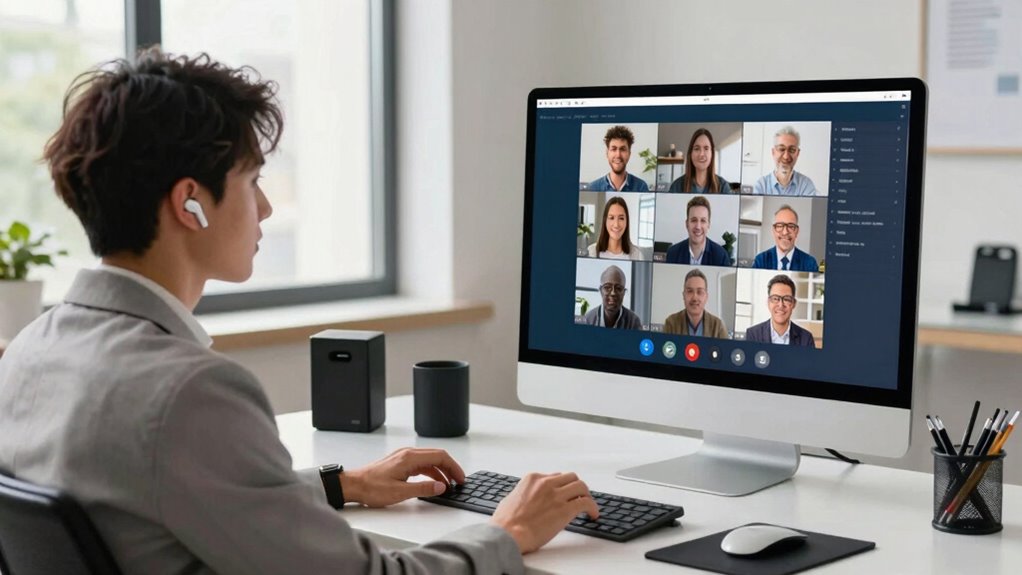

To quickly improve caption accuracy in your video calls, focus on using high-quality audio by ensuring clear, crisp sound with minimal background noise. Choose a reliable captioning tool that integrates well with your platform, and test its settings beforehand to optimize readability. Speak slowly and clearly, maintaining a steady pace. Proper microphone placement and noise reduction tips can make a big difference. Keep these strategies in mind, and you’ll find that small adjustments can lead to better captions—more tips ahead.
Key Takeaways
- Use high-quality audio equipment and minimize background noise for clearer speech input.
- Select a reliable, well-reviewed captioning tool with strong speech recognition capabilities.
- Test and adjust caption settings (font, contrast, language) before important calls for optimal readability.
- Speak slowly, clearly, and at a moderate pace to enhance transcription accuracy.
- Position microphones close to your mouth and reduce ambient sounds to improve audio clarity.
noise cancelling microphone for video calls
As an affiliate, we earn on qualifying purchases.
As an affiliate, we earn on qualifying purchases.
Use High-Quality Audio to Get Better Captions
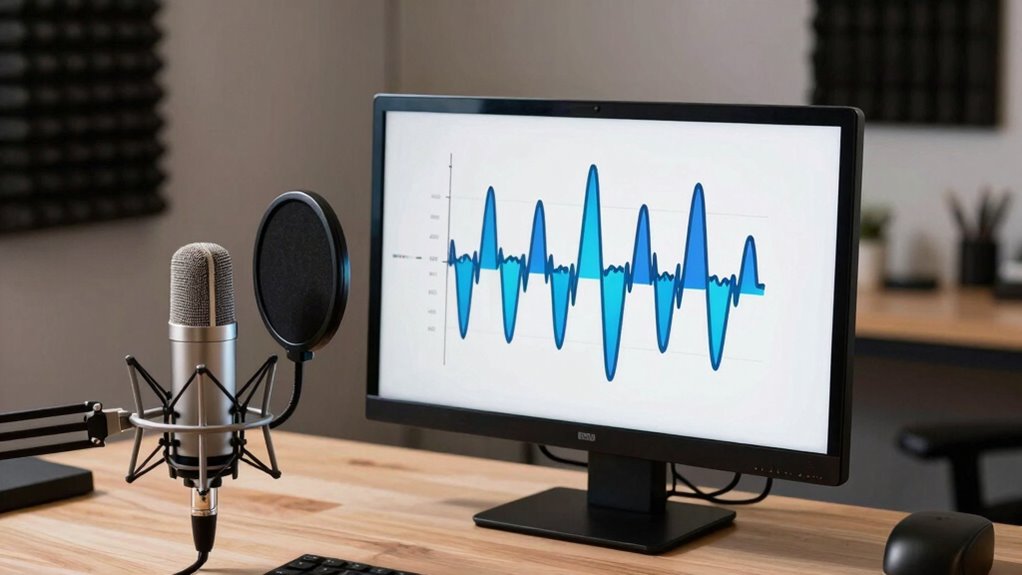
Using high-quality audio is essential for improving caption accuracy during video calls. Clear audio guarantees that speech is easily understood, which helps captioning tools transcribe words more accurately. When your microphone captures crisp audio, it reduces misunderstandings caused by muffled or distorted sounds. Additionally, good audio quality highlights voice modulation, making it easier for the system to distinguish between different speakers and variations in tone. If your voice is clear and well-modulated, captions will better reflect your speech, reducing errors and confusion. Investing in a quality microphone or headset directly impacts caption precision, making your communication more effective. Remember, the clearer your audio, the more accurate your captions will be, ensuring smoother and more productive video calls. Proper microphone placement and background noise reduction also play crucial roles in maintaining audio clarity during calls. Using noise reduction techniques can further enhance overall audio quality, leading to better captioning results. Maintaining consistent audio quality throughout the call helps prevent caption errors caused by fluctuating sound levels. Additionally, ensuring your audio settings are properly configured can significantly improve transcription accuracy. Incorporating essential oils for respiratory health, such as eucalyptus or peppermint, may also help you breathe more easily during calls, contributing to clearer speech.
high quality USB microphone
As an affiliate, we earn on qualifying purchases.
As an affiliate, we earn on qualifying purchases.
Minimize Background Noise During Calls
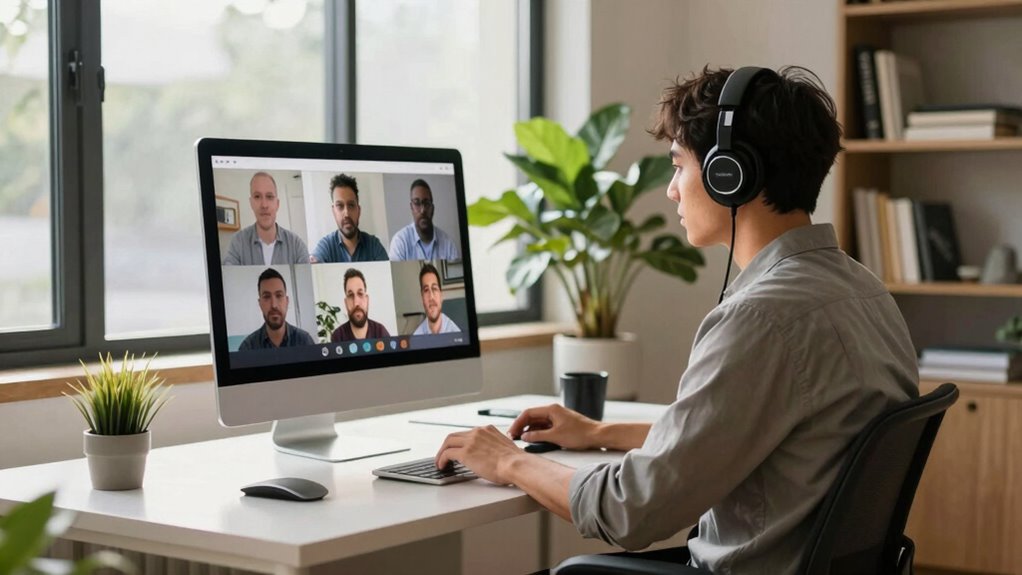
Background noise can considerably disrupt the clarity of your speech during video calls, making it harder for captioning tools to accurately transcribe your words. To minimize this, start with proper audio calibration. Make certain your microphone settings are optimized for your environment, reducing background sounds and enhancing voice pickup. Proper microphone positioning is vital; keep the mic close to your mouth and avoid placing it near noisy objects or vents. Consider using noise-canceling microphones or software features that filter out ambient sounds. Turning off unnecessary devices and closing windows can also help. Additionally, understanding audio calibration techniques can significantly improve overall sound quality during calls, especially when combined with equipment that supports high-quality audio output. Employing sound environment optimization strategies can further help create a clearer audio environment for accurate captioning. Implementing acoustic treatment in your workspace, such as adding soft furnishings or soundproofing panels, can also reduce echo and external noise interference. Regularly updating your audio equipment ensures optimal performance and reduces potential noise issues.
noise reduction software for calls
As an affiliate, we earn on qualifying purchases.
As an affiliate, we earn on qualifying purchases.
Pick a Reliable Captioning Tool That Works Well
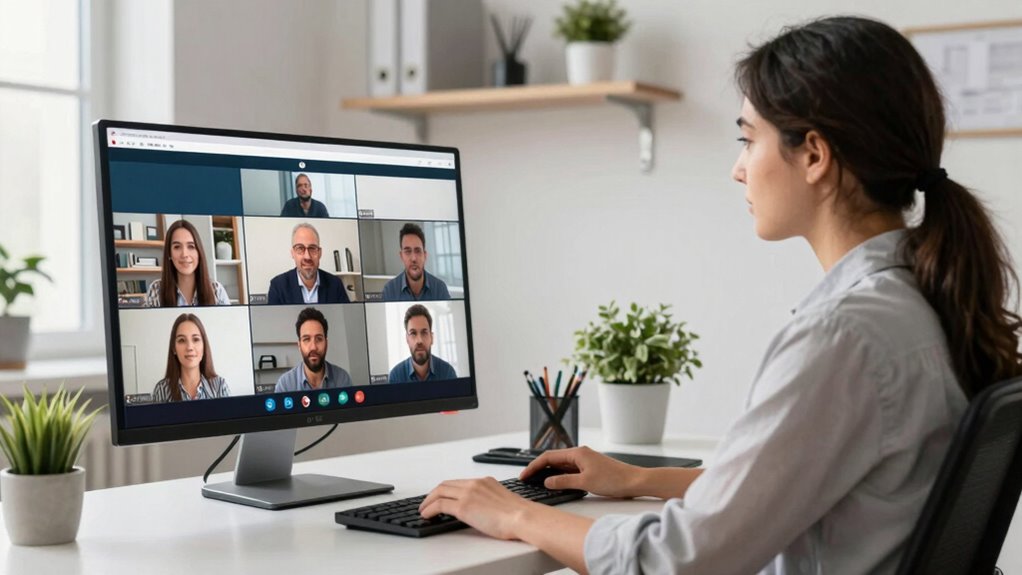
Choosing a reliable captioning tool is essential for ensuring accurate transcription during your video calls. The right tool enhances transcription accuracy, so your captions reflect what’s actually said. Look for options known for captioning reliability, meaning they consistently produce precise and clear text without frequent errors. Consider tools that integrate well with your preferred video platforms and support the languages you need. A dependable captioning tool reduces misunderstandings and minimizes the need for corrections afterward. Before committing, review user feedback and test the tool to confirm it meets your expectations for transcription accuracy. Remember, investing in a reliable captioning solution saves time and frustration, helping you focus on the conversation rather than fixing mistakes. Reliable captioning solutions are also often designed to be user-friendly and accessible, further improving your overall experience. Additionally, understanding the accuracy of speech recognition technology behind these tools can help you choose options that provide consistently high-quality captions. Being aware of technological limitations can help set realistic expectations for caption accuracy and inform your selection process. Incorporating connected home fitness technology can also streamline your setup and improve performance in real-time environments, especially when considering how software updates can enhance functionality over time.
professional headset with microphone
As an affiliate, we earn on qualifying purchases.
As an affiliate, we earn on qualifying purchases.
Test and Fine-Tune Caption Settings Before Important Calls
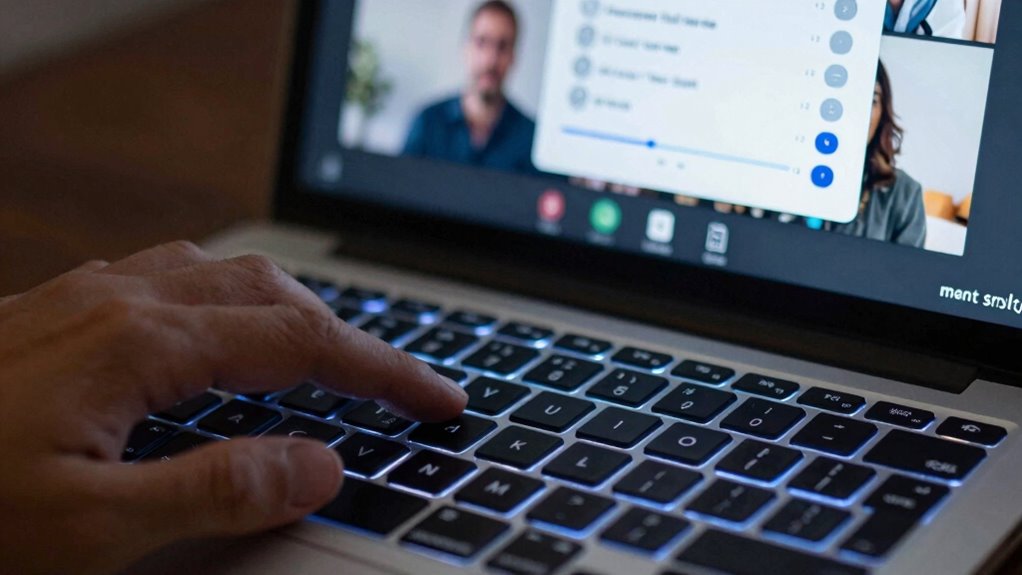
To guarantee your captions are as accurate as possible during important calls, it’s crucial to test and fine-tune your caption settings beforehand. Start by exploring caption customization options, such as font size, background contrast, and language preferences. Adjust these settings to suit your environment and ensure maximum readability. As you do this, pay attention to how these changes impact caption clarity. Seek user feedback from colleagues or friends if possible, asking if the captions are clear and accurate. Making these adjustments in advance helps you identify issues and optimize settings, reducing errors during the call. Additionally, understanding the concept of Free Floating can help you better manage unexpected layout issues. Taking a few minutes to prepare your caption setup ensures smoother communication and better understanding when it matters most. Being aware of screen layout variations can further improve your experience by preventing misaligned captions during dynamic scene changes. Moreover, familiarizing yourself with media literacy principles can help you interpret captions more effectively and identify potential inaccuracies. It’s also beneficial to stay informed about caption technology updates, which might introduce new features or improvements that enhance accuracy.
Speak Clearly and at a Moderate Pace for Accurate Captions

Speaking clearly and at a moderate pace is essential for guaranteeing your captions are accurate during video calls. When you use clear speech, your words are easier for captioning tools to recognize and transcribe correctly. Speaking too quickly can cause captions to lag or misinterpret your message, leading to confusion. A moderate pace allows the software to keep up with your speech, improving overall caption accuracy. Focus on enunciating your words and avoiding mumbling or rushing through sentences. This simple adjustment makes a significant difference in how well captions reflect what you’re saying. Remember, clear speech combined with a steady, moderate pace helps ensure everyone on the call understands you, and the captions remain precise. Trusted businesses and services nearby can also provide additional assistance for effective communication.
Frequently Asked Questions
How Do Different Accents Affect Caption Accuracy?
Different accents can challenge caption accuracy because they affect accent recognition and dialect adaptation. When your accent differs from the system’s training data, it may misinterpret words or phrases. To improve, choose platforms with strong dialect adaptation features and confirm they support your specific accent. Clear pronunciation helps as well, enabling the system to better recognize your speech. Over time, advanced systems learn and adapt, boosting caption accuracy regardless of accent differences.
Can Adjusting Microphone Sensitivity Improve Caption Quality?
Adjusting microphone sensitivity can definitely boost caption quality. Imagine your voice flowing smoothly into the microphone like a gentle stream—proper sensitivity guarantees your words aren’t lost or distorted. Use audio normalization to balance volume levels, and position your microphone correctly—close enough for clarity but not too close to cause distortion. This creates cleaner audio, helping captioning tools transcribe accurately, so your message comes through crystal clear every time.
Do Captioning Tools Work Equally Well on All Devices?
Captioning tools don’t work equally well on all devices because of differences in device compatibility and cross-platform performance. You’ll find that some tools perform better on certain operating systems or hardware, leading to more accurate captions. To get the best results, choose captioning solutions tested across your devices, and look for ones with strong cross-platform compatibility. This ensures you experience consistent, reliable captioning during your video calls, regardless of the device you’re using.
How Often Should I Update My Captioning Software?
You should update your captioning software regularly, ideally every few months, to stay ahead of the game. Technology evolves quickly, and updates often enhance cultural nuance recognition and slang accuracy, helping captions keep pace with language changes. If you wait too long, your captions might miss the mark, making conversations harder to follow. Staying current ensures your captions remain sharp, accurate, and inclusive—like hitting two birds with one stone.
Are There Specific Settings for Noisy Environments?
Yes, in noisy environments, you should enable noise reduction features in your captioning software and adjust your microphone settings for better clarity. Use a directional microphone if possible, and set it to minimize background sounds. Also, test different noise reduction levels to find the most effective balance, ensuring your captions stay accurate. These steps help your software focus on your voice, improving caption precision even in challenging audio conditions.
Conclusion
By sharpening your audio, silencing chaos, and choosing the right tools, you’re tuning your call’s symphony for clearer captions. Speak with purpose, at a steady pace, guiding the words like a steady drumbeat. When you test and fine-tune beforehand, you set the stage for accuracy to dance effortlessly across the screen. With each step, you’re composing a smoother, more harmonious conversation—transforming your video calls into a well-orchestrated melody of understanding.