
Your microphone quality has a bigger impact on caption accuracy than your camera’s resolution because clear audio guarantees speech recognition captures every word correctly. Proper placement, choosing the right microphone, and minimizing background noise improve sound quality and make captions more reliable. Without good audio, captions can be incomplete or misleading, regardless of how great your video looks. Keep exploring how better microphone techniques can boost your captioning and accessibility efforts.
Key Takeaways
- Audio clarity directly impacts caption accuracy more than video quality, making microphone choice crucial.
- Proper microphone placement and environment control enhance speech detection, reducing caption errors.
- High-quality microphones focus on speakers’ voices, minimizing background noise that can distort captions.
- Compatibility and wireless features improve audio capture reliability, supporting accurate, real-time captions.
- Poor audio results in distorted or missing words, decreasing caption effectiveness regardless of video quality.
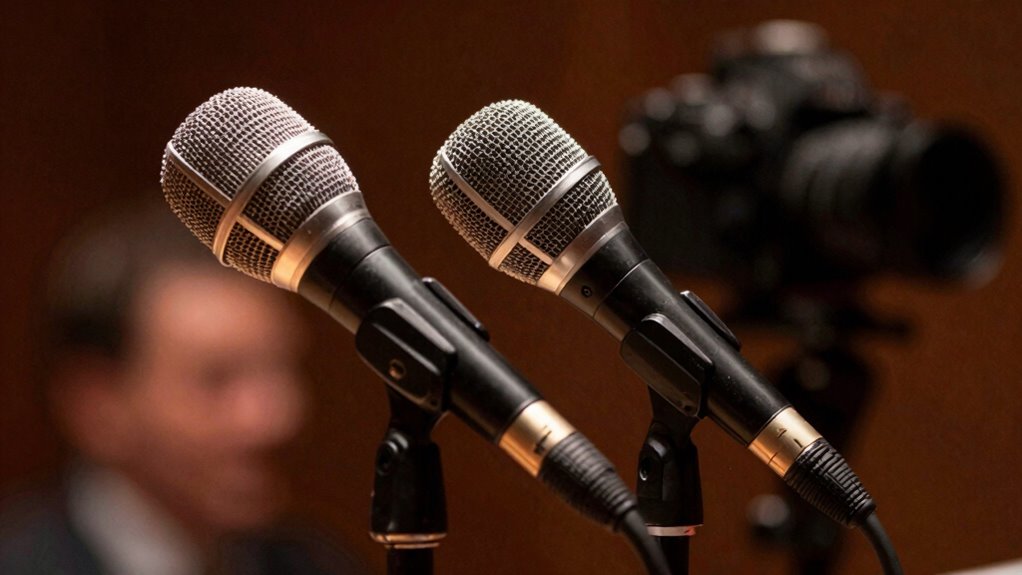
professional microphone for video recording
As an affiliate, we earn on qualifying purchases.
As an affiliate, we earn on qualifying purchases.
Why Audio Quality Is More Important Than Video for Captions
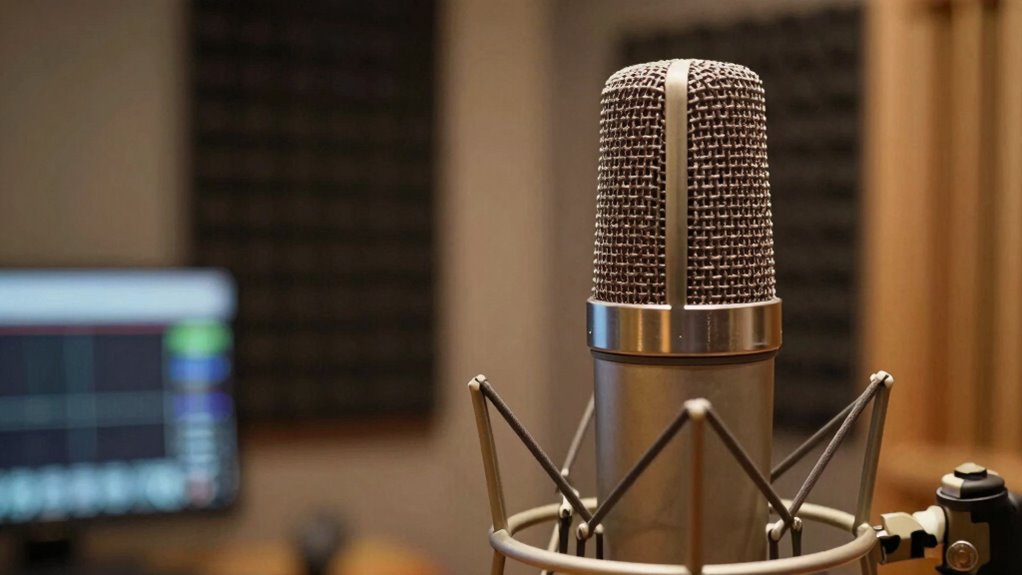
While high-quality video can make a presentation more engaging, it’s audio clarity that truly determines how accurately captions reflect spoken words. Clear audio ensures viewers catch every detail, enhancing the overall visual storytelling. If your sound is muddled or inconsistent, even the best lighting techniques can’t save the accuracy of captions. Good lighting highlights subjects and sets the mood, but without crisp sound, captions will misrepresent or miss key dialogues. Think of audio as the foundation of effective communication; captions rely on it to deliver precise content. The choice of microphone technology directly influences audio clarity, emphasizing its importance in creating accurate captions. Proper audio setup and placement also play crucial roles in capturing clean sound. Additionally, advancements in audio processing can further improve clarity and reduce background noise. To achieve optimal results, understanding sound capture techniques can greatly enhance overall audio quality. Ultimately, strong audio is essential for a seamless viewing experience, regardless of how well your visuals are lit.
wireless microphone for speech recognition
As an affiliate, we earn on qualifying purchases.
As an affiliate, we earn on qualifying purchases.
Common Challenges in Capturing Clear Audio for Videos
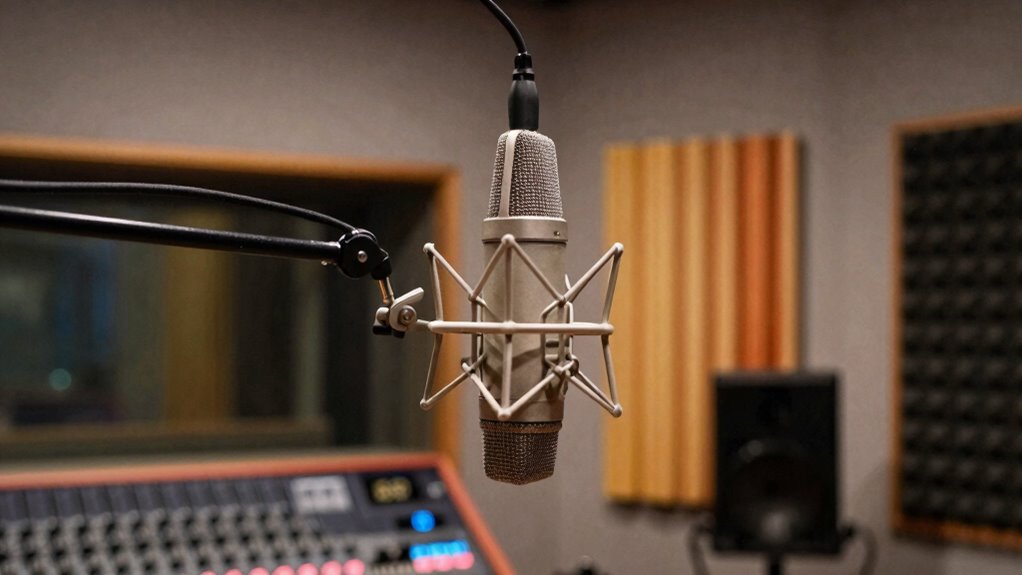
Capturing clear audio for videos often presents unexpected hurdles that can compromise sound quality. One challenge is balancing visual aesthetics with audio clarity, as distracting background noise or poor microphone placement can diminish overall quality. Camera angles may look great, but if the microphone is positioned away from the speaker, audio pickup suffers. Environmental factors like echo, wind, or crowd noise can also distort sound and make captions less accurate. Additionally, inconsistent speaker distance from the microphone results in volume fluctuations. These issues highlight the importance of strategic microphone placement and aware planning. Proper microphone placement is essential to ensure sound clarity and enhance overall video quality. Investing in professional audio equipment can significantly improve sound capture and reduce these common problems. Without addressing these common challenges, even high-quality visuals can’t compensate for poor audio, ultimately affecting caption accuracy and viewer understanding. Using specialized microphones designed for specific environments can further mitigate many of these issues. Furthermore, understanding the acoustic environment helps in selecting the right equipment and setup for optimal results. For example, knowledge of soundproofing techniques can make a substantial difference in challenging recording spaces.
microphone with noise reduction
As an affiliate, we earn on qualifying purchases.
As an affiliate, we earn on qualifying purchases.
How Microphone Choice Affects Caption Accuracy and Accessibility
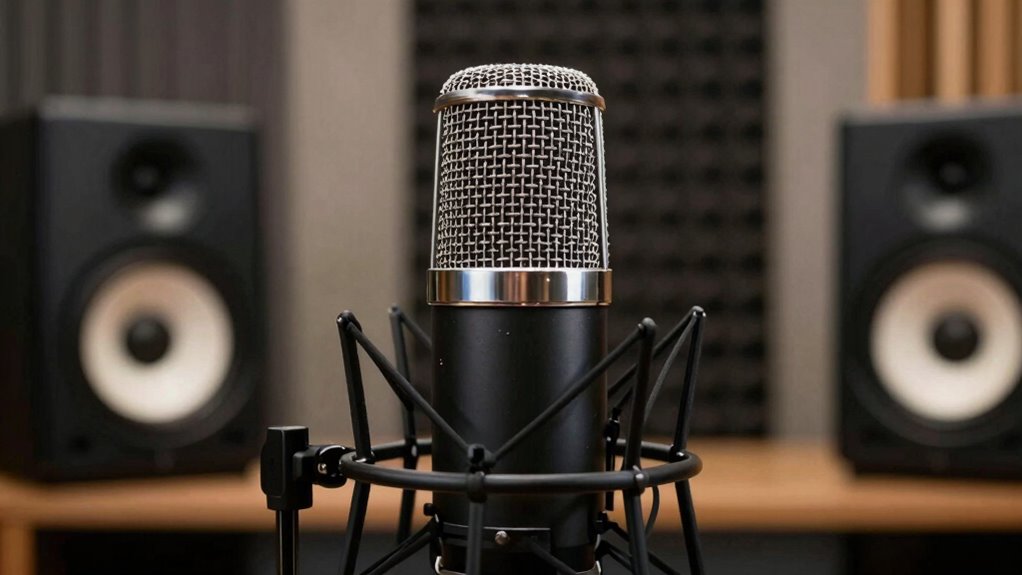
Choosing the right microphone can substantially improve caption accuracy and accessibility because it directly impacts the clarity of the audio captured. Proper microphone choice influences audio gain, ensuring voices are neither too quiet nor distorted. If the gain is set too high, background noise may overwhelm speech; too low, and speech becomes unintelligible. Microphone placement is equally critical—position it close to the speaker’s mouth to reduce ambient noise and emphasize speech. This placement helps capture clear, consistent audio, making captions more accurate and accessible for viewers with hearing impairments. When you select a microphone suited to your environment and adjust audio gain appropriately, you create a more inclusive viewing experience with precise, easy-to-read captions. Additionally, understanding the importance of audio setup and environment can help optimize overall caption quality.
lapel microphone for presentations
As an affiliate, we earn on qualifying purchases.
As an affiliate, we earn on qualifying purchases.
Which Microphones Are Best for High-Quality Video Captions
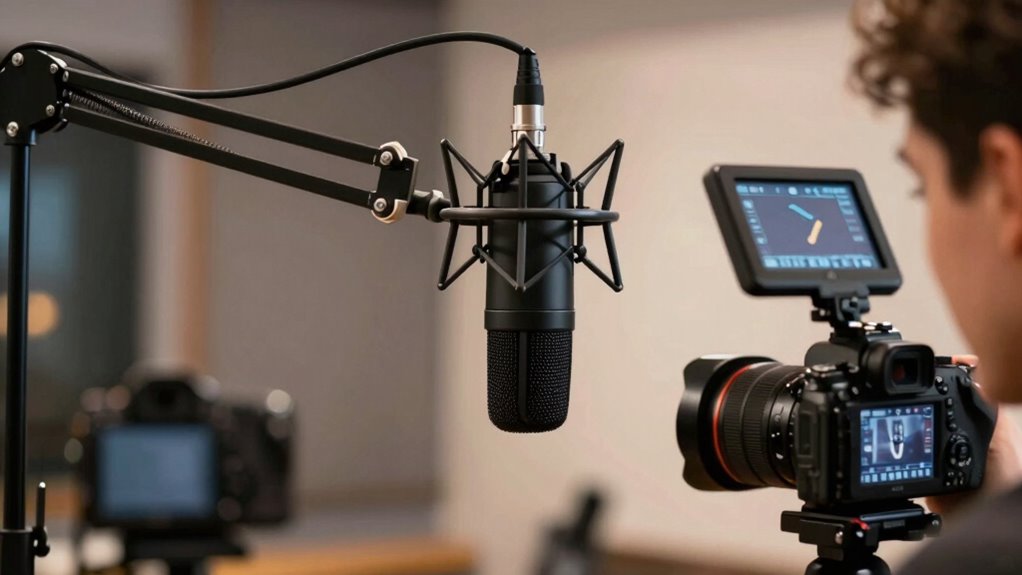
Choosing the right microphone can substantially improve caption quality in your videos. You’ll want to contemplate options like directional microphones for focused sound or omnidirectional ones for capturing more ambient noise. Make certain the microphone you select is compatible with your devices to guarantee seamless recording. Implementing simple systems for audio setup can help you maintain consistent audio quality with less effort. Additionally, understanding repair fundamentals such as proper maintenance can ensure your recording equipment remains in optimal condition, preventing costly replacements. Being aware of audio quality essentials can also guide you in selecting the best equipment for your needs, especially since passive voice detection tools can assist in refining your script clarity. Moreover, paying attention to Vetted Archives – StrongMocha can provide insights into the latest advancements in microphone technology for enhanced captioning performance.
Microphone Types for Clarity
Since clear audio is essential for accurate captions, using the right microphone can make a significant difference. For high-quality video captions, a lavalier or condenser microphone is ideal because they capture voice modulation clearly, even with slight changes in pitch. These microphones should be placed close to your mouth, ensuring consistent sound pickup and minimizing background noise. Proper microphone placement is vital; position it just below or beside your chin to optimize clarity. Avoid using built-in camera microphones, as they often pick up ambient sounds and reduce speech intelligibility. Investing in the right microphone type and positioning helps produce crisp, accurate audio, which is the foundation for reliable captions and accessible content.
Directional vs Omnidirectional Options
When selecting a microphone for high-quality video captions, understanding the differences between directional and omnidirectional options is key. Directional microphones focus on sound from a specific direction, making microphone placement easier and reducing ambient sound. Omnidirectional microphones capture sound equally from all directions, which can pick up more ambient noise but may be better in settings where you move around.
| Microphone Type | Best Use Case | Ambient Sound Handling |
|---|---|---|
| Directional | Focused interviews, noisy areas | Less ambient noise pickup |
| Omnidirectional | Group conversations, movement | Captures ambient sound well |
| Both | Versatile, depends on needs | Varies based on placement |
Compatibility With Devices
To guarantee high-quality video captions, selecting a microphone compatible with your device is essential. Check device compatibility before purchasing—some microphones work seamlessly with smartphones, tablets, or computers, while others require adapters or specific ports. Wireless connectivity options like Bluetooth or Wi-Fi are convenient, reducing clutter and allowing flexible placement. Ensure your device supports the microphone’s wireless features to avoid connection issues. For ideal performance, choose microphones designed for your platform, whether iOS, Android, Windows, or Mac. Compatibility issues can cause audio delays or dropouts, impairing caption accuracy. Prioritize microphones with clear specifications on device support and wireless compatibility to ensure reliable, high-quality audio capture for accurate captions. Additionally, understanding device compatibility can help you make informed choices about device durability and longevity. Proper maintenance and care of your equipment can further improve performance and lifespan. Remember that software integration also plays a critical role in ensuring seamless operation and accurate captioning.
Tips for Positioning Your Microphone for Clear Speech
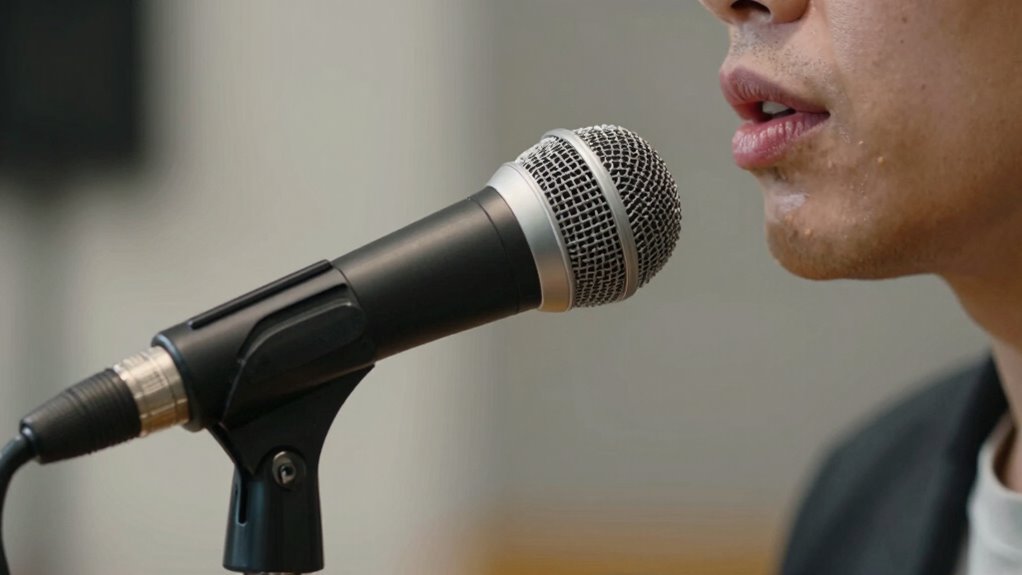
Proper microphone placement is essential for capturing clear, intelligible speech during your recordings or broadcasts. To achieve the best results, position the microphone close to your mouth, about 6 to 12 inches away, to reduce background noise and maximize sound clarity. Keep the microphone at a consistent height and angle, ideally slightly below or directly in front of your mouth, so it captures your voice evenly. Remember to perform sound calibration beforehand, adjusting levels to prevent distortion or low volume. Avoid placing the microphone too far away or directly in front of your mouth, which can cause muffling or plosives. Consistent microphone placement and proper sound calibration ensure your speech remains clear, making captions more accurate and reliable. Additionally, understanding microphone techniques can significantly improve audio quality in various settings. Proper audio setup also plays a critical role in achieving optimal sound clarity and reducing unwanted noise. Employing the right microphone positioning, along with awareness of sound environment, can further enhance your audio quality, especially when working in diverse acoustic environments. Being mindful of microphone sensitivity can help you avoid distortion and achieve a balanced sound.
How Poor Audio Can Lead to Incomplete or Misleading Captions
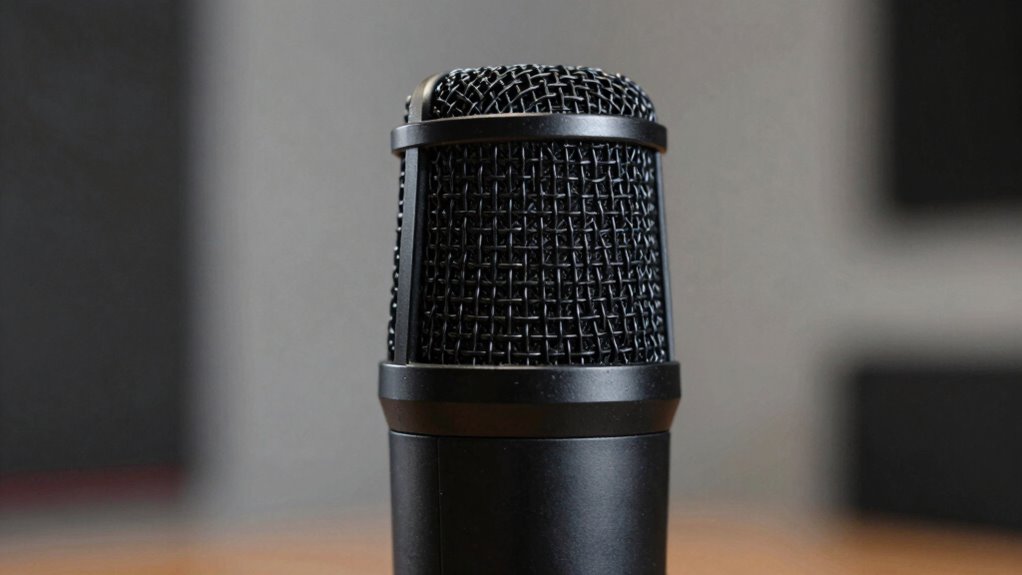
Poor audio quality can cause captions to miss important words or misrepresent what’s being said. Background noise and interference make it harder for speech recognition systems to work accurately. When audio isn’t clear, your captions become less reliable and can even mislead viewers.
Audio Clarity Affects Accuracy
When audio quality is unclear, captions often become incomplete or misleading, making it harder for you to grasp the message. Poor audio fidelity can distort words, while inconsistent sound levels cause important details to be missed. Even slight fluctuations in sound can confuse speech recognition systems, leading to errors. To highlight this, consider the following:
| Issue | Impact |
|---|---|
| Low audio fidelity | Words become distorted or unclear |
| Inconsistent sound | Key details are missed |
| Background noise | Overlaps with speech, confusing |
| Volume fluctuations | Important phrases are inaudible |
| Poor microphone placement | Reduces clarity and accuracy |
Maintaining sound consistency is vital for accurate captions, ensuring viewers get a clear, complete message.
Background Noise Interference
Background noise can substantially disrupt speech recognition systems, causing captions to become incomplete or misleading. Ambient interference from background noise makes it difficult for microphones to accurately capture speech, leading to errors. When high levels of background noise occur, the system may misinterpret words or skip important parts of conversation. This results in captions that don’t reflect what was actually said, confusing viewers. Factors that contribute to this issue include:
- Traffic sounds and sirens
- Crowded environments
- HVAC systems or fans
- Multiple speakers talking simultaneously
- Echoes and reverberations
Poor audio quality due to ambient interference diminishes the effectiveness of captions, making it harder for viewers to follow along accurately. Ensuring clear audio with minimal background noise is essential for accurate, complete captions.
Speech Recognition Limitations
Background noise can severely limit speech recognition systems, leading to incomplete or misleading captions. When audio fidelity drops due to poor microphone quality or interference, voice recognition struggles to accurately interpret speech. Even slight distortions or background sounds can cause the system to mishear words or omit vital information. This means your captions might not reflect what was actually said, causing confusion or misinformation. Relying on subpar audio hampers the effectiveness of voice recognition technology, especially in dynamic environments. To guarantee accurate captions, investing in high-quality microphones that capture clear, crisp sound is essential. Better audio input directly improves speech recognition performance, resulting in more reliable and complete captions for viewers. Without good audio, even the best voice recognition algorithms fall short.
Choosing the Right Microphone: Cost and Caption Quality Benefits
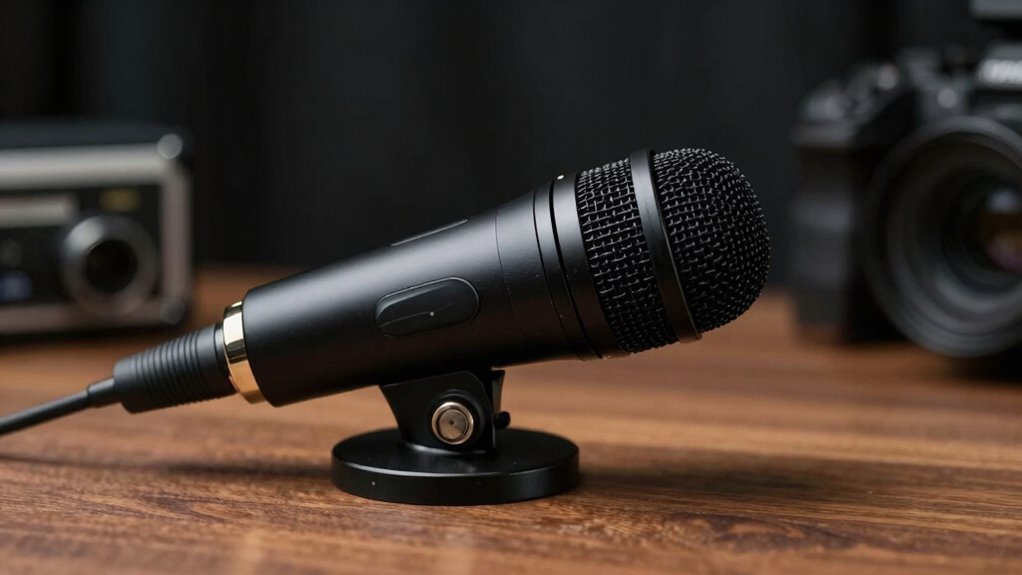
Choosing the right microphone can considerably improve caption accuracy without breaking the bank. Good audio equipment enhances speech intelligibility, making captions clearer and more reliable. Investing in a quality microphone often costs less than upgrading other equipment while delivering greater caption benefits. When selecting a microphone, consider these factors:
- Directionality to focus on your voice and reduce background noise
- Compatibility with your audio setup
- Ease of use and mobility
- Durability and build quality
- Budget constraints balanced with performance needs
Practical Steps to Improve Audio Capture for Better Captions
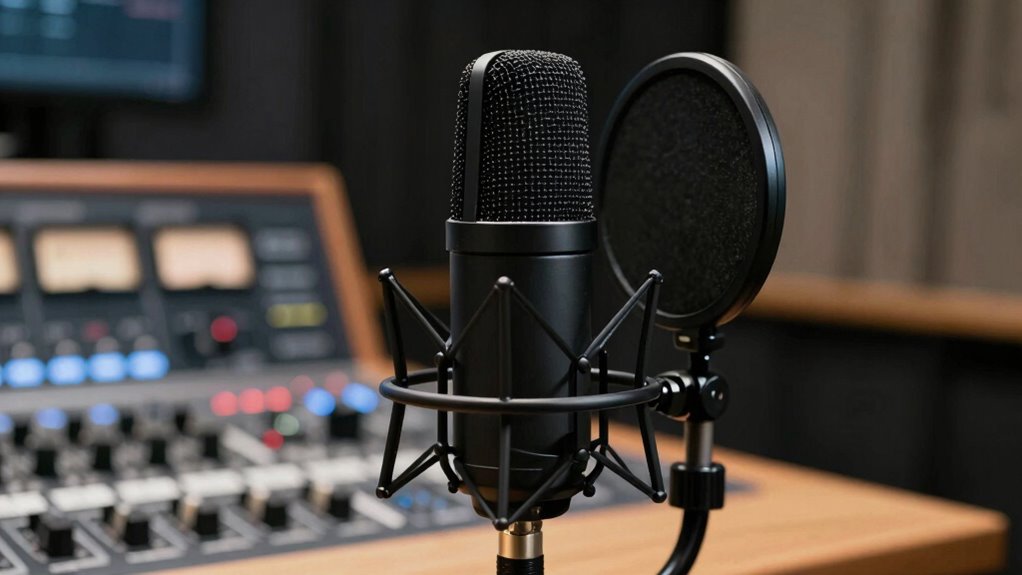
To improve audio capture for better captions, focus on optimizing your recording environment and equipment placement. Start by reducing background noise and echo, using sound-absorbing materials. Proper microphone placement is key: position it close to your mouth, avoiding reflections. Consider using audio enhancement tools like noise reduction filters to clean up recordings. Visualize your setup with this table:
| Environment Tips | Equipment Tips |
|---|---|
| Use a quiet, enclosed space | Place mic at mouth level |
| Minimize background sounds | Use a pop filter |
| Add soft furnishings for echo | Keep cables tidy |
| Control room acoustics | Regularly test audio quality |
These steps help guarantee clear audio, resulting in more accurate and reliable captions.
Frequently Asked Questions
How Does Microphone Sensitivity Impact Caption Accuracy?
Microphone sensitivity directly impacts caption accuracy because it affects audio pickup quality. When your microphone has high sensitivity, it captures clearer sound, making it easier for captioning systems to transcribe speech accurately. Proper microphone placement is essential; positioning it close to the speaker ensures ideal audio pickup. If sensitivity is too low or placement is off, captions may be inaccurate or incomplete, reducing overall communication effectiveness.
Can Smartphone Microphones Provide Adequate Audio for Captions?
Surprisingly, your smartphone microphone can sometimes provide adequate audio for captions, but don’t count on flawless results. The irony is that built-in microphones aren’t designed for high-quality audio capture, which impacts audio quality and device compatibility. If you’re in a noisy environment or need precise captions, investing in an external mic makes a difference. So, while your phone might do in a pinch, better audio quality isn’t guaranteed.
What Are the Best Microphone Types for Outdoor Video Recordings?
For outdoor video recordings, shotgun microphones are your best bet because they effectively reduce audio wind and focus on your voice. Use a windscreen to minimize wind noise and place the microphone close to your subject for clearer sound. Proper microphone placement is key—position it above or to the side of your subject, facing them directly, to capture high-quality audio while reducing ambient noise and wind interference.
How Does Background Noise Affect Caption Clarity?
They say, “Silence is golden,” but in reality, ambient noise can muddy caption clarity. When background noise is loud, it overwhelms your microphone, making speech harder to understand. Proper microphone placement helps minimize ambient noise pickup, ensuring captions stay clear. If you don’t control background noise, captions will struggle to keep up, leaving viewers confused. Focus on strategic placement and reducing ambient noise to keep captions accurate and easy to follow.
Are Wireless Microphones Suitable for Professional Captioning Needs?
Wireless microphones are suitable for professional captioning needs because they offer excellent audio quality and enhance mobility. You need to guarantee the equipment is compatible with your captioning system to avoid technical issues. When selecting a wireless mic, prioritize models with clear sound transmission and reliable signal strength. This way, you’ll capture accurate speech, improving caption accuracy and overall communication in professional settings.
Conclusion
Think of your microphone as the anchor of your captions—if it’s solid and reliable, your captions will be clear and accurate. Even the best video can fall flat if the audio is fuzzy or lost. By choosing the right microphone and positioning it well, you’re giving your captions a strong foundation to shine. Don’t let poor audio be the weak link in your content—invest in quality, and watch your captions soar like a well-tuned symphony.