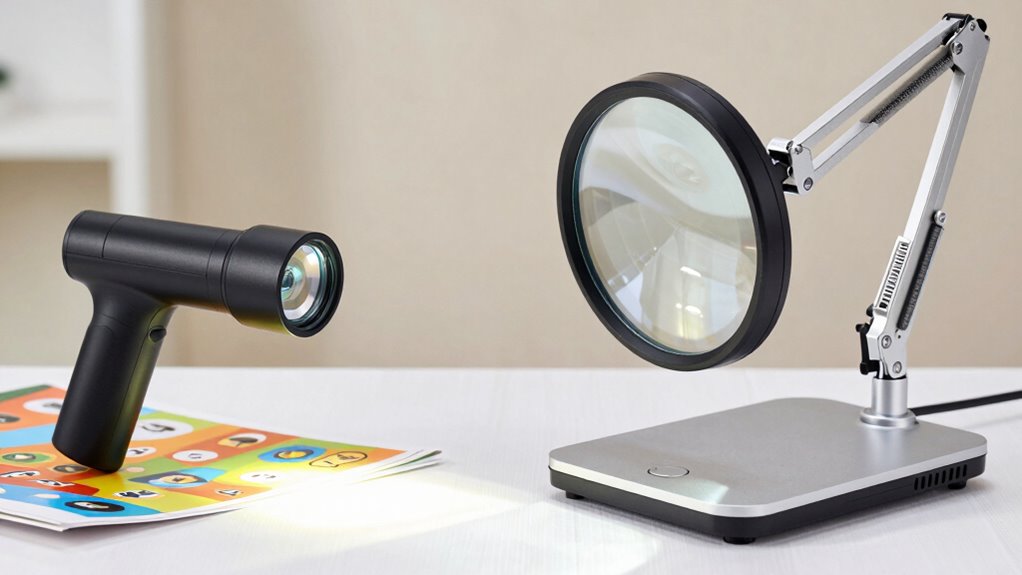

When choosing between handheld and desktop video magnifiers, you’ll notice key differences. Handheld models are portable, lightweight, and great for quick, on-the-go tasks, but may offer lower image quality and magnification compared to desktop units. Desktops are larger, stationary, and provide higher magnification levels with better image clarity for prolonged use. Understanding these differences can help you decide which option suits your daily needs—continue exploring to find out more.

Get everyday helpers delivered free with Prime
- Fast, free delivery on millions of items
- Prime Video, Amazon Music and more included
- Member-only deals all year
Key Takeaways
- Handheld video magnifiers are portable, lightweight, and suitable for quick, on-the-go tasks, while desktop models are stationary and better for extended use.
- Desktop magnifiers typically offer larger screens and higher magnification ranges, providing clearer images for detailed viewing.
- Portability, size, and ease of use differ significantly; handhelds prioritize mobility, desktops focus on ergonomic comfort during prolonged use.
- Image quality and magnification capabilities are generally superior in desktop models due to better optics and sensors.
- User needs, such as mobility versus detailed, steady viewing, determine which type of video magnifier is more appropriate.
handheld video magnifier for reading
As an affiliate, we earn on qualifying purchases.
As an affiliate, we earn on qualifying purchases.
What Are the Main Types of Video Magnifiers and How Do They Differ?
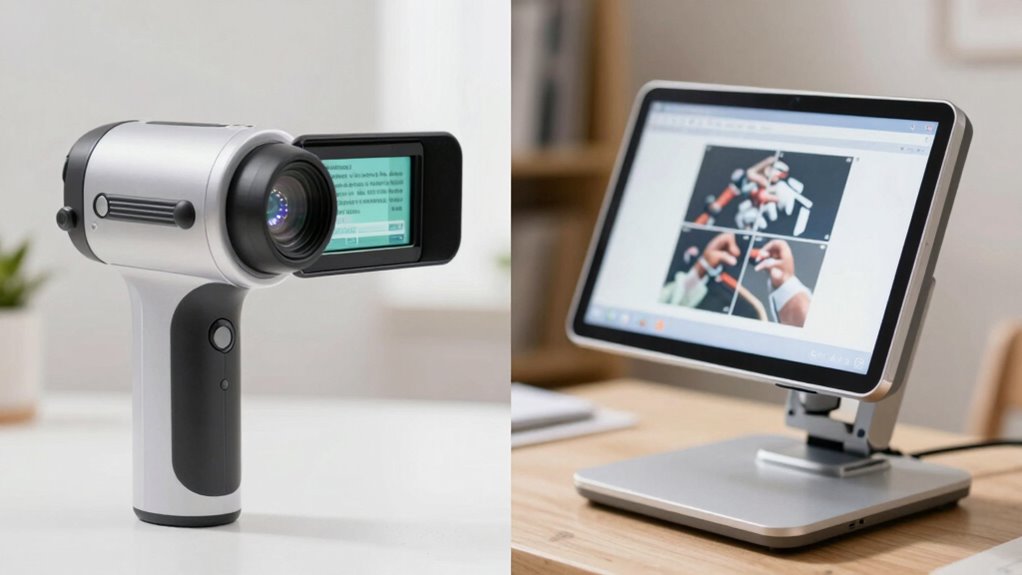
What are the main types of video magnifiers, and how do they differ? The two primary types are handheld and desktop models, both offering visual enhancement and accessibility solutions. Handheld video magnifiers are portable, lightweight devices you can easily carry around, making them ideal for on-the-go use. They typically feature a camera and small screen, allowing quick zooming in on text or objects. Desktop video magnifiers, on the other hand, are stationary units with larger screens that provide a broader view and higher magnification levels. They are perfect for extended reading or detailed tasks at a fixed location. Both types help improve visibility, but your choice depends on whether you need mobility or a more permanent, high-powered visual aid. Additionally, understanding the differences in magnification capabilities can help you select the best device for your specific needs. For example, some models incorporate contrast adjustments to further enhance image clarity and usability. Furthermore, advancements in European cloud innovation have led to the development of more sophisticated and reliable visual aid technologies.
Why Choose a Desktop Video Magnifier for Stationary Use?
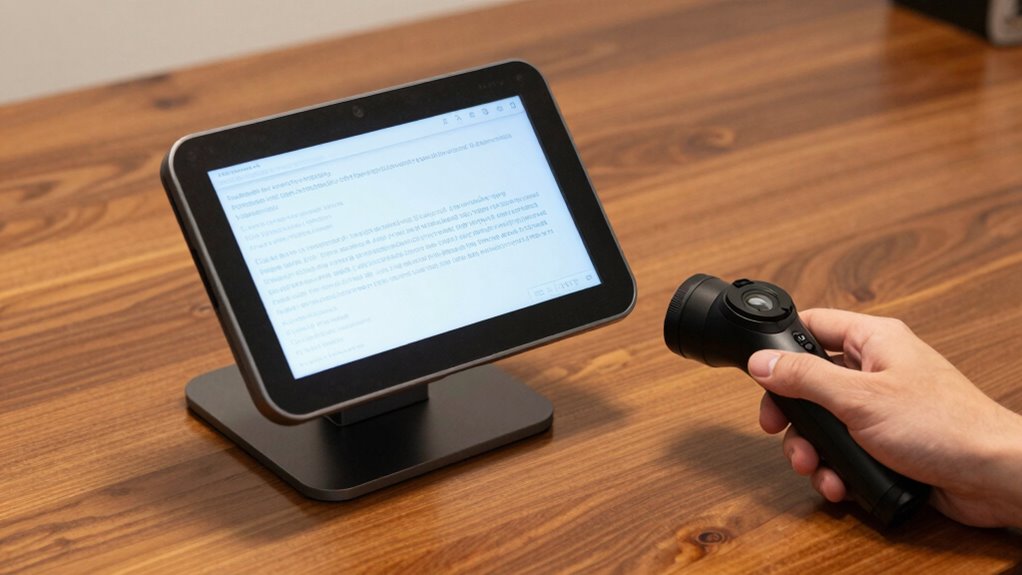
A desktop video magnifier is an excellent choice when you need a reliable, high-quality visual aid for stationary tasks. Its ergonomic design minimizes strain, allowing you to work comfortably for longer periods. You can easily adjust the height, angle, and magnification levels to suit your specific needs, ensuring best viewing comfort and efficiency. Desktop models often feature larger screens, providing a broad, clear view of documents or detailed images. User customization options let you tailor the device’s settings, such as contrast and color modes, enhancing visibility based on your preferences. This flexibility makes desktop magnifiers ideal for tasks like reading, writing, or crafting, where stability and precision are essential. Additionally, integrating connected technology can further enhance usability and accessibility. Overall, a desktop video magnifier supports steady, comfortable, and personalized viewing experiences.
How Do Handheld Video Magnifiers Support Mobility and Ease of Use?
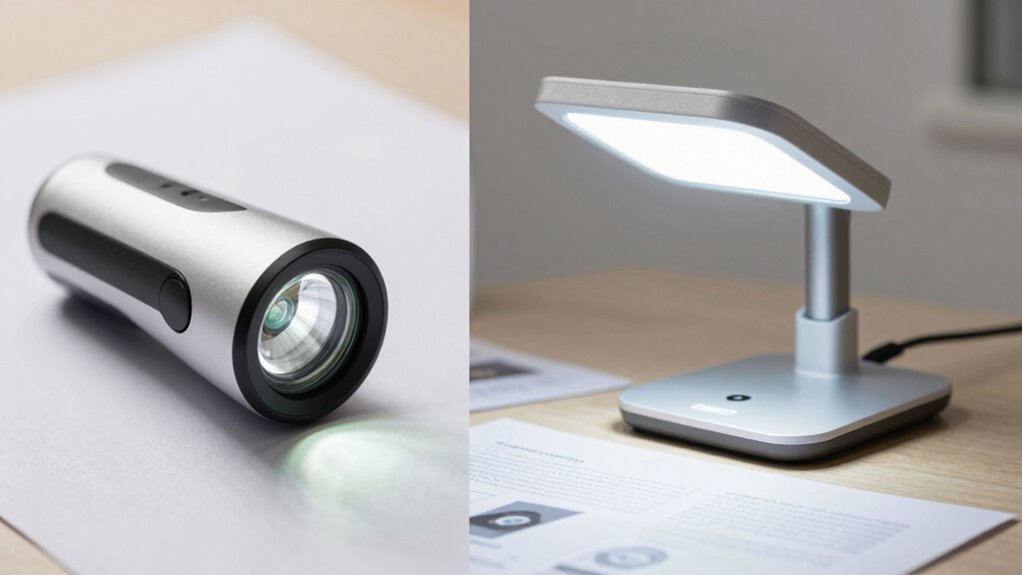
Handheld video magnifiers are designed to be compact and lightweight, making them easy to carry and handle on the go. Their maneuverability features allow you to quickly adjust the view without hassle, enhancing your convenience. Plus, their battery-powered operation means you can use them anywhere without worrying about cords or outlets. Incorporating safety and reliability considerations ensures that these devices remain dependable during mobile use. Additionally, many models are now designed with market-specific features to meet various user needs. Being aware of user-friendly adjustments can further improve the overall experience and adaptability of these devices in everyday situations. Moreover, integrating total‑cost clarity in device selection can help users make informed decisions about long-term ownership and maintenance. Furthermore, integrating AI-powered features can help optimize device performance and user interaction in real-time.
Compact and Lightweight Design
The compact and lightweight design of handheld video magnifiers makes them highly portable, allowing you to easily carry them wherever you go. This ease of transport enhances your independence and guarantees you can use them in various settings without hassle. Their ergonomic comfort means you can hold and operate them comfortably for extended periods, reducing fatigue. Plus, their sleek design adds to their aesthetic appeal, making them visually appealing and modern. Because they’re small and light, you won’t feel burdened or restricted, giving you the freedom to magnify images on the go. Whether for reading, hobbies, or daily tasks, their portable design supports your active lifestyle while maintaining a comfortable, stylish form factor. Additionally, the ergonomic design ensures that prolonged use remains comfortable, further supporting your daily activities. Moreover, their compact size allows for easy storage and quick deployment when needed, making them an essential tool for on-the-spot assistance. The portability features also enable users to adapt to different environments seamlessly, enhancing usability in various situations. Incorporating ease of use features further simplifies operation, making these devices accessible for a wide range of users. Furthermore, the versatility of handheld magnifiers allows for multiple applications, increasing their value in everyday life.
Enhanced Maneuverability Features
Enhanced maneuverability features make handheld video magnifiers even more user-friendly by allowing you to easily steer and adjust the device as you move. Their ergonomic design fits comfortably in your hand, reducing fatigue during extended use. The intuitive user interface simplifies control, enabling quick adjustments to magnification levels, contrast, and focus without hassle. This flexibility helps you adapt to different environments and tasks seamlessly. You can swiftly switch between viewing modes or reposition the device with minimal effort. Proper workspace setup supports these features by promoting better posture and ease of use during extended periods of operation. Incorporating ergonomic design principles further enhances comfort and usability during extended tasks. Additionally, understanding navigation and mapping features can improve your overall experience by making device movement more intuitive and precise.
Battery-Powered Portability
Have you ever been frustrated by devices that need constant power or bulky batteries? Handheld video magnifiers excel in battery convenience, allowing you to stay mobile without being tethered to outlets. Their portable design makes it easy to carry them anywhere, whether you’re reading on the go or steering through unfamiliar spaces. These devices often feature rechargeable batteries that provide hours of use, so you don’t have to worry about frequent charging. The lightweight build enhances ease of handling, making them perfect for quick tasks or extended outings. With battery-powered portability, you gain the freedom to focus on your surroundings instead of searching for power sources. This independence considerably improves your overall experience, offering both convenience and flexibility in everyday situations. Additionally, reliable power sources highlight the importance of maintaining device functionality during extended use, especially in outdoor environments where access to electricity may be limited. Ensuring a long-lasting battery life can be crucial for uninterrupted usage during extended outings or travel, especially when paired with power management features that optimize energy consumption.
How Do Image Quality and Magnification Features Compare in Handheld vs. Desktop Models?
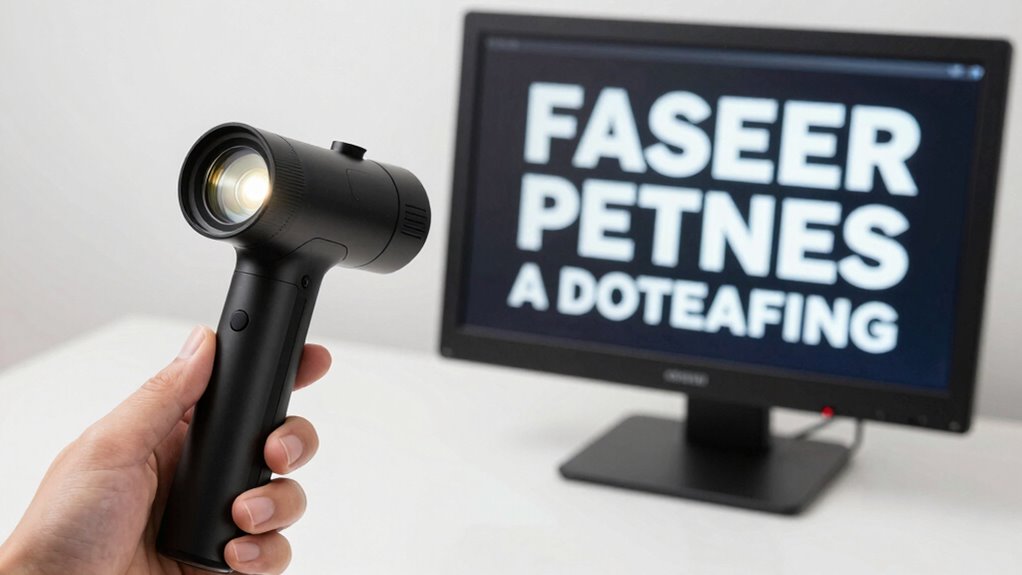
When comparing handheld and desktop video magnifiers, understanding their image quality and magnification features is essential. Typically, desktop models offer superior image clarity due to larger sensors and better optics, resulting in sharper, more detailed visuals. In terms of magnification range, desktop devices usually go higher, often adjustable from 2x up to 60x, while handhelds tend to max out around 20x. Here’s what you should consider:
- Desktop models provide clearer images at higher magnifications, ideal for detailed tasks.
- Handheld devices are more portable but may sacrifice some image clarity at maximum zoom.
- Both types often feature adjustable magnification, but desktops generally offer a broader range for precision.
Choosing depends on your need for image quality versus mobility.
What Factors Matter Most When Picking Between Handheld and Desktop Video Magnifiers?

When choosing between handheld and desktop video magnifiers, you’ll want to think about how portability and size impact your daily use. Think about whether you need powerful magnification options or if ease of use is more important for your comfort. These factors help determine which type best fits your lifestyle and visual needs. Additionally, consider the quality of materials and craftsmanship, as they influence durability and overall satisfaction with your choice. For example, some models may offer better durability, which is essential if you plan to use the device frequently or on the go.
Portability and Size
Choosing between handheld and desktop video magnifiers often hinges on portability and size. If you need flexibility, a handheld device offers lightweight convenience, perfect for quick tasks or on-the-go use. Desktop models are larger and less portable but often feature ergonomic design for extended use and a more aesthetic appeal suited to a stationary workspace. Consider these factors:
- How often do you need to carry your device?
- Do you prefer a compact design or a larger, stable setup?
- Is ergonomic comfort or aesthetic appeal more important for your daily routine?
Your choice depends on balancing size with convenience. Handheld options excel in portability, while desktop models prioritize ergonomic design and aesthetic appeal, making them ideal for dedicated, comfortable use.
Magnification Capabilities
Magnification capabilities are a key factor to contemplate when selecting between handheld and desktop video magnifiers. You’ll want to consider how much magnification each device offers to suit your specific needs. Desktop models typically provide higher magnification levels, which can enhance reading comfort by making small print clearer and easier to see. Handheld devices usually offer moderate magnification, making them more portable but sometimes limiting visual clarity at higher levels. Think about the tasks you’ll perform most often—if you require detailed reading or close-up work, a desktop magnifier might be better. However, if you need flexibility and occasional use, a handheld model could suffice. The right choice depends on balancing your need for greater magnification versus convenience and ease of use.
Ease of Use
Ease of use is a crucial factor to contemplate because it directly affects how comfortably and efficiently you can operate the device. When choosing between handheld and desktop video magnifiers, consider these key aspects:
- Ergonomic handling: Handheld devices should feel comfortable in your hand, reducing strain during prolonged use.
- User-friendly controls: Look for simple, intuitive buttons or touchscreens that make adjustments quick and effortless.
- Setup and portability: Desktop models may require more setup but often offer easier access to controls, while handhelds excel in portability and quick operation.
Which Situations Are Best Suited for Each Type of Video Magnifier?
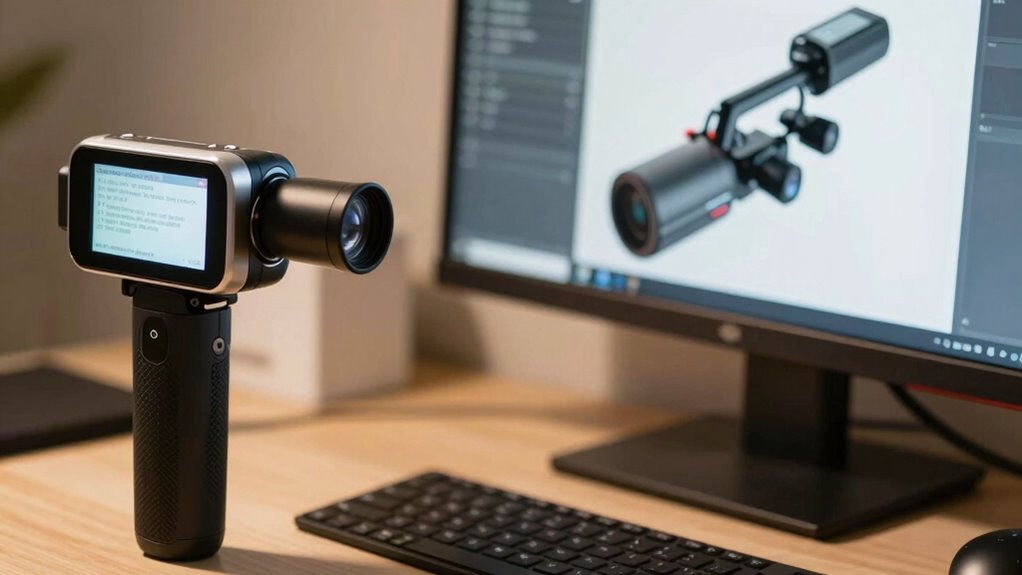
Handheld video magnifiers are ideal when you need portability and quick access to magnification on the go, such as when reading labels, menus, or documents outside of your home or office. They’re perfect for situations where you require immediate assistance without setup time. Because of their compact size, you’ll find they are easy to carry and use in various environments. However, for superior performance, consider accessory compatibility—like additional lighting or stands—and ensure you have proper user training to maximize benefits. Desktop video magnifiers suit more stationary tasks, such as reading books or working on detailed projects at a desk. They offer larger screens and better stability, making them better suited for prolonged use in controlled settings. Choose based on your mobility needs and the nature of your tasks.
Frequently Asked Questions
How Long Do Handheld Video Magnifiers Typically Last on a Single Charge?
You can expect a handheld video magnifier to last around 3 to 6 hours on a single charge, depending on usage. Battery life varies with screen brightness and features used. Typically, charging time takes about 2 to 4 hours to fully recharge the device. To optimize battery life, avoid overcharging and use the recommended charger. Regularly check the battery status to ensure it’s ready for your needs.
Can Desktop Video Magnifiers Be Easily Moved if Needed?
Desktop video magnifiers generally aren’t designed for easy movement due to their size and weight, so portability concerns are significant. If you have mobility challenges or need to frequently relocate your device, a desktop model may not suit your needs. You might want to think about a handheld magnifier instead, which offers better portability and can be moved easily around your home or workspace, addressing your mobility concerns effectively.
What Are the Maintenance Requirements for Each Type of Magnifier?
You need to regularly check the battery life and perform cleaning on both types of video magnifiers. Handheld models often have shorter battery life and require charging after use, while desktop models usually plug into power, needing less frequent attention. Cleaning involves wiping screens and controls with a soft cloth to remove dust and smudges. Both types benefit from gentle maintenance to guarantee clear images and peak performance.
Are There Compatibility Issues With Different Viewing Surfaces or Materials?
You might encounter product compatibility issues with certain viewing surfaces or materials. Some video magnifiers work best with smooth, flat surfaces, while textured or reflective materials can cause glare or distortions. With handheld models, you may find limited suitability for uneven surfaces, whereas desktop units often have adjustable stands for better compatibility. Always check the material limitations and compatibility guidelines to guarantee optimal performance with your preferred surfaces.
How Do Cost and Warranty Options Compare Between Handheld and Desktop Models?
You might think desktop models are pricier, but they often come with better warranty coverage, giving you peace of mind. Handheld devices generally cost less upfront but may lack extensive warranties. When comparing cost, consider long-term value—desktop models might seem expensive initially but offer durability and better support, making them a smarter investment. So, weigh the cost comparison carefully to find a model that fits your budget and warranty needs.
Conclusion
Choosing between handheld and desktop video magnifiers is like picking the right tool from a toolbox—you’ll want the one that fits your lifestyle and needs. Whether you need the mobility of a handheld or the stability of a desktop model, understanding their differences helps you make the best choice. Remember, the right magnifier isn’t just a device; it’s your window to clearer, more confident viewing—unlocking a world of details just waiting to be discovered.
Fall Picks
fall essentials
As an affiliate, we earn on qualifying purchases.