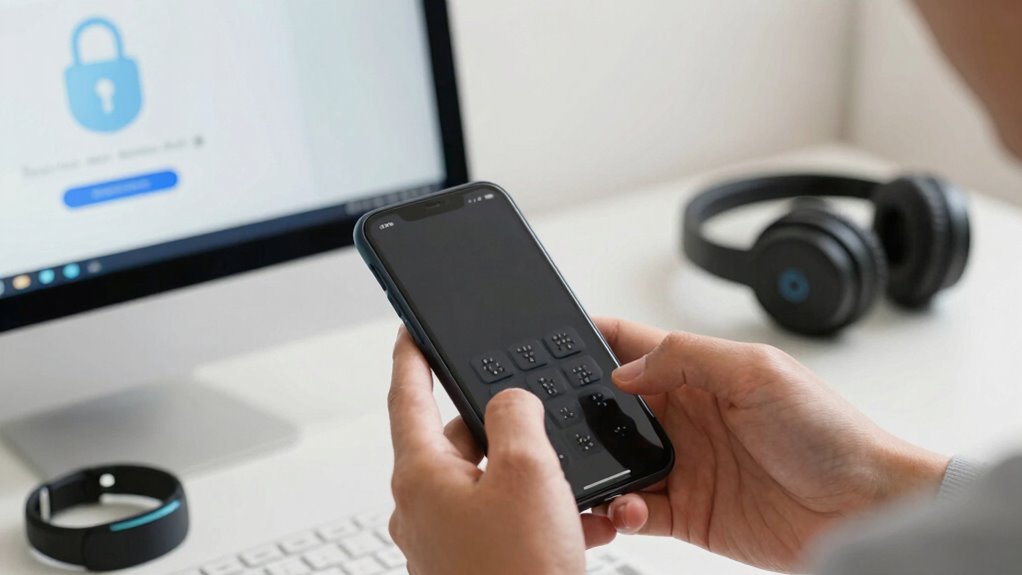

To scam-proof your tech as a DeafBlind user, stay alert to online risks like fake emails, messages, and websites that try to steal your info. Use accessible security tools with clear interfaces, verify links and senders before clicking, and create strong, unique passwords—using a password manager if needed. Regularly update your devices and practice cautious sharing of personal details. Keep exploring key safety tips to better protect yourself and stay one step ahead of scammers.
Key Takeaways
- Recognize social engineering tactics like fake profiles, urgent messages, and suspicious links to avoid scams.
- Use assistive technology to verify message details and confirm authenticity before clicking or sharing personal info.
- Choose security tools with accessible interfaces and customizable features that support assistive tech needs.
- Stay alert for phishing signs such as unfamiliar sender addresses, misspellings, and urgent requests for personal data.
- Create strong, unique passwords, and consider using password managers to enhance daily online security.

Forvencer Password Book with Individual Alphabetical Tabs, 5.3"x7.6" Medium Size Password Notebook, Spiral Password Keeper Book for Senior, Cute Password Manager Logbook for Home Office, Sky Blue
Individual A-Z Tabs for Quick Access: No need for annoying searches! With individual alphabetical tabs, this password keeper…
As an affiliate, we earn on qualifying purchases.
As an affiliate, we earn on qualifying purchases.
What Are Common Online Scams Targeting DeafBlind Users?
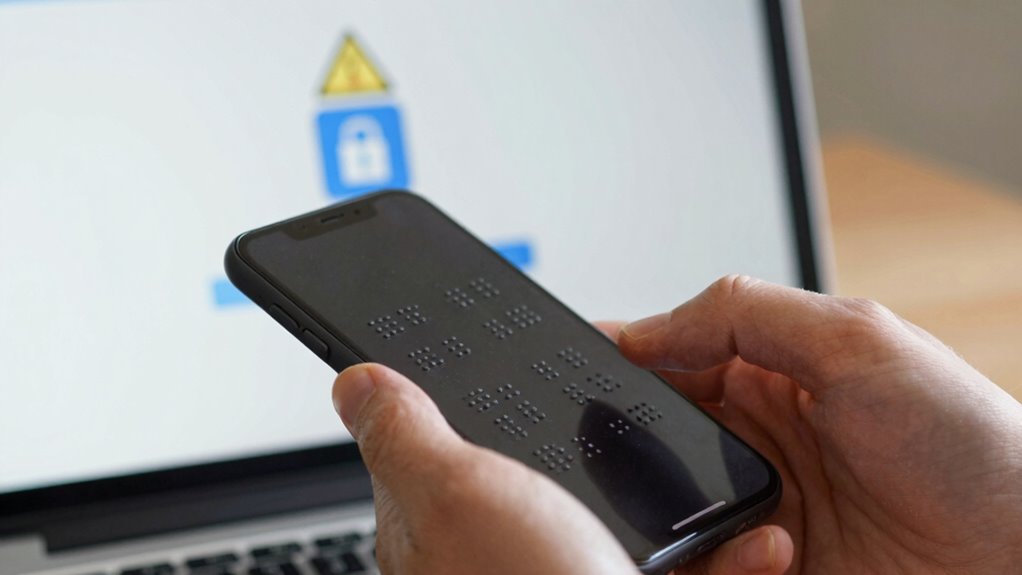
Have you ever wondered what scams specifically target DeafBlind users online? Scam tactics and fraud schemes often exploit your reliance on assistive technologies and limited visual cues. For example, scammers may send fake emails pretending to be trusted organizations, using urgency to prompt quick actions. Voice phishing (vishing) calls might manipulate you into revealing personal details over the phone. Some fraud schemes involve fake websites designed to look legitimate, tricking you into sharing sensitive information. Criminals also use social engineering to exploit your trust, creating fake profiles or messages that seem familiar. Recognizing online security risks and understanding common social engineering tactics is crucial for protecting yourself online, especially considering how scammers tailor their approaches to exploit vulnerabilities. Being aware of projector technology and its limitations can also help you identify fraudulent offers or false claims about products. Additionally, understanding the role of software quality assurance can help you identify trustworthy sources and avoid unreliable services. Understanding these common online scams helps you recognize and avoid tactics that threaten your security, ensuring you stay safer as you navigate the digital world.

Assistive Technology Services WiFi IP Camera – Pan Tilt Daycare Caregiver Watch Live On Your Smartphone or PC
Pan and Tilt – WiFi Connection
As an affiliate, we earn on qualifying purchases.
As an affiliate, we earn on qualifying purchases.
How to Choose Accessible Security Tools for Your Devices
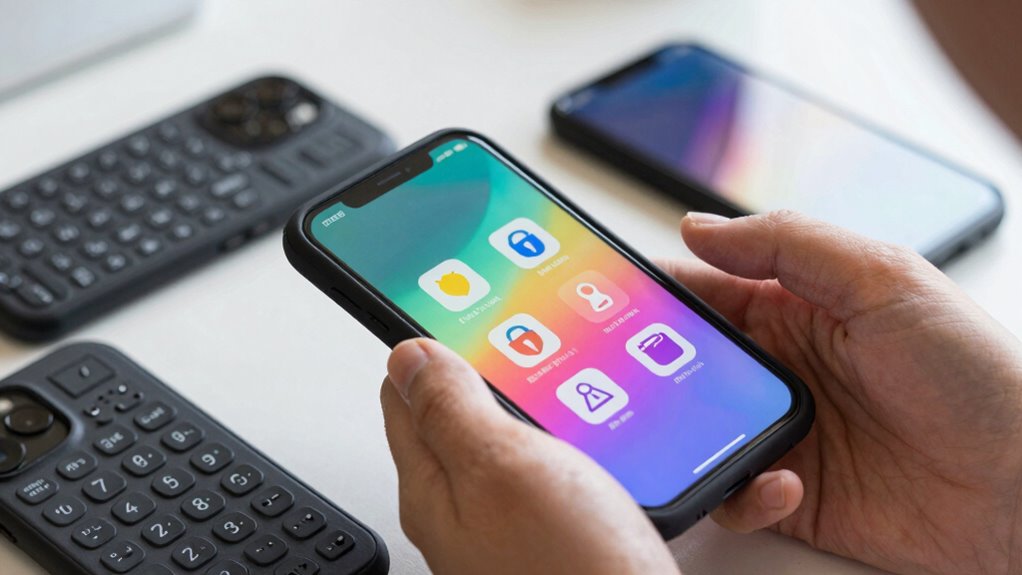
When choosing security tools, focus on evaluating their accessibility features to guarantee they work well with your assistive technologies. Look for options with user-friendly interfaces that make setup and management simple and straightforward. By selecting tools tailored to your needs, you can better protect yourself online without frustration or confusion. Incorporating European cloud innovation into your security solutions can also enhance data privacy and compliance with relevant regulations. Additionally, prioritizing tools that support assistive technology compatibility ensures a seamless user experience. Understanding the importance of privacy policies helps you make informed decisions about data sharing and security. Recognizing the significance of net worth in assessing a tool’s credibility can further guide your choices. Being aware of security protocols can help you identify more trustworthy and reliable options for your safety.
Evaluating Accessibility Features
Choosing accessible security tools starts with carefully evaluating their built-in features to guarantee they meet your specific needs. Focus on the accessibility evaluation to ensure tools support your preferred communication methods, like braille or tactile alerts. Look for options that allow feature customization, so you can tailor security settings to your comfort. Use this table to compare key features: Free Floating. Evaluating how well these tools incorporate media literacy principles can help you identify reliable and trustworthy options.
Selecting User-Friendly Interfaces
Selecting user-friendly interfaces is essential for ensuring you can easily manage your device’s security features. Good interface design prioritizes simplicity and accessibility, making it easier for you to access security tools without frustration. Look for security apps and tools that incorporate clear labels, straightforward navigation, and compatible accessibility features. Pay attention to user feedback, especially from other DeafBlind users, to gauge how well an interface works in real-world situations. An intuitive interface reduces the risk of mistakes and helps you stay vigilant against scams. Choose tools that offer multiple ways to interact—such as tactile, visual, or auditory cues—to suit your needs. By selecting security tools with thoughtful interface design, you make online safety more manageable and less stressful. Incorporating accessible design principles into your security tools ensures they meet your specific needs and improve overall safety. Additionally, considering tools that have been reviewed or recommended by trusted providers in the Gold IRA market can help you identify reliable and user-friendly options. Being aware of assistive technology compatibility can further enhance your ability to navigate security features effectively, especially when combined with comprehensive user support to address any challenges that may arise. Keeping up with latest accessibility standards can also help ensure that your security tools remain effective as technology evolves.
online safety software for DeafBlind users
As an affiliate, we earn on qualifying purchases.
As an affiliate, we earn on qualifying purchases.
How to Recognize and Avoid Phishing and Suspicious Messages

You need to learn how to spot signs of phishing, like unfamiliar sender addresses or urgent language. Always verify messages by checking the sender’s details and contacting official sources if needed. Protect your personal information by being cautious before clicking links or sharing details.
Spot Phishing Indicators
How can you tell if a message is a scam? Look for visual cues like misspelled words, inconsistent logos, or unusual sender addresses. These small details often reveal scam psychology at work, aiming to create urgency or fear. Be wary of messages that press you to act quickly or ask for personal information. Phishing attempts often mimic official communication but slip up in visual cues, revealing their true nature. Pay attention to the tone and language—if it seems overly urgent or too good to be true, it probably is. Recognizing these indicators helps you avoid falling for scams. The more aware you are of common scam tactics, the easier it becomes to spot suspicious messages before they cause harm.
Verify Message Authenticity
To verify if a message is genuine, pay close attention to its details and look for signs of authenticity. Scammers often craft messages that mimic trusted sources but contain subtle clues of fraud. Improving your digital literacy helps you identify red flags like unusual sender addresses, misspelled words, or urgent requests for action. Always scrutinize links and attachments before clicking. Use tools like email verification services or hover over links to check destinations. Remember, scam awareness is key to avoiding deception. Here’s a quick guide:
| Indicator | What to Check | Why It Matters |
|---|---|---|
| Sender’s email address | Confirm it matches official contacts | Phishing attempts often use fake addresses |
| Message tone | Look for urgent or threatening language | Scammers create pressure |
| Unexpected requests | Be wary of requests for personal info | Legit organizations rarely ask for sensitive data via email |
| Links and attachments | Hover or verify before clicking | Malicious links lead to scams |
Protect Personal Information
Ever wonder how scammers trick you into revealing personal details? They often send fake messages that look legitimate, aiming to steal your information. To protect yourself, always check privacy settings on your accounts to control who can see your data. Look for signs of phishing, like urgent language or unfamiliar links, and avoid clicking suspicious messages. Use data encryption tools to secure your communications, making it harder for hackers to access your info. Regularly update your passwords and enable two-factor authentication. Trust your instincts—if something feels off, verify through official channels before sharing any personal details. Staying vigilant with these practices keeps your personal information safe from scammers.
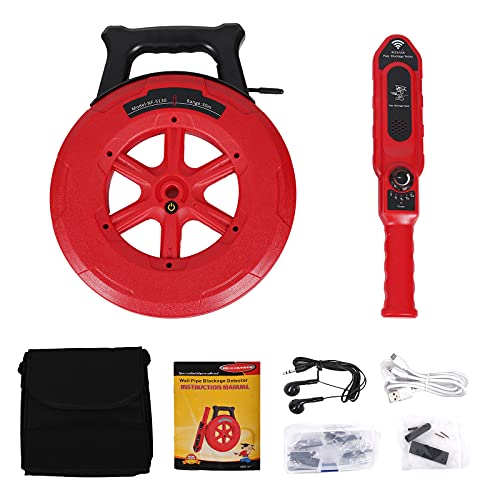
Yeipower Pipe Blockage Detector Locators – Water Pipe Wall Scanner 40M Pipeline Detector Metal PVC Water Pipes Clogging Tool
Solve Problem: There are always many pipe blockage problems in life. But we do not have the most…
As an affiliate, we earn on qualifying purchases.
As an affiliate, we earn on qualifying purchases.
How to Protect Your Personal and Digital Identity

Protecting your personal and digital identity is essential in today’s connected world. You can do this by enabling strong privacy settings on your accounts and avoiding sharing sensitive information. Use biometric authentication, like fingerprint or voice recognition, for added security. Regularly review your privacy settings to control who sees your data. Be cautious about what you share online, especially details that could identify you. Here’s a quick overview:
| Security Measure | Description | Benefit |
|---|---|---|
| Biometric Authentication | Uses your fingerprint or voice to verify identity | Prevents unauthorized access |
| Privacy Settings | Adjusts who can see your information on platforms | Protects personal data |
| Strong Passwords | Combines letters, numbers, and symbols | Blocks hacking attempts |
Staying informed about security tools and best practices helps you stay one step ahead of scammers and breaches. Developing a comprehensive security strategy tailored to your needs can also help you stay resilient against threats. Additionally, learning about online safety techniques can provide practical tips for avoiding common scams. Understanding encryption solutions and how they can secure your communications further enhances your protection. Stay proactive to keep your identity safe from scams and breaches.
How to Safely Verify Links, Attachments, and Senders

After setting strong privacy settings and using biometric authentication, it’s important to verify links, attachments, and senders before clicking or opening them. This helps prevent scams and ensures your safety. Focus on proper URL verification to check for suspicious or misspelled links. Always confirm attachments’ safety by scanning them with trusted antivirus tools before opening. Be cautious with unexpected senders, especially if the message seems unusual or urgent. Use accessible tools to listen to or read link descriptions and sender details carefully. Additionally, learning to detect passive voice can improve your overall writing clarity and help you communicate more effectively. Remember that understanding fundamentals—ergonomics, layout, light, sound, connectivity can also help you create a safer and more comfortable digital environment. Incorporating water safety awareness and precautions can further enhance your security when engaging with online content related to aquatic activities or water-related services.
How to Create and Manage Strong Passwords

Creating and managing strong passwords is essential for keeping your online accounts secure. Use unique, complex passwords for each account to improve password security. Consider using a password manager to organize and store your passwords safely, reducing the risk of forgetting or reusing them. When creating passwords, combine uppercase and lowercase letters, numbers, and symbols for added strength. Avoid common words or personal information that hackers can guess. To help you remember, here’s a simple comparison:
| Password Type | Strength Level | Tips |
|---|---|---|
| Simple | Low | Use common words only |
| Moderate | Medium | Add numbers or symbols |
| Strong | High | Mix characters, long |
| Very Strong | Very High | Use a password manager |
Prioritize password management to maintain your online safety effortlessly. Incorporating password complexity principles can further enhance your security.
Daily Practices to Stay Scam-Free Online

Staying scam-free online requires consistent daily habits that help you spot and avoid frauds. Use your assistive technology to carefully read messages and verify sender details before clicking links or sharing information. Trust your instincts and be cautious of unexpected requests for personal data or money. Connecting with community support groups can provide valuable tips and share recent scam alerts, keeping you informed. Regularly update your devices and security settings to protect against new threats. Avoid sharing sensitive information on unsecured platforms, and always double-check URLs for authenticity. Staying vigilant with these daily practices ensures you minimize risks and maintain online safety. Combining assistive technology with community support creates a strong shield against scams.
Frequently Asked Questions
How Can I Report Scams Specifically Targeting Deafblind Users?
You should report scams targeting deafblind users through specialized scam reporting channels like the Federal Trade Commission (FTC) or local consumer protection agencies. Use accessible formats such as Braille, screen readers, or relay services to communicate your concerns. Reporting fraud helps with prevention efforts by alerting authorities early and protecting others. Remember, prompt scam reporting is vital for effective fraud prevention and safeguarding your online safety.
Are There Specialized Training Programs for Deafblind Online Safety?
Yes, there are specialized training programs designed for deafblind users to improve online safety. These programs often include assistive tech skills and communication training, helping you navigate the digital world securely. Some organizations offer tailored workshops that focus on recognizing scams and protecting your information. Don’t think it’s too complex; with the right support, you’ll gain confidence and stay safer online.
What Legal Protections Exist Against Online Scams for Deafblind Individuals?
You have legal rights and consumer protections that help guard you against online scams. Laws like the Federal Trade Commission Act protect you from deceptive practices, while the Americans with Disabilities Act promotes equal access to online services. If you’re targeted, you can report scams to authorities and seek legal recourse. Stay aware of your rights, use secure technology, and don’t hesitate to reach out for assistance when needed.
How Do I Ensure My Assistive Technology Remains Secure From Cyber Threats?
You can keep your assistive tech secure by managing strong passwords and regularly updating your software. Imagine your devices as a lock and key system; strong passwords act as robust keys, preventing unauthorized access. Always update your software to patch vulnerabilities that cyber threats might exploit. Using password managers helps you handle multiple complex passwords easily, ensuring your assistive technology stays protected from cyber threats and maintains your online safety.
Can Community Resources Help Me Stay Informed About New Online Scams?
Yes, community resources can help you stay informed about new online scams. You should subscribe to community alerts, which notify you of current threats, and attend online workshops focused on cyber safety. These resources keep you updated on the latest scams and offer practical tips to safeguard your assistive technology. Staying engaged with local and online groups ensures you’re proactive about your online safety and aware of emerging cyber threats.
Conclusion
By staying vigilant and using accessible security tools, you can protect yourself from online scams. Remember, nearly 60% of deafblind users report falling victim to digital fraud, highlighting the importance of constant awareness. Keep practicing safe habits, verify links carefully, and create strong passwords. Taking these steps helps secure your personal information and enjoy technology confidently. Your safety online is within your control—stay alert, stay protected, and don’t let scammers win.