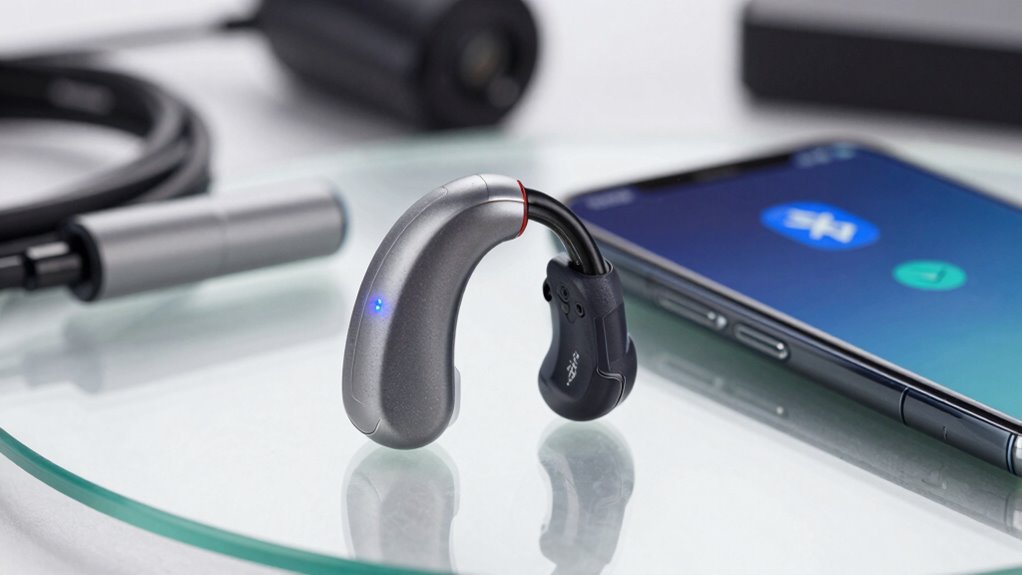
Bluetooth hearing aid streaming can fail due to interference from other devices, low batteries, outdated firmware, or compatibility issues. Environmental factors like walls, metal objects, or crowded signals also weaken connections and cause dropouts or latency. To fix these problems, you can keep devices close, update firmware, remove interference, or restart your equipment. If issues persist, exploring more detailed tips can help you enjoy more reliable listening experiences.
Key Takeaways
- Low battery levels and outdated firmware can weaken Bluetooth connections and cause streaming failures.
- Physical barriers, interference from other devices, and environmental factors disrupt signal stability.
- Compatibility issues between hearing aids and source devices may prevent successful streaming.
- Maintaining close proximity and reducing obstacles improves connection quality and reduces dropouts.
- Regularly updating firmware and software, and troubleshooting interference, helps resolve persistent streaming problems.
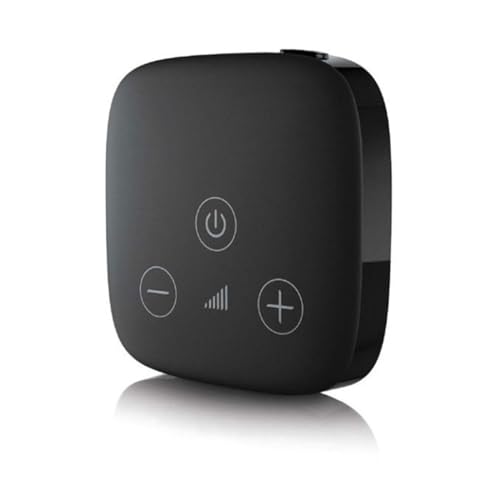
Hearing Aid Accessory Phonak TV Connector for Hearing Aid Streamer Streams TV and Music
Compatibility: Compatible with Phonak Audeo M (Marvel), Virto M, Bolero M, Naida M, Audeo P (Paradise), Naida P,…
As an affiliate, we earn on qualifying purchases.
As an affiliate, we earn on qualifying purchases.
Why Does My Bluetooth Hearing Aid Keep Dropping Connection?
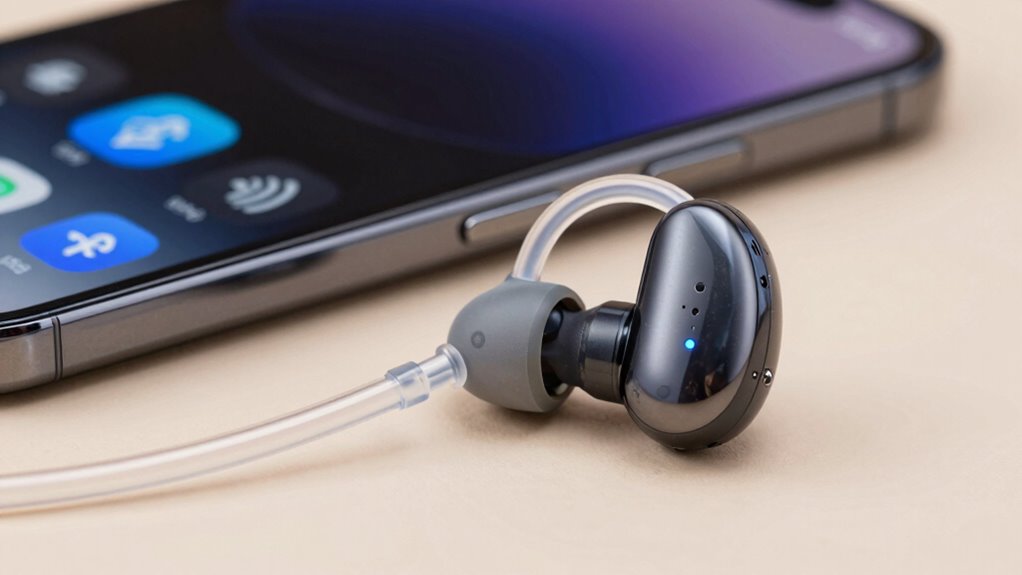
If your Bluetooth hearing aid keeps dropping its connection, it can be frustrating and disrupt your listening experience. One common cause is battery life; if your device’s batteries are low, it may weaken the Bluetooth signal, leading to disconnections. Regularly checking and replacing or charging your batteries guarantees a stable connection. Additionally, user comfort affects how well your hearing aids sit and align with your ears, which can impact signal strength. Poor fit or movement can cause intermittent contact, disrupting streaming. Keep your device updated and avoid barriers like thick clothing or other electronics that may interfere. Free Floating can also cause interference, so minimizing movement around your devices can help. Ensuring proper signal interference reduction can significantly improve connection stability. By maintaining good battery health and ensuring a comfortable, secure fit, you can minimize connection drops and enjoy seamless streaming. Remember that device maintenance and proper positioning are crucial for optimal performance.
hearing aid battery charger
As an affiliate, we earn on qualifying purchases.
As an affiliate, we earn on qualifying purchases.
Is My Device Compatible With My Hearing Aids?
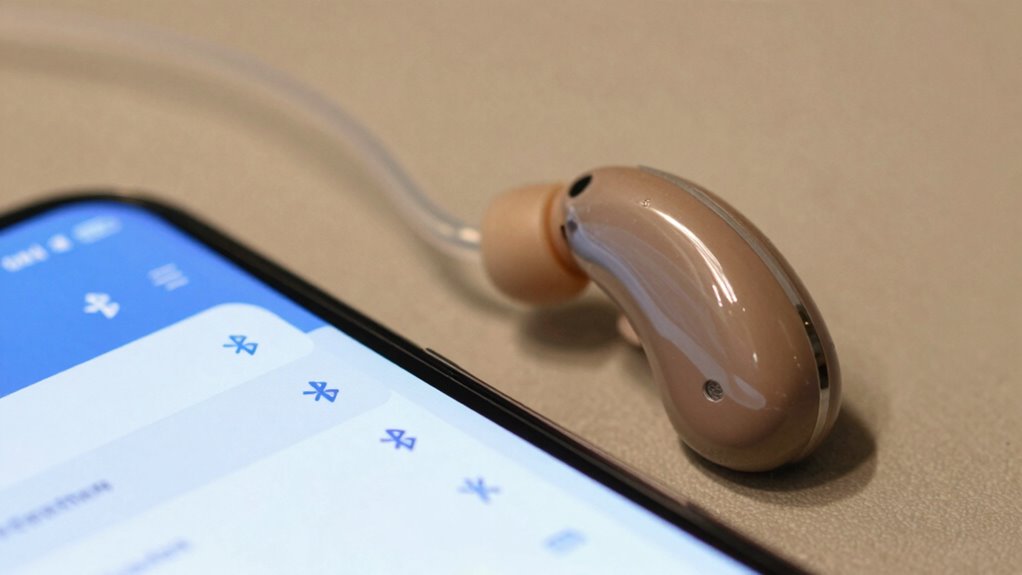
Ensuring your device is compatible with your hearing aids is vital for a smooth streaming experience. Not all devices work seamlessly with every hearing aid model, so checking compatibility is a crucial first step. To determine if your device suits your hearing aid features, consider the following:
- Confirm your hearing aids support Bluetooth streaming or specific profiles.
- Check if your device’s operating system meets the requirements.
- Review manufacturer recommendations for compatible devices.
- Ensure your hearing aids have the latest firmware updates.
- Be aware that body jewelry measurements and materials do not impact Bluetooth compatibility but are important for other personal modifications.
- Additionally, understanding device compatibility can help prevent streaming issues and improve overall user satisfaction. Knowing how home energy integration (such as power stability and interference) can affect Bluetooth performance is also helpful in troubleshooting connectivity problems. Properly managing interference sources in your environment can significantly enhance connection stability and streaming quality, especially when considering wireless network factors that influence Bluetooth performance.
hearing aid firmware update kit
As an affiliate, we earn on qualifying purchases.
As an affiliate, we earn on qualifying purchases.
How Does Signal Interference Affect Bluetooth Streaming?
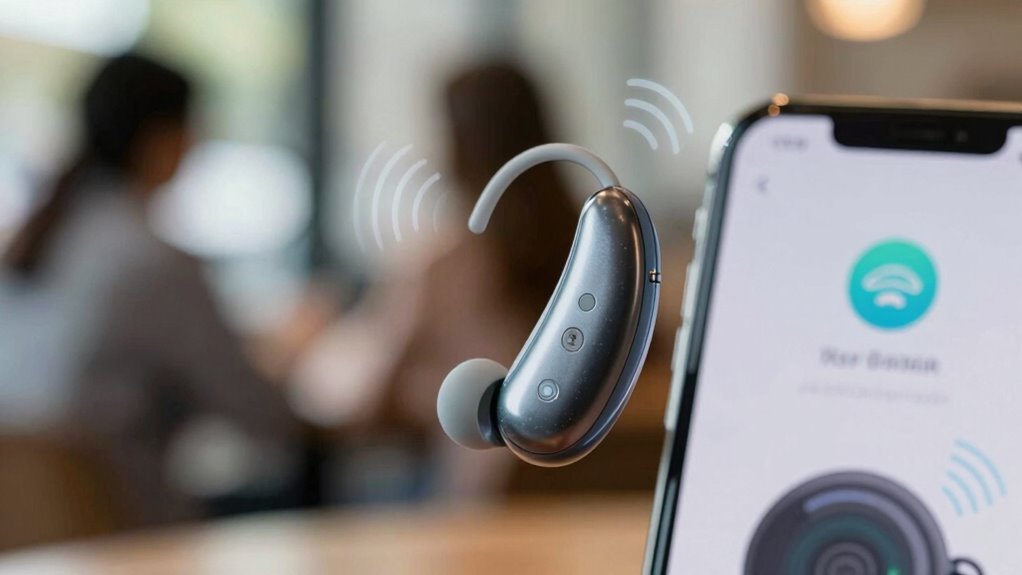
Signal interference can profoundly disrupt your Bluetooth streaming, causing audio dropouts, static, or delays. Wireless interference from other electronic devices, Wi-Fi networks, or even microwave ovens creates signal disruption that weakens the Bluetooth connection. This interference competes with your hearing aids’ signals, leading to inconsistent audio quality. When signals clash, your hearing aids may struggle to maintain a stable connection, resulting in choppy sound or noticeable delays. The more crowded the wireless environment, the higher the chance of signal disruption. To improve performance, minimize the number of active wireless devices nearby, keep your Bluetooth devices within close range, and avoid areas with strong Wi-Fi signals. Understanding wireless interference can help you identify and troubleshoot potential issues more effectively. Additionally, awareness of device compatibility issues can prevent connectivity problems from the start. Reducing interference helps ensure smoother, more reliable streaming from your devices.
Bluetooth interference blocker for hearing aids
As an affiliate, we earn on qualifying purchases.
As an affiliate, we earn on qualifying purchases.
Troubleshooting Audio Dropouts and Latency Problems
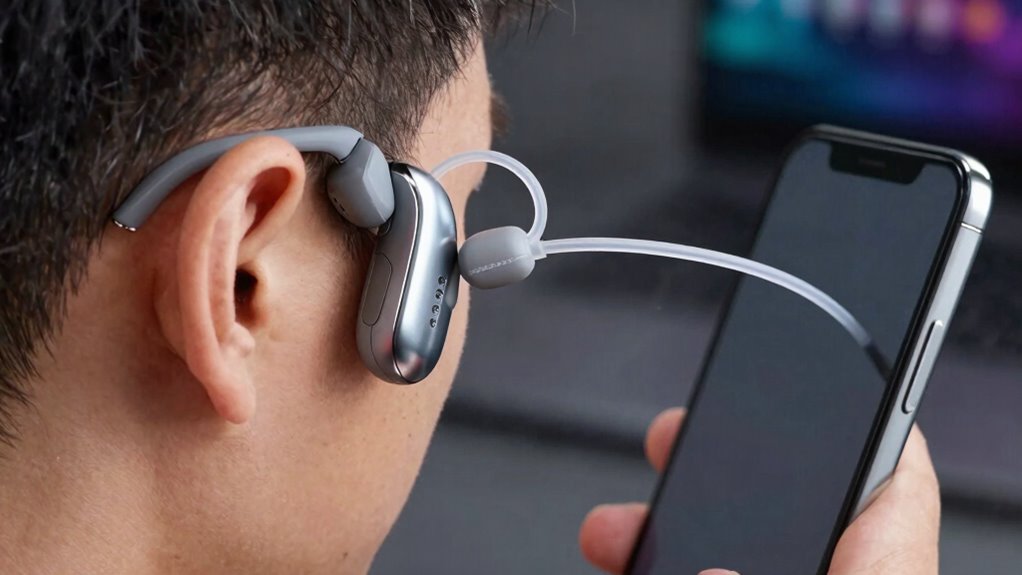
Audio dropouts and latency issues can be frustrating, but many of these problems are fixable with some quick troubleshooting. To reduce audio latency and prevent dropouts, start by ensuring your devices are within a close range, minimizing obstacles. Check for firmware updates on your hearing aids and streaming device, as these often include performance improvements. Restart both devices to reset connections and clear temporary glitches. Finally, disable other Bluetooth devices nearby that might cause interference. Additionally, verifying proper ventilation of your devices can prevent overheating and maintain optimal performance. Proper device placement can also improve connection stability and reduce latency. Maintaining Bluetooth signal strength by reducing physical barriers can significantly enhance streaming quality. Being mindful of interference sources in your environment can further improve connection reliability. Adjusting antenna orientation can sometimes improve signal reception and stability. Implementing these steps can substantially improve dropout prevention and create a smoother streaming experience, making your hearing aids more reliable and responsive.
Tips for Improving Bluetooth Connection in Your Environment
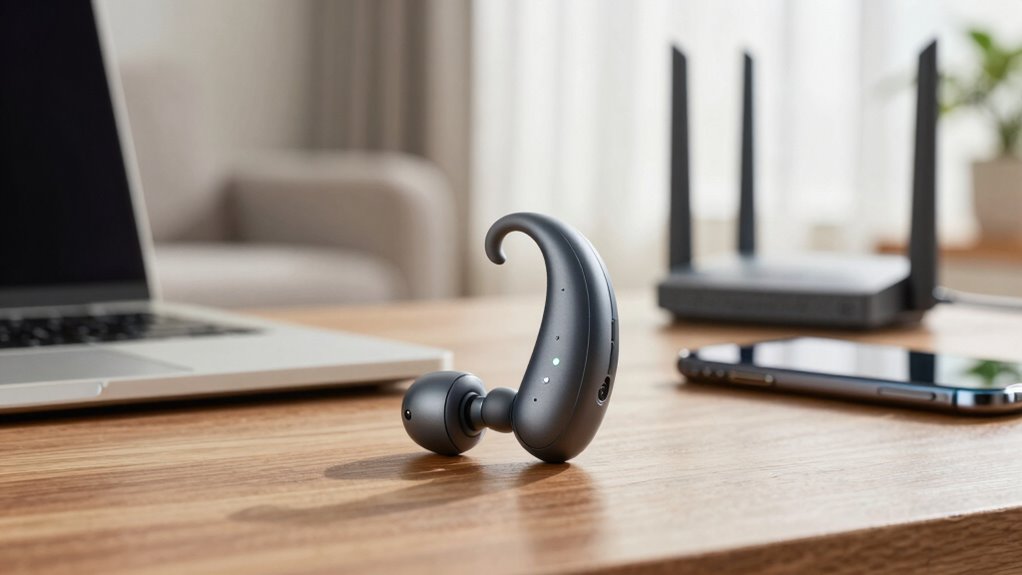
Creating a stable Bluetooth connection often depends on your environment. To improve signal reliability, reduce environmental noise that can interfere with pairing and streaming. Keep your hearing aids and source device within a close range, ideally within 10 feet, and avoid obstacles like walls or metal objects that block signals. Proper device placement is key—place your phone or streaming device on a stable surface, not in a pocket or bag, to prevent signal disruptions. Minimize sources of interference, such as Wi-Fi routers or other Bluetooth devices operating nearby. Maintaining a clear line of sight between your hearing aids and the device also helps. Additionally, being aware of radio frequency interference sources in your environment can further enhance Bluetooth stability. Regularly updating your device firmware can also address connectivity issues and improve overall performance. To further optimize your connection, consider turning off unused Bluetooth devices in the vicinity that may cause signal congestion. Managing environmental interference and optimizing device placement can considerably enhance your Bluetooth connection stability. Additionally, understanding device compatibility can help prevent connection failures and improve streaming quality.
How to Update Your Hearing Aids and Devices for Better Performance
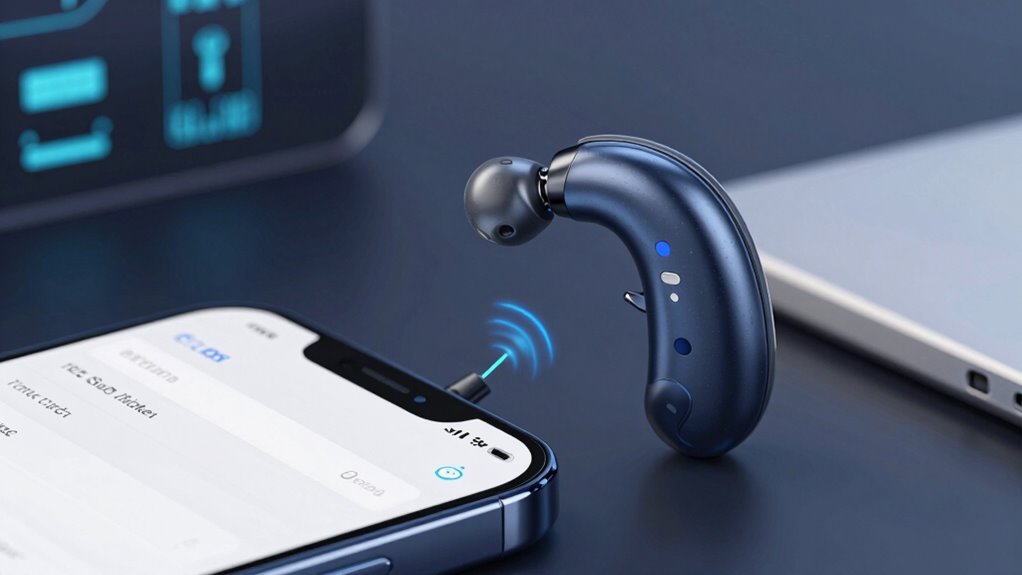
Keeping your hearing aids and connected devices up to date is essential for ideal performance. Regular software updates ensure your devices have the latest features, bug fixes, and security patches, improving overall streaming quality. To do this:
- Check your hearing aid manufacturer’s app or website for the latest software updates.
- Ensure your smartphone’s operating system is current, enhancing device compatibility.
- Restart your devices after updates to activate new features.
- Keep Bluetooth settings refreshed to maintain strong connections.
Updating your hearing aids and devices helps prevent compatibility issues that can cause streaming failures. By staying current with software updates, you make certain your devices work seamlessly together, providing a better listening experience every time. Don’t overlook these simple steps—they make a significant difference.
Simple Ways to Prevent Streaming Issues in Daily Life
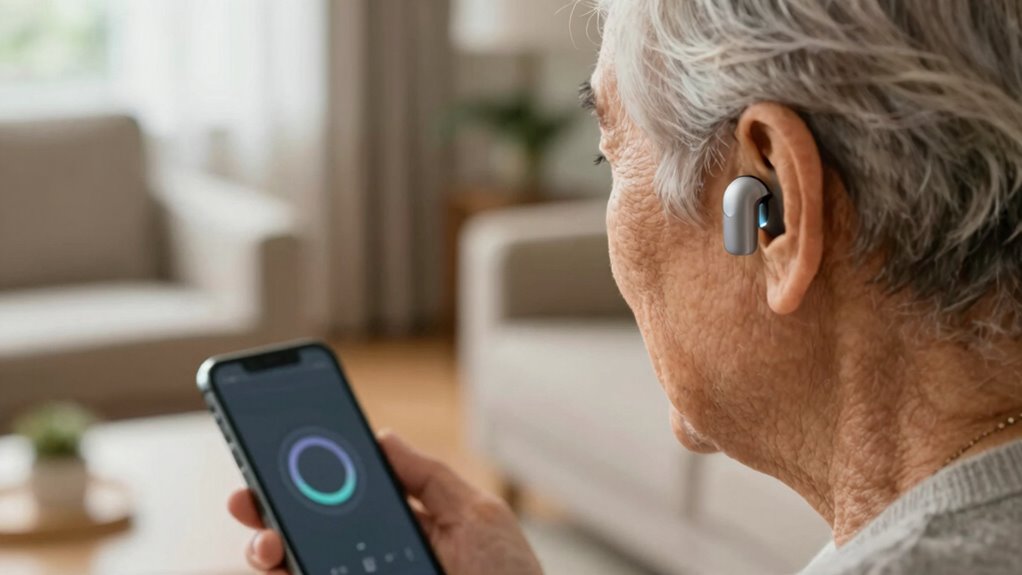
To keep your streaming smooth, make sure your devices stay close together. Avoid areas with lots of Bluetooth signals that can cause interference. Managing these simple steps can make a big difference in your daily listening experience. Additionally, keeping your devices updated ensures optimal performance and fewer connectivity issues device compatibility. Regularly checking for software updates can prevent compatibility problems and improve overall connection stability.
Keep Devices Close
Streaming quality often depends on the distance between your hearing aid and your device. To guarantee a strong signal, keep your device close to your hearing aid during use. Proper device placement boosts signal strength and reduces interruptions. Avoid placing your phone or streaming device in your bag, pocket, or across the room. Instead, hold it near or keep it in a pocket close to your ear. Consider these tips:
- Keep your phone at chest or waist level
- Use a neck cord or lanyard for convenience
- Avoid crossing your arms or placing the device behind your back
- Stay within a few feet of your hearing aid during streaming
- Connected home fitness technology can also help you monitor and optimize your device placement for better performance. Additionally, utilizing smart home automation can ensure your devices are configured for optimal signal strength and ease of use. Maintaining an awareness of the wireless signal environment in your home can further reduce interference and improve streaming stability.
Staying close helps maintain a stable connection, preventing audio dropouts and improving overall streaming performance.
Manage Bluetooth Interference
Even if your device is close to your hearing aid, Bluetooth interference from other electronics can still cause streaming disruptions. Many devices operate on similar wireless frequencies, leading to signal clashes. To mitigate issues, pay attention to device placement—keep your phone, Wi-Fi router, and other electronics away from your hearing aids. Avoid crowded areas with multiple wireless devices, as they can create interference. Turning off unused Bluetooth devices reduces congestion on the wireless frequency. If you experience persistent streaming problems, try changing your device’s position or switching to a different wireless channel if possible. Managing Bluetooth interference involves simple steps like strategic device placement and reducing nearby electronic clutter, helping ensure a smoother, more reliable streaming experience.
When to Seek Professional Help for Bluetooth Problems
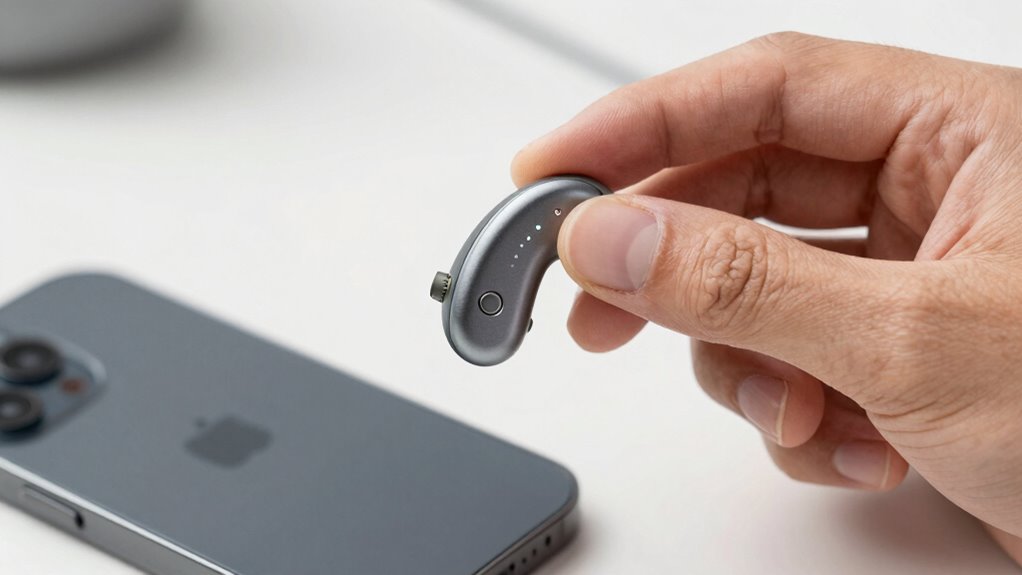
If you experience persistent connectivity issues or audio glitches that don’t resolve with troubleshooting, it’s time to seek professional help. These problems can affect your hearing experience and may indicate underlying device or software issues. Don’t hesitate to consult a specialist to get your Bluetooth streaming working smoothly again.
Persistent Connectivity Issues
Persistent Bluetooth connectivity issues can be frustrating, especially when your hearing aids frequently disconnect or refuse to pair properly. If troubleshooting common problems doesn’t help, it’s time to consider professional assistance. You should seek help if you notice:
- Repeated difficulty with device pairing despite multiple attempts
- Unusual battery drain affecting Bluetooth performance
- Hearing aids that won’t reconnect after power cycles
- Persistent disconnections during streaming, regardless of device proximity
A professional can assess whether the issue stems from hardware faults, outdated firmware, or interference. They can also optimize device pairing and battery management to ensure consistent streaming. Don’t ignore ongoing problems—they could indicate underlying issues that require expert intervention for a reliable experience.
Unresolved Audio Glitches
Unresolved audio glitches during Bluetooth streaming can be a sign that professional help is needed. If you notice persistent issues with audio quality, such as crackling, stuttering, or cutouts that don’t resolve with simple troubleshooting, it’s time to seek expert advice. Problems often stem from flaws in the pairing process or interference that standard fixes can’t resolve. If your hearing aids frequently disconnect or produce inconsistent sound despite re-pairing, a professional can diagnose underlying hardware or compatibility issues. Ignoring these glitches may lead to frustration and diminished hearing experience. When audio quality problems persist despite resetting devices or adjusting settings, consulting a professional ensures your hearing aids operate reliably and effectively.
Choosing Hearing Aids and Accessories for Reliable Streaming
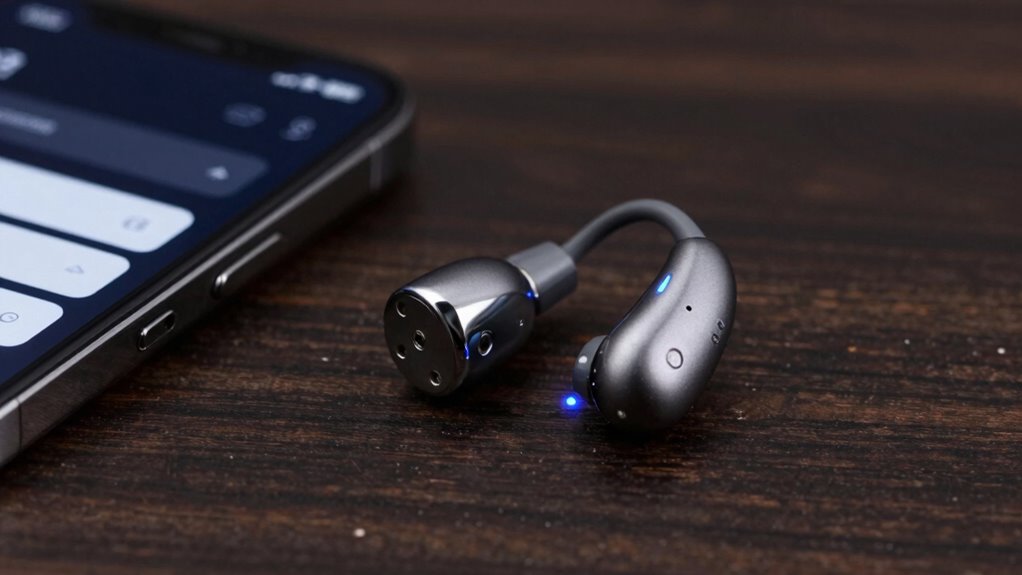
Choosing the right hearing aids and accessories is essential for ensuring reliable Bluetooth streaming. To maximize performance, focus on battery maintenance and accessory compatibility. Properly charged batteries prevent dropouts, and regularly checking them keeps streaming smooth. When selecting accessories, ensure they’re compatible with your hearing aids to avoid connectivity issues. Consider these tips:
Ensure reliable Bluetooth streaming by maintaining batteries and choosing compatible accessories for your hearing aids.
- Choose hearing aids with Bluetooth versions that match your devices
- Opt for accessories designed specifically for your hearing aids
- Keep firmware up to date for better compatibility
- Use accessories with long battery life for uninterrupted streaming
Frequently Asked Questions
Can I Stream Audio From Multiple Devices Simultaneously?
You can’t usually stream audio from multiple devices simultaneously with your hearing aids. Multi-device pairing lets you connect to two devices, like a phone and tablet, but most models only support one active connection at a time. For simultaneous streaming, check if your hearing aids support advanced features like multi-point connectivity. Otherwise, you’ll need to disconnect and reconnect devices manually to switch audio streams.
How Long Does Bluetooth Hearing Aid Battery Last During Streaming?
Your Bluetooth hearing aid’s battery life during streaming typically lasts around 4 to 8 hours, depending on usage and model. Think of it as a marathon runner, slowly draining with each stride. Streaming duration consumes more power than regular use, so expect shorter battery life when listening continuously. To extend your hearing aid’s battery, turn off streaming when not needed, and keep your device charged for uninterrupted sound adventures.
Are There Specific Apps to Enhance Streaming Stability?
Yes, some apps can improve streaming stability by optimizing connection quality. Look for apps that are compatible with your hearing aids and offer streaming app compatibility features. To enhance connection stability, use connection stability tips like keeping your device close, avoiding interference, and ensuring your firmware is up to date. These steps help maintain a reliable Bluetooth connection, reducing streaming interruptions and improving overall audio quality.
Does Updating Firmware Improve Bluetooth Connectivity?
Updating firmware can greatly improve Bluetooth connectivity by enhancing compatibility and fixing bugs. When you update your hearing aid’s firmware, you make sure it works smoothly with your device’s latest Bluetooth standards. This process often boosts streaming stability and reduces dropouts. Regularly check for firmware updates from your manufacturer, as they are designed to optimize Bluetooth compatibility and keep your hearing aids functioning at their best.
What Features Should I Look for in Hearing Aids for Better Streaming?
You should look for hearing aids with superior audio quality and seamless device compatibility. Opt for models with advanced Bluetooth technology that support multiple devices and quick switching. Make sure they offer high-fidelity sound, low latency, and stable connections. Features like aptX or AAC codecs enhance streaming quality. Also, check if they work well with your smartphones, tablets, and other devices to enjoy smooth, clear audio every time.
Conclusion
To keep your Bluetooth hearing aid streaming smoothly, think of your devices like a team working together seamlessly. Regular updates, minimizing interference, and proper maintenance are your best tools. If problems persist, don’t hesitate to seek professional help—like a coach guiding a team to victory. With patience and the right steps, you’ll enjoy clear, reliable sound, making your hearing aids as dependable as your favorite playlist that never skips a beat.