
The most important controls in your hearing aid app include adjusting volume, customizing sound programs, and managing noise reduction and feedback cancellation. These settings help you fine-tune sound clarity, reduce background noise, and switch seamlessly between environments. Tinnitus relief and sound therapy options can also enhance comfort. Ensuring your app remains updated and troubleshooting connectivity keeps everything running smoothly. If you want to master your hearing aid controls, you’ll find useful tips ahead.
Key Takeaways
- Prioritize sound environment customization, including volume, treble, bass, and noise reduction, for optimal clarity and comfort.
- Focus on managing listening programs and quick-switch presets tailored to different environments or activities.
- Regularly update and review app settings to ensure consistent performance and adapt to environmental changes.
- Utilize noise suppression and feedback cancellation controls to minimize unwanted sounds and squealing.
- Ensure stable Bluetooth connectivity and a user-friendly interface for efficient, seamless control over your hearing aids.
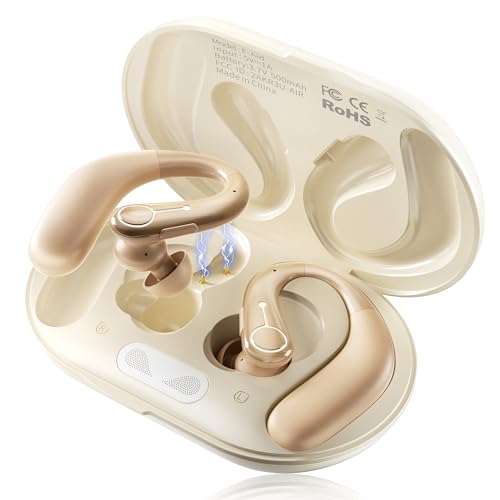
Hearing Aids, Hearing Aids for Seniors with Automatic Noise Cancelling for the Hearing Loss, Rechargeable Bluetooth Hearing Amplifiers with APP Volume Control, Premium Comfort Design and Wear
Advanced Noise Reduction Chip: The hearing aid adopts the most advanced 16-channel digital chip, which can quickly capture…
As an affiliate, we earn on qualifying purchases.
As an affiliate, we earn on qualifying purchases.
Get to Know Your Hearing Aid App Controls
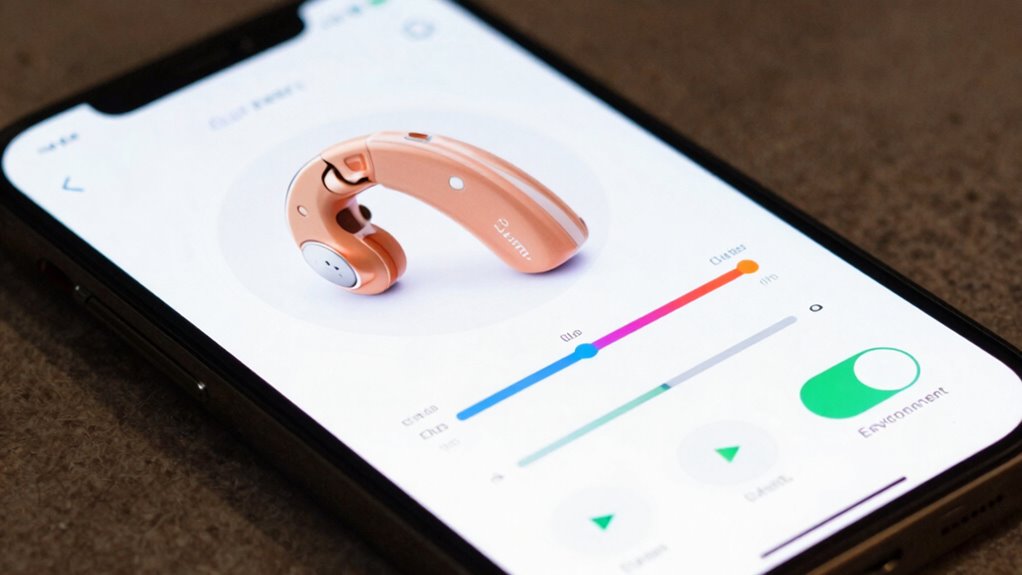
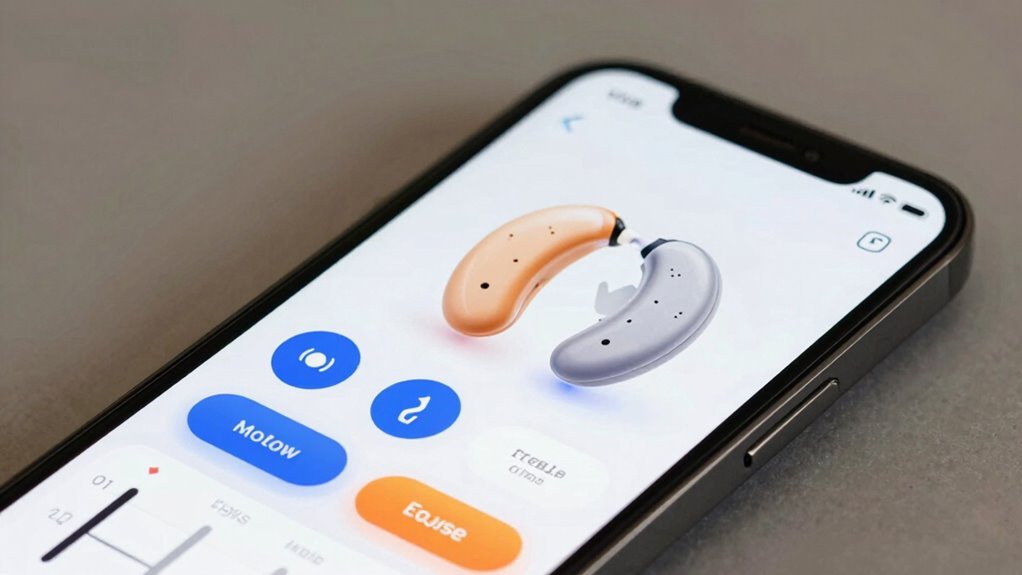
Have you ever wondered what all the buttons and options on your hearing aid app do? Understanding the hearing aid app controls is essential to maximize your device’s benefits. The user interface design is typically straightforward, with clearly labeled icons and menus, making navigation easier. You’ll find controls for adjusting different listening programs, switching between modes, and customizing sound settings. Familiarizing yourself with these features helps you tailor your hearing experience in various environments. Many apps also include quick access options for common adjustments, so you can respond promptly to changing sounds around you. Take time to explore each control, and don’t hesitate to consult your user manual or provider for guidance. Knowing your hearing aid app controls empowers you to optimize your hearing aid performance effortlessly. Additionally, understanding sound settings can significantly improve your overall listening experience. Exploring user interface design can help you navigate controls more efficiently. Being aware of how personalization options work allows you to customize your experience further and adapt quickly to different listening situations. Gaining insight into customizable features can enhance your ability to fine-tune your device for optimal performance in diverse environments.

Audien Atom One OTC Hearing Aids – Wireless, Rechargeable, and Comfortable | Clear Sound in a Small, Discreet Design for Seniors & Adults with Hearing Loss
Hear What Matters Most: Hearing isn’t one-size-fits-all. That’s why our adjustable frequency system lets you personalize your sound…
As an affiliate, we earn on qualifying purchases.
As an affiliate, we earn on qualifying purchases.
How Adjusting Volume and Amplification Enhances Sound Clarity

Adjusting the volume and amplification settings on your hearing aid can considerably improve sound clarity. Proper volume adjustment ensures you hear sounds at an ideal level, enhancing overall sound quality. When you fine-tune these settings, background noise decreases, and speech becomes clearer. Incorporating auditory processing techniques can further optimize hearing performance in various environments. Additionally, understanding how environmental acoustics affect sound perception can help you make more precise adjustments for different settings. Being aware of how sound environment factors influence hearing can lead to more effective customization of your device, especially with the help of smart home automation features that adapt to changing acoustic conditions. Recognizing the importance of hearing aid calibration can also ensure your device maintains optimal performance over time.

Flaygo Hearing Aids for Seniors, OTC Hearing Aids for People with Hearing Loss, Sound Quality Restoration, Intelligent Noise Reduction, Standby 80h, One-Button Operation, Comfortable Wearing,Beige
Digital Chip, HIFI Sound Quality:Hearing amplifiers have a built-in 16-channel digital chip with intelligent noise reduction technology that…
As an affiliate, we earn on qualifying purchases.
As an affiliate, we earn on qualifying purchases.
How to Set and Switch Between Listening Programs

Switching between listening programs allows you to optimize your hearing aid for different environments and activities. Many hearing aids offer voice command features, making it easy to change programs hands-free. Simply speak the command, and your device switches to the desired setting. To streamline this process, customize the user interface within the app, placing your most-used programs front and center. This customization simplifies navigation and ensures quick access during busy moments. Some apps also let you assign specific programs to certain activities, so you can switch seamlessly as your environment changes. Practice using voice commands and exploring interface options to make switching effortless. Understanding program customization can significantly enhance your hearing experience and comfort in any situation. Additionally, becoming familiar with user interface design can further improve ease of use and accessibility, especially considering the importance of creative storytelling for branding in engaging users and building loyalty through thoughtful design. Incorporating market research insights can also help you identify which settings are most effective in various scenarios. Being aware of device compatibility ensures your chosen settings work smoothly across your hearing aid models.
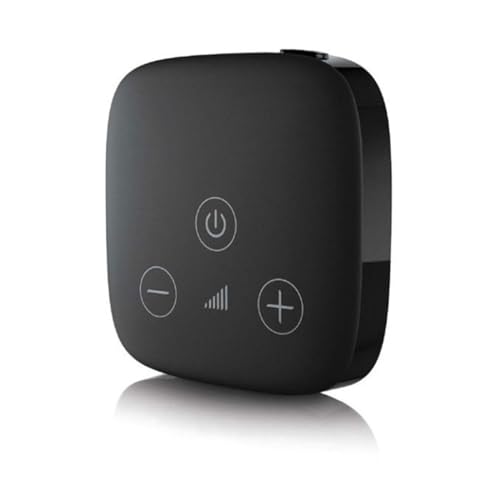
Hearing Aid Accessory Phonak TV Connector for Hearing Aid Streamer Streams TV and Music
Compatibility: Compatible with Phonak Audeo M (Marvel), Virto M, Bolero M, Naida M, Audeo P (Paradise), Naida P,…
As an affiliate, we earn on qualifying purchases.
As an affiliate, we earn on qualifying purchases.
Tuning Noise Reduction and Feedback Cancellation Settings
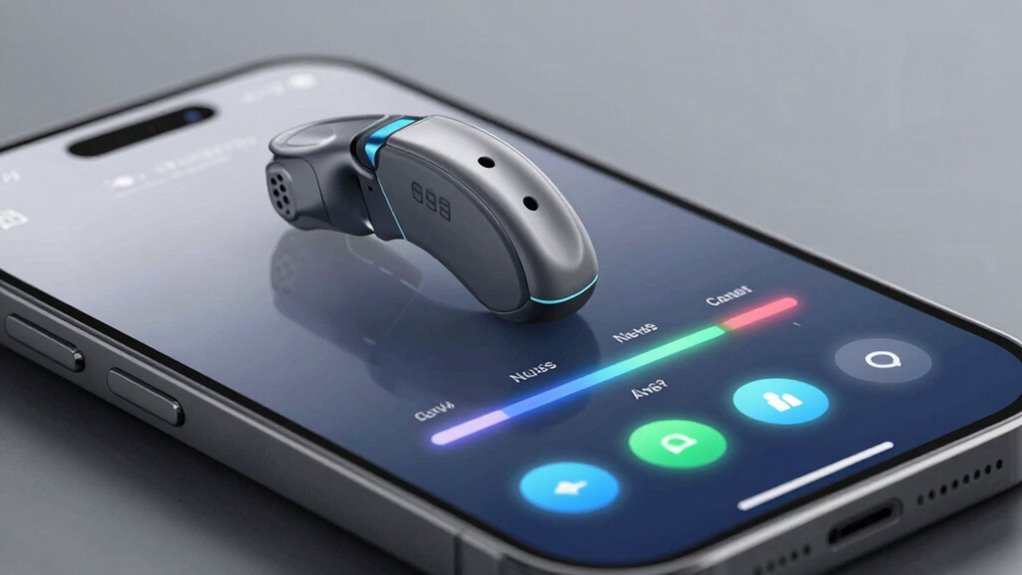
Tuning noise reduction and feedback cancellation settings can substantially improve your hearing experience by minimizing unwanted sounds and preventing squealing. Adjusting noise suppression helps you focus on desired sounds while reducing background noise, making conversations clearer. Feedback management is vital for preventing that high-pitched squeal that can occur when sound loops. Most hearing aid apps let you customize these settings to match your environment and preferences. By fine-tuning noise reduction, you can enjoy more natural hearing in noisy places, while optimizing feedback cancellation ensures your hearing aid operates smoothly without distracting noises. Regularly adjusting these settings allows you to strike a balance between clarity and comfort, giving you a more seamless listening experience throughout your day. Understanding power tool safety and proper setup can also contribute to a safer, more effective use of your hearing devices. Additionally, being aware of environmental factors can help you better tailor your settings for different situations. Incorporating adaptive algorithms can further enhance the effectiveness of noise reduction and feedback control, providing a more personalized listening experience. Considering user preferences and individual hearing profiles can help you fine-tune your device for optimal performance, ensuring that your hearing aid adapts to your specific needs. Paying attention to cultural preferences may also improve satisfaction by aligning device settings with your lifestyle and social environments.
Using App Settings for Tinnitus Relief and Sound Therapy
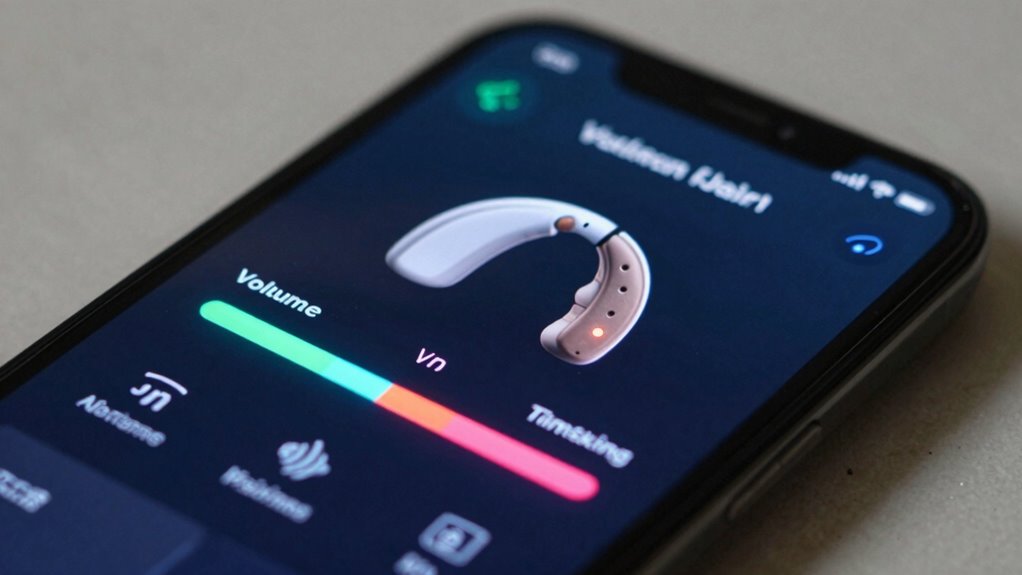
You can customize your hearing aid app to help manage tinnitus by exploring masking options that reduce the ringing or buzzing sounds. Creating personal sound profiles allows you to tailor therapy sounds to your preferences and needs. These settings give you more control over your relief strategies, making sound therapy more effective and comfortable. Understanding home improvement tools can also help you set up physical devices or modifications that complement your hearing aid adjustments. Additionally, familiarizing yourself with sound therapy techniques can enhance your overall tinnitus management plan. Incorporating sound masking strategies into your routine can further improve your experience and outcomes, especially when combined with a clear understanding of sound therapy principles. Exploring digital health solutions can also support your ongoing management and provide additional resources for relief.
Tinnitus Masking Options
Many hearing aid apps offer tinnitus masking features that can help reduce the perception of ringing or buzzing sounds. These sound masking options provide soothing background noises, such as white noise, nature sounds, or gentle tones, which can distract your brain from tinnitus. These options are often designed based on sound therapy principles to promote habituation and relief. By customizing these settings, you can find the most effective sound for tinnitus relief, making the ringing less noticeable. Adjusting volume levels and selecting different masking sounds allows you to tailor your experience for comfort and effectiveness. Using these app controls, you can easily activate or switch between sounds throughout the day, offering continuous relief. Tinnitus masking is a practical way to manage bothersome sounds and improve your overall hearing experience. Understanding sound therapy can help you make informed choices about which masking options are best suited for your needs.
Custom Sound Profiles
Have you ever wished to customize your tinnitus relief experience? With custom sound profiles, you can tailor your hearing aid’s settings to match your personal needs. Using app controls, you can create a personalized sound environment that aligns with your user preferences. This feature allows you to adjust frequencies, volume levels, and sound types for ideal comfort and effectiveness.
- Fine-tune sounds for tinnitus relief tailored to your comfort
- Save multiple profiles for different environments or times of day
- Easily switch between settings based on your current needs
Fine-Tuning Sound Quality and Speech Clarity Settings

You can customize your sound profiles to match your environment and preferences for clearer hearing. Adjusting these settings helps improve speech recognition, making conversations more natural. Fine-tuning your device guarantees you get the best sound quality and clarity in any situation.
Customizing Sound Profiles
Customizing sound profiles allows you to tailor your hearing aid’s audio settings to better suit your environment and personal preferences. By adjusting these profiles, you can optimize how your device handles background noise and ambient sounds. For example, you might lower settings for noisy environments or enhance clarity in quiet settings. Many apps let you:
- Fine-tune environmental settings to reduce background noise
- Adjust treble and bass levels for clearer sound quality
- Save profiles for specific situations like conversations or outdoor activities
These options give you control over how your hearing aid responds in different scenarios, making it easier to focus on what matters most. Custom profiles ensure your hearing experience feels natural and tailored, no matter where you are.
Enhancing Speech Recognition
Enhancing speech recognition is essential for clear communication, and fine-tuning your hearing aid’s sound quality can considerably improve how well you understand speech. Adjusting settings to reduce background noise helps focus on conversations, making speech clearer even in noisy environments. You can also optimize sound profiles to improve musical fidelity, ensuring that music sounds richer without compromising speech clarity. Many hearing aids allow you to balance noise reduction with speech enhancement, so you can customize settings based on your environment. Properly fine-tuning these controls helps eliminate distractions, making speech more distinct and easier to follow. By actively managing sound quality and speech clarity settings, you’ll experience better understanding and a more natural listening experience.
Save Your Favorite Presets for Quick Access
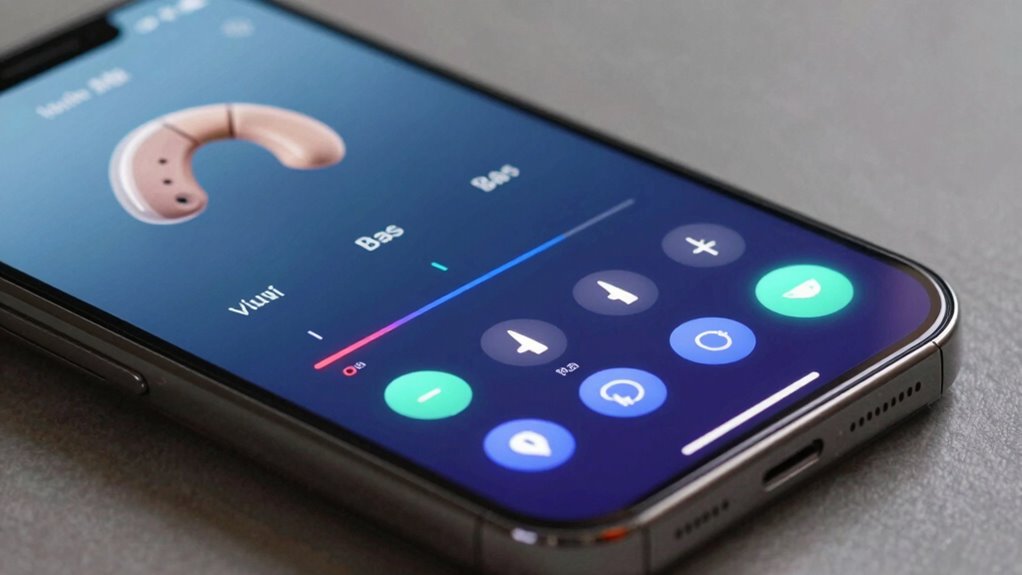
Saving your favorite presets allows for quick and effortless adjustments whenever you need them. By organizing your preferred settings, you avoid wasting time searching through menus. This makes switching between different environments simple and efficient. To maximize convenience, you can:
- Use presets organization to categorize settings for various situations
- Save your favorite settings for quick access during different activities
- Easily toggle between presets without manually adjusting each parameter
This approach ensures your hearing aids adapt seamlessly to your lifestyle. With well-organized presets, you’ll always have the perfect sound profile at your fingertips. Whether you’re in a noisy restaurant or a quiet room, your favorite presets help you optimize hearing instantly. Taking a moment to save these settings guarantees you’re prepared for any environment, making your hearing experience smoother and more personalized.
Keep Track of Your Battery Life and Connectivity Options
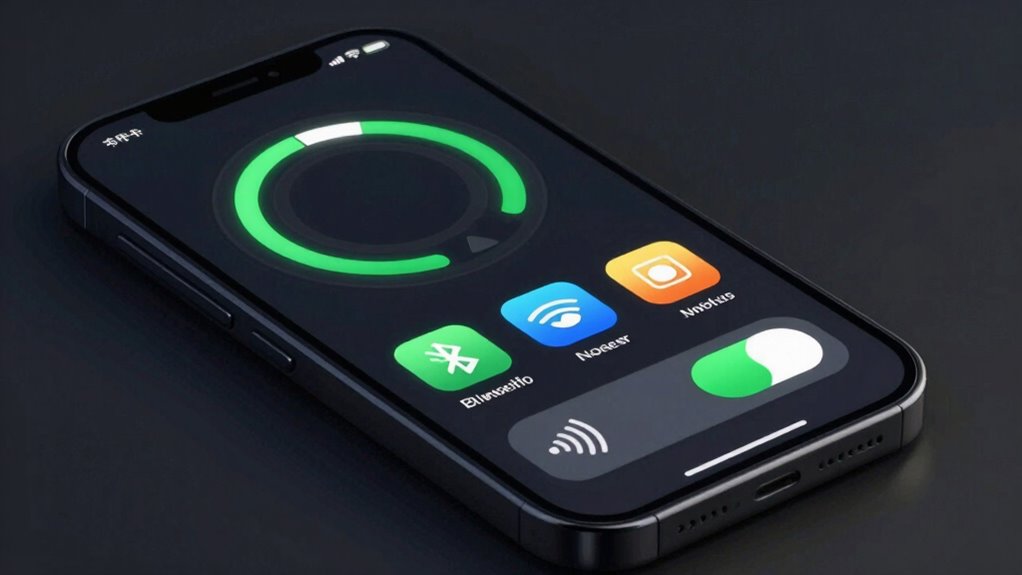
Keeping an eye on your battery status indicators helps you stay prepared and avoid unexpected power loss. Adjusting Bluetooth connection settings guarantees your hearing aids stay connected smoothly, while power-saving modes extend battery life when needed. Monitoring these options keeps your hearing experience seamless and reliable throughout the day.
Battery Status Indicators
Monitoring your hearing aid’s battery status is essential for ensuring uninterrupted use throughout the day. The battery status indicator provides real-time updates on battery health, helping you manage power effectively. This feature allows you to anticipate when it’s time to recharge or replace batteries, preventing sudden disruptions. Many apps also display connectivity options, so you can quickly troubleshoot if needed. By keeping an eye on these indicators, you optimize power management and extend your device’s lifespan.
- Check the battery percentage regularly to avoid unexpected shutdowns
- Look for alerts or icons signaling low battery or power issues
- Use app notifications to remind you when to recharge or replace batteries
Bluetooth Connection Settings
Connecting your hearing aid to your app’s Bluetooth settings is essential for maintaining peak battery life and seamless device performance. Proper device pairing ensures a stable connection, allowing you to enjoy wireless streaming of calls, music, and other audio directly to your hearing aids. Regularly check your Bluetooth connection status to prevent dropouts and interruptions. Keep your devices within a reasonable range to avoid disconnects, and update firmware if needed for best compatibility. When you disconnect or turn off Bluetooth, your hearing aid conserves battery life, so manage these settings carefully. By monitoring your Bluetooth connection options, you can maximize both the functionality and longevity of your hearing aids, ensuring consistent, high-quality sound experiences whenever you need them.
Power Saving Modes
Adjusting your hearing aid’s power saving modes helps you extend battery life without sacrificing performance. By enabling features like standby modes, you conserve energy when the device isn’t actively in use. These modes optimize battery efficiency and can automatically turn off non-essential functions during periods of inactivity. You can customize settings to automatically activate when you’re not wearing your hearing aid or during certain hours of the day. This helps reduce power drain and prolongs the time between charges. Keep an eye on the power-saving options in your app to ensure you’re balancing performance with battery longevity.
- Enable standby modes to pause processing when idle
- Adjust auto-off times based on your routine
- Use low-power mode for extended battery life during long days
Fix Common App Control Problems and Troubleshoot Issues
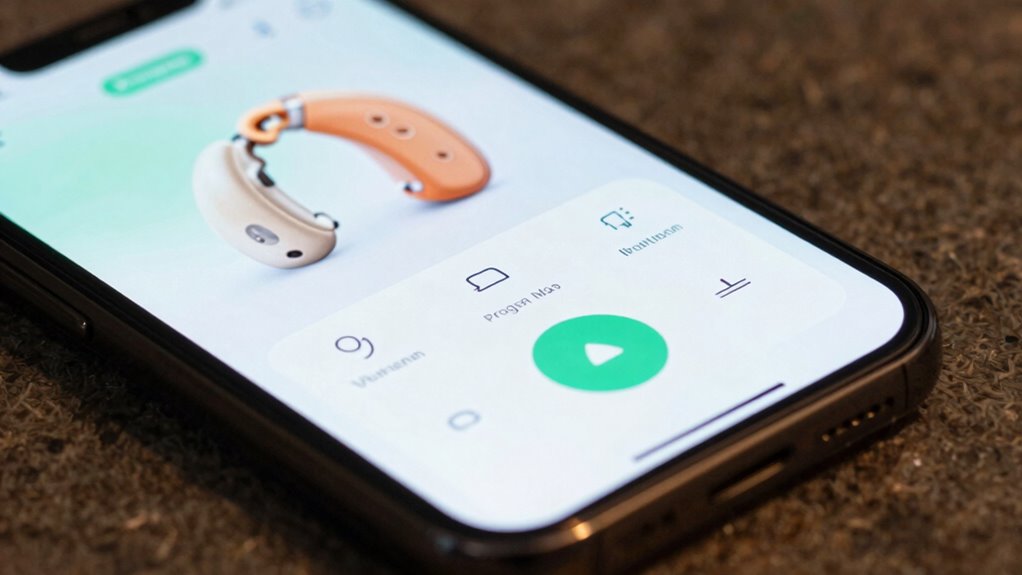
When your hearing aid app isn’t responding correctly or certain controls aren’t working as expected, troubleshooting can quickly resolve the issue. Start by checking if your app needs an update, as developers frequently release patches to fix bugs and improve stability. An outdated app can cause glitches in the user interface and control functions. If the app is current, try restarting it or reinstalling to reset the connection. Make sure your device’s Bluetooth or wireless connection is stable, as poor connectivity can hinder control responsiveness. Clearing the cache or resetting app settings can also help resolve lingering issues. If problems persist, consult the app’s support resources or contact customer service for further guidance. These steps often fix common control problems efficiently.
Tips for Optimizing Hearing Aid Settings for Daily Use
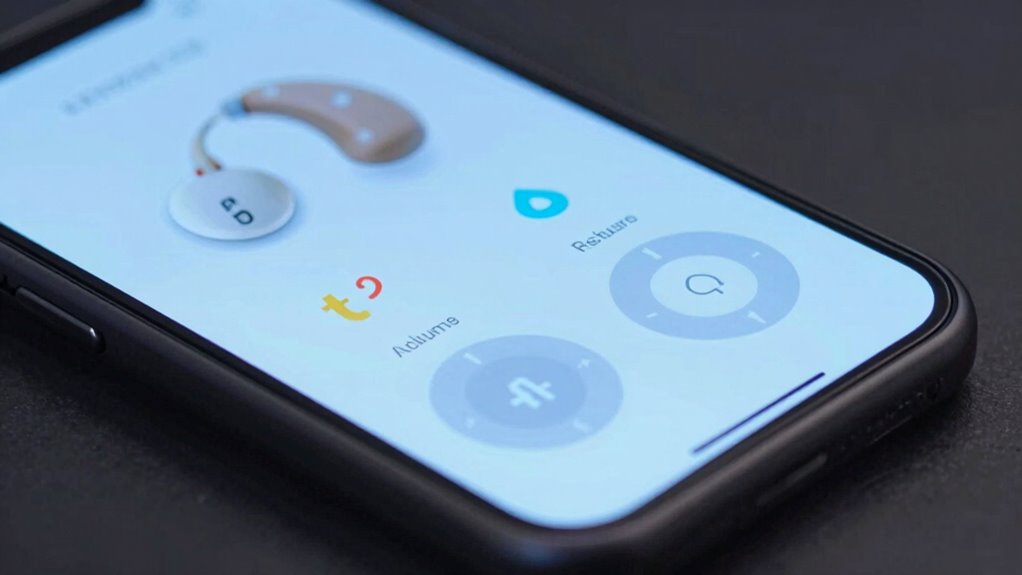
Optimizing your hearing aid settings for daily use can substantially enhance your comfort and hearing experience. Start by exploring the hearing aid app controls to tailor sound profiles to different environments. Adjust volume, treble, and bass settings for clarity and comfort. Pay attention to the user interface design—choose apps that are intuitive and easy to navigate, so you can make quick adjustments on the go. Regularly review and update your preferred settings based on changing environments or preferences. Consider creating custom programs for specific situations like noisy places or quiet rooms. Keep your app updated to access new features and improvements. Simplify your controls to avoid unnecessary adjustments, ensuring you stay focused on listening rather than fiddling with settings.
Frequently Asked Questions
Can I Customize Notifications for Hearing Aid App Alerts?
Yes, you can customize notifications for your hearing aid app alerts. You simply access the app’s settings menu and find the notification or alert preferences section. From there, you can tailor notification types, sounds, and vibration patterns to suit your needs. This notification customization allows you to stay informed without being overwhelmed, ensuring you receive important alerts while maintaining a comfortable listening experience.
How Secure Is My Data Within the Hearing Aid App?
Your data within the hearing aid app is generally secure, but privacy concerns still exist. The app uses data encryption to protect your personal information from unauthorized access. However, you should review the app’s privacy policy to understand how your data is stored and shared. Always keep your app updated and be cautious about granting permissions, ensuring your sensitive information stays protected while enjoying your hearing aid features.
Are There Compatibility Issues With Certain Smartphone Models?
Did you know over 85% of users experience seamless smartphone compatibility? You might encounter issues if your device isn’t on the list, but most problems stem from outdated app update frequencies. To avoid compatibility hiccups, make sure your smartphone meets the latest system requirements and keeps the hearing aid app updated regularly. This way, you’ll enjoy smooth control and peak performance, regardless of your device model.
Can I Control Multiple Hearing Aids With a Single App?
Yes, you can control multiple hearing aids with a single app. Many hearing aid apps support multi-device management through app synchronization, allowing you to adjust settings for each device seamlessly. You simply pair all your hearing aids to the app, and then manage them together or individually. This makes it easier to customize your hearing experience without switching between different apps or devices, providing greater convenience and control.
How Often Should I Update the App for Optimal Performance?
Think of your hearing aid app like a trusty compass—you need it refreshed regularly to stay accurate. You should check for app updates at least once a month, as they often include improvements and bug fixes. Keep notification customization in mind too; updates may enhance these features. Staying current ensures your controls work smoothly, helping you get the most out of your hearing aids with minimal hassle.
Conclusion
By mastering your hearing aid app controls, you can personalize your listening experience and enjoy clearer sound every day. Did you know that adjusting noise reduction settings can reduce background noise by up to 50%, making conversations more natural? Keep experimenting with your presets and troubleshoot issues quickly. When you take control of your hearing aid, you’re not just hearing better—you’re reconnecting with the world around you more confidently.