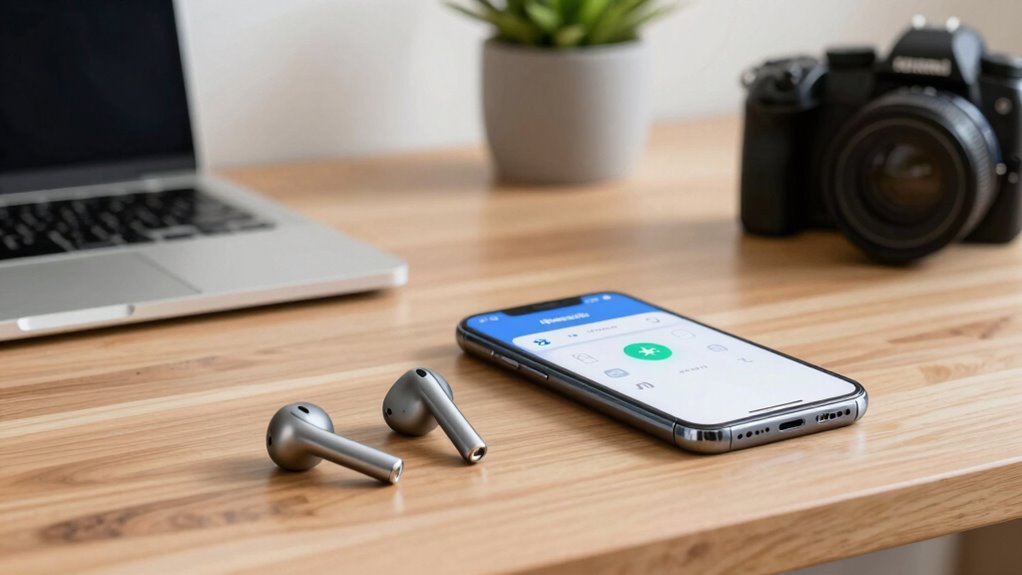

Multipoint Bluetooth lets you connect one device to multiple Bluetooth devices at the same time, so you don’t have to constantly re-pair each time you switch. It manages all connections smoothly, allowing seamless device changes without interrupting audio or data transfer. This feature saves you time and hassle, making multitasking easier. If you’d like to know how it works and how to set it up, keep exploring the details below.
Key Takeaways
- Multipoint Bluetooth allows simultaneous connections to multiple devices, eliminating the need for constant re-pairing when switching.
- It manages multiple connections through separate channels, enabling seamless device switching without disconnecting.
- The feature supports stable, reliable links, reducing interruptions and re-pairing frequency during device transitions.
- Proper setup and compatible devices ensure continuous multi-device connectivity, minimizing the hassle of re-pairing.
- Future Bluetooth advancements will further enhance multi-device stability and ease of switching, reducing re-pairing needs.

1Mii B06TX Bluetooth 5.3 Transmitter for TV to Wireless Headphone/Speaker, Bluetooth Adapter for TV w/Volume Control, AUX/RCA/Optical/Coaxial Audio Inputs, Plug n Play, aptX Low Latency & HD
【Enter Wireless Age w/ Minimal Cost】Upgrade non-smart/non-Bluetooth TV to pair headphones for enhancing your hearing or get an...
As an affiliate, we earn on qualifying purchases.
What Is Multipoint Bluetooth and Why It Matters
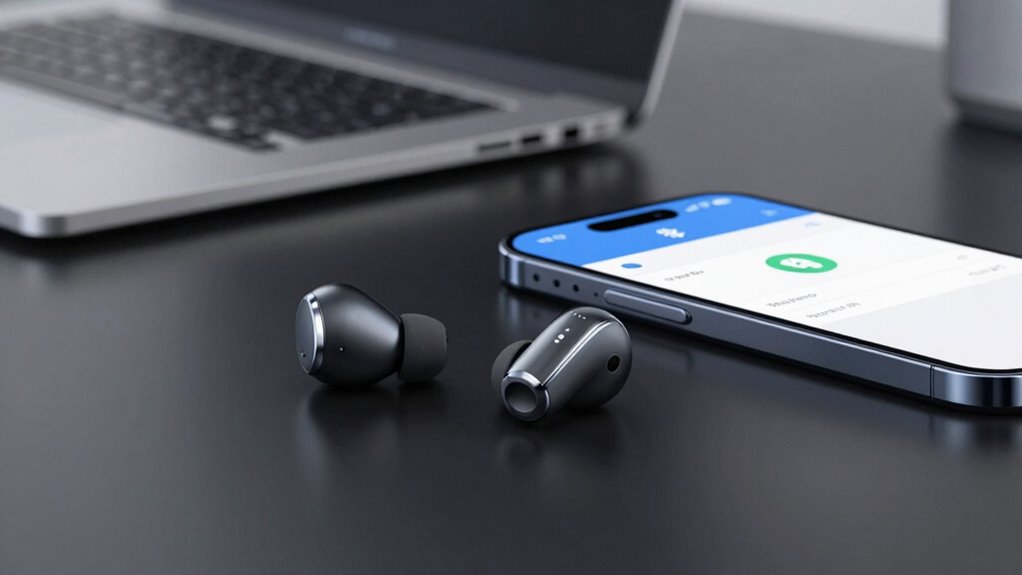
Multipoint Bluetooth allows a device to connect simultaneously to two or more Bluetooth-enabled devices, making it easier to manage multiple connections without switching manually. This feature is especially useful when you want to listen to music on your headphones while taking calls on your phone or tablet. Additionally, some devices support multi-device connectivity, which can enhance overall user experience by streamlining device management. Being aware of connection stability issues can help you troubleshoot potential problems and maintain a reliable connection. However, you should be aware of potential issues like audio latency, which can cause slight delays in sound synchronization, especially with videos or gaming. Device compatibility is also vital; not all Bluetooth devices support multipoint connections, so check whether your headphones, earbuds, or speakers are compatible. Understanding Bluetooth device compatibility can help prevent connection issues and maximize performance. Furthermore, considering power consumption is important, as maintaining multiple active connections can drain your device’s battery more quickly. Also, battery life impact is an important consideration when using multipoint Bluetooth connections regularly.

Avantree Audikast 4 - Auracast & Bluetooth TV Transmitter for Headphones & Selected Hearing Aids, aptX Adaptive & HD, Optical & AUX Output, Future-Ready & Upgradeable
【Check TV Compatibility Before Buying】Your TV must have Optical (TOSLINK) or 3.5 mm AUX output. TVs with HDMI...
As an affiliate, we earn on qualifying purchases.
How Does Multipoint Bluetooth Work?
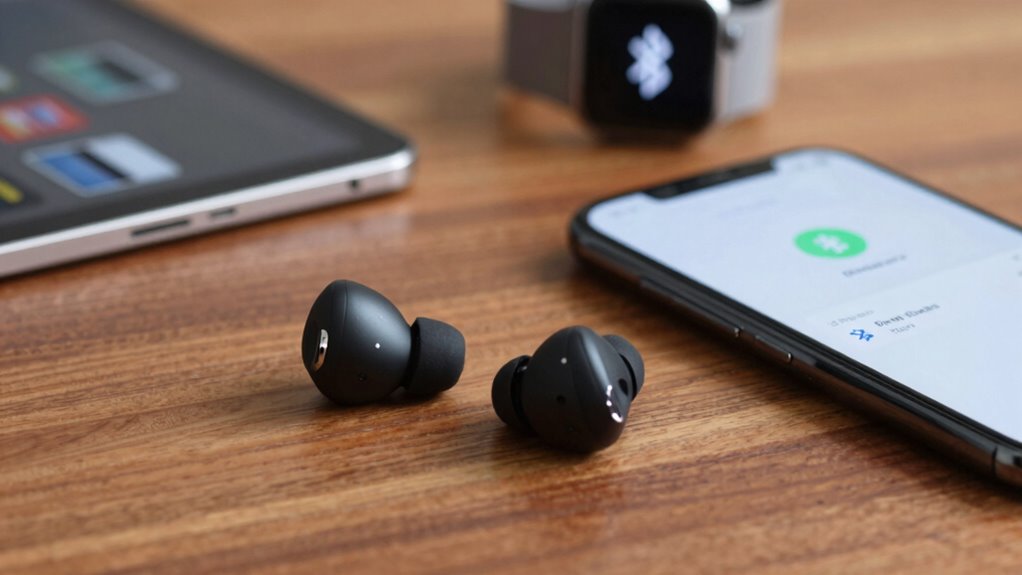
When your device supports multipoint Bluetooth, it can manage multiple connections at once by establishing separate communication channels with each device. This allows you to stay connected to your wireless charging-compatible earbuds and switch seamlessly between your phone and tablet without re-pairing. The device handles these connections intelligently, prioritizing audio streams and data transfer as needed. For example, you can use a voice assistant on one device while listening to music from another. Seamless device switching ensures a smooth transition between connected devices, even during active use. It’s designed to work behind the scenes, maintaining stable links with multiple devices simultaneously, so you don’t have to disconnect and reconnect repeatedly. This connection management makes multitasking effortless with multipoint Bluetooth-enabled gadgets. Simple systems help keep your devices organized and functioning smoothly, reducing the frustration of constant re-pairing. Additionally, connection stability is enhanced, providing a more reliable experience during everyday use. With efficient connection handling, users can enjoy uninterrupted activity across multiple devices without hassle.
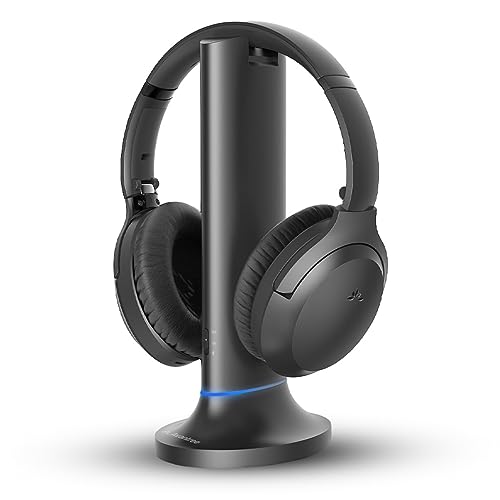
Avantree Opera Plus – Wireless Headphones for TV Watching, Clear Dialogue & Volume Boost for Seniors, Optical Soundbar Passthrough, Charging Transmitter Base
【Designed for Clear TV Dialogue】Designed for wireless TV watching, ideal for seniors or viewers who struggle to hear...
As an affiliate, we earn on qualifying purchases.
Benefits of Multipoint Bluetooth Devices
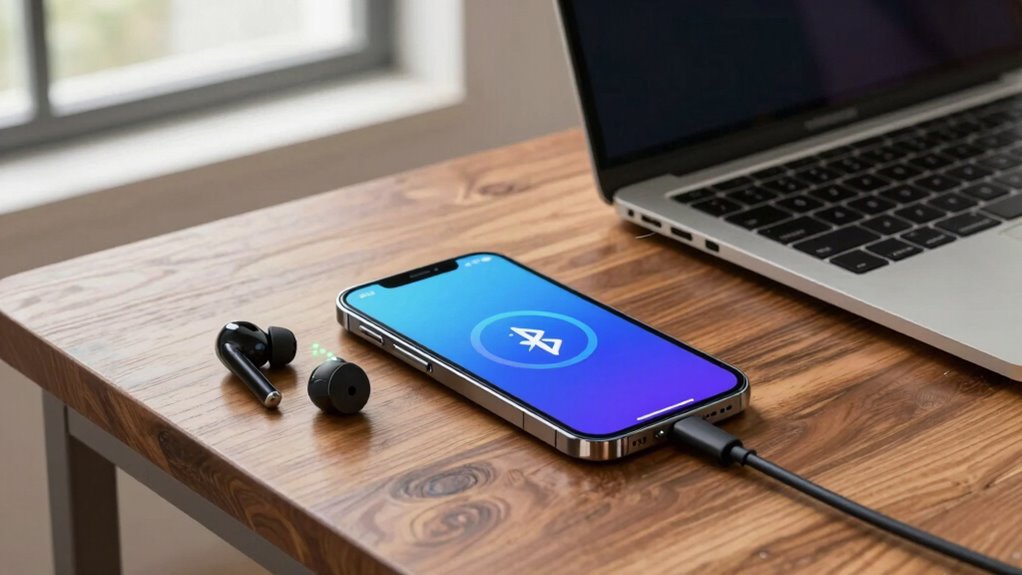
With multipoint Bluetooth devices, you can switch between your gadgets effortlessly, saving time and hassle. This feature boosts your productivity by allowing you to stay connected to multiple devices at once. As a result, you can work more efficiently and stay focused on what matters most. Additionally, connected home fitness devices can seamlessly integrate with your smart home setup, creating a cohesive and efficient workout environment. Understanding media literacy can help you better evaluate the information and trends presented through these technologies. Incorporating privacy considerations into your device management ensures your personal data remains protected while enjoying the benefits of multipoint connectivity. Being aware of digital security practices is essential to safeguarding your devices and personal information in a connected world. Recognizing proper device use can prevent common issues like disconnects and data loss, enhancing your overall experience.
Seamless Device Switching
Seamless device switching is one of the biggest advantages of multipoint Bluetooth devices, allowing you to move effortlessly between multiple gadgets without reconnecting or missing a beat. This feature guarantees your audio continues smoothly, minimizing issues like audio latency that can disrupt your experience. You won’t need to disconnect and reconnect each time you switch devices, saving you time and frustration. Additionally, curiosity about how these devices manage their connections can help you better understand their capabilities. Keep in mind that switching frequently can impact battery consumption, as the device constantly maintains connections with multiple gadgets. Despite this, most multipoint Bluetooth devices optimize power management to prevent excessive drain. European cloud innovation plays a role in supporting these advanced features by providing reliable and sustainable connectivity solutions. Moreover, technology integration enhances the overall performance and stability of connection handoffs, ensuring a more reliable user experience. Overall, seamless device switching offers convenience and efficiency, making it easier to stay connected across your various devices without sacrificing audio quality or productivity.
Enhanced Productivity Options
Multipoint Bluetooth devices considerably boost your productivity by enabling you to manage multiple connections simultaneously. This allows you to switch seamlessly between work and personal devices without re-pairing, saving time and reducing frustration. With features like wireless charging, your device stays powered up longer, ensuring uninterrupted use. Voice command integration lets you control your device hands-free, making multitasking easier—whether you’re on calls or managing notifications. Imagine walking into a meeting and simply speaking to answer a call, or charging your device effortlessly while working. These enhanced options streamline your workflow, minimize downtime, and help you stay focused. Multipoint Bluetooth truly enhances your efficiency by combining convenience with advanced features designed to support your busy lifestyle.

HearSound Gold - Digital Wireless Headset System for TV with Earbuds - Ideal for Seniors or Hearing Impaired - All TVs Compatible, No line of sight required, 100 ft. range, Rechargeable 12hr battery
Fully Digitally ENHANCED TV LISTENING EXPERIENCE: Elevate your TV-watching with HearSound Gold Wireless Headset, perfect for seniors and...
As an affiliate, we earn on qualifying purchases.
How to Set Up Multipoint Bluetooth Connections
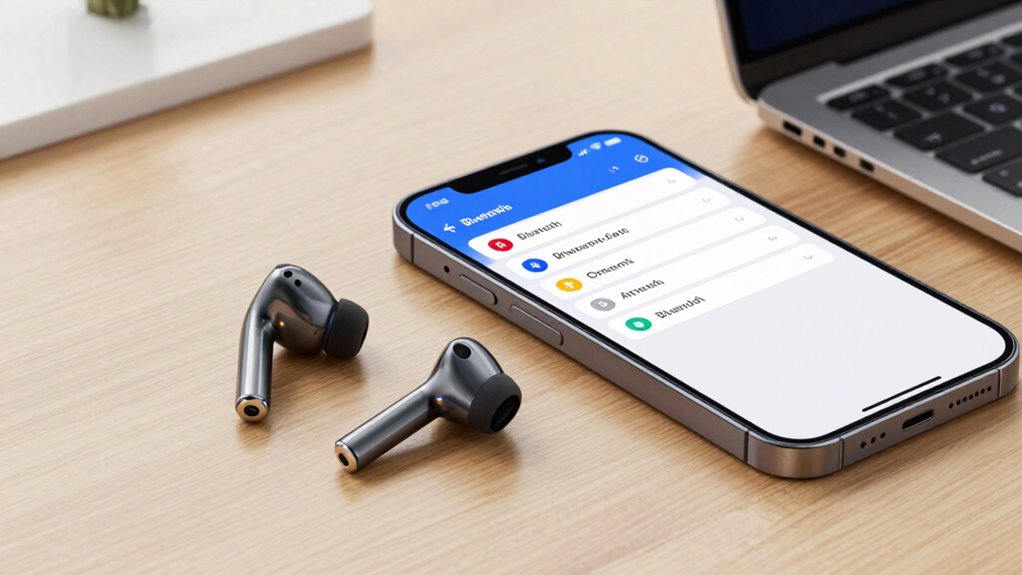
Setting up multipoint Bluetooth connections allows you to connect your device to multiple audio sources simultaneously, making it easier to switch between calls and media without disconnecting. To do this, ensure your device and headphones support multipoint pairing. Put your headphones in pairing mode, then connect to your first device. Next, activate pairing mode again and connect to your second device. Keep in mind, multipoint can sometimes cause audio lag or increased battery drain. Here’s a quick overview:
| Step | Action | Tips |
|---|---|---|
| 1 | Enable Bluetooth on both devices | Keep devices close to avoid audio lag |
| 2 | Enter headphones pairing mode | Charge your device to prevent battery drain |
| 3 | Connect to each device | Monitor battery life during use |
| 4 | Manage your device’s power settings to extend battery life |
This setup helps you switch seamlessly, but watch out for potential audio lag and battery drain. Being aware of power management techniques can help extend your device’s battery life during extended use. Additionally, understanding Bluetooth profiles can improve your experience by ensuring compatibility and performance during multipoint connections. To optimize the connection, you might also consider firmware updates, which can enhance overall stability and functionality.
Troubleshooting Bluetooth Connection Problems
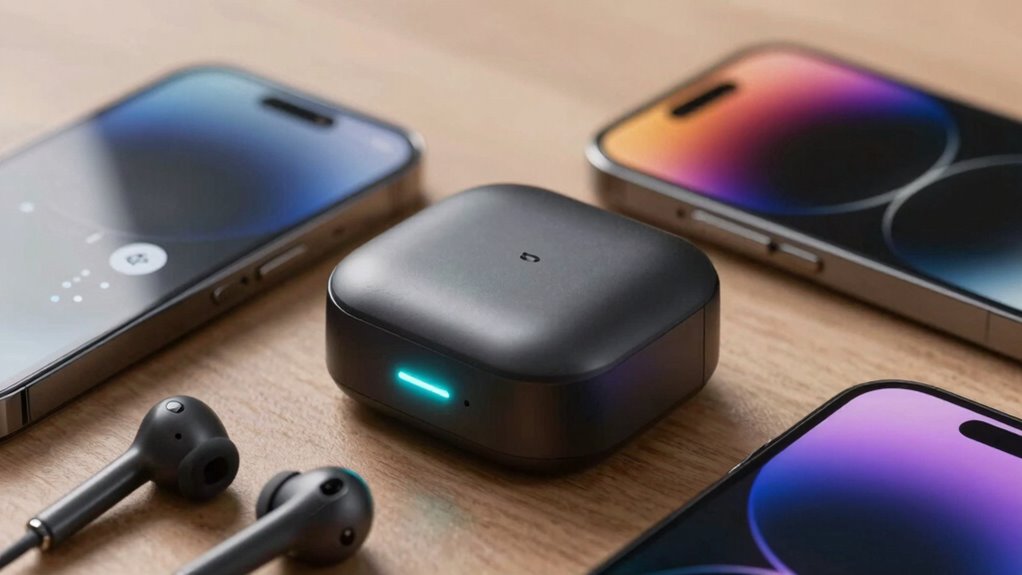
If your Bluetooth connection isn’t working properly, troubleshooting can help identify and fix the issue quickly. Poor Bluetooth audio quality or compatibility issues often cause connection problems. Start by checking for interference from other wireless devices or obstacles between your device and the Bluetooth source. Confirm your devices are within the ideal range, usually about 10 meters. Verify that both devices are compatible and support the same Bluetooth version. Restart both devices to reset the connection. If problems persist, try removing the device from your paired list and re-pairing it. Additionally, update your device’s firmware or Bluetooth drivers. These steps can resolve most connection hiccups and enhance Bluetooth audio quality, keeping your multi-device setup seamless. Maintaining a clear line of sight can also improve connection stability and prevent frequent disconnections. Regularly inspecting and cleaning your Bluetooth device’s antenna or antenna ports can also help improve signal strength and overall performance. Being aware of potential interference sources, such as Wi-Fi networks or other electronic devices, can further improve your Bluetooth reliability. For optimal results, consider also adjusting device placement to minimize interference and maximize signal quality.
Multipoint vs. Traditional Bluetooth Pairing

While troubleshooting Bluetooth connection issues can resolve many problems, understanding how devices connect is equally important. Traditional Bluetooth pairing links only one device at a time, requiring re-pairing when switching. In contrast, multipoint Bluetooth allows you to connect multiple devices simultaneously, saving time and reducing frustration. This setup enhances voice assistant integration, letting you switch between calls or media without disconnecting. Plus, multipoint can improve battery optimization by minimizing repeated pairing processes. Here’s a quick comparison:
| Feature | Traditional Bluetooth | Multipoint Bluetooth |
|---|---|---|
| Device Connections | One device at a time | Multiple devices simultaneously |
| Re-pairing Needed | Yes | No |
| Use Case | Single device use | Multi-device convenience |
Choosing multipoint makes your experience smoother and more efficient.
The Future of Bluetooth Technology
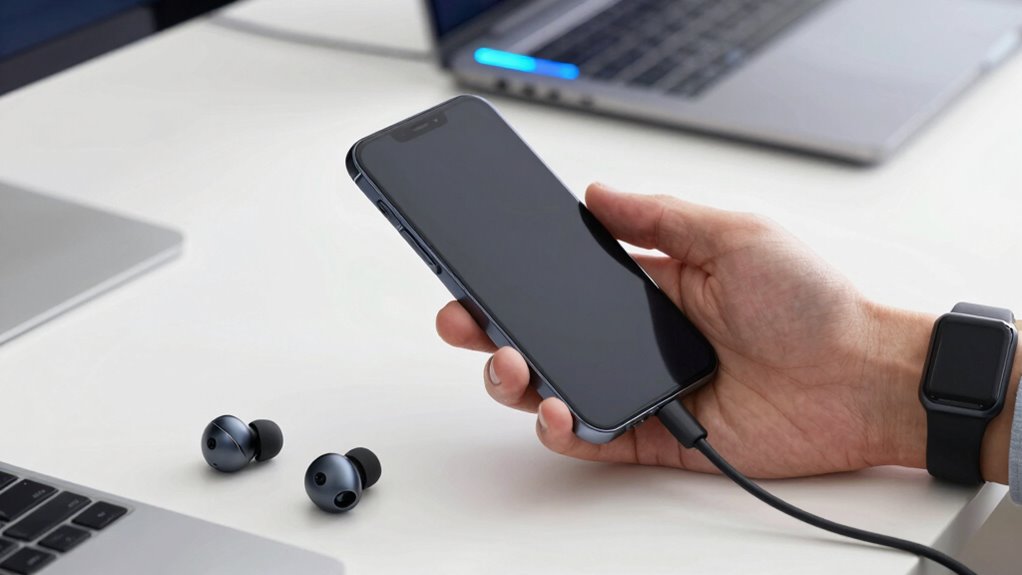
The future of Bluetooth technology will bring you enhanced device connectivity and the ability to use multiple devices seamlessly. Expect advancements that expand Bluetooth range, making connections more reliable and flexible. These improvements will transform how you interact with your devices daily.
Enhanced Device Connectivity
Enhanced device connectivity is set to revolutionize Bluetooth technology by enabling multiple devices to communicate seamlessly simultaneously. This advancement means you won’t need to disconnect and reconnect devices constantly, making your experience smoother. Expect improved battery life since devices can share power more efficiently, reducing drain. Audio quality will also see a boost, providing clearer sound with less latency across connected devices. Imagine streaming music to headphones while taking a call on your smartwatch without interruptions.
- Effortless switching between devices without re-pairing
- Consistent, high-quality audio across all gadgets
- Longer-lasting battery life through optimized connections
- Streamlined device management within a single ecosystem
This progress transforms how you connect, making multi-device use more reliable and convenient.
Seamless Multi-Device Use
As Bluetooth technology continues to evolve, seamless multi-device use is becoming a reality that transforms how you connect and switch between gadgets. Now, you can effortlessly move from your phone to your tablet or laptop without re-pairing, enhancing your experience. This future prioritizes maintaining ideal battery life while delivering consistent audio quality across devices. Imagine switching from listening to music on your headphones to taking a call on your speaker without interruption. Here’s what to expect:
| Device Type | Switching Speed | Battery Impact |
|---|---|---|
| Headphones | Instantaneous | Minimal |
| Speakers | Rapid | Low |
| Laptops | Seamless | Moderate |
| Smartphones | Smooth | None |
Seamless multi-device use simplifies your daily tech interactions, making connectivity more intuitive.
Advancements in Bluetooth Range
Advancements in Bluetooth range are expanding the possibilities for wireless connectivity, allowing you to stay connected over greater distances without sacrificing performance. This means you can enjoy seamless wireless audio streaming throughout your home or control smart home devices from afar. Future improvements will likely include:
- Extended distances for reliable smart home device communication
- Enhanced wireless audio quality in larger spaces
- Reduced latency for smoother multi-device use
- Increased stability for outdoor or multi-room setups
These innovations will make your wireless experience more flexible and dependable, whether you’re moving around your house or enjoying entertainment in different rooms. As Bluetooth technology advances, expect more robust connections that support your smart home ecosystem and high-quality wireless audio with minimal interruptions.
Frequently Asked Questions
Can Multipoint Bluetooth Connect to Multiple Device Types Simultaneously?
Yes, multipoint Bluetooth can connect to multiple device types simultaneously, provided they are compatible. You benefit from seamless device compatibility, allowing you to switch between your phone, tablet, or laptop without re-pairing. This feature enhances connection stability, so your audio or calls stay steady even as you move between devices. Just make certain all devices support multipoint Bluetooth to enjoy smooth, uninterrupted connections across multiple gadgets effortlessly.
Is There a Limit to the Number of Devices a Multipoint Bluetooth Can Connect?
Yes, there is a limit to the number of devices a multipoint Bluetooth can connect to, usually two or three. This depends on device compatibility and the specific Bluetooth version. Keep in mind, more connections can impact connection stability, so managing your device connections is vital for smooth performance. Always check your device’s specifications to guarantee it supports your desired number of simultaneous connections for maximum use.
Do All Bluetooth Devices Support Multipoint Connections?
Think of Bluetooth devices as travelers at a busy station—only some have the passport for multipoint connections. Not all support it, so you need to verify device compatibility before pairing. The pairing procedures vary, and if a device isn’t designed for multipoint, it won’t handle multiple connections smoothly. Always review your device’s specs to guarantee it can connect to multiple gadgets simultaneously, saving you from unnecessary re-pairing.
How Does Multipoint Bluetooth Affect Battery Life?
Multipoint Bluetooth can slightly increase battery drain because your device manages multiple connections simultaneously. This requires more power for continuous communication and data transfer. To conserve battery life, you should enable power management features on your device, which help optimize power use during active connections. While it may reduce battery life a bit, the convenience of seamless switching between devices often outweighs the extra power consumption.
Are There Security Risks With Multipoint Bluetooth Pairing?
Yes, there are security risks with multipoint Bluetooth pairing. Since multiple devices connect simultaneously, it can create vulnerabilities if device compatibility issues lead to weak pairing security. You should guarantee your devices use strong, updated security protocols and avoid pairing with unknown or untrusted devices. Always verify the devices you’re connecting to and disable multipoint pairing when not needed to reduce potential security threats.
Conclusion
Think of multipoint Bluetooth as a bridge that unites your devices, letting them communicate seamlessly like a well-coordinated dance. It’s a symbol of connection without chaos, where your gadgets flow together effortlessly. By embracing this feature, you create a smooth, harmonious tech landscape—no more tangled cords or constant re-pairing. As Bluetooth evolves, multipoint stands as a beacon of convenience, guiding you toward a future where your devices work together like a steady, trusted symphony.