
To get clear audio anywhere with neckloops and telecoils, make certain your hearing aid supports telecoil mode. Position the neckloop close to your ear, and activate the telecoil setting for direct sound transmission. Keep the device away from interference sources, and adjust volume for clarity. Regularly check connections and proper placement. If you keep these tips in mind, you’ll improve your listening experience—more helpful details follow if you continue exploring.
Key Takeaways
- Ensure your hearing aid supports telecoils and activate the T-coil mode for direct sound transmission.
- Position the neckloop comfortably around your neck, close to the telecoil for optimal magnetic signal reception.
- Keep the neckloop and connections clean, and verify proper placement to reduce interference and improve sound clarity.
- Use compatible wireless accessories like Bluetooth adapters or microphones to enhance signal strength and reduce background noise.
- Minimize electronic interference by avoiding close proximity to electronic devices and switching off unnecessary wireless gadgets.
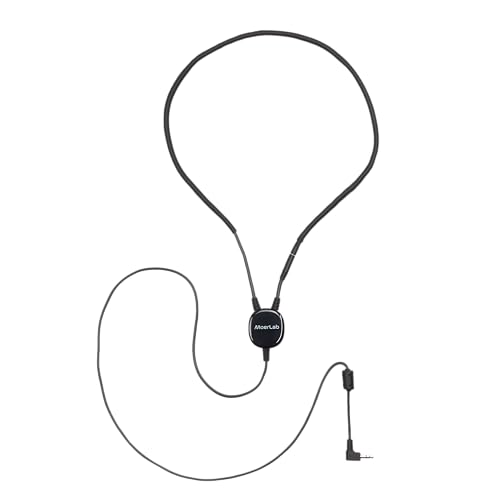
Moerlab T-Connect™ Tele-Coil Neckloop for Hearing Aids – Assistive Listening Loop with 3.5 mm Plug, Compatible with T-Coil & Cochlear Implants, for Theaters, Museums & Public Venues
【Designed for T-Coil Hearing Devices】 T-Connect is designed for hearing aids and cochlear implants equipped with a Tele-Coil…
As an affiliate, we earn on qualifying purchases.
As an affiliate, we earn on qualifying purchases.
What Are Neckloops and Telecoils, and How Do They Work?

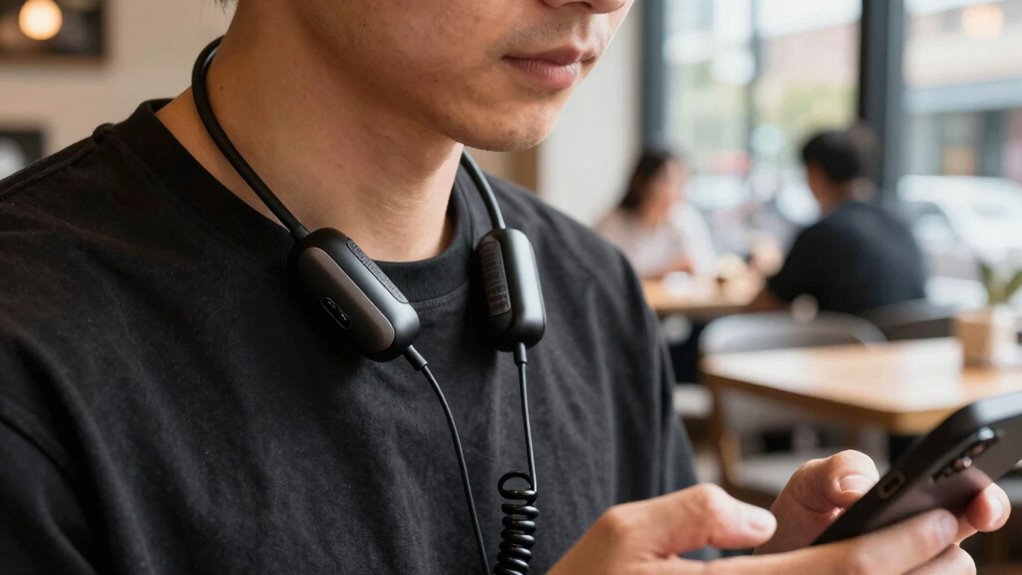
Neckloops and telecoils are essential tools that help you hear more clearly in noisy environments. These are part of modern hearing technology, designed to connect your hearing aids to external sound sources. A telecoil, or T-coil, is a small coil inside your hearing aid that picks up magnetic signals from compatible devices. Neckloops are assistive devices that create a magnetic field when you wear them around your neck. When you activate your hearing aid’s telecoil and stand near a neckloop, the device transmits sound directly to your hearing aid, reducing background noise. This setup allows for clearer, more focused audio without the need for bulky headphones. Additionally, the use of telecoils and neckloops enhances the compatibility of hearing aids with various assistive listening devices, making communication more seamless in diverse environments. Overall, neckloops and telecoils improve your listening experience by seamlessly integrating with your hearing technology.

Enersound NKL-401 Professional Neckloop with Break Away Safety Feature, 3.5mm Mono Plug, Black, Compatible with Hearing Aid, Audio Device with 3.5mm Mono Jack (6-16 Ohms, 16 mW minimum)
Wireless connection to hearing aids equipped with a "T" coil
As an affiliate, we earn on qualifying purchases.
As an affiliate, we earn on qualifying purchases.
How Do Telecoils and Neckloops Improve Your Listening Experience?

Because they transmit sound directly to your hearing aids, telecoils and neckloops considerably enhance your listening experience, especially in noisy settings. They eliminate background noise by providing a direct wireless connection to sound sources like microphones, loop systems, or telephones. This wireless connectivity ensures you hear clearer, more focused audio without distortion or static. With improved hearing enhancement, you can better understand conversations in busy places like theaters, churches, or restaurants. Neckloops work seamlessly with telecoils, creating a reliable link that reduces the need to strain or ask others to repeat themselves. Overall, they allow you to enjoy a more natural, clearer sound, making social interactions more comfortable and less tiring. This technology truly transforms your listening experience wherever clear audio matters most.
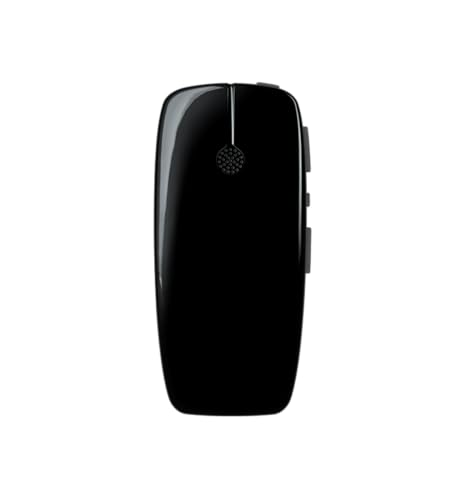
Re Sound Multi Mic Wireless Accessory for Hearing Aids – Remote Table Microphone with Telecoil – Line-in Audio – Rechargeable Design
Compatible with ReSound wireless hearing aids including ONE, OMNIA, Nexia, LiNX, Quattro, Enzo, Key, and Verso series
As an affiliate, we earn on qualifying purchases.
As an affiliate, we earn on qualifying purchases.
How Can You Check If Your Hearing Aid Supports Telecoils?

To determine if your hearing aid supports telecoils, start by checking the device itself. Look for a telecoil symbol or a switch labeled “T” for telecoil. Many modern hearing aids include telecoil features as part of their hearing aid compatibility options. You can also consult your user manual or contact your audiologist for confirmation. Here’s a quick reference:
| Feature | Description |
|---|---|
| Telecoil Symbol | Usually marked with a “T” or coil icon |
| Manual Switch | Allows toggling between mic and telecoil |
If you see these indicators, your hearing aid likely supports telecoils. Confirming telecoil features helps you maximize your hearing aid’s compatibility with neckloops and other assistive listening devices.

Avantree Audikast 4 – Auracast & Bluetooth TV Transmitter for Headphones & Selected Hearing Aids, aptX Adaptive & HD, Optical & AUX Output, Future-Ready & Upgradeable
【Check TV Compatibility Before Buying】Your TV must have Optical (TOSLINK) or 3.5 mm AUX output. TVs with HDMI…
As an affiliate, we earn on qualifying purchases.
As an affiliate, we earn on qualifying purchases.
How to Activate and Set Up Your Neckloop and Telecoil System for Best Sound
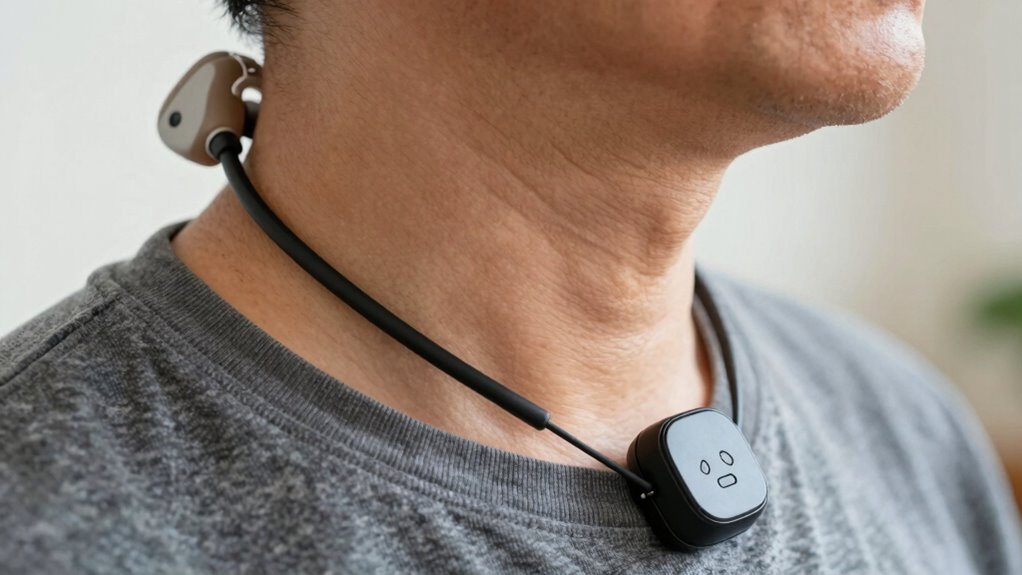
To get the best sound from your neckloop and telecoil system, start by enabling telecoil mode on your hearing aid. Then, adjust the volume to a comfortable level and make sure the neckloop is positioned close to your ear for optimum reception. Proper setup ensures clear, natural sound during your listening experience. For optimal performance, ensure your device is compatible with various accessories, including different types of loops and transmitters. Additionally, regularly checking your device settings can help maintain consistent audio quality. Paying attention to the audio source quality can also significantly improve your listening experience.
Enable Telecoil Mode
Enabling telecoil mode on your hearing device is a straightforward process that enhances your listening experience in compatible environments. First, access your hearing aid settings—this may involve pressing a button or browsing through a menu. Once in the settings, locate the telecoil or T-coil option and switch it on. Activating telecoil benefits include clearer sound, reduced background noise, and improved speech understanding, especially in public spaces like theaters or churches. Make sure your telecoil is properly activated before entering such environments to optimize audio clarity. If you’re unsure how to enable this feature, consult your hearing aid manual or visit your audiologist for guidance. Properly setting up telecoil mode ensures you get the most out of your neckloop system and enjoy clearer, more natural sound. Regularly checking your hearing device settings and telecoil activation can help maintain optimal performance.
Adjust Volume Settings
Wondering how to get the best sound quality from your neckloop and telecoil system? Start with volume adjustment to guarantee clear audio. Many devices allow you to fine-tune the volume for ideal sound calibration, matching the environment and your hearing needs. First, activate the telecoil mode on your hearing aid or cochlear implant. Then, use the volume control on your device or remote to increase or decrease the sound level gradually. Test the audio by listening to different sounds or speech, adjusting as needed for clarity without distortion. Proper sound calibration prevents audio from being too soft or overwhelming, helping you enjoy conversations or media effortlessly. Regularly revisiting volume settings ensures consistent, high-quality sound wherever you use your neckloop system. sound calibration is essential for optimal hearing aid performance and overall listening experience. Additionally, ensuring your device settings are correctly configured can help maintain audio clarity across different environments. To further improve your experience, consider consulting with an audiologist about device adjustments tailored to your specific needs.
Position Neckloop Properly
Properly positioning your neckloop is key to achieving clear, consistent sound. To do this, ensure the neckloop sits comfortably around your neck, with the telecoil aligned properly with your hearing aid’s receiver. Correct neckloop positioning improves telecoil alignment, which enhances sound quality and reduces interference. Keep the loop centered and close to your hearing aid’s telecoil. Adjust the loop’s placement if you notice distorted or weak audio. Use the following table to guide your setup:
| Neckloop Positioning | Telecoil Alignment |
|---|---|
| Loop sits evenly | Telecoil faces hearing aid coil |
| Close to the neck | Proper orientation for clarity |
| Not too tight | Avoid shifting during use |
| Centered around neck | Consistent sound delivery |
| Comfortable fit | Maintains telecoil alignment |
Ensuring the proper placement of your neckloop can significantly improve your listening experience. Additionally, being aware of telecoil technology and how it interacts with different devices can help you optimize your setup for various environments.
Troubleshooting Common Issues With Neckloops and Telecoils
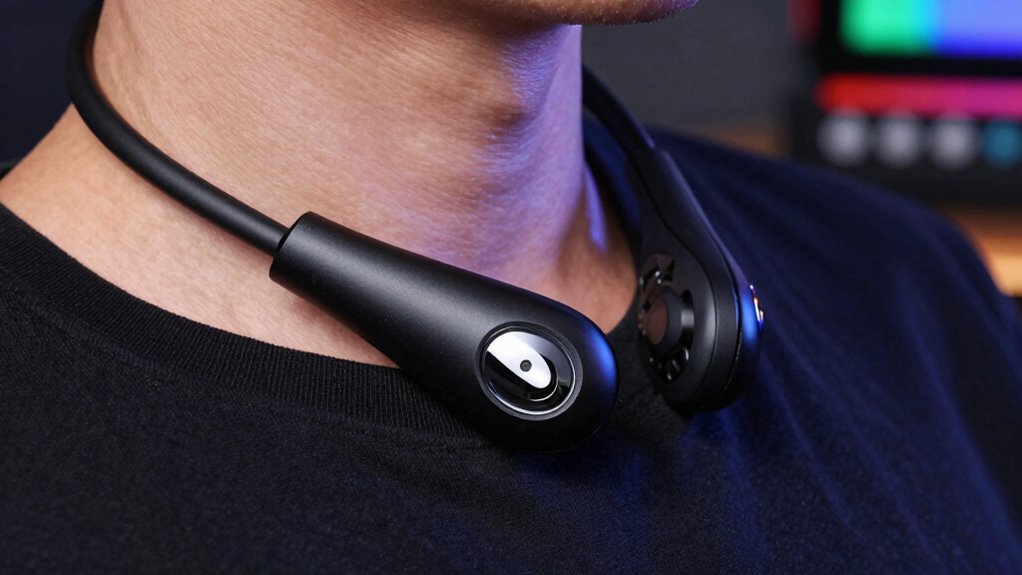
If you’re experiencing issues with your neckloop or telecoil system, start by checking for common interference sources like electronic devices or fluorescent lights. Make sure your neckloop is positioned correctly and close to your hearing aid or cochlear implant. Also, verify that your equipment is compatible with your hearing device to prevent connectivity problems. Additionally, understanding the role of ethics in entrepreneurship can help you troubleshoot and maintain trust in your assistive listening devices.
Common Interference Sources
Interference from nearby electronic devices is a common issue when using neckloops and telecoils, often disrupting sound clarity and volume. Common sources include wireless connectivity gadgets, fluorescent lights, and cell phones. These can cause static or buzzing sounds, making it hard to hear clearly. To minimize interference, keep your neckloop away from these devices and check your telecoil’s wiring. Also, make sure your device’s battery life is sufficient; low power can weaken signal strength, increasing susceptibility to interference. Here’s a quick overview:
| Interference Source | Effect | Tip |
|---|---|---|
| Wireless devices | Static, buzzing | Keep devices away or turn off |
| Fluorescent lights | Humming sound | Switch to LED lighting |
| Low battery | Weak signal | Regularly check and replace batteries |
| Nearby electronic devices | Increased interference | Be aware of electromagnetic interference and its impact on telecoil performance. Additionally, understanding signal strength can help optimize your setup for clearer audio. In some cases, using shielded cables can further reduce unwanted noise. Regularly testing your setup in different environments can help detect potential sources of interference before critical use. |
Proper Neckloop Placement
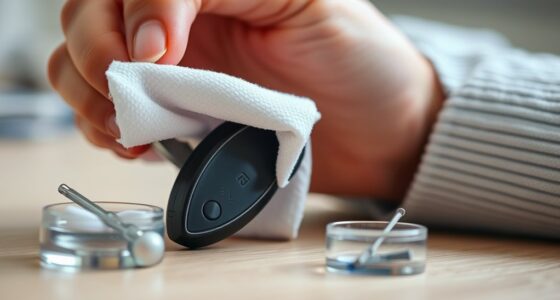
To guarantee your neckloop works effectively, paying close attention to its placement is essential. Position the neckloop so that the coil rests directly against your skin, usually just below your chin or around your neck. This ensures best signal transfer and reduces interference, which helps protect your ear health by avoiding excessive volume or distortion. Keep the cord slack to prevent tugging, which can disconnect or damage the device. Regular device maintenance, like cleaning the coil and checking connections, ensures reliable performance. Avoid placing the neckloop too high or too low, as improper positioning can cause muffled sound or feedback. Proper placement not only enhances audio clarity but also extends your device’s lifespan and maintains ear health. Additionally, understanding media literacy can help you better interpret audio signals and troubleshoot issues effectively. Being aware of device compatibility can further optimize your experience and prevent common problems. Ensuring correct neckloop placement can also minimize the risk of feedback and improve overall sound quality. Paying attention to proper device maintenance can further ensure consistent performance and longevity of your equipment. Moreover, using quality accessories can enhance overall device functionality and durability.
Compatibility Checks
Ensuring compatibility between your neckloop and telecoil device is crucial for peak performance. Start by checking wireless compatibility to confirm your telecoil works with your hearing aid or cochlear implant. Some devices may have specific frequency ranges or connection types, so verify these details beforehand. Next, confirm proper device integration by confirming the neckloop connects securely and matches your device’s input. If your equipment isn’t compatible, you might experience weak or distorted audio. Test your setup with different devices if possible. Remember, not all neckloops are universal; some require adapters or specific settings. Additionally, understanding wireless standards can help you choose the most reliable accessories for optimal performance. Being aware of compatibility considerations can save you time and frustration when troubleshooting. Checking device specifications carefully can help prevent common issues before they arise. By confirming wireless compatibility and device integration, you minimize troubleshooting and ensure you get clear, reliable audio every time.
Using Neckloops in Noisy Environments: Tips for Better Hearing
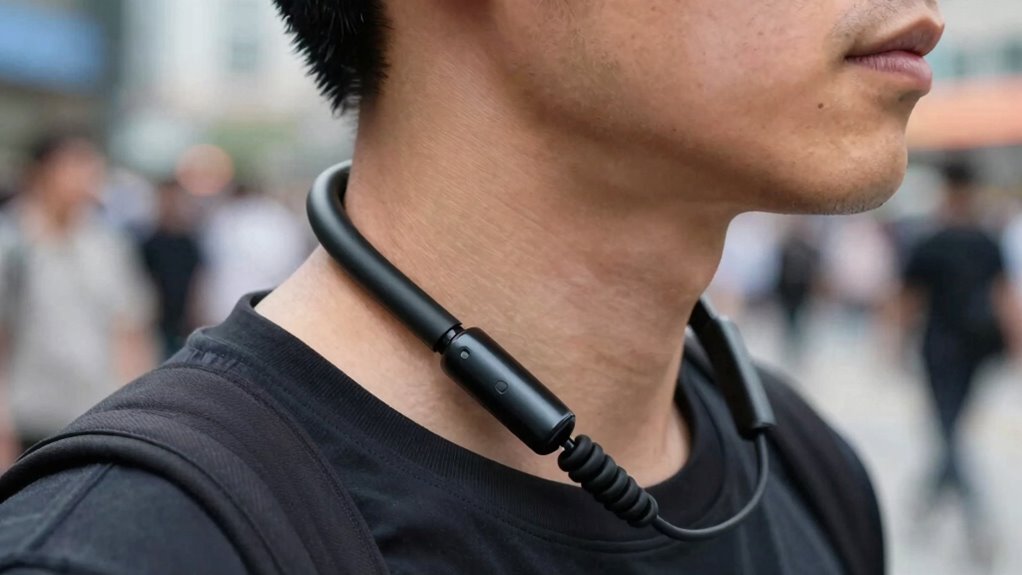
When you’re in a noisy environment, using a neckloop can considerably improve your hearing experience, but it’s important to optimize its placement and settings. Make sure the neckloop is positioned comfortably around your neck and close to your telecoil-equipped hearing device. Adjust the volume on your hearing aid or amplifier to ensure the sound is clear without distortion. Take advantage of wireless connectivity options, like Bluetooth, if available, to connect directly to your audio source. This reduces background noise and enhances sound clarity. Keep your device’s microphone away from the noise source, and consider using directional microphones if your device supports them. These tips help you maximize the benefits of your neckloop, making conversations clearer even in the loudest settings.
Should You Choose a Neckloop or a Telecoil-Based System? A Quick Comparison

Choosing between a neckloop and a telecoil-based system depends on your lifestyle and specific hearing needs. If you prioritize convenience, a wireless connectivity feature in a telecoil system offers seamless streaming from your devices. Neckloops are simple, reliable, and often have longer battery life, making them ideal for extended use.
Choosing between a neckloop and a telecoil system depends on your lifestyle and needs.
Consider these points:
- Do you need quick, effortless connection to various devices?
- Is long battery life a priority for all-day listening?
- Do you prefer a discreet, wired solution for reliability?
A telecoil system with wireless connectivity can enhance your experience, but check the battery life to avoid interruptions. Your choice should align with how you use your hearing aid daily and the environments you frequent.
How to Choose the Right Neckloop and Telecoil Devices for Your Needs
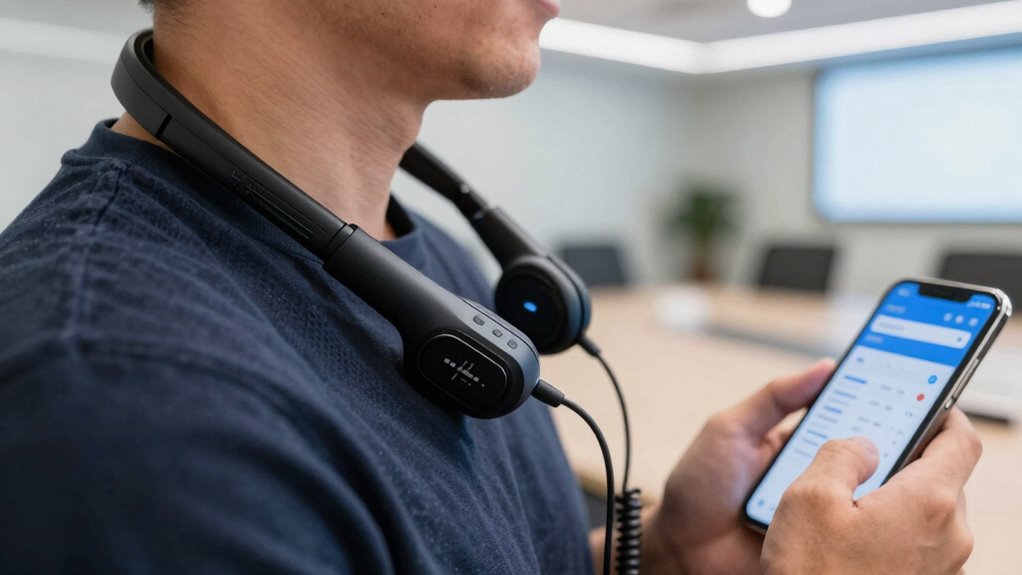
Selecting the right neckloop and telecoil devices involves evaluating your daily listening habits and environment. Consider where you’ll use the devices most often—whether at home, work, or public spaces—and how important wireless connectivity is for your lifestyle. If you frequently switch between devices, look for models with seamless device compatibility to avoid hassle. Check if the neckloop supports Bluetooth or other wireless options if you prefer a wireless connection. Ensure the telecoil works well with your hearing aids or cochlear implants. Think about factors like portability, durability, and ease of use. By understanding your specific needs and how you’ll connect your devices, you can choose a neckloop and telecoil system that delivers clear, reliable audio in any setting.
Enhancing Your Hearing Experience: Extra Tips and Accessories

Enhancing your hearing experience often involves more than just choosing the right neckloop and telecoil device; incorporating additional tips and accessories can make a significant difference. Improving wireless connectivity guarantees a stable connection, giving you clearer audio without interruptions. Pay attention to signal strength; a stronger signal provides richer sound quality and reduces static or dropouts. Consider accessories like portable amplifiers or Bluetooth adapters to expand your options. These tools can boost signal strength and enhance wireless connectivity, making conversations more natural and effortless.
- Feel confident knowing you can connect seamlessly to any device, no matter where you are
- Experience richer, clearer sound that brings conversations to life
- Enjoy greater independence and comfort in all your daily environments
Frequently Asked Questions
Can Neckloops Be Used With Smartphones or Only Hearing Aids?
Neckloops are primarily designed for hearing aid integration, but some models can be compatible with smartphones if they have a telecoil setting. To use a neckloop with your smartphone, you’ll need a device that connects to your phone’s audio jack or Bluetooth, along with a telecoil feature. Check your smartphone’s compatibility and consider a specialized adapter if necessary, ensuring clear audio transmission regardless of your device.
Are There Wireless Alternatives to Traditional Neckloops?
You might think wireless alternatives aren’t reliable, but many now use Bluetooth connections for seamless audio. Wireless transmitters are a great option, offering clear sound without the need for traditional neckloops. These devices easily connect to smartphones and hearing aids, providing convenience and mobility. So, yes, you can enjoy wireless audio, making it simpler to stay connected and hear clearly wherever you go.
How Long Do Telecoil Batteries Typically Last?
Telecoil batteries usually last about 1 to 3 weeks, depending on your device’s power consumption and usage frequency. If you use your telecoil frequently, expect the battery to drain faster. Keep in mind, lower power consumption prolongs battery life, so turning off your telecoil when not in use helps conserve power. Regularly check and replace batteries to ensure clear, uninterrupted audio.
Can Neckloops Be Worn Comfortably During Physical Activities?
You can definitely wear neckloops comfortably during physical activity, feeling like you’re barely wearing anything at all. Designed with flexible, lightweight materials, they stay snug without restricting movement. Whether you’re jogging, cycling, or dancing, these neckloops adapt seamlessly to your body. Their comfortable wear guarantees you enjoy clear audio without distraction or discomfort, making them perfect companions for active, energetic days.
Are There Specific Brands Recommended for Compatibility and Durability?
You should look for brands known for strong compatibility and durability, like Williams Sound or Listen Technologies. These brands design neckloops that work well with various telecoil systems and stand up to active use. When choosing, consider durability considerations such as sturdy materials and secure connectors. Investing in reputable brands guarantees your neckloop remains reliable and comfortable during physical activities, providing clear audio wherever you go.
Conclusion
With the right neckloop and telecoil setup, you can enjoy crystal-clear sound anywhere. Did you know that over 60% of hearing aid users report improved listening in noisy environments with telecoil devices? By understanding how they work and choosing the right system, you’ll experience better conversations and a more connected world. Don’t let background noise hold you back—embrace these tools and hear what matters most, anytime and anywhere.