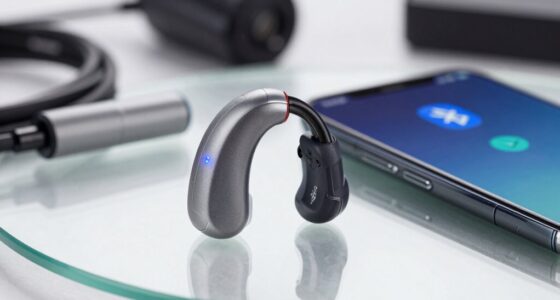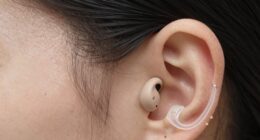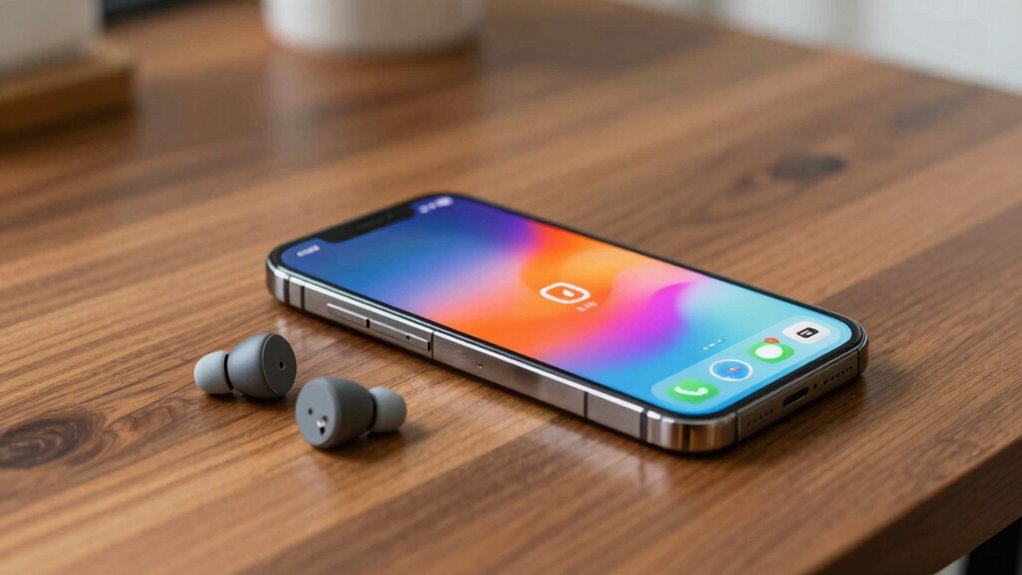
To pair your hearing aids with iPhone or Android without hassle, first verify they support Bluetooth profiles like HFP and A2DP, and are compatible with your device’s OS. Turn on Bluetooth, activate pairing mode on your hearing aids, and select them from your phone’s list of available devices. Keep devices close, charge your hearing aids, and update firmware for smooth connection. Want to learn more tips to make the process even easier?
Key Takeaways
- Ensure hearing aids support compatible Bluetooth profiles (HFP, A2DP) for smooth pairing with iPhone and Android devices.
- Enable Bluetooth and activate pairing mode on hearing aids, then select them from your phone’s Bluetooth settings.
- Keep devices close, charged, and free from interference during pairing to prevent connection issues.
- Regularly update the firmware and pairing app for optimal compatibility and sound quality.
- Reset devices and troubleshoot interference sources if pairing problems persist for a headache-free experience.
How to Choose Hearing Aids Compatible With Your Smartphone

When selecting hearing aids, it’s vital to evaluate their compatibility with your smartphone because seamless connectivity enhances your overall experience. Start by checking the Bluetooth profiles supported by the device; these profiles determine how well your hearing aids communicate with your phone. Make certain the hearing aids are compatible with your smartphone’s operating system—iPhone or Android—and support the necessary Bluetooth profiles like HFP (Hands-Free Profile) or A2DP (Advanced Audio Distribution Profile). Device compatibility isn’t just about the brand but also about the specific features and Bluetooth versions. Confirm that your phone’s Bluetooth version matches or exceeds what the hearing aids require. Additionally, understanding European cloud innovation can help you find hearing aids that prioritize secure and reliable connectivity. This way, you’ll enjoy smooth streaming, easy control, and a hassle-free connection every time you use your hearing aids with your smartphone. Ensuring wireless audio streaming capabilities can significantly improve your overall experience and convenience. For optimal performance, consider hearing aids that support digital compatibility standards, ensuring they stay current with evolving wireless technology.
How to Pair Hearing Aids With iPhone and Android Devices Seamlessly?

Seamlessly pairing your hearing aids with your iPhone or Android device starts with verifying both devices are ready for connection. First, check that your hearing aids support Bluetooth connectivity and are compatible with your smartphone. Enable Bluetooth on your device and make sure your hearing aids are in pairing mode—usually indicated by a blinking light. Open the relevant app or settings menu on your phone to search for nearby devices. When your hearing aids appear, select them to establish a connection. Keep your devices close during this process to ensure a strong signal. Once paired, your hearing aids should connect automatically whenever Bluetooth is enabled, providing easy access without frequent re-pairing. Proper device compatibility and a few quick steps make the process smooth and hassle-free. Understanding device compatibility can help prevent common connection issues and streamline your experience. Ensuring Bluetooth protocol compatibility between devices is also essential for a stable connection.
Troubleshooting Common Hearing Aid Pairing Problems
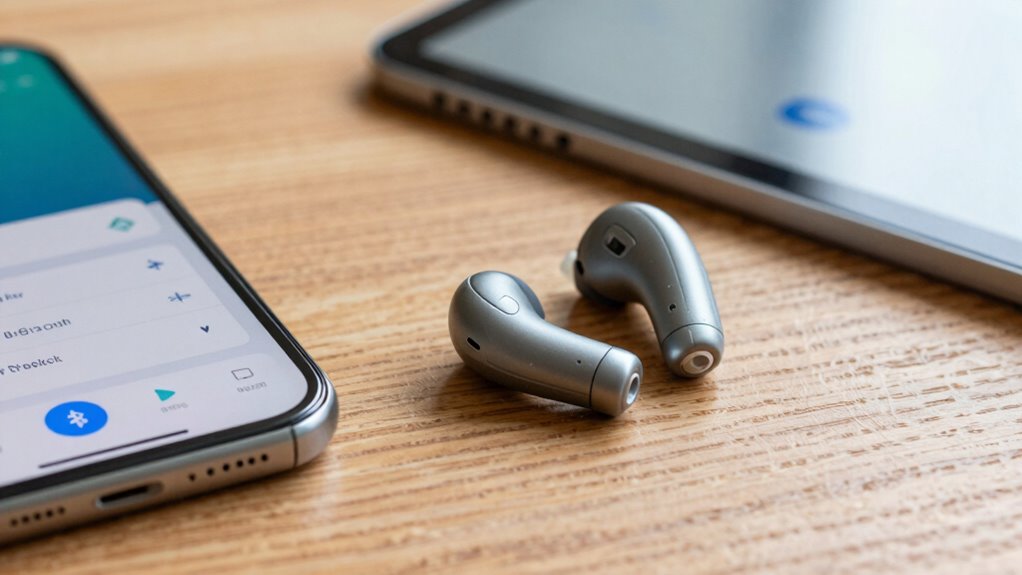
If you encounter issues pairing your hearing aids with your smartphone, it’s important to identify and resolve common problems quickly. First, check the battery life of your hearing aids; low batteries can cause connectivity issues. Make certain your hearing aids are fully charged and within range of your device. Sometimes, interference from other electronics can disrupt pairing, so move to a different location if needed. Also, verify that noise reduction features aren’t causing conflicts, as they may interfere with Bluetooth connections. Restart both your hearing aids and your smartphone to reset connections. If problems persist, delete and re-pair the devices. Addressing these simple issues can help you troubleshoot pairing problems effectively, ensuring smooth audio streaming and an improved hearing experience. Additionally, keeping your device firmware up to date can optimize connectivity and prevent compatibility issues.
Tips to Optimize Sound Quality When Pairing Your Hearing Aids
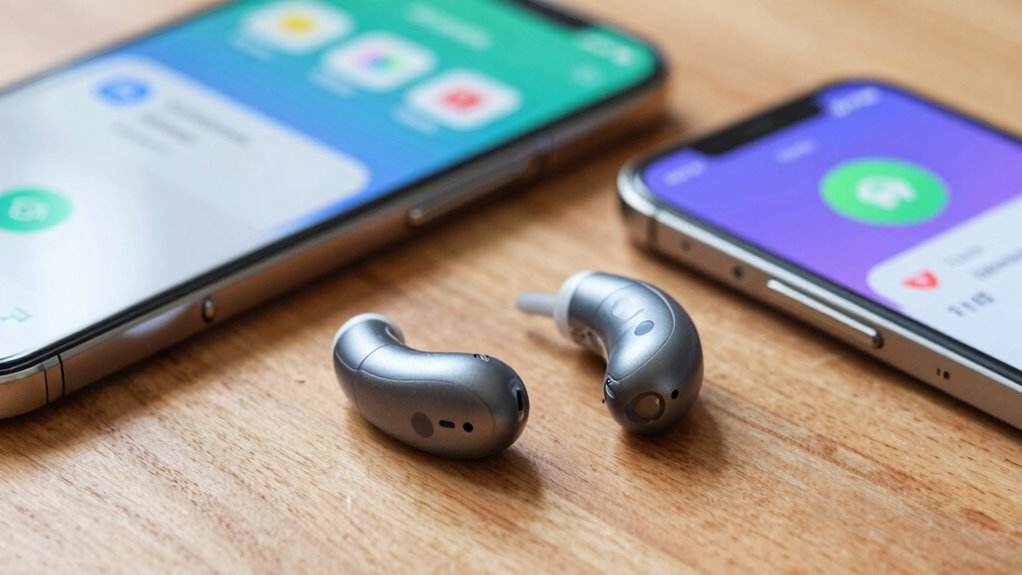
To guarantee the best sound quality when pairing your hearing aids with your smartphone, start by updating both device firmware and the pairing app. This ensures compatibility with the latest wireless accessories and enhances sound performance. Once updated, explore the sound customization options available through your app; adjusting settings like volume, treble, and bass can greatly improve clarity and comfort. Avoid default sound profiles that may not suit your environment; instead, tailor the settings to your preferences. Using high-quality wireless accessories, such as dedicated streaming devices or remote microphones, can also improve audio fidelity. Regularly review and refine your sound settings to maintain excellent quality, especially as your hearing or environments change over time. Wireless accessories that are designed for high-fidelity audio can further enhance your listening experience, especially when paired with tailored sound profiles that suit your individual hearing needs. Additionally, selecting reliable wireless technology can help prevent disconnections and ensure a consistent listening experience. Incorporating device compatibility considerations can also streamline the pairing process and reduce frustration. Ensuring your devices support latest Bluetooth standards can also contribute to more stable and high-quality audio streaming.
How to Maintain a Reliable Connection Between Your Hearing Aids and Phone
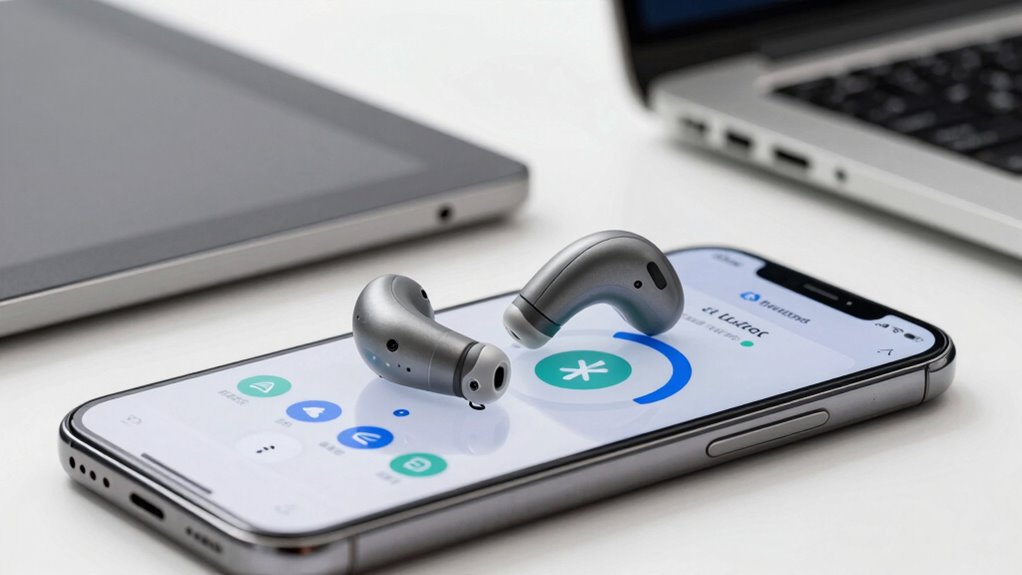
Maintaining a reliable connection between your hearing aids and phone requires regular attention and some proactive steps. First, keep your hearing aid batteries charged or fresh, as low battery life can cause connection drops. Regularly clean the device’s connectors and ensure the Bluetooth is enabled on your phone. To support noise reduction features, ensure your hearing aids are updated with the latest firmware, which can improve connectivity stability. Avoid environments with excessive interference, such as crowded places or Wi-Fi networks, that can disrupt the connection. If you experience issues, resetting both your phone and hearing aids can help restore stability. Consistently managing these aspects will help you enjoy a seamless, reliable connection that maximizes your hearing aids’ performance. Free Floating Additionally, understanding wireless connectivity principles can help you troubleshoot and optimize your device pairing process more effectively, especially considering interference sources that may impact signal strength. Being aware of connection stability strategies can further enhance your overall experience. Incorporating regular device updates into your routine can also significantly reduce connection issues, as manufacturers often release improvements and bug fixes.
Frequently Asked Questions
Can All Hearing Aids Automatically Switch Between Devices?
Not all hearing aids automatically switch between devices. Wireless connectivity features vary, and some models offer seamless device compatibility, enabling automatic switching, while others require manual adjustments. If you want effortless transitions, look for hearing aids with advanced wireless technology that support multi-device pairing. This guarantees you can switch between your iPhone, Android, or other devices smoothly, without the headache of manual reconnecting every time.
Are There Specific Apps Needed for Pairing Hearing Aids?
You typically need specific apps designed for hearing aid compatibility to pair your devices smoothly. These apps use Bluetooth protocols to connect your hearing aids to your smartphone, ensuring better control and customization. Check if your hearing aids are compatible with your device, and download the manufacturer’s app for easy pairing. Using the right app simplifies the process, improves connection stability, and enhances your overall hearing experience.
What’s the Battery Life Impact When Using Bluetooth Pairing?
Using Bluetooth pairing can be a double-edged sword, as it may cause some battery drain on your devices. However, good power management helps keep the impact minimal, so your hearing aids won’t be running on fumes quickly. Keep your devices updated and turn off Bluetooth when not in use to conserve battery life. With proper care, you won’t have to worry about your hearing aids losing power too fast.
Do Hearing Aids Work With Multiple Devices Simultaneously?
Yes, many hearing aids now offer multi-device compatibility, allowing you to connect to multiple devices at once. This feature provides seamless connection stability, so you can switch between your phone, tablet, or TV without constant re-pairing. Keep in mind, though, that some models may have limited multi-device support or slight delays when switching. Overall, look for hearing aids with strong multi-device compatibility to guarantee smooth, hassle-free use.
How Secure Is the Bluetooth Connection for Hearing Aids?
Imagine you’re enjoying a podcast, and your hearing aids stay connected securely. Bluetooth connections for hearing aids typically use strong encryption standards, making them quite secure against hacking. While security concerns exist, manufacturers prioritize encryption standards like AES to protect your data. As long as you keep your devices updated, you can confidently enjoy seamless audio without worrying about security breaches.
Conclusion
Did you know that over 80% of hearing aid users now prefer connecting their devices to smartphones? By choosing compatible hearing aids and following simple pairing tips, you can enjoy seamless, high-quality sound without the hassle. Staying patient and troubleshooting common issues guarantees a reliable connection. With these steps, you’ll enjoy clearer conversations and better hearing experiences, making your tech work effortlessly for you—no headaches needed.