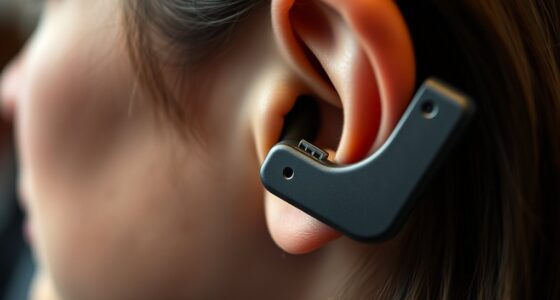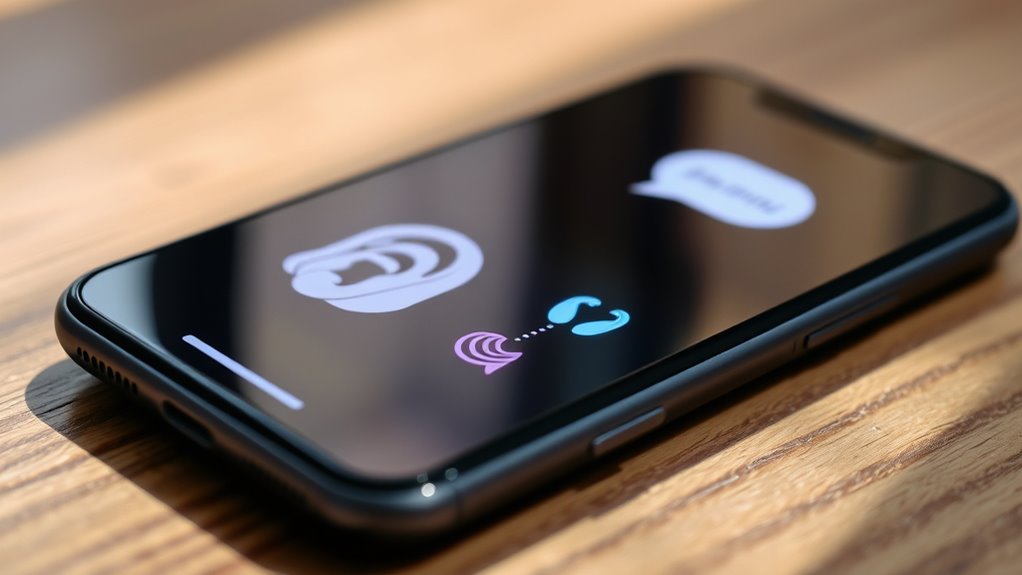
Smartphone accessibility features for hearing devices let you connect seamlessly with your hearing aids or cochlear implants. You can customize voice commands, enhance speech clarity, and adjust audio settings to suit your environment. Features like screen readers and environmental alerts help you stay aware of important sounds and notifications. These tools boost your independence and communication. Keep exploring to discover how these features can make your smartphone even more accessible for your needs.
Key Takeaways
- Smartphones can sync with hearing aids and cochlear implants for seamless audio integration.
- Environmental noise reduction features improve speech clarity for hearing device users.
- Customizable audio settings optimize volume, pitch, and speech amplification based on individual needs.
- Screen reader enhancements provide detailed on-screen descriptions for better accessibility.
- Voice command customization allows hands-free control, reducing dependency on visual cues.

Smartphone accessibility features have become essential tools for ensuring everyone can use their devices comfortably and independently. If you use hearing devices, these features can significantly improve your experience, making it easier to stay connected and informed. One of the key aspects is voice command customization, which allows you to tailor voice controls to suit your needs. Instead of relying solely on touch or visual cues, you can set up your device to respond to your specific voice commands, making navigation more seamless. You might customize commands to open apps, send messages, or adjust volume, all with simple spoken instructions. This reduces frustration and makes your phone more accessible, especially if hearing or speech challenges make traditional interactions difficult. Additionally, consistent practice and attention can help you maximize the benefits of these features over time. Screen reader enhancements are another essential element. These features convert on-screen text into speech, helping you understand what’s displayed without needing to see the screen clearly. Modern screen readers are highly responsive, providing detailed descriptions of icons, buttons, and other interface elements. They can also be customized to increase reading speed, change voice tone, or highlight specific types of content, such as notifications or incoming messages. If you have hearing devices, these enhancements ensure you don’t miss critical information, whether it’s a text alert, a calendar reminder, or navigation instructions. Many smartphones now allow you to control the speed and pitch of the voice, so you can make the reading experience more comfortable and suited to your preferences. Furthermore, familiarity with creative practice can help you develop problem-solving skills that enhance your ability to customize and troubleshoot accessibility features effectively. In addition, some smartphones integrate these features with hearing aids or cochlear implants. For example, they can automatically adjust audio settings based on your environment, reducing background noise and amplifying speech. You can also enable notifications that alert you when important sounds are detected, like doorbells or alarms, often through haptic feedback or visual cues. The customization options extend further with settings for balancing audio output, so your hearing devices work harmoniously with the phone’s built-in accessibility tools. These integrations are designed to give you more control and confidence, ensuring you stay aware of your surroundings and maintain independence.

Avantree Audiplex MX – Multi-Channel Assistive Devices for Churches & Translation, 30ms Low Latency, Superior Sound, Group Listening System with Audio Transmitter & 10 Receivers for Classroom, Seminar
【30ms Low Latency Wireless Audio】Delivers near-real-time sound with around 30ms latency via stable 2.4G wireless receiver transmitter technology,...
As an affiliate, we earn on qualifying purchases.
Frequently Asked Questions
Can Hearing Aids Connect to All Smartphone Brands?
Not all smartphone brands support hearing aids through Bluetooth pairing. Compatibility depends on the phone’s Bluetooth version and the hearing aid’s features. You should check if your device supports low-latency Bluetooth for seamless streaming. Firmware updates are essential, as they improve compatibility and fix bugs. Some brands, like Apple and select Android models, offer better integration, but you’ll need to verify your specific device’s capabilities for ideal hearing aid use.
Are These Accessibility Features Available in All Countries?
You won’t find these accessibility features available in all countries. Global availability varies due to regional differences in technology infrastructure, regulations, and manufacturer support. Some countries may have full access to features like Bluetooth streaming, live transcribe, or hearing aid compatibility, while others might have limited options. Check your country’s compatibility and support to guarantee you get the most out of your hearing device features on your smartphone.
How Secure Is the Data Transmitted Between Devices?
Imagine your data travels like a guarded vault, protected by strong encryption as it moves between your device and hearing aids. You’re often safeguarded through data encryption protocols, making interception nearly impossible. However, always check privacy policies to understand how your information is managed. While technology offers secure transmission, remaining vigilant ensures your personal data stays private, giving you peace of mind with every connected conversation.
Can These Features Be Customized for Individual Needs?
Yes, these features can be customized for your individual needs. You have access to personalization options that let you tailor sound settings, notifications, and other features to suit your preferences. User customization guarantees that your hearing experience is optimized, making it easier to focus on what matters most to you. By adjusting these options, you create a more comfortable and effective hearing environment that adapts perfectly to your unique requirements.
Do These Features Require Additional Accessories or Apps?
Think of smartphone accessibility features as a universal remote—they often work seamlessly with your device’s wireless compatibility, so you may not need extra accessories. Usually, you only require specific app downloads to customize settings. For example, I used an app to fine-tune my hearing device, making conversations clearer, and it was straightforward. So, most features are built-in or easily accessible through apps, no additional gear necessary.

Enersound 10-Person Assistive Listening System - US-Based 3-Year Warranty and Phone Support - Includes ADA Plaque - Ideal for Church Schools Theaters Venues (For 10 People)
US-Based 3-Year Warranty and Phone Support.
As an affiliate, we earn on qualifying purchases.
Conclusion
Just as Icarus sought to rise toward the sun, your journey with smartphone accessibility features can elevate your hearing experience beyond limits. Embrace these tools, and you’ll find your connection to the world clearer and more vibrant. Remember, technology isn’t just a wing to fly higher but a bridge to understanding and inclusion. With each feature, you craft a story of resilience—proof that, like Icarus, you’re reaching for new heights with confidence and purpose.

Philips Wi-Fi Smart Lock with Handles, WiFi Keyless Entry Front Door Lock Set, Keypad Deadbolt with Handle App Fingerprint Code Unlocking, Auto Locking, Built-in WiFi, Remote Control & Voice Unlock
𝐖𝐢-𝐅𝐢 𝐃𝐨𝐨𝐫 𝐋𝐨𝐜𝐤 𝐇𝐚𝐧𝐝𝐥𝐞 𝐒𝐞𝐭: The package includes 2 lever handles and Philips wifi lock, allowing you to...
As an affiliate, we earn on qualifying purchases.

Fingerprint Door Lock - ANYBELL Keyless Entry Smart Lock Deadbolt with Electronic Keypad, App Control & Auto Lock, Easy Install for Front Door - Satin Nickel
【Easy Installation in Minutes, No Drilling Required】Designed for quick DIY setup, this smart door lock doesn't require drilling...
As an affiliate, we earn on qualifying purchases.