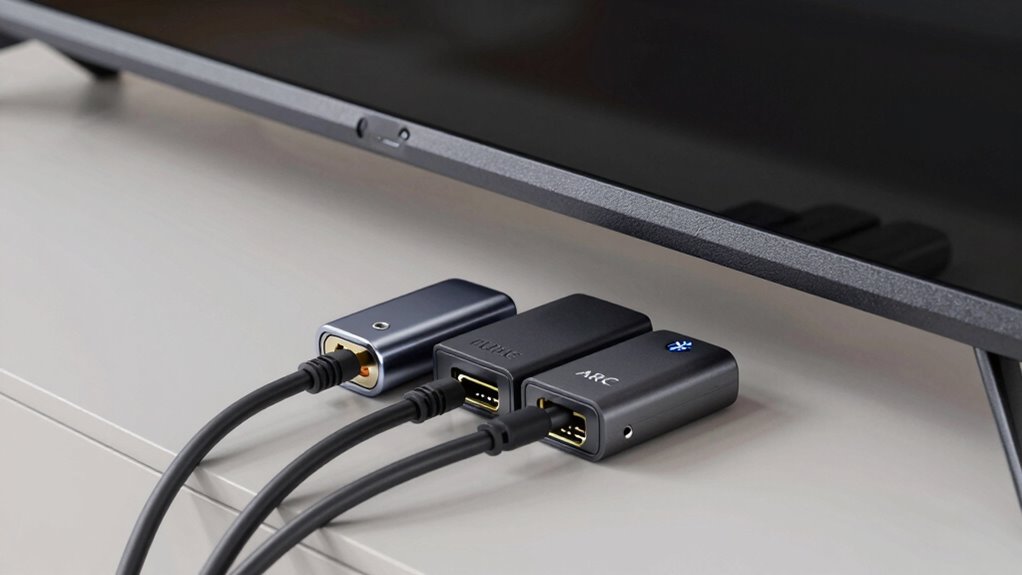

Optical, HDMI ARC, and Bluetooth each offer different ways to connect your TV to audio devices. Optical provides reliable, high-quality digital sound with minimal setup, but doesn’t support advanced formats like Dolby Atmos. HDMI ARC combines audio and video with easier setup and supports high-res formats, ideal for home theater systems. Bluetooth offers wireless convenience but can cause lag and lower sound quality. For a clear comparison and setup tips, keep exploring this guide.
Key Takeaways
- Optical provides stable, high-quality digital audio with minimal latency but lacks support for advanced formats like Dolby Atmos.
- HDMI ARC transmits both audio and video, supporting high-res formats including Dolby Atmos, and simplifies setups with a single cable.
- Bluetooth offers wireless convenience for streaming to headphones or speakers but may introduce lag, interference, and limited audio format support.
- Optical and HDMI ARC are more reliable for high-fidelity audio, while Bluetooth is best for quick, wireless, less demanding connections.
- Compatibility depends on device ports; verify support for each connection type before setup to ensure seamless audio transmission.

KabelDirekt TOSLINK – Optical Audio Cable – 6ft – Fiber Optic Cord, S/PDIF Digital Audio Optical Cable for Soundbar, Stereo Systems, Home Cinema, Xbox One/PS4 – Designed in Germany
Optical digital audio cable: Perfect for equipment with a TOSLINK interface (OPT In / OPT Out or S/PDIF…
As an affiliate, we earn on qualifying purchases.
As an affiliate, we earn on qualifying purchases.
What Are the Main Differences Between Optical, HDMI ARC, and Bluetooth?
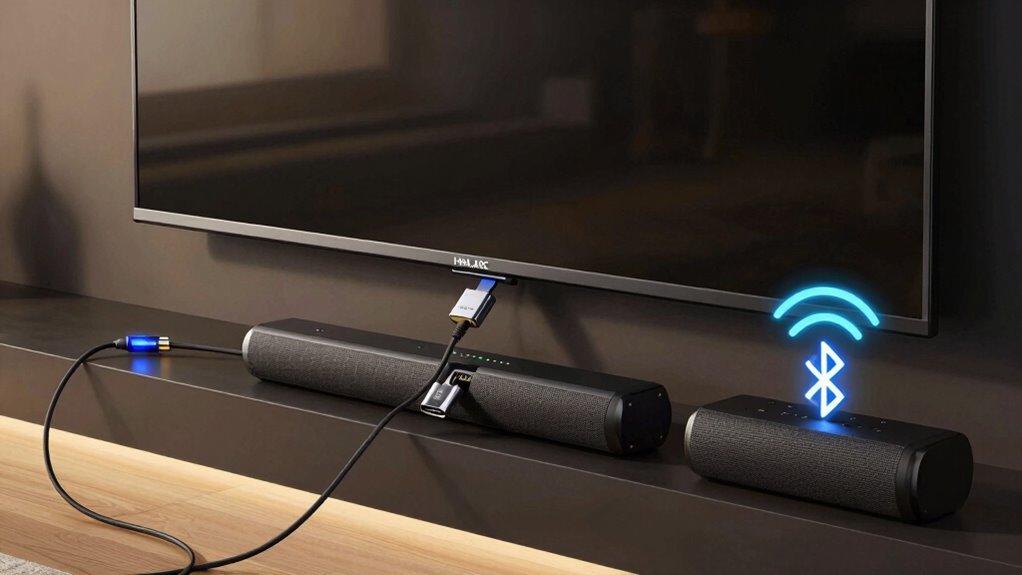
When choosing how to connect your TV to audio devices, understanding the main differences between optical, HDMI ARC, and Bluetooth is essential. Optical connections deliver high-quality sound with minimal audio latency, making them ideal for watching movies or gaming where timing matters. They also provide stable signal transmission without interference. HDMI ARC, on the other hand, simplifies setup by transmitting both audio and video through a single cable, offering reliable signal stability and supporting high-resolution formats. Bluetooth offers wireless convenience, but it can introduce higher audio latency, which might cause lip-sync issues. Its signal stability depends on distance and interference from other wireless devices. Additionally, audio transmission technology impacts overall sound quality and compatibility with different devices, so understanding these differences helps you select the best connection based on your priority for audio quality, latency, and ease of use. Furthermore, considering compatibility standards ensures your devices work seamlessly together without additional adapters or settings adjustments.

Assistrust Sound Bar for Smart TV, Soundbar with Bluetooth/ARC/Opt/AUX Connect, Auto Volume Boost, 3 Equalizer Modes, 2 in 1 Detachable Soundbar for TV/PC/Gaming/Projectors
【𝐈𝐦𝐩𝐚𝐜𝐭𝐟𝐮𝐥 𝐕𝐨𝐥𝐮𝐦𝐞 𝐁𝐨𝐨𝐬𝐭】: Elevate faint sounds to vibrant with automatic loudness boost. Experience immersive sound through 4 versatile…
As an affiliate, we earn on qualifying purchases.
As an affiliate, we earn on qualifying purchases.
How Easy Is It to Set Up Optical, HDMI ARC, and Bluetooth Connections?
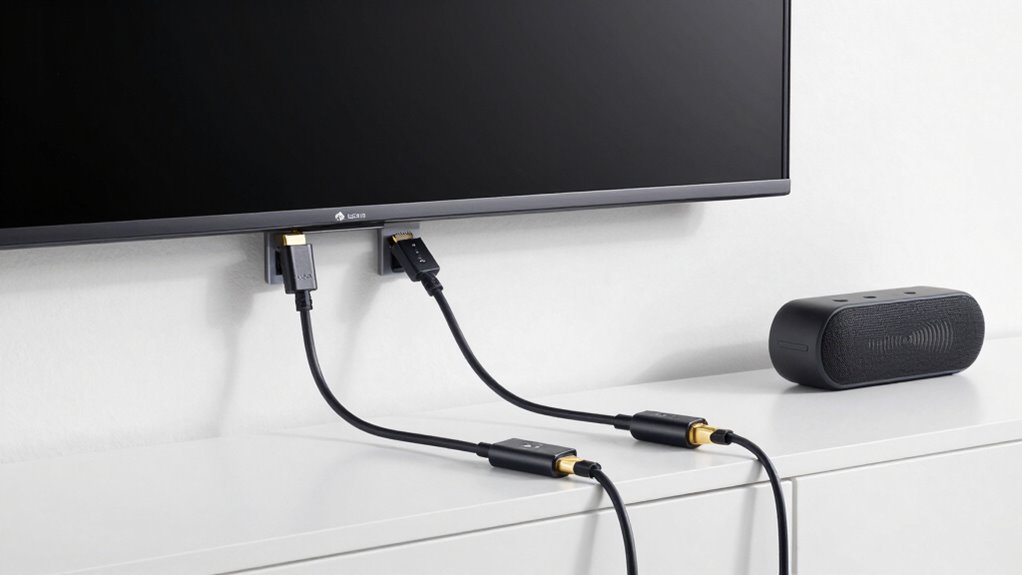
Setting up optical, HDMI ARC, and Bluetooth connections varies in complexity, but most users find them straightforward. You’ll need the right cables or devices, and the process usually doesn’t require advanced technical skills. In the next sections, we’ll explore how simple or involved each setup really is. Additionally, understanding modern kitchen technology can help streamline your home entertainment experience for better connectivity and automation. For example, some home entertainment systems integrate multiple connection types, making it easier to switch between sources without complex rewiring. Moreover, familiarizing yourself with audio connection options can ensure you select the best method for your specific setup. Knowing reliable connection methods can also help prevent issues like audio lag or signal loss, especially when integrating high‑tech audio equipment into your system.
Setup Process Complexity
Connecting your TV to external audio devices varies in complexity depending on the method you choose. With optical connections, setup is straightforward—just connect the cable between your TV and sound system, then select the input. HDMI ARC setup involves plugging in a single HDMI cable, which simplifies cable installation and automatically recognizes compatible devices. This method often supports device compatibility and reduces the need for multiple cables. Bluetooth pairing, however, requires turning on pairing mode on both devices and steering menus to establish a connection. This process can be quick or slightly time-consuming, depending on device compatibility. Overall, optical is the easiest for minimal setup, HDMI ARC offers a simple single-cable solution, and Bluetooth might take more steps but eliminates physical cables altogether. Your choice depends on your preference for simplicity versus wireless convenience.
Required Equipment Ease
Optical connections are generally the easiest to set up because they require only a single cable and minimal configuration. You simply connect the optical cable from your TV to your sound system, and you’re ready to go. This simplicity reduces the chance of setup errors and makes troubleshooting straightforward. Optical cables are durable enough for regular use, but they can be sensitive to cable bending, which may affect audio quality or cause connection issues. In terms of audio latency, optical offers low delay, ideal for watching videos without lip-sync problems. Compared to HDMI ARC, optical doesn’t handle additional features like control signals, but its straightforward setup makes it a popular choice for quick, reliable connections. Bluetooth setup is even easier but can involve pairing devices, which may introduce slight delays.

LEVN Wireless Headphones for TV Watching, TV Headphones Wireless for Seniors with Transmitter Charging Base, Hearing-impaired, No Audio Delay, Bluetooth 5.2, Plug and Play, Gifts for Elderly
Private Watching Experience: LEVN wireless Headphones for TV are designed to provide a private, comfortable home entertainment experience…
As an affiliate, we earn on qualifying purchases.
As an affiliate, we earn on qualifying purchases.
What Are the Limitations and Common Problems With Each Connection Type?
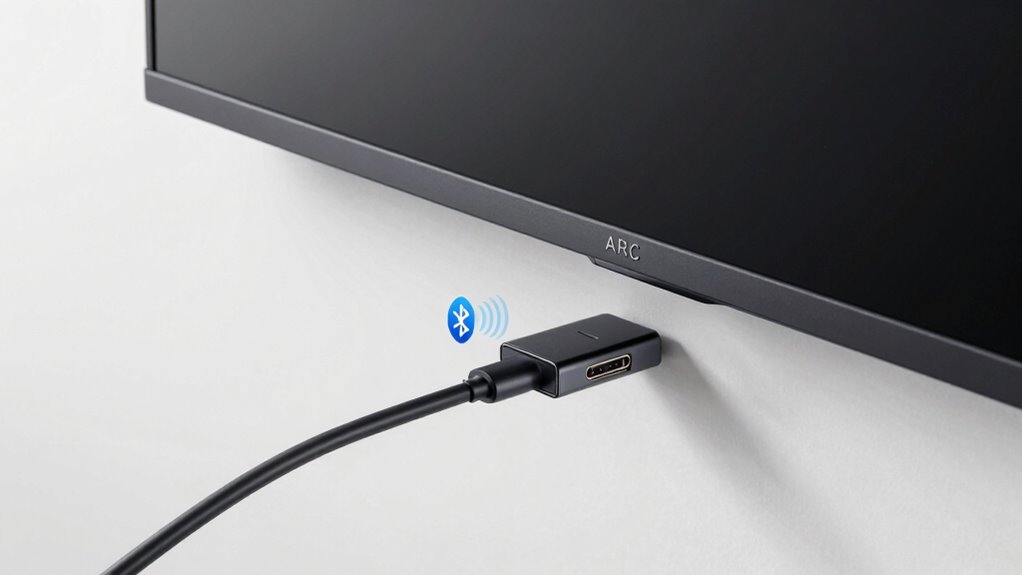
Each connection type has its own set of limitations and common issues that can affect your audio experience. With optical connections, signal interference from nearby electronic devices can cause audio dropouts or reduced sound quality. Compatibility issues also arise if your devices don’t support the same optical standards or formats, limiting functionality. HDMI ARC offers high-quality audio but can be sensitive to cable quality and connection strength; a loose or damaged cable might result in no sound or poor synchronization. Bluetooth connections are convenient but prone to signal interference from Wi-Fi networks or other wireless devices, which can cause lag, dropouts, or degraded sound quality. Understanding these limitations helps you troubleshoot problems and choose the best connection for your setup.

192KHz HDMI ARC to Optical Audio Converter for TV to Soundbar, Plug & Play 3.4ft/1.05m ARC to Optical Cable Audio Extractor Adapter Splitter for Sound System Speaker Home Theater Support Dolby/DTS 5.1
HDMI ARC to Optical Cable(1.05m/41in): The ARC Audio Extractor connects to an ARC-compatible TV, allowing the TV's audio…
As an affiliate, we earn on qualifying purchases.
As an affiliate, we earn on qualifying purchases.
Will My Devices Support Optical, HDMI ARC, and Bluetooth? : Compatibility Tips
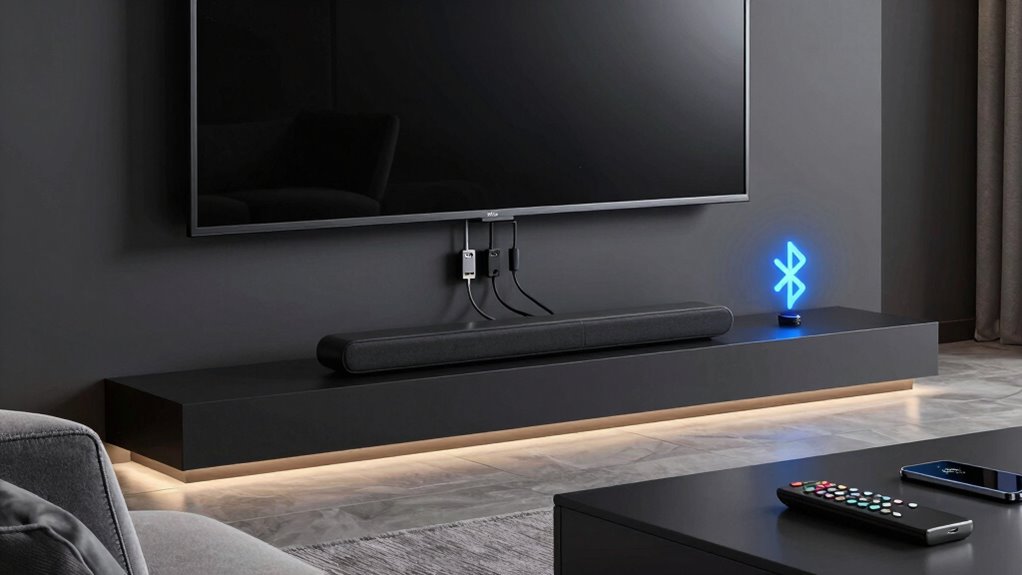
Before connecting your devices, verify if they support optical, HDMI ARC, or Bluetooth, as compatibility varies. Make sure your TV has the right ports and your devices support the wireless features you want to use. Knowing these details helps prevent connection issues and ensures seamless audio performance. Additionally, reviewing small appliance efficiency tips can help optimize overall home entertainment setup and energy use. Being aware of designer look elements can also inspire aesthetic choices that complement your tech setup, creating a harmonious environment. Consulting audio format compatibility can further ensure your devices work well together and deliver the best sound quality.
Device Compatibility Requirements
Understanding whether your devices support optical, HDMI ARC, or Bluetooth connections is essential for setting up your TV audio system smoothly. To guarantee seamless communication, check your device compatibility with the relevant connection standards. Not all devices support every type of connection, so verifying compatibility prevents frustration. Additionally, reviewing device standards can help ensure your setup is both compatible and future-proof. It’s also helpful to consult your device manuals or manufacturer websites to confirm support for specific connection types and firmware updates that may enable new connection options. Be aware that device compatibility can vary based on hardware specifications and software versions, so staying informed about your device capabilities is crucial. For example, latest firmware updates often expand compatibility and improve performance. Consider these factors:
- Your TV’s available ports and supported connection standards
- Whether your soundbar or external speakers support optical, HDMI ARC, or Bluetooth
- Compatibility of your source devices, like gaming consoles or streaming boxes
- Firmware updates that may enable new connection options
- The specific version of Bluetooth, HDMI, or optical standards required for ideal performance
Connection Port Availability
Are your devices equipped with the right ports to support optical, HDMI ARC, or Bluetooth connections? Checking cable compatibility is essential to guarantee your devices can connect properly. For optical, look for a dedicated TOSLINK or optical audio port; not all devices include this, so port accessibility may be limited. HDMI ARC requires an HDMI port labeled “ARC” on both your TV and audio device, which not all models feature. Bluetooth connectivity doesn’t rely on ports but depends on device compatibility with wireless pairing. Before setting up, verify that your devices have the necessary ports and that they’re easily accessible. This will help avoid frustration and ensure seamless audio connections without needing additional adapters or cables.
Wireless Capabilities Support
Many modern audio devices support wireless connections like Bluetooth, but compatibility with optical and HDMI ARC depends on the specific hardware. To guarantee your devices work seamlessly, check their wireless capabilities and device compatibility beforehand. Not all devices support every connection type, so verifying features is essential. Additionally, understanding the concept of Free Floating can help you optimize your setup without cluttering your space with unnecessary equipment. It is also helpful to research market trends to stay informed about new connection standards and updates that could improve your setup. Moreover, some devices may support multi-room audio features, which can enhance your listening experience across multiple speakers.
Furthermore, personal debt forgiveness programs may influence your ability to invest in compatible audio equipment if you are managing financial burdens.
- Confirm if your TV or sound system has built-in Bluetooth for wireless streaming
- Check if your device supports optical audio output or input
- Look for HDMI ARC support in both your TV and audio device
- Review device specifications for wireless capabilities like Bluetooth version and range
- Consider firmware updates that may add or enhance wireless compatibility
Understanding these aspects helps you choose the right connection for your setup, ensuring excellent audio quality and ease of use.
Which Connection Offers the Best Sound Quality for Your TV Setup?
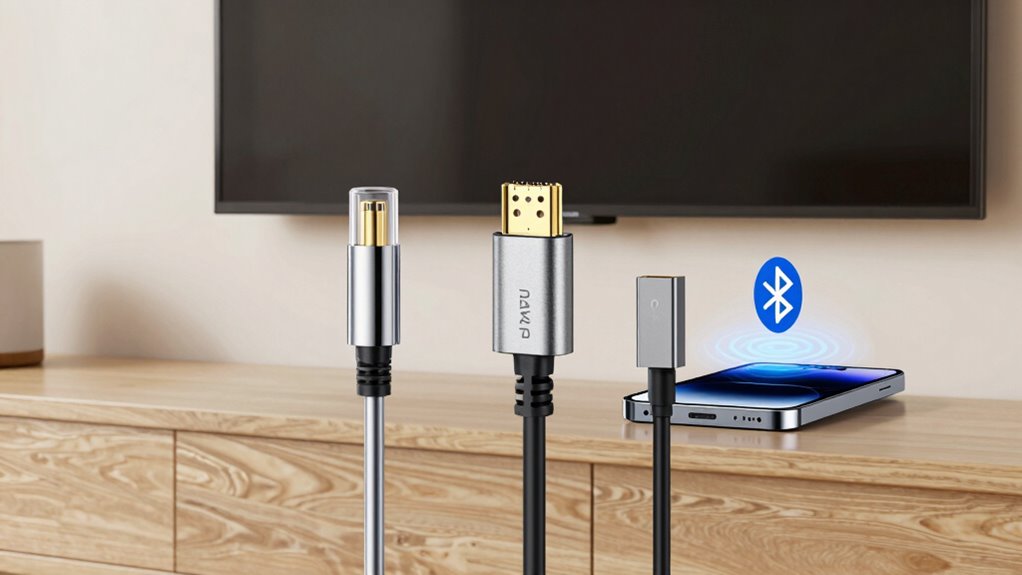
When it comes to achieving the best sound quality for your TV setup, choosing the right connection can make a significant difference. Optical cables generally provide better audio quality than Bluetooth, offering a clear, lossless signal. HDMI ARC also delivers high-quality audio, including support for advanced formats like Dolby Atmos and DTS:X, which enhance your listening experience. Additionally, audio fidelity can vary depending on the connection type, with optical and HDMI ARC typically providing superior sound compared to Bluetooth. Bluetooth, on the other hand, often sacrifices some audio fidelity due to compression, and connection stability can be inconsistent with interference or distance issues. If pure sound quality and connection stability are your priorities, optical or HDMI ARC are your best options. Furthermore, compatibility between devices can influence which connection method is most effective, as not all TVs and audio devices support every type. Bluetooth is convenient but tends to compromise on audio clarity and stability, making it less ideal for audiophiles or those seeking premium sound. For optimal performance, understanding these connection differences can help you make an informed choice for your setup. Also, considering future-proofing your setup by selecting connections that support emerging audio formats can ensure your system remains compatible with new technology.
When Should You Use Optical Instead of HDMI ARC or Bluetooth?
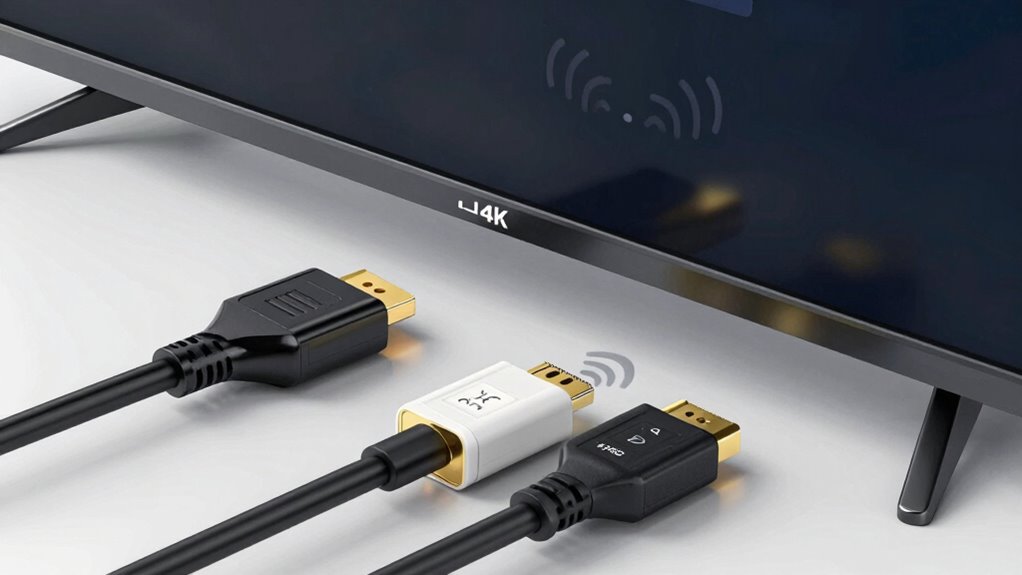
Optical connections are a great choice when you need reliable, high-quality audio without the complexity of HDMI or the potential instability of Bluetooth. You should consider using optical if you’re concerned about audio latency affecting synchronization, as optical offers low latency. It’s also ideal when signal interference from other wireless devices could disrupt Bluetooth performance. Additionally, optical works well with older audio equipment that lacks HDMI ARC support. If your setup involves transmitting pure digital audio without the need for advanced features like Dolby Atmos, optical provides a straightforward solution.
- You’re connecting devices with incompatible HDMI ARC
- You want to avoid Bluetooth’s potential for signal interference
- You need consistent, low-latency audio for gaming or viewing
- Your equipment doesn’t support HDMI ARC
- You prefer a simple, stable digital connection over wireless options
How Much Do These Connection Options Cost, and Which Fits Your Budget?
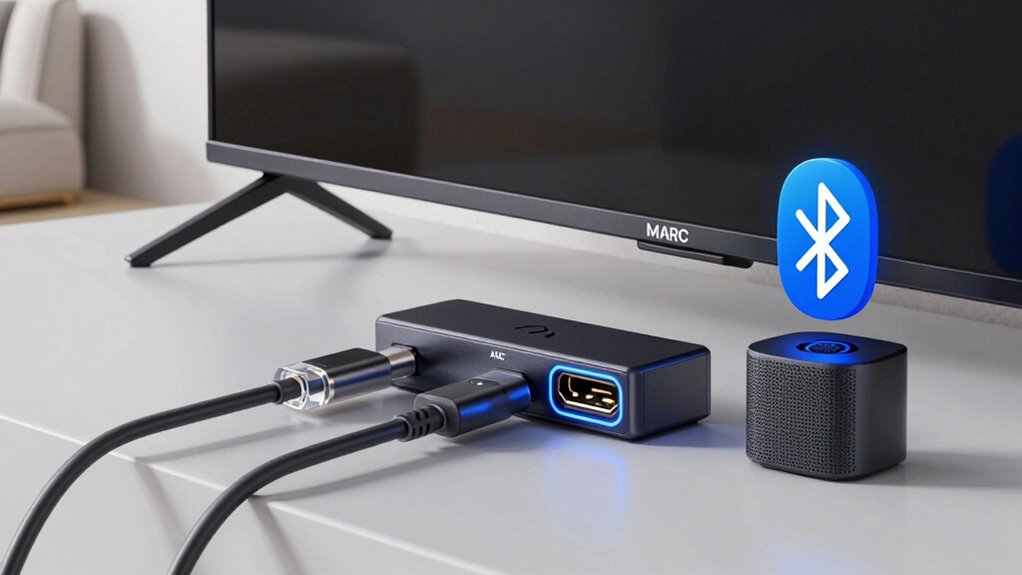
Choosing the right connection option often depends on your budget, as prices can vary considerably. Optical cables are typically the most affordable, usually costing between $10 and $30, making them a budget-friendly choice for straightforward setups. HDMI ARC may have a slightly higher initial cost, especially if you need new cables or compatible equipment, but it often offers better sound quality and versatility. Bluetooth connections are generally free if your devices support it, but investing in quality Bluetooth speakers or transmitters can increase costs. When doing a cost comparison, consider both the upfront expenses and the long-term value each option provides. Your budget considerations should guide you toward the best balance between affordability and performance for your specific needs.
Is Bluetooth the Right Wireless Choice for Your Home Theater?

Bluetooth can be a convenient wireless option for your home theater, especially if your devices support it. It offers easy setup and eliminates the need for cables, making your space cleaner and more flexible. However, consider that wireless convenience may come with trade-offs in audio fidelity, which might affect your overall sound experience.
Bluetooth offers easy setup and cable-free convenience but may compromise audio quality.
Things to keep in mind:
- Bluetooth connections can sometimes introduce latency, causing audio sync issues.
- Not all Bluetooth devices support high-quality audio codecs.
- Range limitations may affect your ability to move devices freely.
- Battery life of Bluetooth devices can impact continuous use.
- Compatibility varies across devices, requiring specific profiles for ideal performance.
Deciding if Bluetooth suits your needs depends on balancing convenience with sound quality preferences.
How Do You Decide Which TV Audio Connection Is Best for You?
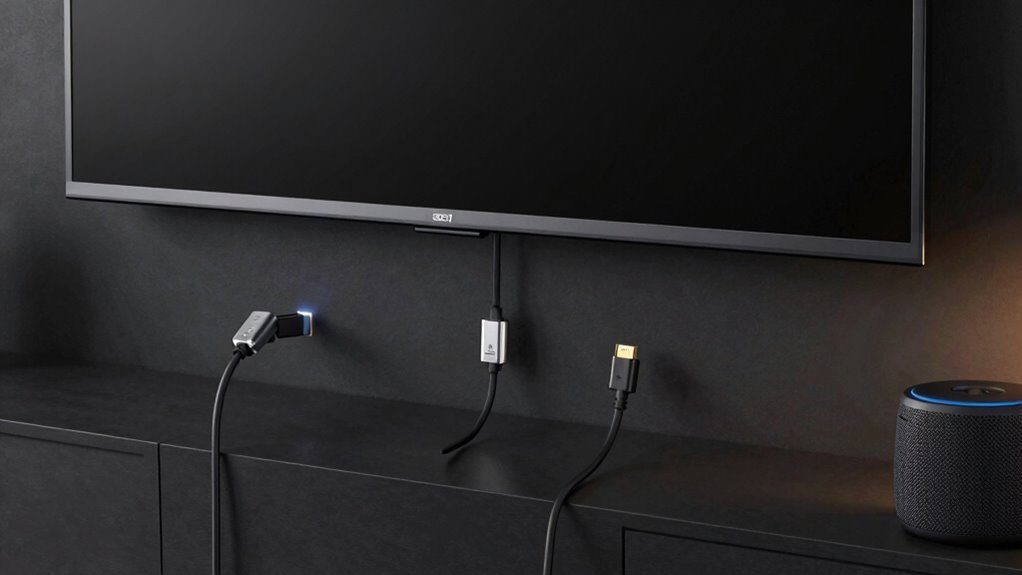
Selecting the right TV audio connection depends on your priorities, such as sound quality, convenience, and device compatibility. If you want the best audio quality, optical or HDMI ARC often deliver clearer sound with minimal lag. HDMI ARC also supports more advanced features and easier device integration, making it ideal if you have multiple compatible gadgets. If convenience is your focus, Bluetooth offers wireless connectivity without clutter, though it may sacrifice some audio quality and introduce latency. Consider your existing devices’ compatibility; some older equipment may only support optical or traditional audio outputs. Ultimately, choose a connection that balances your need for sound fidelity with ease of use and compatibility, ensuring you enjoy your TV experience without frustration.
Frequently Asked Questions
Can I Use Multiple Audio Connections Simultaneously on My TV?
Yes, you can use multiple audio connections simultaneously on your TV, thanks to multi-connection compatibility. However, your TV likely prioritizes audio sources, meaning only one connection may be active at a time unless it supports specific multi-audio output features. Check your TV’s settings to manage audio source prioritization, and verify connected devices are compatible with simultaneous outputs if you want to use multiple connections without interruption.
Do All Soundbars Support Optical, HDMI ARC, and Bluetooth?
Not all soundbars are built like the Swiss Army knives of audio, supporting optical, HDMI ARC, and Bluetooth. You need to check specific soundbar compatibility because connection flexibility varies widely. Some models excel with multiple options, while others might only support one or two. So, before you buy, verify that your chosen soundbar provides the connection types you need to ensure seamless audio integration with your TV.
How Do I Troubleshoot Audio Lag With Bluetooth Connections?
To troubleshoot Bluetooth audio lag, start by minimizing Bluetooth interference from other devices nearby. Verify your headphones or speakers are within a close range and fully charged. Check for firmware updates for your Bluetooth device and TV. You can also try resetting your Bluetooth connection or pairing the devices anew. For persistent lag, consider using audio delay solutions like adjusting the audio sync settings on your TV or using a Bluetooth transmitter with low latency support.
Are There Any Security Concerns With Using Bluetooth for Audio?
Imagine your Bluetooth device is a secret garden; without proper locks, anyone could sneak in. Using Bluetooth for audio can pose security concerns like wireless hacking, especially if pairing security isn’t robust. Always make certain your devices use secure pairing protocols and keep firmware updated. This way, you protect your audio stream from unauthorized access, just like locking your garden gate prevents intruders from entering uninvited.
Will Upgrading My TV Affect My Existing Audio Connection Setup?
Upgrading your TV can affect your existing audio connection setup, especially if your new model has different audio connection compatibility. You might need to update cables or adapters to maintain seamless audio, and some features like HDMI ARC or Bluetooth may change or improve with a new TV. Consider tv upgrade considerations carefully, ensuring your current audio devices are compatible and that your preferred connection method continues to work smoothly.
Conclusion
Choosing the right TV audio connection depends on your setup and priorities. Did you know that over 80% of modern TVs support HDMI ARC, making it a popular choice for seamless audio? Whether you prefer the clarity of optical, the convenience of Bluetooth, or the versatility of HDMI ARC, understanding each option helps you make the best decision. Pick the one that fits your budget and needs, and enjoy richer, clearer sound from your TV today.