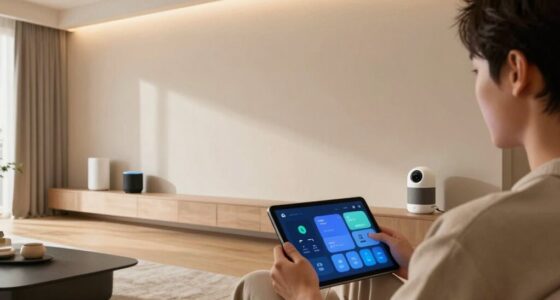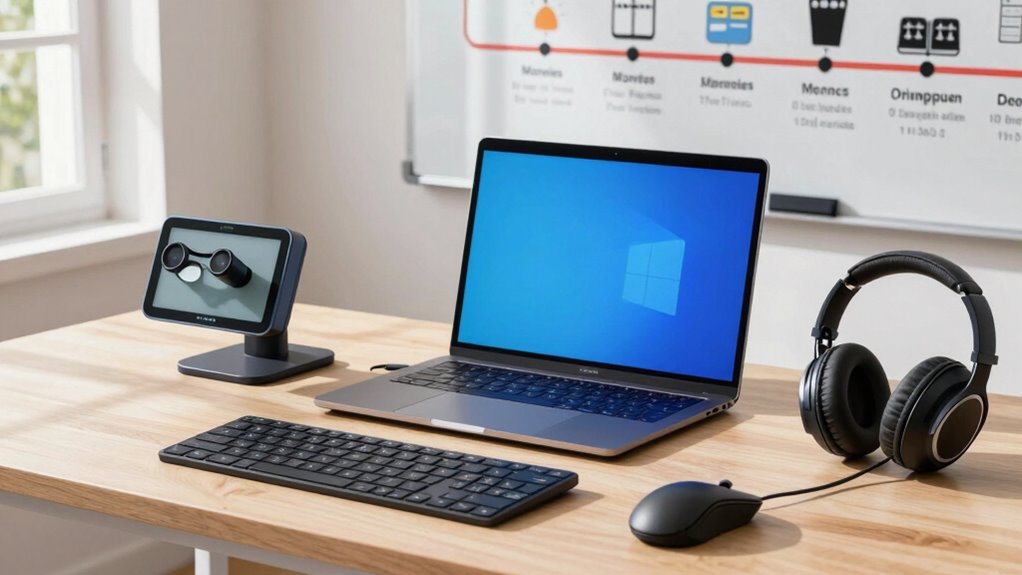

To build an accessibility tech setup over time, start by focusing on your specific needs and adding basic devices like voice recognition or ergonomic tools. Gradually incorporate digital accommodations such as captioning or accessibility settings, refining your setup as your needs evolve. Stay updated on new tools and features, exploring resources and community advice. Be patient and flexible, continually adjusting your environment. Keep exploring new options—there’s always more to improve.

Get everyday helpers delivered free with Prime
- Fast, free delivery on millions of items
- Prime Video, Amazon Music and more included
- Member-only deals all year
Key Takeaways
- Start with basic assistive devices and gradually add digital accommodations tailored to evolving needs.
- Prioritize understanding individual barriers before selecting tools to ensure targeted support.
- Stay informed about new accessibility features and emerging devices through community resources and specialists.
- Maintain flexibility to modify and refine the setup as preferences and technology advance.
- Leverage digital literacy skills to optimize tool integration and keep the environment current.
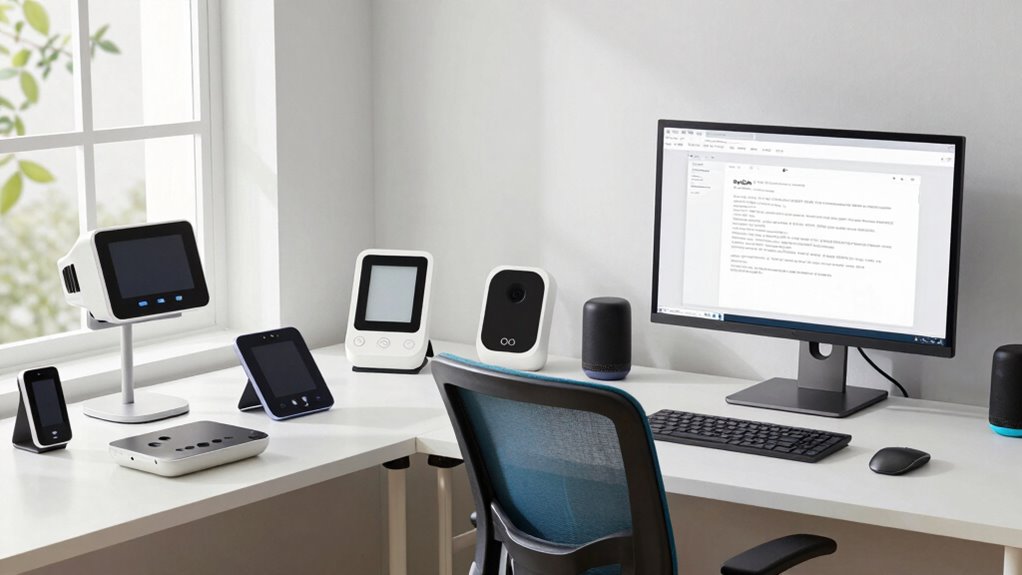
Building an accessibility tech setup isn’t a one-time task; it’s an ongoing process that evolves with your needs and technology. When you start, it’s important to recognize that building an effective system isn’t about installing everything at once but rather about gradually integrating assistive devices and digital accommodations that truly support you. Your journey begins with understanding what barriers you face and identifying the tools that can help you overcome them. For example, if you have difficulty reading small text, a screen magnifier or a high-contrast display can make a significant difference. Over time, as your needs change, you can add or swap out devices, ensuring your setup remains tailored to your lifestyle.
You might initially invest in basic assistive devices, such as voice recognition software or ergonomic keyboards, to improve your daily interactions with technology. These tools provide immediate benefits, but they also serve as a foundation for expanding your setup. Digital accommodations, like captioning services or customizable accessibility settings on your devices, can be integrated gradually. As you become more familiar with available options, you’ll discover additional features that enhance your experience, such as text-to-speech programs or alternative input methods. Incorporating these accommodations into your workflow helps create a seamless environment that adapts to your evolving needs. Staying informed about accessibility advancements ensures you’re aware of new tools and features that can further improve your setup. Exploring assistive technology resources can also help you find innovative solutions tailored to your specific requirements, making it easier to adapt your environment over time.
Building your accessibility tech setup over time also involves staying informed about new developments. Technology advances rapidly, and new assistive devices often emerge that can further empower you. Regularly exploring updates, community forums, or consulting with specialists ensures you don’t miss out on innovations that could improve your quality of life. It’s important to maintain flexibility and patience, knowing that your setup can be refined with time and experience. As you gather more tools and digital accommodations, you’ll start to see how they work together to provide a holistic support system. Additionally, leveraging digital literacy can help maximize the benefits of your assistive tools and ensure you’re making the most of new features as they become available. Staying informed about technology updates is crucial to keep your setup current and effective.
assistive technology voice recognition software
As an affiliate, we earn on qualifying purchases.
As an affiliate, we earn on qualifying purchases.
Frequently Asked Questions
How Do I Assess My Current Accessibility Needs Effectively?
To assess your current accessibility needs effectively, start by exploring your daily challenges and identify where assistive technology could help. Gather user feedback from yourself and others who share similar needs to understand what tools work best. Conduct regular evaluations of your setup, noting any gaps or frustrations. This ongoing process guarantees you stay aware of evolving needs and can adapt your assistive technology to improve your overall accessibility experience.
What Budget Considerations Are Involved in Upgrading Accessibility Tech?
When upgrading accessibility tech, you should perform a thorough cost analysis to understand expenses involved. Consider your funding sources, like grants, personal savings, or organizational budgets, to cover these costs. Prioritize essential tools first, then expand as funds become available. Planning ahead helps you manage costs effectively, ensuring you get the best accessibility solutions without overspending. Always explore grants or subsidies that might ease your financial burden.
How Can I Involve Others in My Accessibility Setup Process?
You can involve others in your accessibility setup by engaging your community early. Invite feedback through collaborative planning sessions, ensuring diverse perspectives shape the tech choices. Reach out to accessibility groups, friends, family, or colleagues for input. Share your goals and listen to their suggestions. This inclusive approach fosters community involvement, helps identify overlooked needs, and creates a more effective, supportive setup that benefits everyone involved.
Are There Any Ongoing Training Resources for Accessibility Technology?
Did you know over 70% of users find ongoing training vital for effective assistive device use? Yes, there are many resources available, from online courses to webinars, focusing on user training for accessibility technology. Websites like ATIA and GARI offer free and paid training programs. Continuously engaging with these resources helps you stay updated, improve your skills, and make certain you’re making the most of your assistive devices.
How Do I Troubleshoot Common Issues With Accessibility Devices?
To troubleshoot common issues with accessibility devices, first check the assistive features are enabled and properly configured. Confirm your device is compatible with the software or hardware you’re using. Restart the device to resolve minor glitches, and update the software or firmware to fix bugs. If problems persist, consult the device’s user manual or support resources. Always verify compatibility before installing new updates or apps to prevent conflicts.
Conclusion
Building your accessibility tech setup is like tending a garden—you nurture it over time, adding tools and adjustments as your needs grow. Patience and persistence make all the difference, turning a simple start into a thriving, inclusive environment. Remember, progress may be gradual, but each step brings you closer to a space that truly works for everyone. Keep evolving your setup, and watch how your efforts blossom into a powerful accessibility system.
Fall Picks
fall essentials
As an affiliate, we earn on qualifying purchases.