
Making phone calls easier with captions and apps can greatly improve your communication experience. Voice recognition technology converts speech into text in real time, allowing you to read conversations as they happen. Accessibility apps offer features like adjustable fonts, visual alerts, and compatibility with hearing aids, making calls less stressful. These tools are simple to set up and operate, helping you stay connected. Keep exploring to discover how these solutions can transform your phone conversations.
Key Takeaways
- Voice recognition apps convert spoken words into real-time text, making calls easier to understand.
- Accessibility features like adjustable fonts and visual alerts enhance readability during calls.
- Live captioning helps users catch every word, reducing frustration caused by hearing difficulties.
- Compatibility with hearing aids and cochlear implants ensures seamless communication for users with impairments.
- Easy setup and customization options empower users to tailor apps to their specific communication needs.
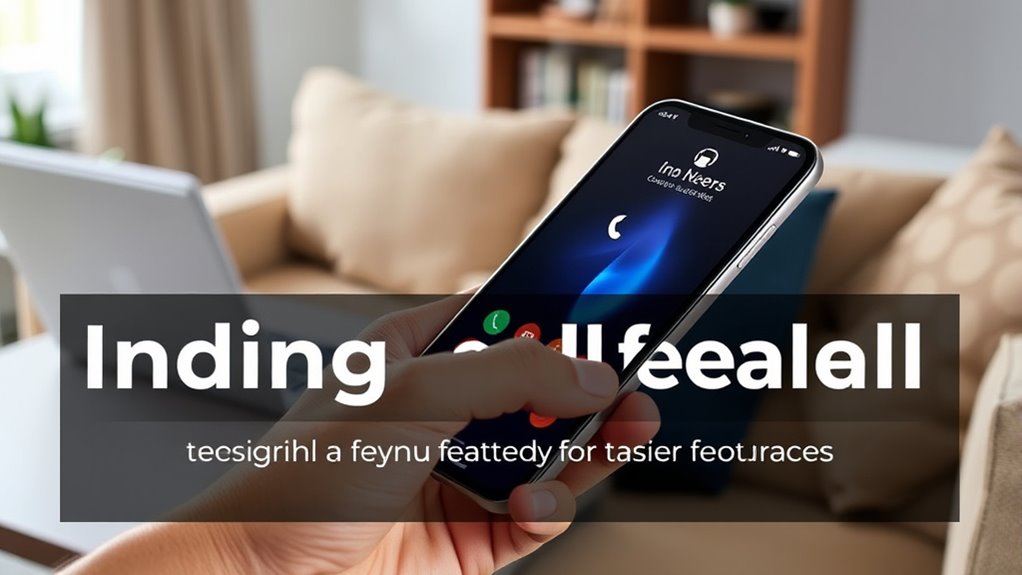
Making phone calls can sometimes be challenging, especially if you have hearing difficulties or are in noisy environments. Whether you’re trying to catch up with a friend or handle an urgent matter, understanding every word can feel like a struggle. Fortunately, technology offers solutions that make communication more accessible. One of these solutions is voice recognition, which transforms spoken words into written text, allowing you to read what’s being said in real time. When paired with apps designed for accessibility, voice recognition becomes a powerful tool that helps bridge the gap between audio and comprehension. Many modern smartphones and apps incorporate voice recognition features that automatically transcribe conversations, making it easier for you to follow along without straining to hear or asking others to repeat themselves.
These voice recognition tools are often integrated into communication apps, providing a seamless experience. For example, during a phone call, an app can display a live transcript of the conversation on your screen. This way, you don’t have to rely solely on your hearing to understand what’s being said. Instead, you can read the conversation as it happens, which is especially helpful in noisy environments or if you have hearing impairments. The best part is that many of these apps are designed with accessibility in mind, ensuring they are easy to use and customizable to fit your needs. You can adjust the font size, change the color scheme, or even choose how much detail the transcript provides, making the experience more user-friendly.
App accessibility doesn’t stop at voice recognition. Many apps also include features like adjustable volume, visual alerts, and compatibility with hearing aids or cochlear implants. These features work together to create a more inclusive experience, allowing you to participate fully in conversations without feeling left out or frustrated. Setting up these apps is usually straightforward, and many come with tutorials or customer support to guide you through the process. Once configured, they operate smoothly in the background, so you can focus on the conversation, not the technology. Additionally, necessary cookies and other cookie categories ensure the app functions reliably and securely during your use.
In essence, by leveraging voice recognition and app accessibility features, you gain more control over your communication. You can turn a potentially stressful phone call into a more manageable, even enjoyable experience. These tools are designed to empower you, helping you stay connected with friends, family, and colleagues without the usual barriers. With just a few adjustments, making phone calls becomes less about overcoming challenges and more about staying engaged and connected.
Amazon Product B0F74DH64V
As an affiliate, we earn on qualifying purchases.
Frequently Asked Questions
Are Caption Apps Compatible With All Phone Models?
Most caption apps rely on voice recognition technology, but compatibility varies across phone models. You should check the specific app’s compatibility requirements before downloading. While many popular apps work with both Android and iPhone devices, some may have limitations depending on your phone’s operating system or hardware. To guarantee smooth performance, verify app compatibility first and keep your device’s software updated for the best voice recognition experience.
How Secure Are Third-Party Captioning Apps?
Third-party captioning apps vary in security, so you should be cautious about privacy concerns. While some apps have strong encryption and reliable data protection, others might not prioritize security, risking your personal information. Always check reviews and privacy policies before downloading. Trustworthy apps with good app reliability usually handle your data securely, but it’s crucial to stay vigilant about potential risks to make sure your conversations remain private.
Can Captions Be Customized for Different Languages?
In this day and age, captions can definitely be tailored for different languages. You can explore apps with multilingual support, which allow you to switch between languages easily. Additionally, adjustable fonts enable you to customize the appearance to your preferences, making the captions more readable. This flexibility ensures you can have a seamless experience, regardless of the language spoken during your calls, making communication more inclusive and efficient.
Do Caption Features Work During Video Calls?
Yes, caption features work during video calls, enhancing live caption accuracy and making conversations clearer. Many apps integrate captions seamlessly, so you don’t have to worry about complicated setups. You simply enable the feature, and it automatically transcribes spoken words in real time. This makes communication more accessible and easier, especially if you’re in a noisy environment or have hearing difficulties. The app integration ease guarantees a smooth, hassle-free experience.
Are There Free Options for Captioning and Calling Apps?
Yes, there are free options for captioning and calling apps. You can try live transcription features in speech-to-text apps like Google Live Transcribe or Otter.ai, which offer real-time captions during calls. Many smartphones also have built-in speech-to-text tools that work for calls or messages. These free tools help you understand conversations better, making your calls easier and more accessible without extra costs.
Amazon Product B0F74DKPKB
As an affiliate, we earn on qualifying purchases.
Conclusion
By embracing captions and helpful apps, you’re not just making calls easier—you’re breaking down barriers that once made communication difficult. This approach proves that technology isn’t just about convenience; it’s about inclusion and empowerment. When you explore these tools, you realize that accessibility isn’t a theory but a truth that transforms lives. So, keep experimenting and stay open—your efforts can make every conversation clearer and more connected.

Audien Atom One OTC Hearing Aids - Wireless, Rechargeable, and Comfortable | Clear Sound in a Small, Discreet Design for Seniors & Adults with Hearing Loss
Hear What Matters Most: Hearing isn’t one-size-fits-all. That’s why our adjustable frequency system lets you personalize your sound...
As an affiliate, we earn on qualifying purchases.
Amazon Product B0F74HRFJ1
As an affiliate, we earn on qualifying purchases.