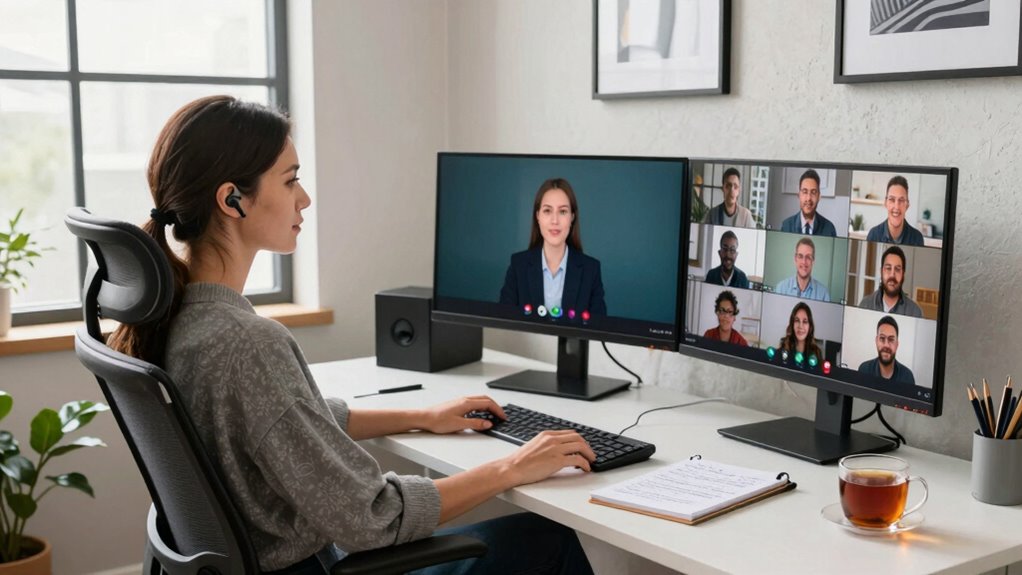

To make remote work meetings more accessible if you have hearing loss, guarantee others speak clearly and face the camera to facilitate lip-reading. Use live captions or transcripts, and encourage visual cues like chat and hand-raising. Agree on simple rules to promote participation, and utilize high-quality audio devices and adjustable settings. Fostering an inclusive environment is key, and exploring these strategies further can help you stay engaged and confident during virtual meetings.
Key Takeaways
- Enable live captions and provide written summaries to improve understanding during virtual meetings.
- Use visual cues like raising hands and chat to promote inclusive participation.
- Practice clear speech, face the camera, and minimize background noise for better communication.
- Encourage the use of assistive listening devices and visual aids to support hearing accessibility.
- Establish consistent meeting protocols to ensure equal opportunity for all participants to contribute.

ProCase Noise Reduction Ear Muffs, Sound Proof Ear Protection, NRR 28dB Noise Cancelling Headphones for Adults Kids Autism, Hearing Protection for Mowing -Black
Constructed by solid ABS shell and thickened foam, the ear muffs achieve NRR 28 dB (SNR 34 dB)…
As an affiliate, we earn on qualifying purchases.
As an affiliate, we earn on qualifying purchases.
Understanding Challenges in Virtual Meetings for Hearing Loss
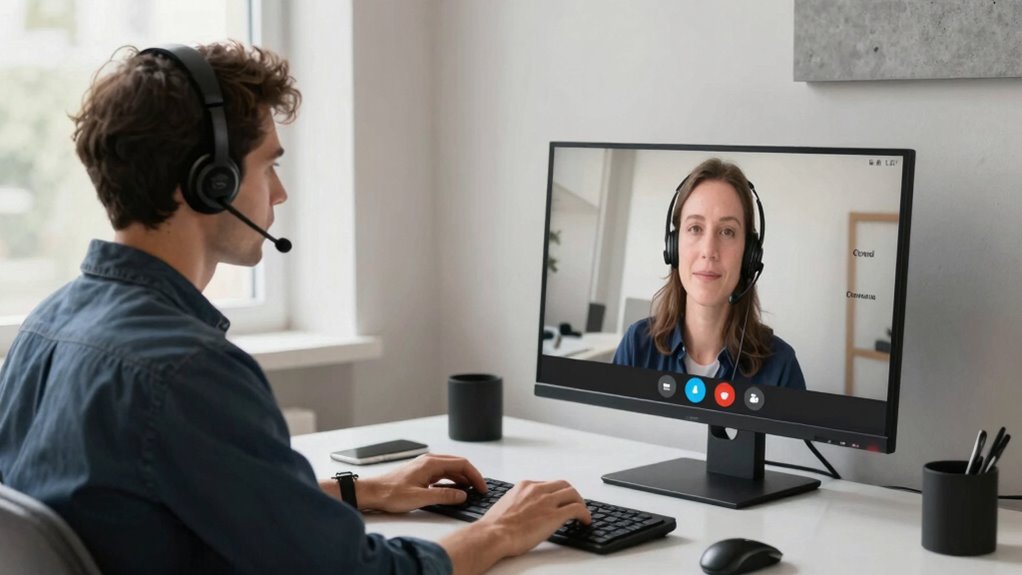
Virtual meetings can pose significant challenges for individuals with hearing loss, as they often rely heavily on clear audio and visual cues. Background noise from multiple participants, poor microphone quality, or echo can make it difficult to distinguish speech. You might find yourself straining to follow conversations, missing important details, or feeling fatigued. Lip reading becomes vital, but it’s not always easy if video quality is low or if participants don’t face the camera. Additionally, when visual cues are limited or obstructed, understanding speech becomes even harder. These obstacles can lead to frustration and reduce your engagement in meetings. Recognizing these challenges is the first step toward finding solutions that improve your remote work experience. Media literacy can help you identify and adapt to the different communication styles used in virtual environments. Improving audio quality through the use of external microphones or headphones can significantly enhance speech clarity and reduce listening fatigue. Employing visual aids, like captions or sign language interpreters, can also support better understanding during meetings. Understanding hearing health and how it affects communication can further empower you to take proactive steps in virtual settings. Additionally, being aware of and utilizing assistive listening devices can improve your overall virtual communication experience.

TONOR Conference USB Microphone, Omnidirectional Condenser PC Mic for Video Conference, Recording, Skype, Online Class, Court Reporter, Plug & Play Compatible with Mac OS X Windows PC Compute, G11
Omnidirectional Microphone – It is not a Speaker or Speakerphone, it is a condenser microphone. The microphone has…
As an affiliate, we earn on qualifying purchases.
As an affiliate, we earn on qualifying purchases.
How to Optimize Your Tech Setup for Better Hearing Accessibility
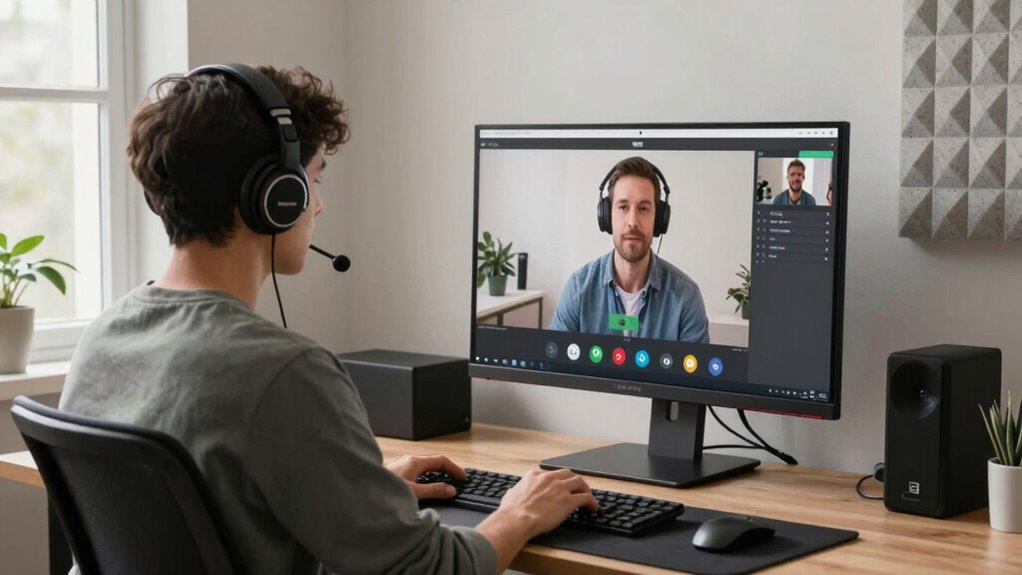
To improve your hearing accessibility during remote meetings, optimizing your tech setup is essential. Start by investing in audio enhancements like high-quality headphones or earbuds that provide clear sound and noise isolation. These devices help you focus on speech and reduce background distractions. Choose ergonomic devices designed for comfort during long calls, preventing fatigue and ensuring consistent use. Use external microphones or sound mixers if needed to improve audio clarity further. Adjust your computer or conferencing app settings to maximize volume and enable features like captioning or real-time transcription. Ensuring your equipment is reliable and tailored to your needs creates an environment where you can hear better and participate more confidently during virtual meetings. Properly set up tech makes an immediate difference in accessibility. Additionally, selecting hearing-friendly technology designed with accessibility features can further enhance your experience, especially when integrated with assistive listening devices. Incorporating adaptive audio tools can also optimize sound quality based on your specific hearing needs, making virtual communication even more effective. Regularly updating your software and hardware ensures you benefit from the latest accessibility improvements, and choosing reliable tech solutions can prevent technical issues that disrupt your participation.
live captioning device for meetings
As an affiliate, we earn on qualifying purchases.
As an affiliate, we earn on qualifying purchases.
Meeting Rules That Make Virtual Meetings More Inclusive
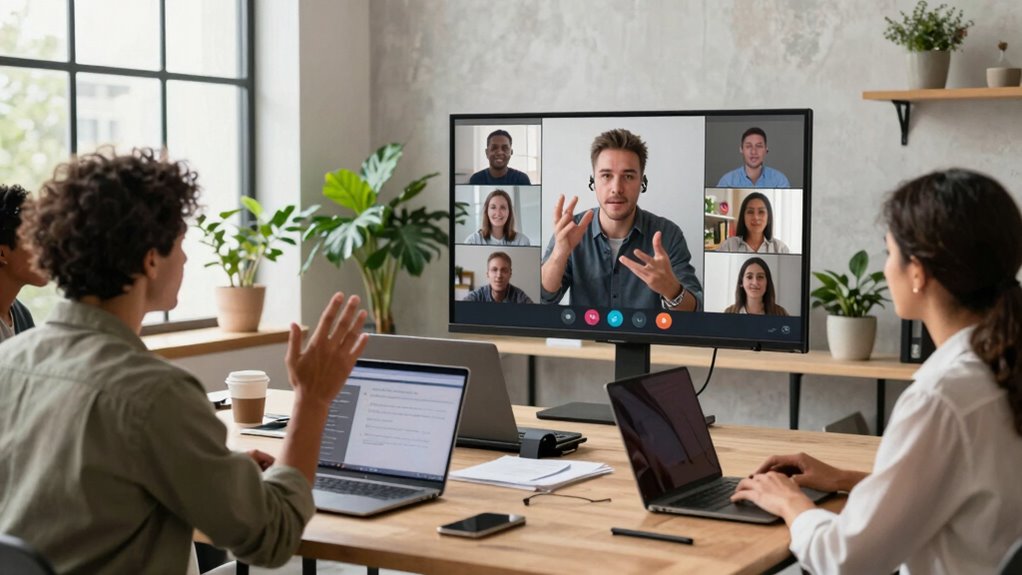
Implementing clear meeting rules can substantially enhance inclusivity for participants with hearing loss. To do this, start by using caption suggestions, such as enabling live captions or providing written summaries. These tools help clarify spoken content and reduce misunderstandings. Incorporate engagement strategies like asking participants to identify themselves before speaking and encouraging visual cues, such as raising a hand or using the chat. Establish guidelines that guarantee everyone has a chance to contribute, making the meeting more accessible. Clear rules create a structured environment where hearing-impaired participants feel included and can follow discussions more easily. Understanding assistive listening devices and the “why” behind techniques ensures that these strategies are effectively implemented and maintained. Consistently applying these strategies promotes better communication, fosters participation, and ensures that everyone’s voice is heard. Additionally, familiarizing yourself with accessible technology can help ensure that all participants can engage fully. Integrating smart home technology solutions, such as AI-enabled devices, can further support hearing-impaired participants by providing real-time alerts and enhanced communication clarity during virtual meetings.

Retekess T130S Tour Guide Headsets, Tour Guide Microphone and Speaker, Upgraded Longer Range, Assistive Listening Devices for Church, One-Key Mute, Tour Guide Audio System for School (2 TX 60 RX)
Superior endurance; church translation system maintains 20H standby time with more durable battery. 64-device charging case allows for…
As an affiliate, we earn on qualifying purchases.
As an affiliate, we earn on qualifying purchases.
Best Practices for Supporting Hearing Accessibility During Meetings
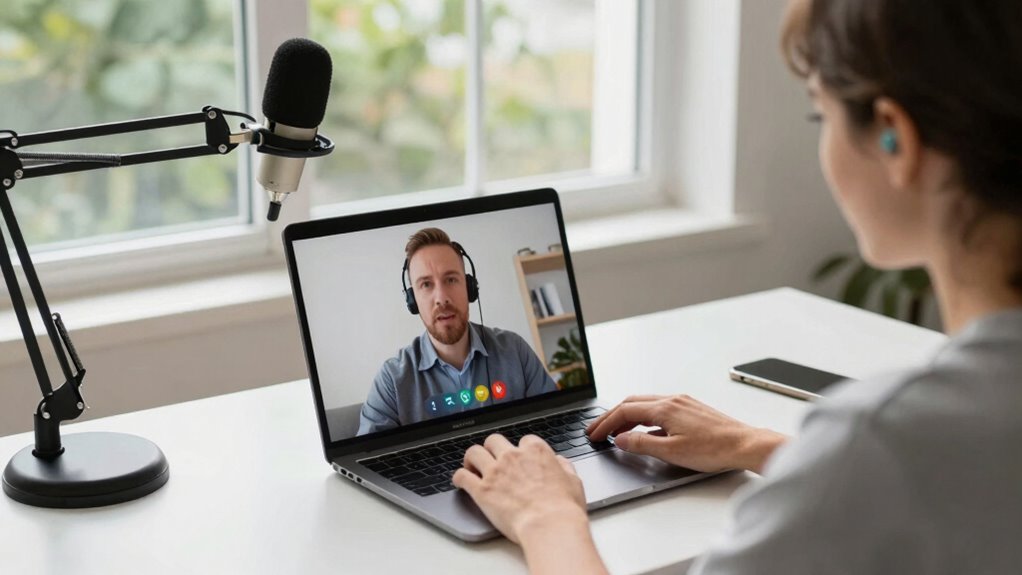
Supporting hearing accessibility during meetings requires proactive strategies to guarantee all participants can follow and contribute effectively. First, use assistive devices like hearing aids or personal amplifiers to enhance sound clarity. Ensure these devices are functioning properly before the meeting begins. Implement communication strategies such as clear speech, face the camera when speaking, and avoid talking over others. Encourage participants to speak slowly and enunciate clearly. Use visual cues like slides or captions when possible, which benefit everyone but especially those with hearing loss. Confirm understanding by periodically checking in and inviting questions. Incorporating auditory communication methods principles, such as movement and visual engagement, can also help enhance communication. Additionally, understanding the importance of air quality can contribute to a healthier meeting environment for all participants, particularly those with sensitivities or health issues. Maintaining comfortable room temperature and good ventilation can further support overall hearing and health. Paying attention to the meeting environment by minimizing background noise and distractions can significantly improve accessibility for all attendees. These practices foster an inclusive environment where everyone can participate comfortably, minimizing misunderstandings and promoting effective collaboration.
Top Tools and Resources to Improve Virtual Meeting Experiences for Hearing Loss
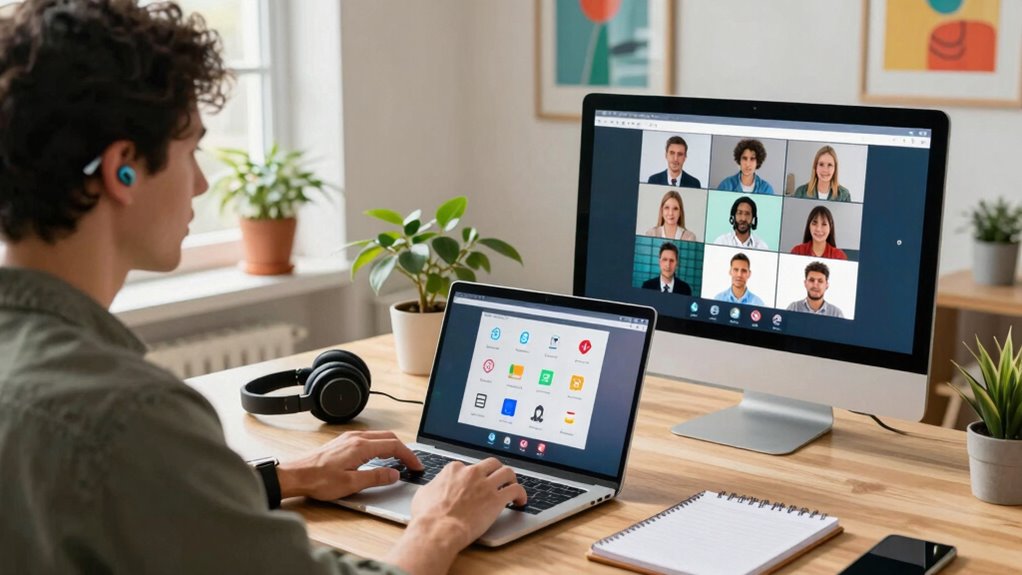
Advancements in technology have made virtual meetings more accessible for people with hearing loss, offering a range of tools and resources designed to enhance communication. Caption ideas, such as real-time transcriptions or live captions, can markedly improve understanding during remote collaboration. Many platforms now include built-in caption features or support third-party captioning services, making it easier to follow conversations. Additionally, adjustable audio settings and noise-canceling headphones help reduce background noise and clarify speech. Visual aids like shared screens or chat functions also support communication. These tools empower you to participate fully, ensuring your voice is heard and understood. Exploring these resources can transform your remote work experience, making virtual meetings more inclusive and effective. Embracing European cloud innovation ensures your data privacy and security while accessing essential communication tools. Incorporating assistive listening technologies can further enhance clarity and engagement during meetings, especially when combined with personalized communication strategies tailored to individual needs. Utilizing real-time captioning services can also significantly improve comprehension and interaction during discussions, and staying informed about assistive technology advancements can help you choose the best options for your needs.
Frequently Asked Questions
How Can Employers Create a Hearing-Loss-Friendly Virtual Meeting Policy?
You can create a hearing-loss-friendly virtual meeting policy by encouraging the use of captioning tools and sign language interpreters. Make it a rule to enable live captions, ensuring everyone can follow along. Also, facilitate access to sign language interpreters when needed. This approach promotes inclusivity, allowing colleagues with hearing loss to participate fully and confidently in meetings without missing critical information.
What Legal Rights Do Employees With Hearing Impairments Have During Remote Meetings?
You have legal protections that guarantee accessible remote meetings, including the right to reasonable accommodations like assistive technology. Employers must provide tools such as captioning, hearing loops, or transcription services to support your participation. If they fail to do so, you can seek legal recourse under laws like the ADA. Your rights aim to create an inclusive environment where your hearing impairments don’t hinder your ability to contribute effectively.
How Can Team Members Effectively Communicate With Colleagues Who Have Hearing Loss?
You can effectively communicate with colleagues who have hearing loss by using sign language interpreters and providing captions. Always incorporate visual cues like facial expressions and gestures to enhance understanding. Make sure to speak clearly, face the person, and avoid talking over others. Using visual aids and ensuring good lighting helps them follow along. These strategies create an inclusive environment where everyone can participate fully and comfortably.
Are There Specific Training Programs to Increase Awareness About Hearing Loss in Remote Work?
Yes, you can find targeted training programs that boost awareness about hearing loss in remote work. These programs often include awareness training and showcase assistive technologies, helping teams better understand and support colleagues with hearing challenges. By participating, you’ll develop a deeper understanding, demonstrate empathy, and effectively employ assistive tech tools, creating a more inclusive, insightful environment where communication flows smoothly and everyone feels valued and understood.
How Can Remote Meeting Platforms Be Customized for Better Accessibility?
You can personalize remote meeting platforms by enabling Assistive Technologies like live captions, screen readers, and adjustable audio settings. Use customization features such as font size, contrast, and notification preferences to improve accessibility. These adjustments help you better understand conversations, reduce strain, and participate more actively. Exploring platform-specific accessibility options ensures your remote meetings are inclusive, comfortable, and effective for your hearing needs.
Conclusion
By implementing these tips and tools, you can create a more inclusive virtual meeting environment. Did you know that over 15% of the global population experiences some level of hearing loss? With simple adjustments, you can guarantee everyone stays engaged and heard. Embracing these practices not only supports those with hearing challenges but also fosters clearer, more effective communication for all. Together, you can make remote work accessible and productive.