
To make video calls easier to lipread, guarantee your face is well-lit and clearly visible. Use soft, diffused lighting positioned at a 45-degree angle to minimize shadows and glare that hide your lips. Frame yourself from shoulders up, keeping your camera at eye level for natural eye contact. Avoid backlighting by facing natural or artificial light sources directly. For more practical tips and setup ideas, keep exploring to improve your visibility even further.
Key Takeaways
- Ensure the face is well-lit with diffuse, even lighting to clearly reveal lip movements and facial expressions.
- Frame the face from shoulders up, centered, and at eye level to provide full visibility of lips and cues.
- Use natural light facing the subject, or soft artificial lights positioned at 45 degrees to minimize shadows.
- Remove background distractions and clutter to keep the focus on the face and enhance lipreading clarity.
- Check and adjust camera angle, lighting, and framing before calls to maintain consistent, optimal visibility.

Video Conference Lighting Kit, Ring Light Clip on Laptop Monitor with 5 Dimmable Color & 5 Brightness Level for Webcam Lighting/Zoom Lighting/Remote Working/Self Broadcasting and Live Streaming, etc.
Adjustable Color Temperature & Brightness: ACMEZING video conference light has 5 color temperature: Warm warm, Warm white, Natural…
As an affiliate, we earn on qualifying purchases.
As an affiliate, we earn on qualifying purchases.
Why Proper Lighting and Framing Matter for Lipreading

Proper lighting and framing are essential for effective lipreading during video calls because they guarantee your face is clearly visible. When your face is well-lit, facial expressions become easier to interpret, providing additional context beyond words. Good lighting minimizes shadows that can obscure mouth movements, enhancing speech clarity. Optimal lighting can also reduce eye strain and fatigue, allowing for better focus during conversations. Framing your face properly ensures your lips are centered and large enough to see clearly, making it easier to follow lip movements. Clear facial expressions also help convey emotions and intent, which can be vital for understanding conversations. Without proper lighting and framing, subtle mouth movements and expressions may be lost or distorted, making lipreading more difficult. proper framing techniques can further enhance visibility and ensure your face remains the focal point throughout the call. Incorporating adequate illumination also helps reduce shadows that obscure mouth movements, making lipreading more accurate and less tiring. Additionally, understanding the importance of projector contrast ratios can help you optimize your visual environment for better clarity and reduced glare.

Torjim Softbox Photography Lighting Kit, 20'' x 20'' Professional Softbox Lighting Kit with 85W 3000-7500K LED Bulbs, Studio Lights for Photography/Video Recording/Live Streaming/Portraits Shooting
【Illuminate Your Creativity】 Torjim softbox lighting kit is made of high-quality PET fabric and a foldable nylon cover,…
As an affiliate, we earn on qualifying purchases.
As an affiliate, we earn on qualifying purchases.
Choosing the Right Lighting Equipment for Video Calls
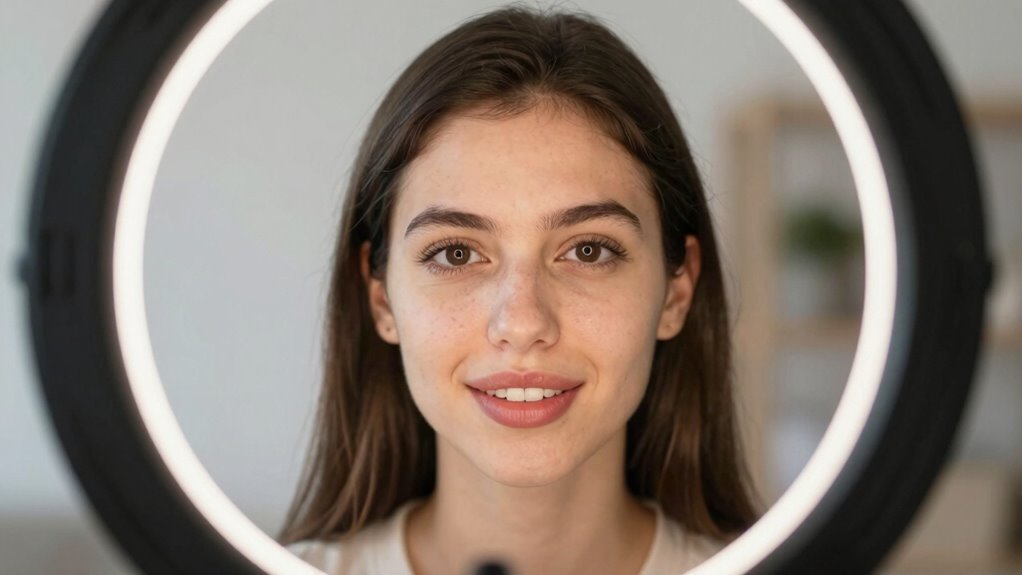
To guarantee your face is well-lit during video calls, selecting the right lighting equipment is essential. Proper lighting accessories can reduce shadows and improve lip visibility. Focus on adjustable lights that allow you to control brightness and color temperature, ensuring your face is evenly lit. Position your lights to minimize glare on the screen and avoid uneven shadows. Pay attention to camera placement; placing the camera at eye level helps create a natural look and improves lipreading clarity. Consider using ring lights or softboxes for soft, uniform illumination. Additionally, avoid harsh, direct light that can cause discomfort or glare. Incorporating modern kitchen technology such as smart lighting systems can offer customizable lighting options tailored to your needs. Utilizing lighting control systems can further enhance your setup by allowing quick adjustments during calls. Properly managing lighting placement is key to reducing distractions and ensuring your face remains clearly visible. Using lighting accessories that are designed for video communication can also make a significant difference. For example, choosing lights with color temperature adjustment helps optimize visibility in various environments. With the right combination of lighting accessories and thoughtful camera placement, you’ll make lipreading easier and your video calls more effective.

Desk Lamp for Home Office, Height-Adjustable Video Conferencing Light, Eye-Care LED Desk Light for Video Calls, Zoom Lighting for Computer, USB Charging, Ideal for Study, Work, Reading
High Color Rendering Index: This video conferencing light utilizes high CRI LED bulbs with a color rendering index…
As an affiliate, we earn on qualifying purchases.
As an affiliate, we earn on qualifying purchases.
Making the Most of Natural Light for Clearer Lip Visibility

To improve lip visibility during video calls, aim for bright, indirect sunlight that illuminates your face without causing glare. Position yourself so the light source faces you, minimizing shadows around your lips. Avoid backlighting, which can cast distracting shadows and make lipreading more difficult. Incorporating natural lighting techniques can further enhance overall clarity and visibility during your calls. Additionally, using lighting placement strategies can help optimize the light’s effect and reduce unwanted shadows. Proper lighting setup can also prevent flickering or uneven brightness that hampers lip reading. Ensuring consistent lighting conditions helps maintain a clear view of your lips throughout the call. Adjusting your environment to control ambient light can further improve visibility and reduce distractions.
Choose Bright, Indirect Sunlight
Bright, indirect sunlight can considerably improve how well you can lipread during video calls. Natural sunlight, when filtered through curtains or reflected off walls, creates gentle, even lighting that reduces harsh shadows. This indirect lighting makes facial movements and lip shapes clearer, helping you follow conversations more easily. To optimize this, position yourself near a window with diffused light rather than direct sun, which can cause glare. Avoid placing yourself in front of bright lights that cause silhouettes or uneven shadows. Instead, aim for a space where natural sunlight softly illuminates your face from the side or above. This setup enhances visibility without discomfort, making it easier for both you and your conversation partner to communicate effectively. Proper lighting setup can further improve your ability to lipread clearly, especially when combined with lighting adjustments tailored to your environment. Additionally, incorporating consistent lighting conditions can help reduce eye strain and improve overall communication clarity. Using balanced lighting can also minimize visual fatigue and support better focus during conversations, which is especially important for maintaining visual contrast that aids lipreading.
Position Facing Light Source
Facing your light source directly can substantially improve lip visibility during video calls. When the light illuminates your face evenly, it makes your facial expressions clearer, helping others read your lips more easily. Position yourself so the natural light faces you, avoiding shadows that obscure your mouth. This setup reduces the chances of background noise distractions, as your face remains well-lit and focused. Proper lighting also highlights your mouth movements, making lipreading more accurate. Keep in mind, consistent facial expressions combined with good lighting enhance communication. Avoid having a bright window behind you, which can cause backlighting issues. By facing the light source directly, you create a clearer, more natural visual environment for effective lipreading and better understanding during your video calls.
Avoid Backlighting Shadows
Ensuring your face isn’t overshadowed by backlighting is key to making natural light work for clearer lip visibility. Shadows caused by backlighting prevent accurate lipreading and obscure facial expressions. To prevent this, focus on shadow elimination and backlighting prevention by controlling your light source. Position yourself so the light faces you directly, avoiding windows or lamps behind you. Use curtains or diffusers to soften harsh light, reducing sharp shadows. If natural light is limited, supplement with soft artificial lighting that evenly illuminates your face. Keep the light at eye level for maximum visibility. Additionally, light positioning is crucial for achieving uniform illumination and minimizing shadows. Proper lighting control can significantly enhance your visibility during video calls, making it easier for others to lipread accurately. Adjusting your lighting setup to suit your environment helps create a consistent and shadow-free appearance. These simple steps help eliminate shadows, making it easier to lipread clearly. Remember, controlling your lighting setup is essential for natural, shadow-free illumination during video calls.
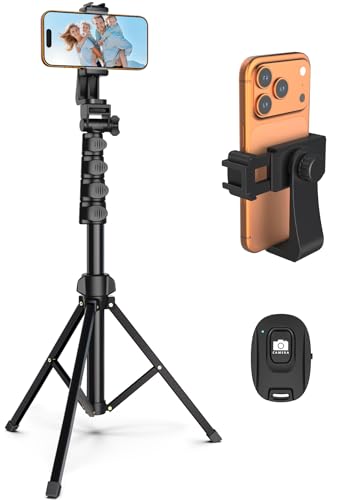
Liphisy 64” Tripod for Cell Phone & Camera, Phone Tripod with Remote and Phone Holder, Sturdy & Stable Height Adjustable Multi-Angle Shot Selfie Stick Tripod for Video Recording
【Sturdy and Stable】: Made of premium aluminum alloy and stainless steel, Liphisy phone tripod with remote keeps your…
As an affiliate, we earn on qualifying purchases.
As an affiliate, we earn on qualifying purchases.
How to Frame Yourself for Better Lipreading During Video Calls

To improve lipreading during video calls, start by keeping your camera at eye level so your face stays centered. Make sure your face is fully in the frame and avoid distracting backgrounds that pull attention away. These simple adjustments help others see your lips clearly and communicate more effectively. Additionally, ensure your lighting is reliable and well-balanced, illuminating your face evenly to enhance visibility. Proper connected equipment placement can also reduce shadows and glare, further improving your visual clarity. Also, consider positioning your camera to minimize background distractions, which helps focus attention on your face and improves overall communication.
Maintain Eye-Level Camera
Have you ever noticed how much easier it is to lipread when your camera is at eye level? Keeping your camera aligned with your eyes creates natural eye contact, making it easier for others to focus on your lips. The right camera angle reduces awkward head tilts and minimizes distractions. To achieve this, consider these tips:
- Use a stand or stack books to elevate your device
- Position your camera so it faces directly at your eye level
- Keep your face centered in the frame
- Avoid tilting or looking down at your screen
Frame Face Fully
Framing your face fully in the camera makes a significant difference in lipreading clarity during video calls. When your entire face is visible, viewers can better interpret facial expressions, which support understanding speech. Ensure your face is centered and occupies most of the screen, so your lips and movements are clear. A well-framed shot reduces distractions and helps focus attention on your facial cues. Keep background noise minimal, as it can interfere with lipreading and distract from facial expressions. Avoid framing yourself too close or too far away; find a balance that shows your face clearly without cropping out important details. Proper framing enhances visual cues, making communication smoother and more effective for everyone trying to lipread.
Minimize Background Distractions
Background distractions can considerably hinder lipreading during video calls, so it’s important to keep your environment tidy and simple. Unrelated topics or cluttered backgrounds can divert attention away from your face, making it harder to interpret your words. To improve clarity, choose a neutral, uncluttered space that minimizes different environments and visual noise.
Consider these tips:
- Use a plain wall or simple background
- Remove unrelated items that draw attention
- Avoid busy patterns or bright colors behind you
- Keep your environment consistent for each call
Tips for Positioning Your Camera to Highlight Your Lips
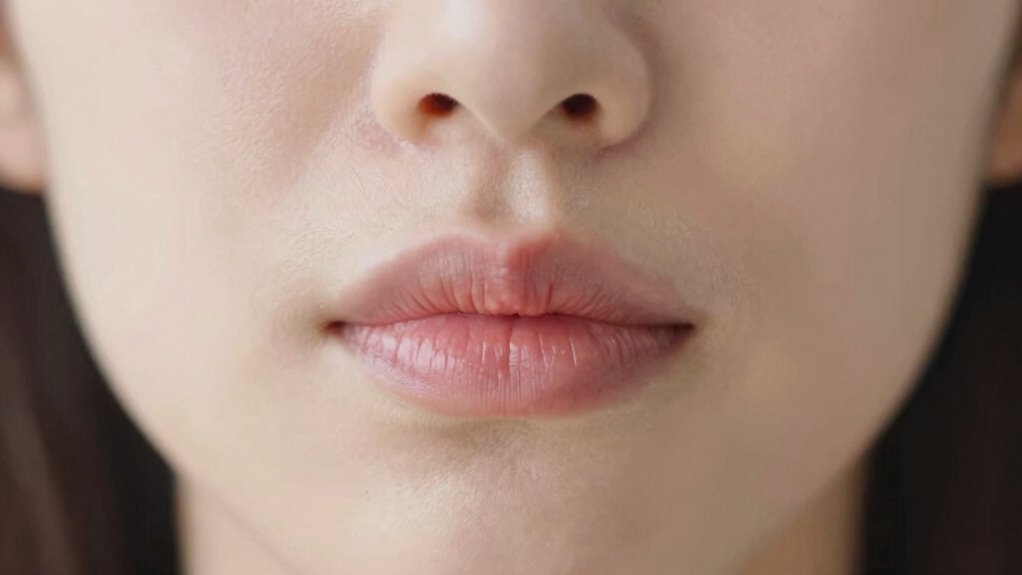
To make your lips more visible during video calls, position your camera at eye level and keep it close enough to capture clear details. Proper camera angles help emphasize your facial expressions and lip movements, making it easier for others to lipread. Avoid too much distance or extreme angles that distort your lips’ movements. Instead, aim for a direct, straight-on shot that centers your face. A well-framed shot highlights your lips without cutting off parts of your face. Here’s a quick guide:
| Tip | Why it matters | Example |
|---|---|---|
| Eye-level positioning | Ensures natural facial view | Keep camera at eye level |
| Framing close-up | Shows lip movements clearly | Capture from shoulders up |
| Avoid tilting | Keeps facial expressions natural | Stay level with your face |
| Consistent framing | Maintains focus on lips | Keep steady camera angle |
Background and Environment: Creating a Lipreading-Friendly Space
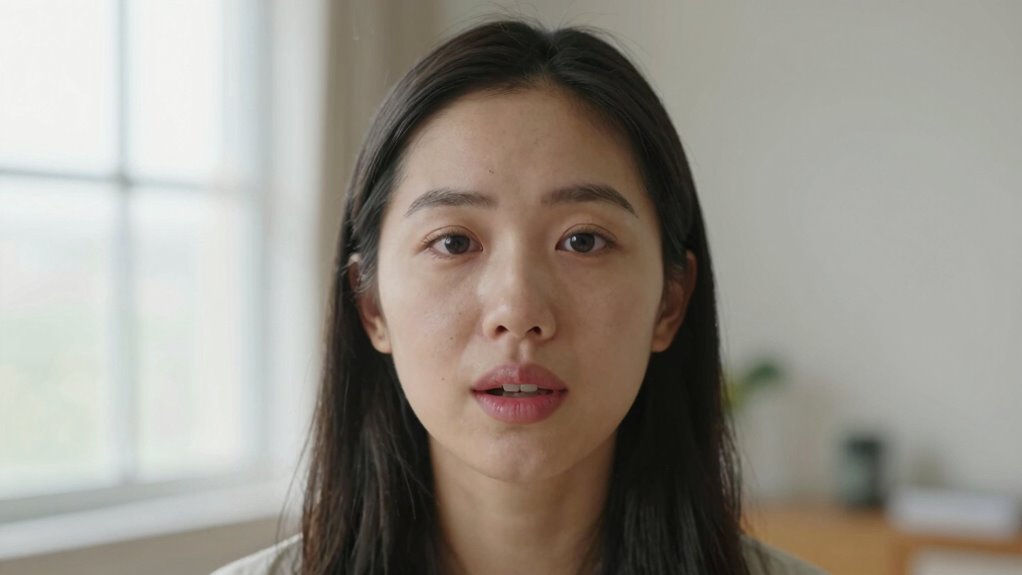
Creating a lipreading-friendly space starts with minimizing distractions and guaranteeing good lighting. A clean background helps focus attention on your lips and facial expressions. Avoid background clutter that can divert your viewer’s gaze or create visual noise. An organized, simple environment reduces cognitive load and makes lip movements clearer. Additionally, optimize your acoustic environment by choosing a quiet space with minimal echo, so sound clarity doesn’t interfere with visual cues. You can also add soft furnishings to absorb sound and improve audio quality. Keep the background neutral and uncluttered, and guarantee there are no busy patterns or bright colors behind you. This setup helps viewers concentrate on your lips and facial cues, making communication smoother and more effective during video calls.
Avoiding Shadows and Glare That Obscure Your Lips
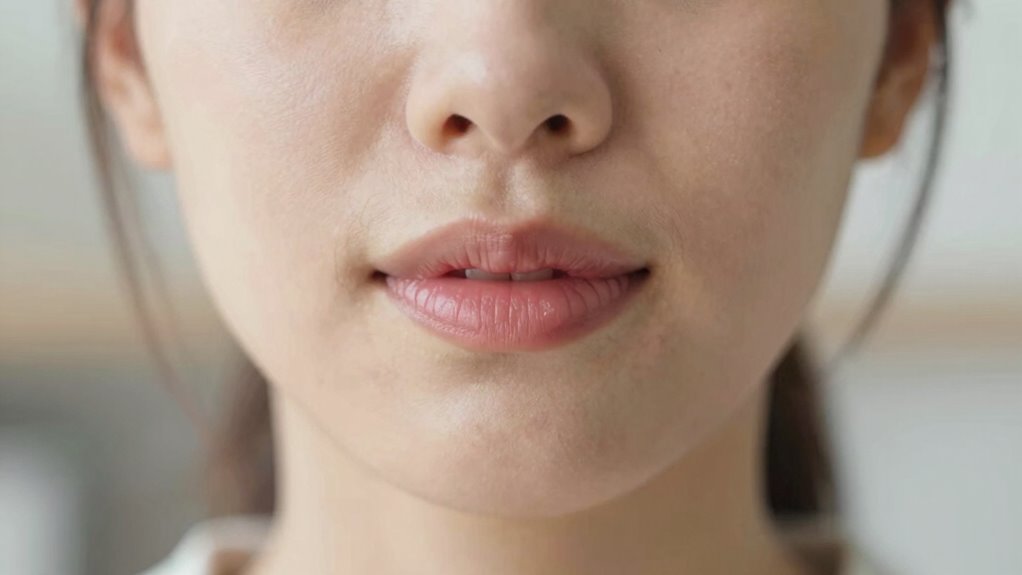
To make your lips more visible, use diffused lighting that softens shadows and reduces glare. Adjust your screen brightness so your lips are clearly outlined without harsh reflections. These simple steps help guarantee your lips stay visible during video calls.
Use Diffused Lighting
Have you ever noticed how shadows or glare can make lipreading during video calls difficult? Using diffused lighting helps minimize harsh shadows and glare that obscure your lips. This type of lighting evenly disperses light across your face, making your lip movements clearer. To achieve this, aim for natural illumination by positioning yourself near windows or using soft, indirect light sources. Avoid direct or focused lighting that creates sharp shadows. Consider these tips:
- Use a lamp with a lampshade or a diffuser
- Position lights at a 45-degree angle to your face
- Opt for soft, ambient lighting instead of harsh bulbs
- Balance natural and artificial light for consistent brightness
Diffused lighting improves visibility and makes your lips easier to read, enhancing communication during video calls.
Adjust Screen Brightness
Adjusting your screen brightness can considerably improve lipreading during video calls. When your screen is too bright or too dim, shadows and glare can obscure your lips, making it harder for others to read your movements. Find a comfortable brightness level that matches your room lighting, reducing eye strain and ensuring your lips are clearly visible. Maintaining proper screen brightness also helps you keep eye contact naturally, rather than looking away to find a better view or adjust settings. Test different levels until your lips are well-lit without harsh reflections or shadows. This balance enhances visibility and makes communication smoother, especially for those relying on lipreading. Consistent, appropriate screen brightness creates a clearer, more engaging conversation for everyone involved.
Troubleshooting Common Lighting and Framing Issues

Lighting and framing are critical for making lipreading easier during video calls, yet they often cause issues that hinder clear communication. Common problems include poor camera angles, inconsistent lighting color, shadows, and awkward framing. To troubleshoot, consider these tips:
- Adjust your camera angle so your face is centered and at eye level.
- Ensure the lighting color is natural and even, avoiding harsh or colored lights.
- Check for shadows that obscure your lips or face.
- Frame yourself with enough headroom and avoid cutting off parts of your face.
Quick Setup Checks for Clearer Video Calls for Lipreaders
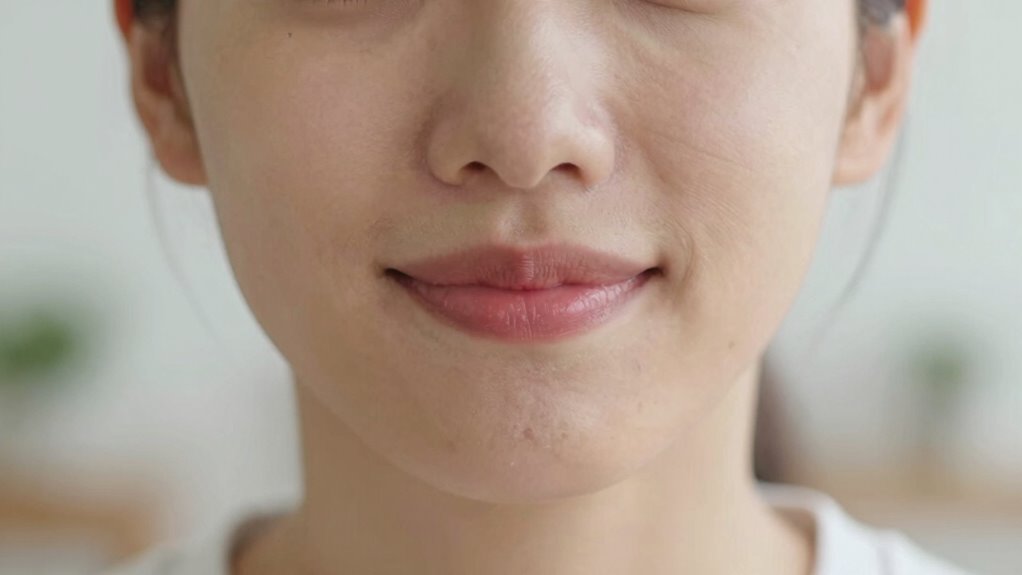
Setting up your video call environment properly can make a noticeable difference in how well lipreaders can understand you. Check these quick setup points: make sure your internet connection is stable to prevent lag and buffering, which disrupts visual cues. Use a microphone with good audio clarity to reduce background noise and make speech easier to interpret. Position yourself directly in front of the camera with good lighting and minimal distractions. Here’s a quick overview:
| Check | What to Do | Why It Matters |
|---|---|---|
| Internet Stability | Use a wired connection or close apps | Prevents lag and loss of video sync |
| Audio Clarity | Use a quality microphone | Enhances speech comprehension |
| Framing & Lighting | Face the light source, minimize background | Clear visuals aid lipreading |
Quick checks like these can greatly improve communication.
Tips When You Don’t Have Professional Lighting Equipment
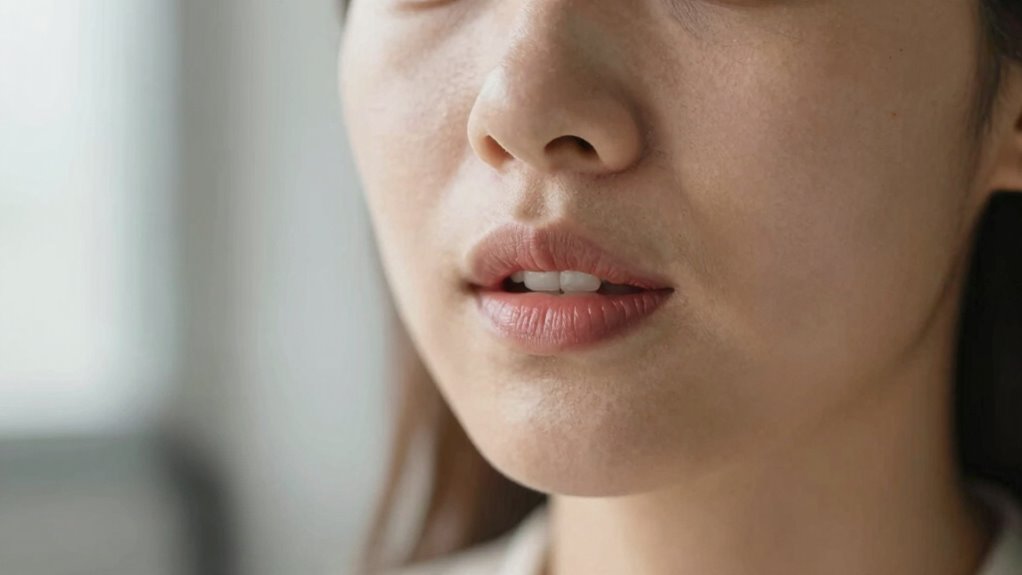
Even without professional lighting equipment, you can improve your video visibility by using natural light sources effectively. Position yourself near windows during daytime, facing the light to illuminate your face clearly. Avoid harsh backlighting that creates shadows, making lip movements harder to read. For alternative lighting options, consider using household lamps or desk lights to fill in shadows. DIY lighting solutions, like placing a white sheet or reflector opposite the light source, can bounce light onto your face. Keep the light steady and avoid flickering screens or moving light sources that cause distractions. Adjust your position so your face remains well-lit and framed properly. With these simple techniques, you enhance your visibility without costly gear, making it easier for others to lipread during your calls.
Frequently Asked Questions
How Can I Improve Lip Visibility in Low-Light Conditions?
You can enhance lip visibility in low-light conditions by using effective lighting techniques like positioning a light source in front of you to illuminate your face evenly. Increase color contrast by wearing clothing that stands out from your background, making your lips more distinguishable. Avoid backlighting and guarantee your face is well-lit, so your movements are clear. These steps help your lips stay visible, making it easier for others to lipread during video calls.
What Are the Best Camera Angles for Clear Lipreading?
You should position the camera at eye level to guarantee clear lip visibility and maintain direct eye contact. This angle allows viewers to see your lips clearly and helps reinforce connection. Avoid extreme close-ups or side angles, as they can distort lip movements. Keep your face centered and well-lit, so your expressions and lip movements are easy to follow. Proper camera positioning and eye contact make lipreading much more effective during video calls.
How Do I Minimize Background Distractions During Video Calls?
You can minimize background distractions during video calls by choosing a quiet space with minimal background noise. Clear visual clutter from your background by tidying up or using a neutral, simple backdrop. Position yourself in good lighting to make your face easily visible, reducing the chances of visual distractions. Use a higher camera angle if possible, so your face stays centered and focused, helping others lipread more effectively.
What Specific Lighting Setups Enhance Lip Movement Clarity?
Want clearer lip movement? Use soft, even lighting with a neutral color temperature around 5600K. Does it seem complicated? Focus on shadow reduction by avoiding harsh lights that create strong shadows and obscure lip details. Position your light source in front of you, slightly above eye level, to illuminate your face evenly. This setup minimizes shadows, enhances contrast, and makes your lip movements easier to read during video calls.
How Can I Adjust Framing if My Lips Are Partially Obscured?
You should adjust your camera positioning to make certain your face, especially your lips, is fully visible within the frame. Keep your face centered and use facial framing techniques to avoid partial obscurity. Sit at eye level with the camera, and check that your lips are clearly visible without any objects or shadows blocking them. This way, your lip movements are easier to see, improving communication during your video calls.
Conclusion
Think of your lighting and framing as the lighthouse guiding your words safely to others. When you shine a clear, steady beam on your lips, your message becomes easier to read, cutting through shadows like fog. By adjusting your setup, you become the beacon that helps conversations flow smoothly. Remember, a well-lit, well-framed video call is your lighthouse—illuminating understanding and connection in every chat.