
To guarantee your conference room setup wins meetings for everyone, focus on accessible audio features like wireless microphones, directional speakers, and adaptive sound technology that boosts speech clarity. Arrange the space with strategic speaker placement and acoustic treatments to minimize echoes and distractions. Incorporate assistive listening devices and captioning tools for added inclusivity. Regular testing and maintenance keep your system reliable. Continue to explore these strategies to create an inclusive, effective communication environment for all attendees.

Get everyday helpers delivered free with Prime
- Fast, free delivery on millions of items
- Prime Video, Amazon Music and more included
- Member-only deals all year
Key Takeaways
- Use wireless microphones and strategically placed speakers to enhance speech clarity and ensure even audio coverage.
- Implement assistive listening devices, such as FM or infrared systems, to directly transmit sound to hearing aids or personal amplifiers.
- Arrange seating and equipment to promote direct sightlines and optimal sound flow, reducing echo and background noise.
- Incorporate real-time captioning and speech-to-text tools to supplement audio and improve understanding for all participants.
- Regularly test, calibrate, and maintain audio systems to ensure consistent clarity and adapt to room acoustics.
wireless microphone for conference rooms
As an affiliate, we earn on qualifying purchases.
As an affiliate, we earn on qualifying purchases.
What Challenges Do Hearing Loss Bring to Conference Calls?
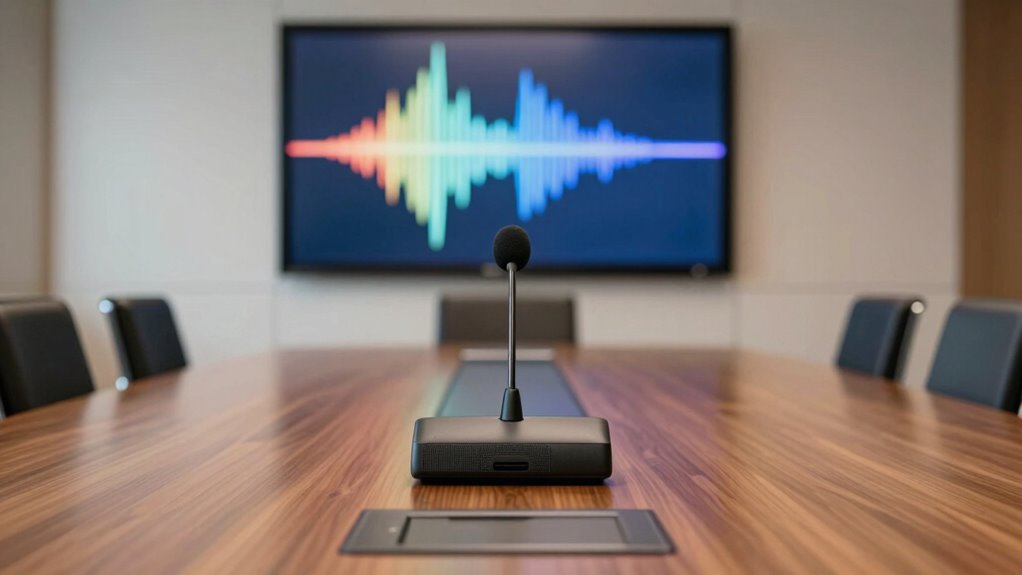
Hearing loss can considerably impact your ability to follow and participate effectively in conference calls. You might struggle to catch every word, especially when audio quality is poor or speakers talk over each other. Lip reading and visual cues become essential tools, but they aren’t always enough if the speaker’s face isn’t visible or if lighting is inadequate. Background noise and echo can further complicate understanding, making it hard to stay engaged. These issues highlight the importance of audio clarity in maintaining engagement and comprehension during meetings. You may find it difficult to keep up with multiple conversations or follow along when people speak quickly. These challenges can lead to frustration or feeling disconnected from the discussion. Recognizing these obstacles helps you understand why accessible audio solutions are vital for effective participation, especially considering the importance of audio setup in reducing misunderstandings and improving overall communication. Additionally, proper audio equipment can significantly enhance sound quality and ensure everyone’s voice is heard clearly. Furthermore, investing in assistive listening devices can make a substantial difference for those with hearing loss during conference calls.
What Features Make Conference Room Audio Tech More Accessible?
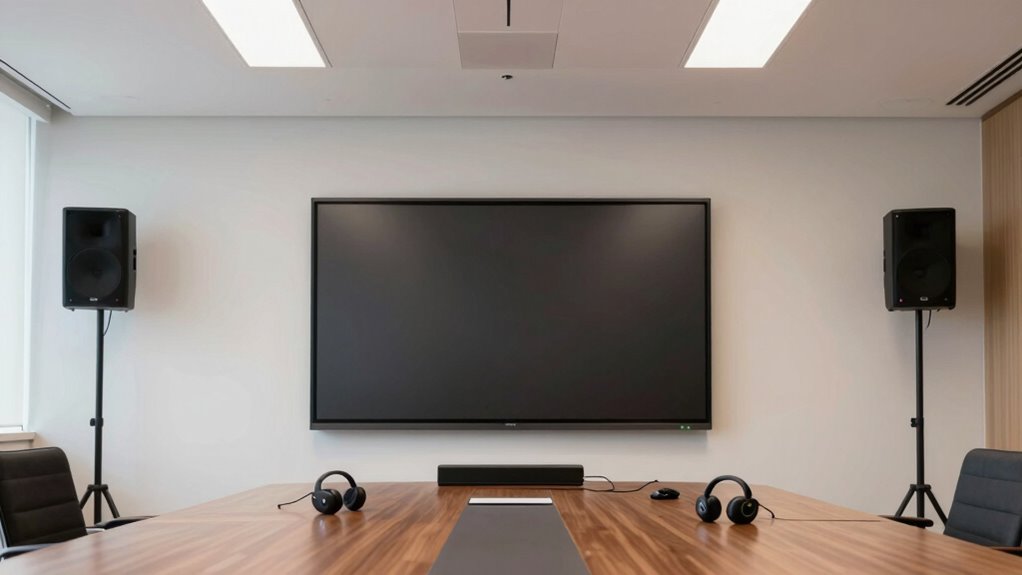
To make conference room audio technology more accessible, it’s essential to incorporate features that enhance clarity and reduce barriers for individuals with hearing difficulties. Wireless connectivity allows seamless pairing with various devices, minimizing clutter and setup time. This guarantees everyone can easily connect without dealing with tangled cords or incompatible ports. User-friendly controls are equally important; simple interfaces with clear buttons or touchscreens allow users to adjust volume, mute, or switch sources quickly and intuitively. These features help participants focus on the meeting instead of struggling with complex technology. Additionally, performance cookies can be utilized to monitor and improve the usability of the system, ensuring it meets the needs of all users. Incorporating adaptive sound technology can further enhance speech clarity for those with hearing impairments. Moreover, integrating assistive listening features supports inclusive communication by providing personalized amplification options. Ensuring that systems are compatible with natural sound environments can significantly improve the overall experience for users. Implementing universal design principles can also help create a more inclusive environment that accommodates diverse hearing needs. Together, wireless connectivity and easy controls create an inclusive environment where hearing-impaired individuals can participate confidently, making meetings more productive and accessible for everyone involved.
How Do You Choose the Best Microphone and Speakers for Hearing Impairments?
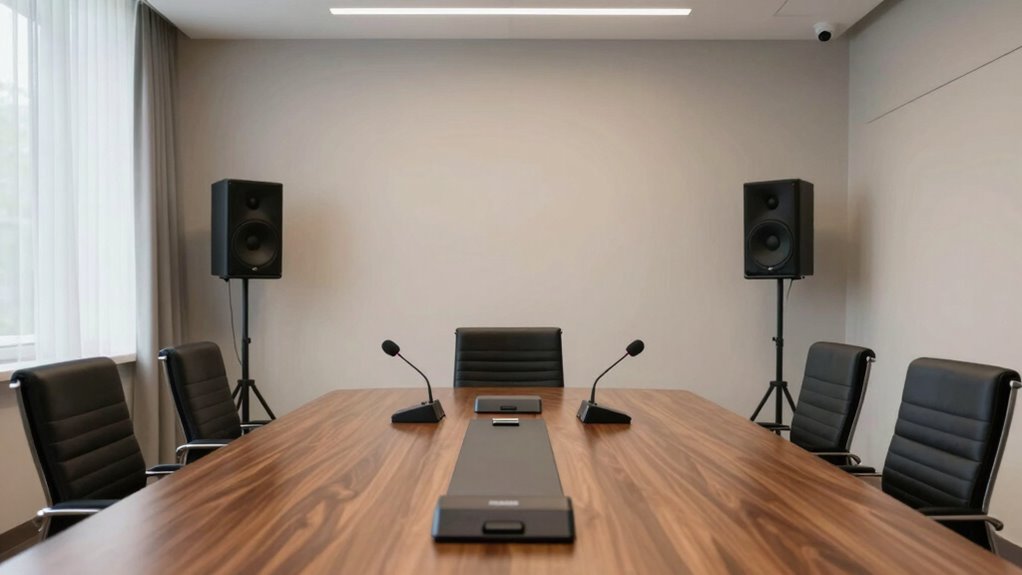
Choosing the right microphone types can make conversations clearer for those with hearing impairments. Proper speaker placement guarantees sound reaches everyone effectively. Consider these factors to optimize your conference room audio for better accessibility. Incorporating essential oils for respiratory health concepts, such as ensuring good air quality and reducing congestion, can also create a more comfortable environment for participants with hearing difficulties. Additionally, selecting equipment with voice clarity enhancement features can significantly improve intelligibility during meetings. Paying attention to European cloud innovation strategies can further support seamless communication technology integration, ensuring reliable and high-quality audio experiences. Moreover, utilizing AI-driven audio processing tools can help customize sound profiles to individual hearing needs, enhancing overall clarity.
Microphone Types for Clarity
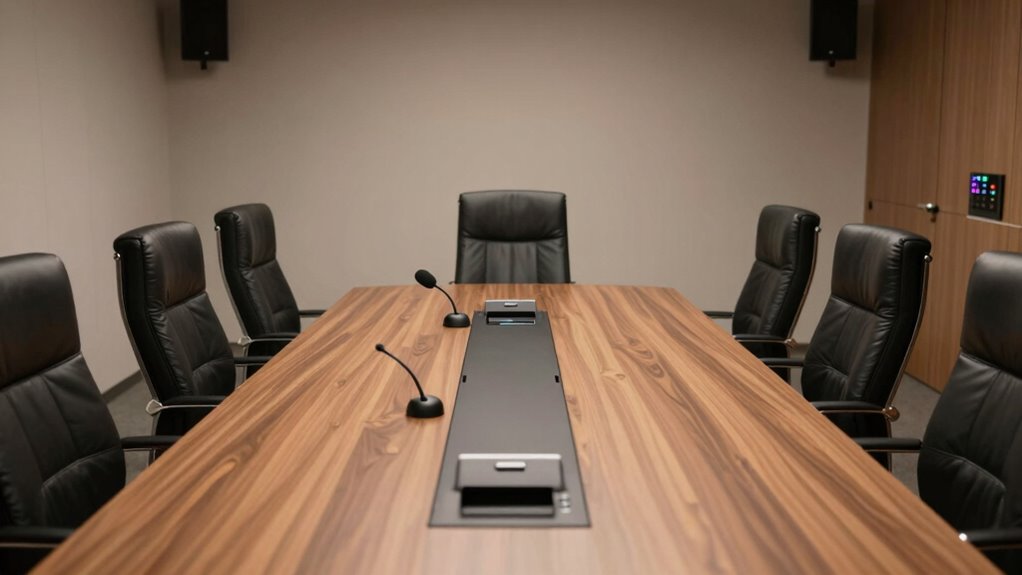
Selecting the right microphone and speakers is essential for guaranteeing clear audio during meetings for those with hearing impairments. Wireless microphones offer flexibility and ease of movement, making them ideal for dynamic discussions. Directional microphones focus on capturing sound directly in front of them, reducing background noise and enhancing speech clarity. This helps ensure that participants with hearing loss hear speakers more clearly without interference from surrounding sounds. When choosing microphones, consider the room size and layout, as well as the number of speakers and attendees. Combining wireless and directional microphones can create a tailored setup that improves speech intelligibility. Clear audio transmission minimizes fatigue and frustration, making meetings more accessible and productive for everyone involved.
Speaker Placement Strategies
Proper speaker placement is critical for ensuring that everyone, especially those with hearing impairments, can clearly understand the conversation. To achieve this, focus on strategic speaker placement to maximize acoustic enhancement. Position speakers directly facing the participants and avoid placing them behind obstacles or too close to walls, which can cause echo or sound distortion. Keep speakers at ear level for natural sound delivery. Use multiple speakers evenly distributed around the room to create balanced sound coverage and prevent dead zones. Regularly test the setup with users who have hearing impairments to identify and adjust speaker placement as needed. This thoughtful placement minimizes audio gaps, enhances clarity, and ensures all participants experience optimal sound quality throughout the meeting. Additionally, understanding acoustic considerations can help optimize the entire audio environment for clearer communication.
How Can You Arrange Your Conference Room for Clearer Sound and Better Accessibility?
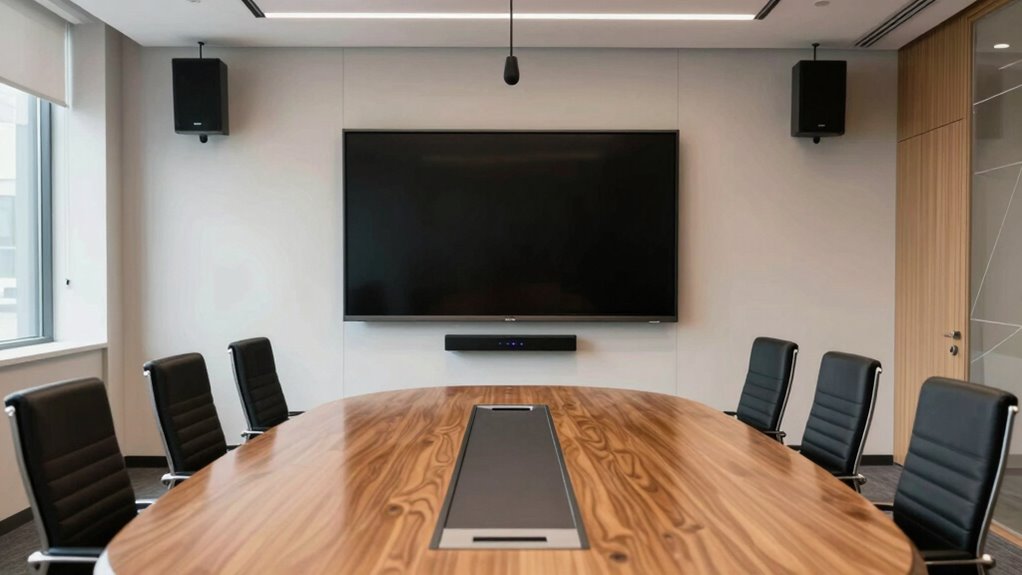
To guarantee clearer sound and better accessibility in your conference room, start by arranging the space thoughtfully. Focus on optimizing soundproofing acoustics to prevent outside noise and echoes, creating a quieter environment. Position speakers and microphones strategically to ensure even sound distribution. Incorporate visual cues like large screens or signage to help participants follow along, especially for those with hearing difficulties. Here are some key ideas:
- Use soundproofing materials to enhance acoustics
- Arrange seating to favor direct sightlines and sound flow
- Add visual cues such as captions or visual alerts
- Consider room acoustics to further improve sound quality and reduce unwanted noise. Improving soundproofing can significantly mitigate external disturbances and reverberations, making the environment more conducive to clear communication. Additionally, understanding auditory accessibility principles can help tailor the setup for inclusive participation. Paying attention to room layout can also enhance overall communication effectiveness. Incorporating water-based sound absorption techniques can further improve acoustics by reducing echo and reverberation. These adjustments help reduce distractions, improve clarity, and make communication more accessible for everyone. Thoughtful room setup is essential for effective meetings and inclusive participation.
What Are the Top Assistive Listening Devices and Captioning Tools?

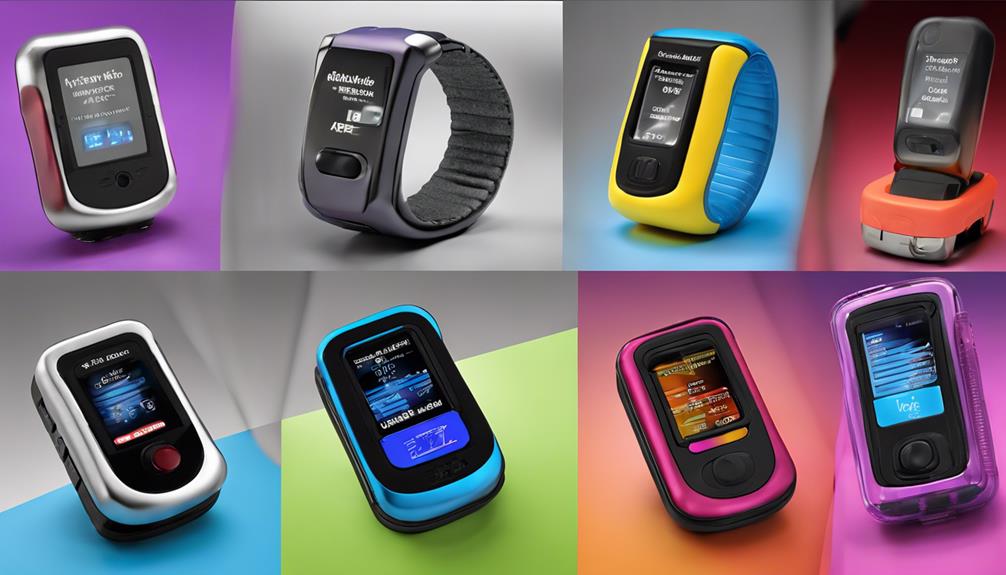
For individuals with hearing loss, using the right assistive listening devices and captioning tools can make a significant difference in conference settings. Assistive devices like FM systems, infrared systems, and induction loop systems help transmit sound directly to your hearing aids or personal listening devices, reducing background noise. Personal amplifiers are also effective, especially for one-on-one conversations. Captioning tools, including real-time captioning or speech-to-text apps, provide immediate transcription of spoken words, ensuring you don’t miss important details. Many conference rooms now integrate captioning technology with audio systems, creating an inclusive environment. Combining assistive devices with captioning tools offers a thorough solution, improving clarity and participation for those with hearing loss and helping everyone stay engaged in meetings. assistive listening devices are designed to enhance sound transmission and clarity, making meetings more accessible. Additionally, choosing appropriate technology tailored to specific needs can further optimize the communication experience.
How Do You Test and Maintain Your Conference Room Audio System for Long-Term Accessibility?
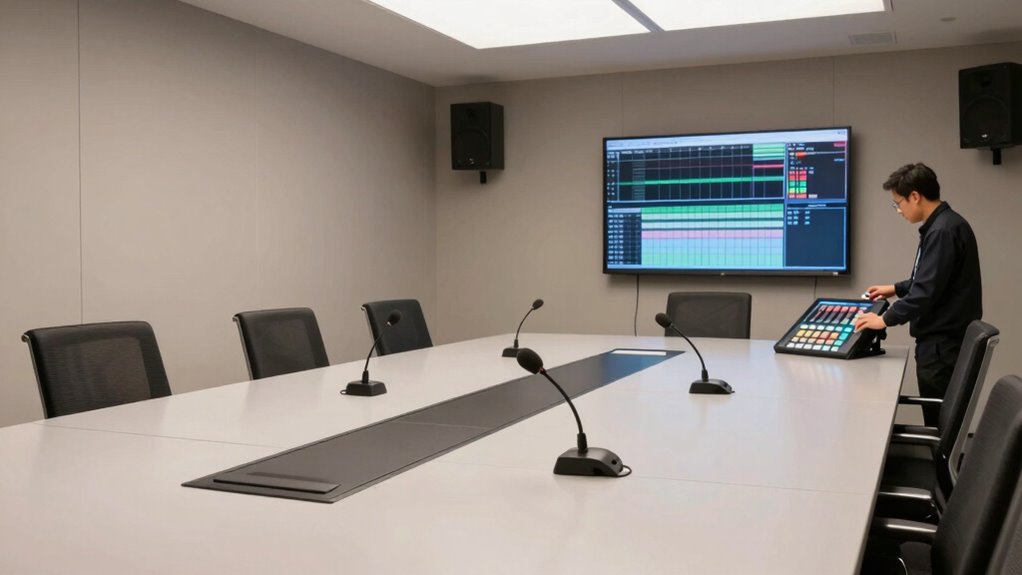
Regularly testing and maintaining your conference room audio system is essential to guarantee long-term accessibility. Consistent audio calibration ensures sound levels are balanced, making speech clear for all participants. Conduct system troubleshooting by checking connections, updating software, and inspecting microphones and speakers for damage. To keep your system in top shape, privacy policies should also be reviewed to ensure compliance with data handling practices. Keep software updated and check for hardware issues. These steps help identify issues early, prevent disruptions, and sustain audio clarity. Regular maintenance minimizes the risk of breakdowns and ensures your system remains accessible for everyone. Additionally, understanding audio signal processing can help optimize sound quality and troubleshoot issues more effectively. Familiarity with system diagnostics enables quicker responses to technical issues, further supporting an inclusive environment where hearing loss doesn’t hinder effective communication. By staying proactive, you support an inclusive environment where hearing loss doesn’t hinder effective communication. Incorporating preventive maintenance practices can extend the lifespan of your equipment and avoid costly repairs.
Frequently Asked Questions
How Cost-Effective Are Advanced Audio Solutions for Small Businesses?
Advanced audio solutions are quite cost-effective for small businesses when you do a thorough cost analysis and include long-term benefits. They improve communication, reduce meeting time, and enhance collaboration, saving you money over time. When you plan your budget carefully, you’ll find that investing in quality conference room audio systems pays off quickly. This smart budget planning makes these solutions a valuable, affordable upgrade that can help your business run smoother.
Can Existing Conference Rooms Be Upgraded for Better Hearing Accessibility?
Yes, you can upgrade your existing conference rooms for better hearing accessibility. Focus on improving room acoustics to reduce echo and background noise, making speech clearer. Proper microphone placement is essential—position microphones where voices naturally originate and guarantee they’re unobstructed. These adjustments enhance audio clarity for all attendees, especially those with hearing loss, creating a more inclusive meeting environment without needing a complete overhaul.
What Training Is Needed for Staff to Operate New Audio Systems Effectively?
Think of staff training like tuning a musical instrument—you need to familiarize yourself with each note. You’ll want to focus on equipment familiarity, learning how to operate new audio systems confidently. This involves hands-on training sessions, clear instructions, and ongoing support, so your team can navigate controls smoothly. Well-trained staff guarantee seamless meetings, making everyone feel included and heard, turning your conference room into a harmony of effective communication.
Are There Portable Audio Solutions Suitable for Remote or Hybrid Meetings?
Yes, there are portable audio solutions perfect for remote or hybrid meetings. You can use wireless microphones to capture clear sound from speakers, ensuring everyone’s voice is heard. Pair these with portable speakers to amplify the audio, making remote participants feel more engaged. These systems are easy to set up and transport, providing flexibility for various meeting locations and enhancing communication for all attendees, including those with hearing challenges.
How Do Different Hearing Impairments Require Customized Audio Configurations?
Different hearing impairments need personalized settings to guarantee clear audio. For example, those with high-frequency loss benefit from hearing technology that emphasizes treble, while others with sound distortion might need noise reduction features. You should tailor audio configurations to each person’s needs, adjusting volume, balance, and filtering. Using hearing technology with customizable settings helps create an inclusive environment, ensuring everyone hears clearly and participates fully in meetings.
Conclusion
By fine-tuning your conference room audio setup, you turn your meeting space into a symphony of clarity, where every voice hits the right note. Think of your system as the conductor, harmonizing technology and accessibility to create a seamless experience. With the right tools and arrangements, you’ll transform potential barriers into bridges, ensuring everyone’s voice is heard loud and clear—making your meetings truly resonate for all.
Halloween Picks
halloween
As an affiliate, we earn on qualifying purchases.