You might be overlooking several key settings that can boost your everyday comfort with hearing devices. Adjusting noise reduction levels to match your environment helps prevent a muffled or unnatural sound, while optimizing wireless connectivity ensures clearer calls and media streaming without hassle. Don’t forget to regularly update your firmware for the newest features and improvements. Properly customizing these features makes your device more comfortable and easier to use throughout your day. Keep exploring to discover how these settings can transform your hearing experience.
Key Takeaways
- Fine-tuning noise reduction levels to prevent unnatural sound and enhance comfort in varying environments.
- Customizing wireless connectivity settings for seamless streaming and reduced background noise during calls.
- Regularly updating firmware to access new features and maintain optimal device performance.
- Adjusting environmental-specific settings to reduce ear fatigue and improve clarity throughout the day.
- Prioritizing comfort features like ear fatigue reduction and sound balance over basic volume adjustments.
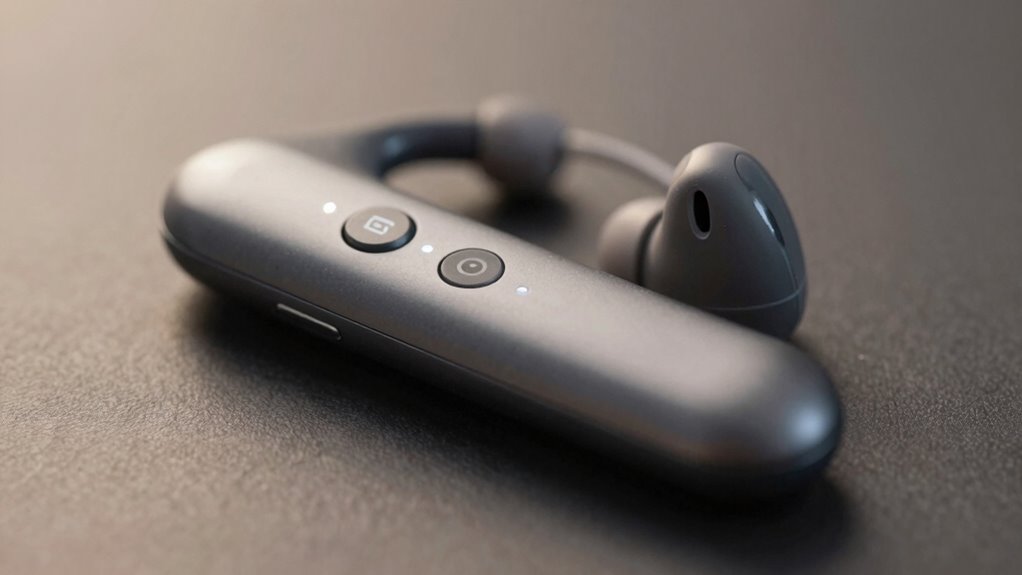
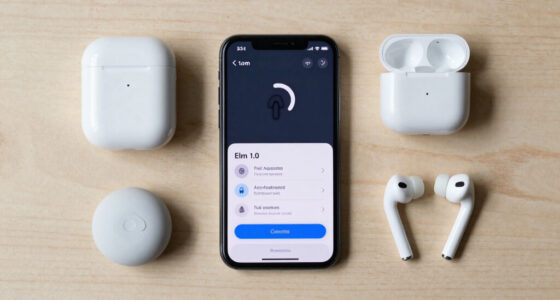
Adjusting your hearing device settings for comfort is vital to guarantee you enjoy clear sound without discomfort or fatigue. While many focus on basic volume and clarity, some of the most overlooked settings, like wireless connectivity and noise reduction, can greatly enhance your everyday experience. Wireless connectivity allows your hearing aids to seamlessly connect with your smartphone, TV, or other Bluetooth-enabled devices. When set up correctly, it provides effortless streaming of calls, music, and media, eliminating the need for external accessories or manual adjustments. This feature not only improves sound quality but also reduces the strain of trying to hear over background noise, especially in noisy environments. By making certain your device’s wireless connection is stable and optimized, you can enjoy a more natural listening experience, whether you’re on a call or listening to your favorite playlist. Optimizing wireless connection can significantly impact your overall comfort and device performance. Additionally, keeping your device’s firmware updated ensures you have access to the latest features and improvements, enhancing overall usability. Regularly checking for firmware updates ensures your hearing aids are functioning with the most recent device improvements and bug fixes, further supporting comfort and reliability.
Noise reduction, often underestimated, plays a vital role in maintaining comfort throughout your day. Modern hearing aids come equipped with sophisticated noise reduction algorithms that can be tailored to your environment. If set too aggressively, they might make speech sound unnatural or cause discomfort; if too mild, background noise might become overwhelming. Finding the right balance helps you focus on conversations without feeling overwhelmed by ambient sounds. Proper noise reduction settings diminish distracting background noise—like traffic, chatter, or machinery—so you can concentrate better and experience less ear fatigue. Additionally, many devices allow you to customize noise reduction levels for different situations, such as quiet rooms or bustling streets. Adjusting these settings ensures your hearing aids adapt to your environment, providing comfort and clarity without the need to constantly adjust volume. A personalized approach to settings ensures optimal comfort tailored to your daily environments. Understanding how device customization affects overall comfort allows you to better tailor your hearing experience to your specific needs and preferences.

Flaygo Hearing Aids for Seniors,Hearing Aids for People with Hearing Loss, Sound Quality Restoration, Intelligent Noise Reduction, Standby 80h, One-Button Operation, Comfortable Wearing,Beige
- High-Quality Sound: 16-channel digital chip with noise reduction
- Whistling Suppression: Eliminates annoying whistling noises
- Natural Sound Restoration: Restores high-definition sound quality
As an affiliate, we earn on qualifying purchases.
As an affiliate, we earn on qualifying purchases.
Frequently Asked Questions
How Often Should I Update My Hearing Device Settings?
You should update your hearing device settings whenever you notice changes in your hearing or environment, typically every few months. Regularly check for updates like custom firmware, which can improve performance, and optimize battery life through settings adjustments. Keep in mind, updating guarantees your device stays comfortable and efficient. Don’t wait too long—staying proactive helps you maintain clear, natural sound quality and overall hearing comfort.
Can I Customize Settings for Different Environments?
Your hearing device is like a chameleon, adapting to different settings. Yes, you can customize your device for various environments, creating a personalized experience. Many devices allow you to switch between modes like a custom environment, where you can fine-tune sound levels to suit your needs. This personalization guarantees you enjoy ideal comfort and clarity whether you’re in a noisy café or quiet library, making your hearing experience truly tailored.
Do Hearing Devices Automatically Adjust to Background Noise?
Yes, many hearing devices automatically adjust to background noise. They use adaptive algorithms that analyze your environment in real-time, allowing the device to modify settings for maximum clarity. Noise reduction features kick in to minimize distracting sounds, making conversations more comfortable. You don’t have to manually change settings constantly; the device adapts seamlessly, helping you stay focused and comfortable in varying environments.
Are There Settings for Phone Calls or Virtual Meetings?
Your hearing device has game-changing settings for phone calls and virtual meetings! With Bluetooth connectivity, you can directly link your device to your phone or computer, making conversations crystal clear. Enable noise cancellation to block out distractions, so you focus solely on your call. Adjust these settings in your device’s app to optimize sound quality. This simple tweak can make your virtual interactions feel as natural as talking face-to-face!
How Can I Troubleshoot Discomfort From Specific Settings?
To troubleshoot discomfort from specific settings, first check if your device requires recalibration; improper calibration can cause discomfort. Next, consider if you’re using the right settings for your environment. User training can help you understand how to adjust your device properly. If discomfort persists, consult your audiologist for personalized calibration and training, ensuring your hearing device is optimized for comfort and clarity in various situations.
Conclusion
Don’t let overlooked settings be the silent thief of your comfort. Like a skilled gardener tending to every bloom, take time to fine-tune your hearing device. Small adjustments can transform a noisy chaos into a serene melody, turning everyday sounds into your personal symphony. Embrace these hidden settings, and watch your hearing experience blossom into a harmonious escape—where every whisper, laugh, and song feels just right, whispering comfort into every moment.