
TL;DR

Get everyday helpers delivered free with Prime
- Fast, free delivery on millions of items
- Prime Video, Amazon Music and more included
- Member-only deals all year
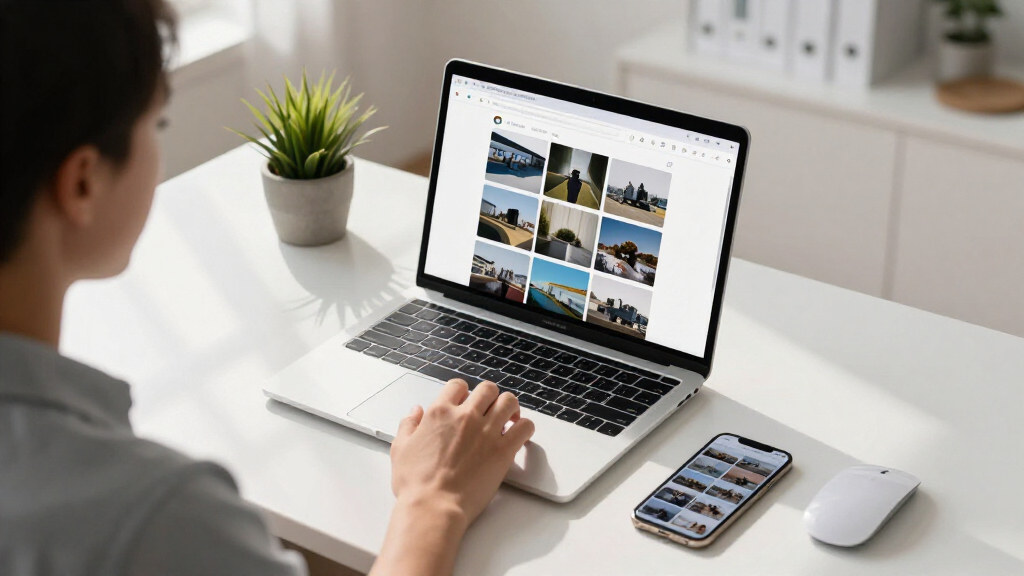
Chrome renders small JPEG images differently than other browsers, causing visual discrepancies. This is due to how Chrome handles image scaling and compression, affecting website presentation.
Chrome displays small JPEG images differently than other browsers, leading to visual inconsistencies on websites. This development matters for web developers and designers aiming for uniform appearance across browsers, as Chrome’s rendering behavior may cause images to appear distorted or less sharp at small sizes.
Several web developers and users have reported that when viewing tiny JPEG images—typically under 50 pixels in width—Chrome renders them with noticeable differences compared to browsers like Firefox or Safari. These differences include variations in color, sharpness, and overall appearance.
Sources within the developer community indicate that Chrome’s image rendering engine applies different scaling and compression algorithms at small sizes, which can lead to these discrepancies. Google has acknowledged the issue but has not yet provided a detailed explanation or a fix.
Experts suggest that Chrome’s handling of JPEG images involves specific downscaling techniques that prioritize performance but may compromise visual fidelity at small scales, unlike other browsers that preserve more detail.
Impact on Web Design Consistency in Chrome
This issue affects how websites appear to users, especially those relying on small images for icons, thumbnails, or interface elements. Inconsistent rendering can undermine visual design, cause confusion, or reduce perceived quality, especially on mobile devices where small images are common.
For developers, understanding this behavior is crucial to ensure cross-browser consistency and to avoid unintended visual artifacts. It also raises questions about the need for optimized image handling practices specific to Chrome.
As an affiliate, we earn on qualifying purchases.
Background on JPEG Rendering Differences Across Browsers
Variations in how browsers render images are not new, but recent reports highlight a specific issue with small JPEGs in Chrome. Historically, browsers have employed different algorithms for image scaling, with some prioritizing speed over fidelity. Chrome’s rendering engine, Blink, has undergone updates that may influence how tiny images are processed, but the exact cause of these differences remains under investigation.
This development follows ongoing efforts by web developers to optimize images for responsive design, where small icons and thumbnails are critical. The discrepancy in Chrome’s rendering adds a new layer of complexity to cross-browser compatibility.
Unconfirmed Causes Behind Chrome’s JPEG Rendering Variations
It is not yet clear why Chrome handles tiny JPEGs differently. The Chrome development team has not released a detailed technical explanation, and ongoing analysis by the developer community is still in progress. There is speculation that specific image scaling algorithms or compression settings may be involved, but no definitive cause has been confirmed.
Expected Updates and Developer Guidance on JPEG Handling
Google is expected to release updates or patches that address the rendering discrepancies in upcoming Chrome versions. Meanwhile, developers are advised to test their images across browsers and consider using alternative formats or CSS techniques to mitigate visual inconsistencies. Further technical disclosures from Google are anticipated in the coming weeks.
Key Questions
Will Chrome fix the JPEG rendering issue?
Google has acknowledged the problem and is investigating, but no specific fix or timeline has been announced yet.
How can I prevent visual discrepancies on my website?
Developers can test images in multiple browsers, consider using SVGs for icons, or apply CSS scaling techniques to improve consistency until an official fix is released.
Does this issue affect all small JPEG images?
Most reports focus on images under 50 pixels wide, but the exact threshold and impact may vary depending on image content and display context.
Is this a widespread problem or limited to certain devices?
Initial reports suggest it is a browser-specific rendering issue, not device-dependent, but further testing is ongoing.
Source: hn
Halloween Picks
halloween
As an affiliate, we earn on qualifying purchases.