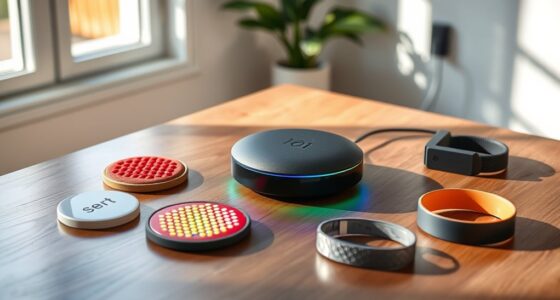
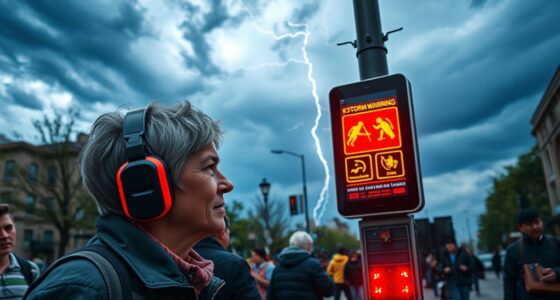
Campus security apps designed for students with hearing loss use visual alerts, vibration cues, and flashing screen notifications to make certain you get emergency alerts clearly. They often include features like direct messaging to security, GPS-based safety check-ins, and real-time captioning for safety announcements. These tools help you stay informed and connected during emergencies, making your campus experience safer and more inclusive. Keep exploring to discover how these innovative features can support your safety needs even better.
Key Takeaways
- Visual alerts and flashing screens notify students of emergencies without relying on sound.
- Integrated real-time captioning ensures accessibility for safety broadcasts and announcements.
- One-tap emergency messaging allows direct communication with campus security, supporting quick response.
- GPS-based safety check-ins enable students to share their location easily with friends or security staff.
- Advanced features tailor alerts and responses to meet the needs of students with hearing loss, enhancing safety and inclusivity.
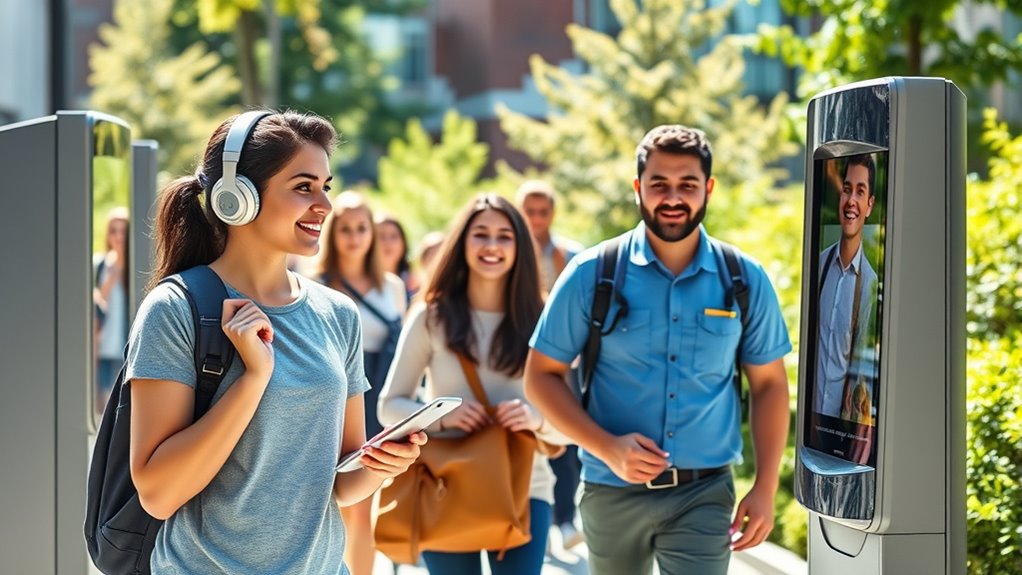
Living with hearing loss on a college campus can be challenging, especially when it comes to staying safe. Moving through unfamiliar environments, hearing safety alerts, or responding quickly during emergencies can feel overwhelming. That’s where assistive technology and specialized campus security apps come into play. These tools are designed to bridge the communication gap and assure you stay informed and safe, no matter what situation arises.
Many campus security apps incorporate assistive technology that caters specifically to students with hearing loss. For example, some apps provide visual alerts for emergency notifications, such as fire alarms or weather warnings, replacing traditional auditory signals. Others include vibration features or flashing screen alerts that catch your attention instantly. These innovations are essential because they deliver timely information directly to your device, reducing the risk of missing critical safety cues. When emergencies happen, fast and clear communication can make all the difference, and these apps are built to facilitate that.
Emergency communication is another indispensable aspect these apps address. Instead of relying solely on loud sirens or announcements, they often offer multiple ways to reach campus security or emergency services. Many allow you to send a direct message or alert to campus safety personnel with a tap of a button, providing your location and a description of the issue. Some apps even connect you to a live operator who understands your needs and can coordinate assistance quickly. This instant, two-way communication helps you feel more in control, assuring you can report concerns or request help without delay.
Additionally, many campus security apps are integrated with other assistive features. Some include real-time captioning during emergency broadcasts or safety announcements, so you can read what’s being communicated rather than rely solely on hearing. Others offer GPS-based safety check-ins, allowing you to share your location with friends or campus security at any time. The convenience of having these tools in one app reduces the need to carry multiple devices or rely on external aids, making safety more accessible.
Furthermore, high-quality visual alerts and other features derived from advanced technology ensure that students with hearing loss are not left behind in emergency situations. The combination of assistive technology and effective emergency communication within campus security apps empowers you to move through campus more confidently. They assure you receive critical alerts in formats suited to your needs, facilitate direct communication during emergencies, and provide peace of mind knowing that safety resources are tailored to support your hearing loss. By using these innovative apps, you turn potential vulnerabilities into strengths, making your college experience safer and more inclusive.
visual alert campus security app for hearing loss
As an affiliate, we earn on qualifying purchases.
As an affiliate, we earn on qualifying purchases.
Frequently Asked Questions
Are These Apps Compatible With All Types of Hearing Aids?
You might wonder if these apps are compatible with all hearing aids. Many security apps now include hearing aid compatibility and app accessibility features, but compatibility can vary depending on your hearing aid model and device. Check if the app specifies hearing aid compatibility and look for accessibility features like visual alerts or adjustable sound. Testing the app with your hearing aids can guarantee it works effectively for your needs.
How Do These Apps Handle Emergency Alerts Without Sound?
Think of emergency alerts as your safety siren—loud, clear, but sometimes inaudible. These apps use visual alert systems to flash flashing lights or send notifications to your device, ensuring you’re never in the dark. They also incorporate real-time captioning so you can read alerts instantly. This way, no matter where you are, you receive critical information swiftly, keeping you safe without relying on sound.
Can Students Customize Notifications for Different Campus Locations?
You can often customize notifications for different campus locations, allowing you to receive alerts specific to where you are. These apps typically offer notification customization options, so you get the most relevant information without unnecessary alerts. Location-specific alerts ensure you’re promptly notified of emergencies or updates in your immediate area. By adjusting these settings, you stay better informed and safe, tailored to your campus navigation and hearing needs.
Are There Language Options Available Within These Security Apps?
Did you know over 15% of the global population has some form of hearing loss? Many security apps now offer language options, including sign language integration and visual alert customization. These features guarantee you can understand alerts in your preferred language or communication style. By incorporating sign language videos or customizable visual cues, these apps make campus safety more accessible and inclusive for students with hearing impairments.
What Training Is Provided for Students to Effectively Use These Apps?
You’ll find that effective training programs focus on enhancing app usability, ensuring you understand all features. These programs often include step-by-step tutorials, hands-on practice, and accessible resources tailored for students with hearing loss. By participating actively, you learn how to navigate the app confidently, making safety routines seamless. The goal is to empower you to use the security app effectively, so you feel secure and informed on campus.

PILSAMAS WiFi Caregiver Pager Smart Call System – Display Caller ID & App Alerts, No Monthly Fee, IP65 Waterproof Wristband + 2 Call Buttons, Emergency Alert Button for Elderly at Home & Nursing Care
Wi-Fi Smart Hub & 328ft Range: HUB connects to 2.4G Wi-Fi (not 5G) for global APP access. 3…
As an affiliate, we earn on qualifying purchases.
As an affiliate, we earn on qualifying purchases.
Conclusion
Just like a lighthouse guides ships safely through dark waters, these security apps light your path on campus, ensuring you’re never in the dark about emergencies. I remember a student with hearing loss who felt truly secure knowing she’d instantly receive alerts through her app during a campus emergency. These tools aren’t just technology; they’re your safety net, giving you confidence and independence. With the right app, you can navigate campus life knowing help is just a tap away.
real-time captioning safety app for students
As an affiliate, we earn on qualifying purchases.
As an affiliate, we earn on qualifying purchases.

Salind 01 4G – Version 2026 – Wired GPS Real-Time Tracker (9-75V) – GPS Car Tracker Device with App Notification & Multiple Alarms – Vehicle Security for Car Motorcycles Vans – Subscription Required
REAL-TIME TRACKING: Enjoy peace of mind with Salind GPS’s real-time car tracker, providing live vehicle location updates directly…
As an affiliate, we earn on qualifying purchases.
As an affiliate, we earn on qualifying purchases.