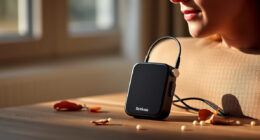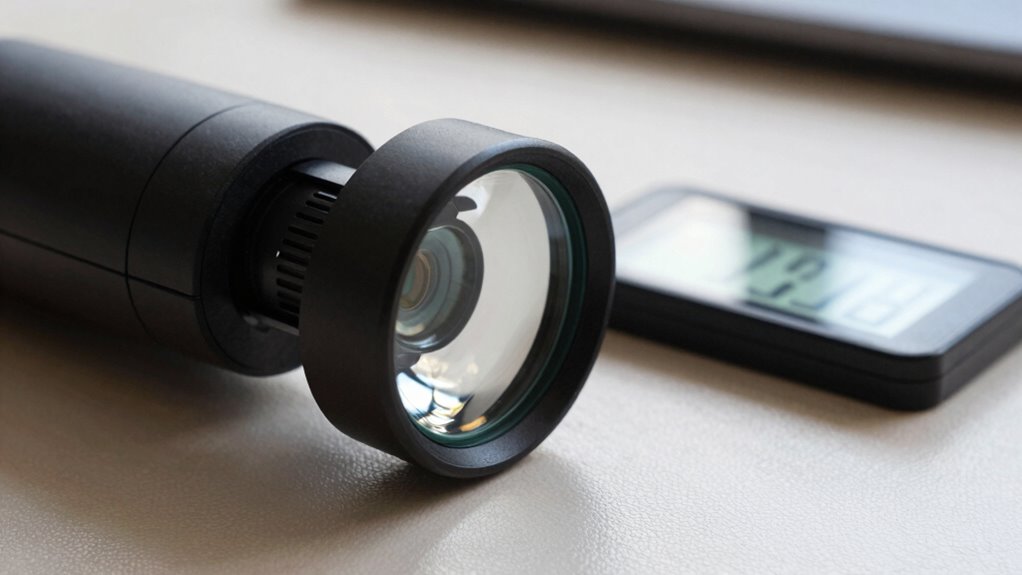

Adding OCR to a low vision magnifier instantly converts printed text into digital content, making it easier for you to access information quickly. It recognizes a wide variety of fonts and print qualities, even in poor lighting or faded text, reducing your need to manually focus and scan. This feature helps you be more independent by letting you listen to text or view it on a screen. Keep exploring to discover how OCR can transform your experience even further.

Get everyday helpers delivered free with Prime
- Fast, free delivery on millions of items
- Prime Video, Amazon Music and more included
- Member-only deals all year
Key Takeaways
- Converts printed text into digital content for faster, easier reading and navigation.
- Recognizes faded, poorly lit, or challenging fonts that traditional magnifiers struggle with.
- Enables instant speech output or on-screen viewing, reducing the need for manual focusing.
- Supports digital organization, storage, and editing of recognized text.
- Enhances accessibility and independence across various environments and tasks.
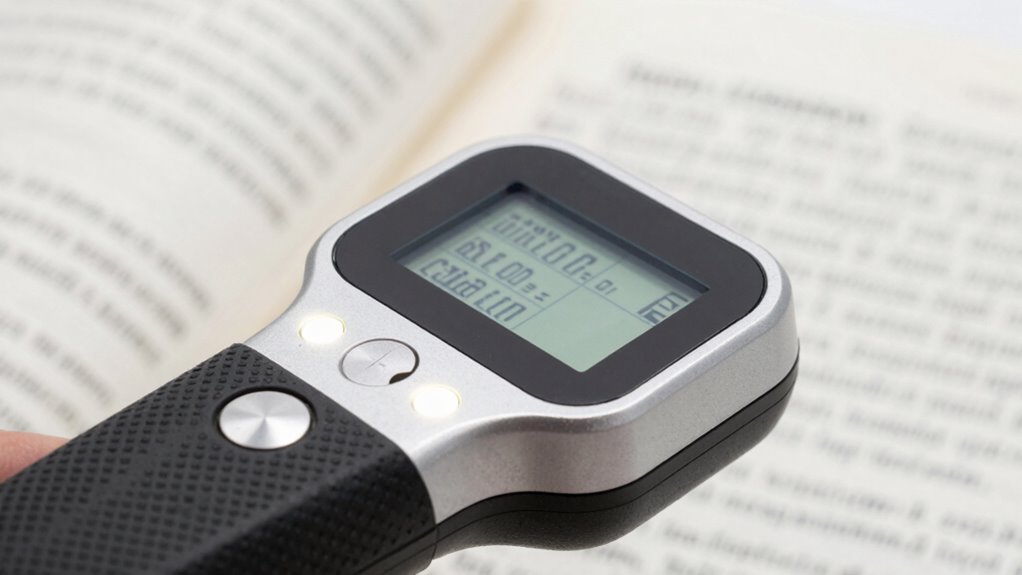
For individuals using low vision magnifiers, integrating Optical Character Recognition (OCR) technology can considerably enhance reading efficiency. OCR transforms printed text into digital content, allowing you to access information more quickly and with less strain. When you combine OCR with your magnifier, it acts as a powerful tool that boosts your ability to recognize and interpret text, making reading more seamless and less laborious. This technology substantially advances the fundamental function of a magnifier by enabling instant text recognition, so you don’t have to rely solely on enlarging the text visually. Instead, OCR converts the text into digital data, which you can then listen to through speech output or view on a screen, offering a flexible way to engage with written information.
Accessibility enhancement is a key benefit of adding OCR to your low vision setup. Traditional magnifiers can sometimes be limited by the size of the text or the quality of the print, especially in poorly lit environments or with faded fonts. OCR helps overcome these limitations by providing accurate recognition even in challenging conditions. It allows you to read text from books, labels, menus, or documents that might otherwise be difficult to decipher. With OCR, you gain the ability to instantly access the content of printed material without needing to manually focus and scan each line, which can be tiring and time-consuming. This instant recognition capability not only saves time but also reduces fatigue, helping you maintain focus and comfort during extended reading sessions. Additionally, integrating OCR with digital technology can improve your reading independence, allowing you to access information on your own without assistance.
Furthermore, OCR enhances your independence by reducing dependence on others for reading assistance. It empowers you to manage everyday tasks like reading prescriptions, finding your way through signage, or reviewing correspondence on your own. The technology also supports digital note-taking; you can scan and convert text into editable formats, making it easier to organize and store information. Incorporating assistive technology like OCR into daily routines can significantly improve your overall quality of life. Recognizing and converting printed text quickly can also help you adapt to various environments, whether at home, work, or in public, with greater confidence. Using advanced recognition methods, OCR can handle a wider range of fonts and print qualities, further expanding your reading capabilities. The integration of OCR into low vision magnifiers creates a more accessible environment for reading and information processing, aligning with your needs for autonomy and efficiency. As you improve your ability to recognize and understand text through OCR, you’ll notice a smoother, more natural interaction with printed materials, ultimately making your daily activities more manageable and less frustrating. In essence, OCR elevates your low vision magnifier from a simple enlarging device to a holistic accessibility enhancement tool that adapts to your unique reading challenges.
As an affiliate, we earn on qualifying purchases.
Frequently Asked Questions
How Accurate Is OCR for Different Font Types?
OCR’s accuracy varies with different font types, especially depending on font recognition and text variability. You’ll find it performs well with common fonts like Arial or Times New Roman, but it might struggle with decorative or unusual fonts. To get the best results, make sure good lighting and clear text. Keep in mind, OCR technology is improving, but text variability still affects its precision, especially with complex or inconsistent fonts.
Can OCR Work in Low-Light Conditions?
Think of OCR as a brave explorer maneuvering through a dark, foggy forest. While it can often find its way, lighting challenges can obscure signs and paths, causing OCR to struggle. Low-light conditions may reduce its accuracy, revealing OCR limitations in dim environments. To guarantee reliable text recognition, you might need additional lighting or enhanced devices, as OCR’s performance still depends on adequate illumination and clear contrasts.
Is OCR Compatible With All Magnifier Devices?
OCR isn’t compatible with all magnifier devices, as device compatibility varies. You’ll want to check if your magnifier includes built-in OCR or supports it through accessibility features. Some devices have dedicated OCR functions, while others may require additional software or upgrades. Ensuring your device supports these accessibility features will help you take full advantage of OCR’s benefits, making reading and recognizing text much easier.
How Fast Can OCR Process and Read Text Aloud?
Imagine the frustration of waiting when you need quick answers—that’s where OCR’s speed enhancement shines. Most OCR systems process and read text aloud in just a second or two, making text recognition almost instant. This rapid response helps you focus on what matters, whether reading labels or signs. With faster OCR, you gain independence, confidence, and a smoother experience, turning moments of uncertainty into seamless understanding.
Does OCR Support Multiple Languages?
Yes, OCR supports multiple languages, making it versatile for users who read in different languages. You can switch languages easily through the device’s interface, enabling seamless language switching. This feature allows you to scan and read text in various scripts and dialects, enhancing accessibility and convenience. Whether you’re reading documents, signs, or labels, multilingual support guarantees you get accurate text conversion regardless of the language used.
Conclusion
With OCR integrated into your low vision magnifier, you open a world where text becomes your faithful guide, whispering secrets once hidden from view. It’s like turning on a lighthouse’s beam in a foggy night, cutting through darkness to reveal clarity and independence. Now, every word is within reach, ready to be read with confidence. Embrace this technology, and let your vision soar like a bird breaking free from the shadows—bright, bold, and boundless.
Halloween Picks
halloween
As an affiliate, we earn on qualifying purchases.