To create a flash routine with smart lights for emergencies, choose bright, attention-grabbing colors like red or blue, and use flashing patterns or rapid pulses to signal urgency. Use your smart app’s automation features to set up routines, adjusting speed and intensity for visibility. Support voice control and integrations for quick activation. Regularly test and update your routines to make certain they work smoothly when needed—keep exploring to learn how to make your alerts even more effective.
Key Takeaways
- Use a compatible smart light app to quickly create and customize emergency flash routines with vivid colors like red or blue.
- Select attention-grabbing flashing patterns, adjusting speed and brightness for maximum visibility during emergencies.
- Save routines within the app for instant activation via tap or voice commands in critical situations.
- Test routines regularly to ensure proper functionality and troubleshoot any issues promptly.
- Integrate smart lights with voice control and home systems for hands-free, quick emergency alert activation.
smart light emergency flashing routines
As an affiliate, we earn on qualifying purchases.
As an affiliate, we earn on qualifying purchases.
Why Use Smart Lights for Emergency Alerts?

Smart lights are an effective tool for emergency alerts because they can quickly grab your attention without causing chaos. Their visual signaling capabilities make them ideal for alert systems, providing clear, immediate notifications. Unlike loud sirens or alarms, smart lights use flashing patterns or color changes to communicate urgency, which can be less disruptive but still highly effective. You can customize these signals to suit your needs, ensuring you notice important alerts right away. This visual approach is especially useful in noisy environments or for individuals with hearing impairments. Additionally, smart lights can be integrated with other home safety systems, enhancing overall security during emergencies. For example, adjusting the color temperature of the lights can make alerts more noticeable in various lighting conditions. Incorporating powerful signaling features into your smart lighting setup can further improve alert effectiveness during critical moments. Moreover, using adaptive lighting can help the system respond more effectively to different types of emergencies. Furthermore, choosing reliable, safe smart lighting solutions ensures consistent performance when you need it most. Overall, smart lights enhance safety by offering a discreet yet powerful method to alert you during emergencies, making them a smart addition to any alert system.
smart lights for emergency alerts
As an affiliate, we earn on qualifying purchases.
As an affiliate, we earn on qualifying purchases.
How to Pick the Best Smart Lights for Emergency Flashing

When choosing smart lights for emergency flashing, you need to consider their brightness and visibility to ensure everyone notices them quickly. Make sure the lights are compatible with your existing system and offer easy control options for swift activation. Focusing on these points helps you select lights that are effective and reliable during emergencies. Additionally, understanding the risks of counterfeit products can help you avoid scams and ensure your safety during critical moments. Incorporating energy-efficient smart lights not only supports sustainability but also guarantees reliable performance in urgent situations. Paying attention to product authenticity is crucial to prevent counterfeit items from compromising safety, especially in emergency scenarios. Considering cultural beliefs surrounding astrology and beauty can also influence how you select and position your emergency lights in different settings, ensuring they complement your environment effectively.
Brightness and Visibility
Choosing the right brightness level is crucial for emergency flashing lights because it directly affects how visible they are from a distance. You want lights bright enough to catch attention without overwhelming your space. Consider ambient settings; dimmer environments may require higher brightness, while well-lit areas need less. Color schemes also influence visibility—bright, contrasting colors like red or yellow stand out more. Use the table below to help select the ideal brightness based on your needs:
| Environment | Brightness Level | Recommended Color Scheme |
|---|---|---|
| Dimly lit rooms | High | Red, Yellow |
| Outdoor areas | Very high | Fluorescent, Bright White |
| Nighttime | High | Flashing Red, Amber |
| Daylight | Moderate | Bright Red, Blue |
| Indoor spaces | Moderate | Contrasting Colors |
Adjust brightness to ensure your emergency alerts are noticed promptly. Properly setting up your lights can maximize their effectiveness in critical situations. Furthermore, selecting appropriate lighting patterns can enhance the effectiveness of your alert signals. A variety of smart light controls are available to customize flashing routines easily. Incorporating navigation and mapping features in smart lights can help automate and optimize your flashing routines for different environments.
Compatibility and Control
Selecting emergency flashing lights that work seamlessly requires evaluating their compatibility with your existing systems and understanding how you can control them effectively. Look for smart lights that support voice control, allowing you to activate or modify flashing routines hands-free during emergencies. Compatibility with your smart home ecosystem, such as Alexa, Google Assistant, or Apple HomeKit, ensures smooth integration. If you have a multi-room setup, choose lights that can be synchronized across different areas, creating a unified flashing alert. Confirm that the lights offer flexible control options, including mobile apps or voice commands, so you can quickly respond to emergencies. Proper compatibility and versatile control options make your emergency alert system reliable, responsive, and easy to operate in critical situations. Additionally, considering smart home integration can further enhance the ease of managing emergency alerts across your entire setup. Incorporating multi-room synchronization ensures that your alert is visible throughout your property for maximum effectiveness. When selecting your smart lights, also consider their power source and durability, ensuring they can withstand emergencies and remain operational when needed. For added reliability, look for lights with robust build quality that can handle power surges or outages.
color changing smart lights with flashing patterns
As an affiliate, we earn on qualifying purchases.
As an affiliate, we earn on qualifying purchases.
Set Up Your Smart Lights for Emergency Flashing in Minutes

Setting up your smart lights for emergency flashing is quick and straightforward. First, open your app and select the lights you want to use. Many smart lights allow color customization, so choose bright, attention-grabbing hues like red or flashing combinations to maximize visibility. Keep in mind that some colors may increase power consumption, so balance brightness with efficiency. Once you’ve selected your lights, create a simple routine or scene that toggles the lights on and off rapidly. Adjust the timing to ensure the flashing is noticeable but not overwhelming. These steps can be completed in minutes, making your home or office ready for emergencies without complicated setups. With just a few taps, your smart lights become an effective alert system during critical moments.
voice controlled smart emergency lights
As an affiliate, we earn on qualifying purchases.
As an affiliate, we earn on qualifying purchases.
Create Custom Emergency Flash Routines : Step by Step

Create Custom Emergency Flash Routines : Step by Step
To create your custom emergency flash routine, start by opening your smart lights app. Next, choose your emergency colors and set the flashing patterns you want to use. Understanding light patterns can help you design more effective signals. Finally, save your routine and activate it whenever you need an alert. Incorporating art care considerations can help ensure that your lighting setup remains safe and effective in emergency situations.
Access Smart Lights App
Accessing the Smart Lights app is the first step to creating custom emergency flash routines. Once you open the app, you’ll find an intuitive interface that makes navigation simple. Use voice control features if available to quickly access settings or initiate routine creation hands-free. App customization options let you tailor your lights precisely to your needs, including selecting specific lights or groups. Familiarize yourself with the menu to locate routine settings or automation tools. From there, you can start designing your flash pattern, adjusting colors, and setting triggers. The app provides clear prompts, guiding you through each step smoothly. By mastering the app’s features, you ensure your emergency alerts are both effective and easy to activate whenever needed.
Set Emergency Colors and Patterns
Once you’ve opened the app and navigated to the routine creation section, you can begin customizing your emergency colors and patterns. Start by selecting vivid color patterns that grab attention, like red and blue flashes. Use contrasting colors to mimic emergency signals, making your alert unmistakable. Choose dynamic patterns, such as alternating flashes or rapid pulsing, to enhance visibility. Incorporate rhythmic sequences to ensure your lights draw notice quickly. Adjust the speed and intensity to match the urgency. Consider using flashing sequences that mimic siren sounds for added effect. Remember, the goal is to create clear, recognizable emergency signals through your color patterns and light rhythms. This customization guarantees your smart lights deliver effective alerts during real emergencies or practice drills. Color selection and pattern customization are crucial steps in ensuring your alerts are effective and unmistakable. Additionally, understanding light rhythms can help you design sequences that are both attention-grabbing and easy to interpret.
Save and Activate Routine
After customizing your emergency colors and patterns, it’s important to save your settings and activate the routine so your lights respond instantly when needed. Routine customization allows you to fine-tune your emergency alerts, making sure they’re effective and noticeable. To do this, simply select the save option within your smart light app—this locks in your preferences. Once saved, you can activate the routine with a tap or voice command, making it ready for emergencies. Saving settings is a vital step to ensure your customized flash pattern triggers automatically when needed, without delays. Reliable activation is essential for quick response times during critical moments. By following these steps, you guarantee your emergency alert routine is quick to activate and reliable during critical moments. This process makes your smart lights an effective safety tool in just minutes.
How to Test and Troubleshoot Your Emergency Light Alerts
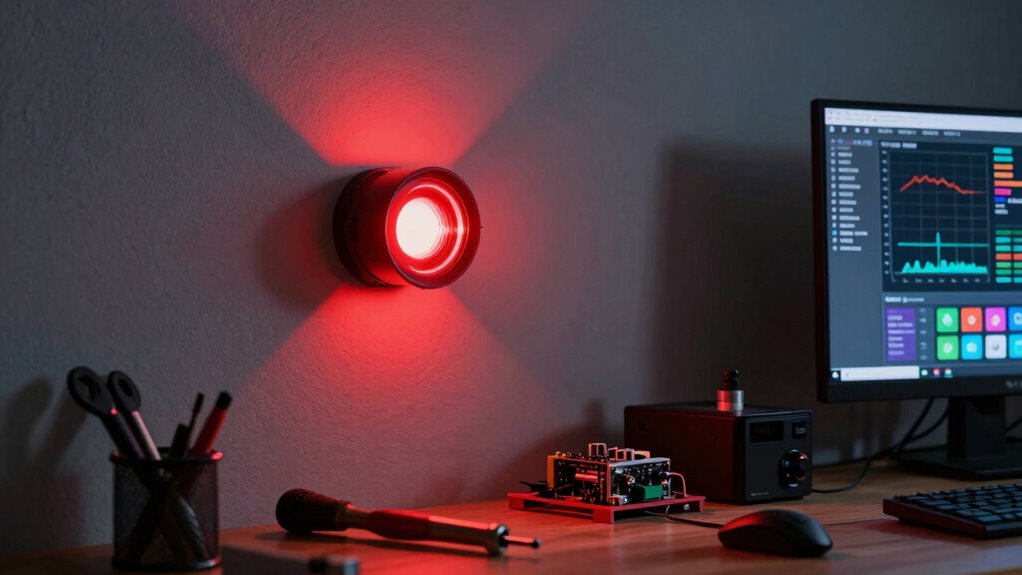
Ever wonder if your emergency light alerts are working properly? Testing them regularly guarantees you’re prepared. Start by checking the battery lifespan; a weak battery can cause alerts to malfunction. Make sure your smart lights have the latest firmware updates, as these often fix bugs and improve performance. Observe the alert pattern—if it’s inconsistent or sluggish, troubleshoot accordingly. Check the power source and connections to rule out any issues. Use your app or voice commands to activate the alert; if it doesn’t respond, reset the device. Also, verify the placement of your lights for visibility. Regular testing helps identify problems early, assuring your alerts work when needed. Incorporating routine maintenance ensures your emergency alerts remain dependable over time. Additionally, reviewing product-specific instructions can provide tailored guidance for troubleshooting unique features or issues. Understanding your home automation system can also help streamline the troubleshooting process and enhance overall reliability.
Enhance Home Safety With Smart Alert Tips

Enhancing your home safety with smart alert tips guarantees you’re better prepared for emergencies. By integrating your smart lights with other devices through smart home integration, you create a cohesive alert system that responds quickly to hazards. Use routines that automatically activate flashing lights during fire alarms or gas leaks, ensuring everyone notices instantly. These smart alerts also promote energy efficiency by reducing unnecessary power usage when routines aren’t active. You can customize settings to trigger specific lighting patterns that convey urgency without wasting energy. Regularly updating your routines and testing alerts guarantee they work reliably during real emergencies. Smart home integration simplifies managing safety features, giving you peace of mind knowing your home is more responsive and secure.
Final Tips for Maintaining and Updating Your Emergency Flash Routine
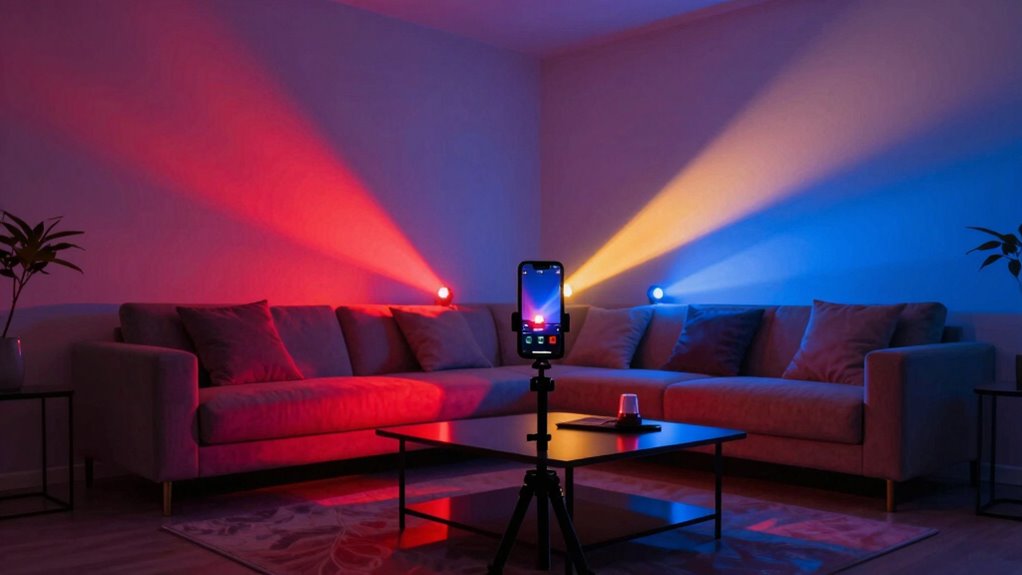
To guarantee your emergency flash routine remains effective, regular maintenance and updates are essential. Routine customization helps ensure your smart lights respond correctly during emergencies, while routine maintenance keeps the system reliable. Periodically review your flash patterns and adjust them to match changing needs or new devices. Test your setup monthly to catch issues early. Keep firmware and app software up to date for peak performance. Always back up your configurations before making significant changes. Consider adding new lights or sensors to expand coverage. Stay informed about updates from your smart lighting provider. Staying proactive with routine customization and maintenance minimizes false alarms and improves response time during actual emergencies. Consistent upkeep guarantees your emergency alert system remains a trusted safety tool.
Frequently Asked Questions
Can I Sync Smart Lights With Other Emergency Notification Devices?
Yes, you can sync smart lights with other emergency notification devices through your home automation system. This setup allows for seamless alert customization, ensuring that lights flash or change color during emergencies. By integrating smart lights with alarms or sirens, you create a more effective alert environment. Just check compatibility and use automation platforms like IFTTT or SmartThings to connect your devices easily and customize your emergency alerts.
What’s the Maximum Number of Lights I Can Include in a Routine?
You can include up to 50 lights in a single routine, but keep in mind that your light count affects routine capacity. Some smart systems may limit the total number of routines or connected devices, so overloading with lights might reduce overall performance. To maximize effectiveness, start with a manageable number and expand gradually. This ensures your emergency alert remains clear, bright, and reliable without compromising system stability.
Are There Any Safety Concerns When Using Flashing Lights as Alerts?
You should be cautious when using flashing lights as alerts because they can pose a fire hazard if they overheat or are improperly installed. Additionally, flashing lights might trigger seizures or cause discomfort for individuals with light sensitivity. Always verify your smart lights are compatible with your setup and follow safety guidelines to minimize risks. Regularly check for overheating and avoid prolonged use of intense flashing patterns to keep everyone safe.
How Often Should I Update or Review My Emergency Flash Routines?
Think of your emergency plan like a garden that needs regular tending. You should review your routine updates at least every six months to guarantee your flash routines stay effective. I once neglected updating my alerts, and when an emergency hit, my system was outdated. Regularly reviewing your routines keeps your safety measures sharp, adapting to new risks and technology. Don’t wait—an up-to-date emergency plan can make all the difference.
Do All Smart Light Brands Support Custom Flashing Patterns?
Not all smart light brands support custom flashing patterns, but many do, especially popular ones like Philips Hue, LIFX, and TP-Link Kasa. You should check each brand’s compatibility and customization options before purchasing. Some brands offer extensive control over flashing patterns and colors, while others have limited features. To guarantee your emergency alert system works effectively, choose a brand known for flexible customization options and compatible with your existing setup.
Conclusion
Smart lights make emergency alerts simple and effective, helping you respond quickly when needed. Did you know that homes with smart alert systems see a 30% faster response time during emergencies? By setting up custom flash routines, you can enhance your safety and peace of mind. Keep testing and updating your system regularly to stay prepared. With just a few minutes, you can turn your smart lights into a powerful safety tool—so don’t wait to create your emergency flash routine today.