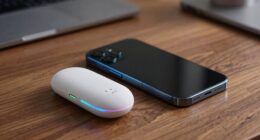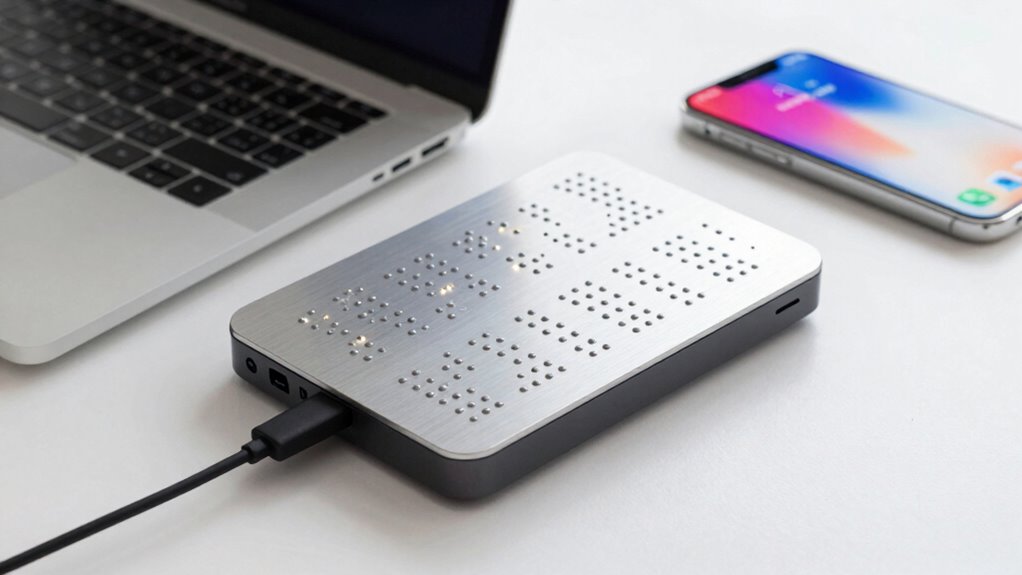

When connecting your Bluetooth braille display to phones or computers, you’ll activate Bluetooth and search for available devices. The pairing process is quick and secure, typically taking only a few seconds. Once paired, the display stays connected within a range of about 10 meters, allowing you to move freely. Obstacles like walls can affect signal stability. If you keep exploring, you’ll discover tips to optimize your connection and guarantee smooth use.

Get everyday helpers delivered free with Prime
- Fast, free delivery on millions of items
- Prime Video, Amazon Music and more included
- Member-only deals all year
Key Takeaways
- Turn on Bluetooth on the phone or computer and make sure it is discoverable.
- Enable Bluetooth pairing mode on the Braille display.
- Search for available Bluetooth devices on your phone or computer.
- Select the Braille display from the device list to establish a connection.
- Confirm pairing if prompted, and ensure the device is set as the preferred input method.
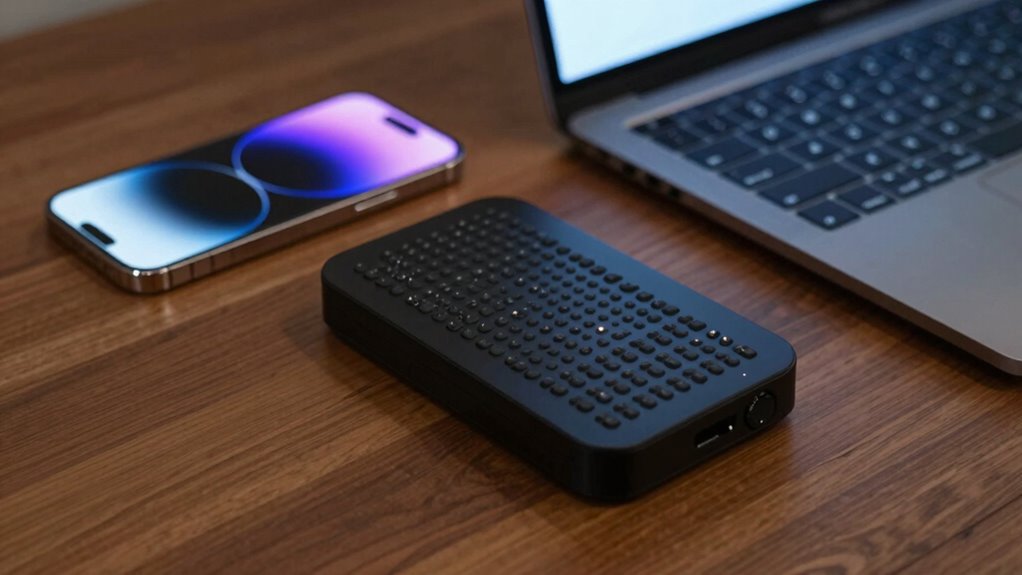
Have you ever wondered how Bluetooth Braille displays seamlessly connect to your phone or computer? It’s a clever combination of wireless technology and smart design that makes this possible. When you turn on your Braille display, it searches for nearby Bluetooth-enabled devices, establishing a wireless connection without the need for cables. This process is quick, usually taking just a few seconds, so you can start reading or typing almost immediately. The key to this smooth experience lies in understanding how the wireless range and battery life influence your device’s performance. Bluetooth technology typically provides a reliable wireless range of up to 10 meters (about 30 feet), which is sufficient for most home or office environments. This means you can move around freely with your phone or computer while still maintaining a stable connection. Whether you’re sitting at your desk or walking across the room, your Braille display stays connected as long as you stay within that range. However, keep in mind that obstacles like walls or furniture can sometimes weaken the signal, so the connection might become less stable if you move too far away or if there are many objects in the way. Additionally, wireless technology continues to evolve, offering improvements in connection stability and power efficiency for these devices. Battery life is another vital factor that affects how well your Bluetooth Braille display performs over time. Since these devices rely on wireless communication, they consume power to maintain the connection and operate the display’s tactile cells. A well-designed Braille display typically offers a battery life that lasts through a full day of use, often between 8 to 12 hours. This allows you to read, write, and navigate without constantly worrying about recharging. To maximize battery longevity, it’s helpful to turn off the device when not in use and keep it charged. Some models come with energy-saving features that reduce power consumption during idle periods, extending the time between charges. As technology advances, newer devices are becoming more efficient, balancing wireless range and battery performance so you can enjoy uninterrupted use. Understanding wireless connection principles can help you troubleshoot and optimize your device for better performance, especially as advancements in wireless tech continue to improve user experience. Additionally, staying informed about these technological improvements can help you select a device that best fits your needs.
As an affiliate, we earn on qualifying purchases.
Frequently Asked Questions
What Is the Battery Life of Bluetooth Braille Displays?
Bluetooth Braille Displays typically offer a battery life ranging from 8 to 20 hours, depending on usage and model. To maximize this, you should focus on proper battery maintenance, like regular charging and avoiding over-discharge. Keep an eye on power consumption by turning off the device when not in use. Efficient power use guarantees longer battery life, so you can rely on your display for extended periods without frequent charging.
Are Bluetooth Braille Displays Compatible With All Smartphone Models?
Think of Bluetooth Braille Displays as chameleons that adapt to many environments, but they aren’t compatible with all smartphones. Your device’s compatibility depends on its Bluetooth version and operating system. Some models face device limitations, especially older or less common ones. Before buying, check the manufacturer’s list of compatible smartphones to guarantee smooth pairing and peak performance, preventing frustration and ensuring your device works seamlessly.
How Secure Is the Bluetooth Connection for Sensitive Data?
Bluetooth connections for Braille displays are generally secure, but it depends on the encryption protocols used during device pairing. When you pair your device, guarantee it supports strong encryption standards like AES. Always keep your device’s firmware updated, and use secure pairing methods to prevent unauthorized access. While these measures help protect sensitive data, no wireless connection is completely foolproof, so exercise caution when handling highly confidential information.
Can Bluetooth Braille Displays Connect to Multiple Devices Simultaneously?
You can often connect your Bluetooth Braille display to multiple devices at once, making it a true marvel of modern technology. This capability relies on effective device pairing and multi-device management features, allowing seamless switching between gadgets without reconnecting each time. While some models support multi-device connections, always check the specifications to guarantee your preferred display offers this feature, so you stay effortlessly connected across all your devices.
What Is the Typical Setup Time for a Bluetooth Braille Display?
The typical setup time for a Bluetooth Braille display usually takes just a few minutes. You start with wireless pairing, which involves turning on Bluetooth on your device and selecting the Braille display from the available devices list. Device compatibility is essential, so make sure your device supports the display. Once paired, the connection is usually stable, allowing you to begin using the device almost immediately.
Conclusion
Connecting a Bluetooth Braille display to your devices is like opening a window to a new world of independence and communication. Once paired, you’ll experience seamless access to information, breaking down barriers that once felt insurmountable. Think of it as turning a key that unleashes endless possibilities—your journey toward greater freedom and connection begins here. Embrace this technology, and watch your world expand beyond what you thought possible.
Halloween Picks
halloween
As an affiliate, we earn on qualifying purchases.