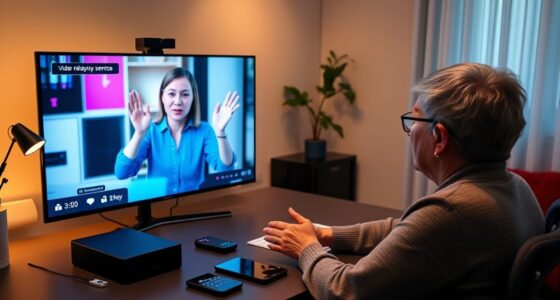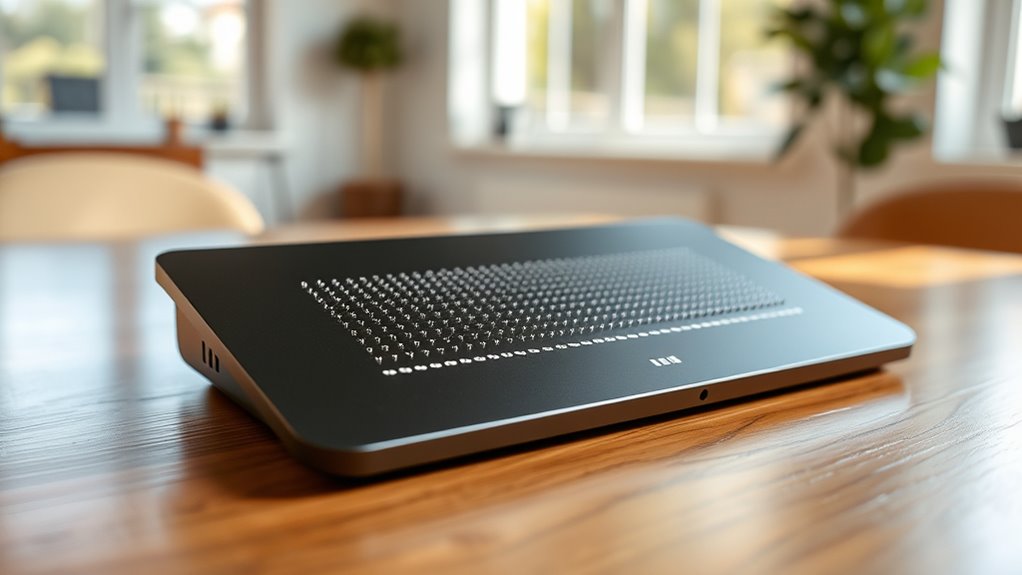

Remote braille displays with integrated vibrational alerts enhance accessibility by combining tactile reading with sensory cues. You receive real-time notifications through customizable vibrational patterns, helping you stay informed without relying solely on static braille. These devices enable seamless remote control of multiple gadgets, providing instant alerts for messages, emails, or social media updates. By merging tactile feedback with vibrational signals, you gain independence and confidence. Continue exploring to discover how these innovations are transforming digital accessibility for you.
Key Takeaways
- Demonstrates how remote braille displays integrate haptic feedback and vibrational alerts to enhance real-time digital notifications.
- Highlights user experiences in accessing emails, messages, and social media seamlessly through tactile cues.
- Shows the benefits of customizable vibrational patterns for prioritizing notifications and improving accessibility.
- Explores device portability, remote control capabilities, and integration with smartphones and computers for on-the-go use.
- Emphasizes increased independence and confidence for visually impaired users via innovative tactile and sensory feedback features.
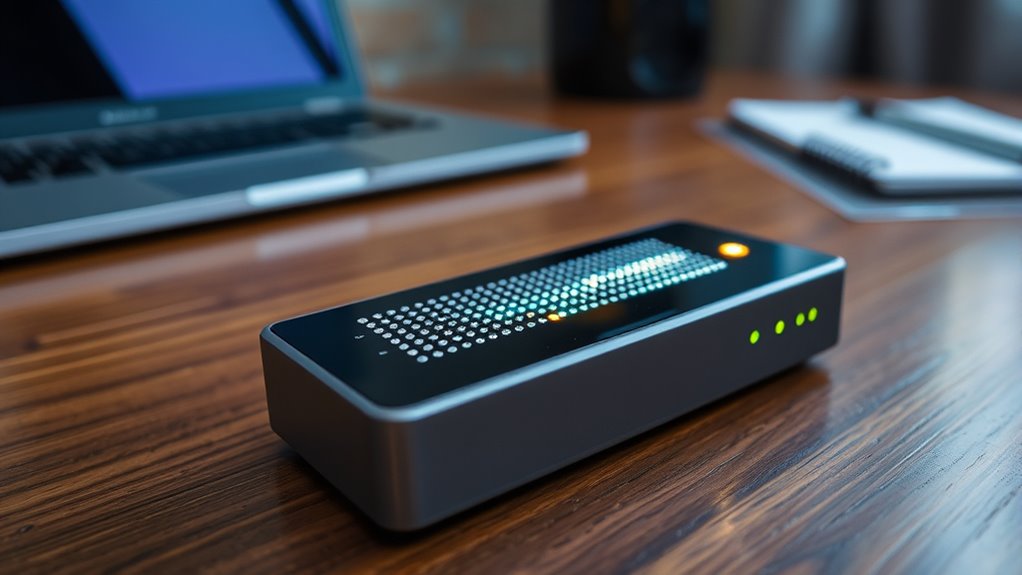
Have you ever wondered how remote braille displays are transforming access to digital content for visually impaired users? These innovative devices are revolutionizing the way you interact with information by combining traditional tactile reading methods with cutting-edge accessibility technology. Instead of relying solely on static braille characters, remote braille displays now incorporate haptic feedback and vibrational alerts, creating a more dynamic and responsive experience. This integration enables you to receive real-time updates, notifications, and alerts without needing to be physically near your device, making digital content more accessible than ever before.
With these advancements, you can stay connected to emails, messages, or even social media updates through a portable, lightweight device. When a new notification arrives, the remote braille display doesn’t just silently update the braille cells; it also uses vibrational alerts to catch your attention immediately. These vibrational cues serve as an instant, tactile signal that something new has occurred, so you’re not constantly checking your device unnecessarily. This combination of haptic feedback and vibrational alerts ensures you’re always aware of important information, even in noisy or distracting environments where audio cues might be ineffective.
Stay connected effortlessly with vibrational alerts that notify you instantly of new messages and social updates.
The use of accessibility technology in remote braille displays extends beyond simple notifications. Developers have integrated features like adjustable vibrational intensity and patterns, allowing you to customize alerts based on your preferences. For example, a short, gentle vibrational pulse could indicate a new email, while a longer, more pronounced buzz might signal an urgent message. This personalized approach enhances your ability to prioritize information quickly and efficiently. The haptic feedback system also provides tactile cues for navigation, enabling you to move through menus or read digital content with greater ease and confidence.
Moreover, the remote aspect of these braille displays means you’re not tethered to your device. You can control your smartphone, tablet, or computer remotely, making it easier to access content while on the go. The seamless integration of vibrational alerts and haptic feedback creates a more intuitive user experience, reducing frustration and increasing independence. As accessibility technology continues to evolve, these devices will likely become even smarter, incorporating features like voice commands and AI-driven notifications, further empowering visually impaired users to stay connected and informed.
In essence, remote braille displays with integrated vibrational alerts are transforming digital accessibility by combining tactile reading with sensory cues. They’re enabling you to navigate your digital world more efficiently, independently, and confidently—making the future of accessible technology brighter for everyone. Advancements in accessibility technology continue to open new possibilities for enhanced independence and ease of use.
remote braille display with vibrational alerts
As an affiliate, we earn on qualifying purchases.
As an affiliate, we earn on qualifying purchases.
Frequently Asked Questions
How Long Does the Battery Last on a Typical Remote Braille Display?
You’re likely wondering about the battery longevity of a typical remote braille display. With effective power management, these devices usually last anywhere from 8 to 20 hours on a single charge, depending on usage and features like vibrational alerts. To extend battery life, you should optimize settings, turn off unnecessary functions, and charge regularly. Proper maintenance guarantees you get the most out of your device’s power, keeping it reliable during your daily tasks.
Can These Devices Be Used With Smartphones Other Than the Tested Models?
Imagine a world where your device is as versatile as a Swiss Army knife. You ask if these braille displays work with smartphones beyond the tested models. The answer is yes; device compatibility and smartphone integration have improved, making it easier to connect with various devices. Many newer models support Bluetooth and assistive apps, so you can enjoy seamless use across different smartphones, enhancing your independence and accessibility.
Are There Any Compatibility Issues With Different Operating Systems?
You should check the device’s software compatibility and driver support across various operating systems. Some braille displays might work seamlessly with Windows, but encounter issues with macOS or Android due to limited driver support or outdated software. It’s essential to verify that your device’s firmware and software are compatible with your OS version to guarantee smooth operation. Always consult the manufacturer’s guidelines for specific OS compatibility details.
How Secure Is the Wireless Connection Against Potential Hacking?
You should consider how secure your wireless connection is against hacking. Many devices use wireless encryption to protect data, but vulnerabilities can still exist. To enhance security, confirm your device employs strong encryption methods and updates firmware regularly. Implementing hacking prevention measures, like secure passwords and network monitoring, helps safeguard your connection. Staying informed about potential security threats ensures you maintain a safe, protected wireless environment for your device.
What Is the Cost Comparison With Traditional Braille Displays?
When comparing costs, you’ll find that remote braille displays with vibrational alerts often have a higher initial price than traditional models. However, a thorough cost analysis shows their enhanced features can improve accessibility and usability, offering better long-term value. Affordability factors include device durability, maintenance costs, and the potential for increased independence, making them a worthwhile investment despite the upfront expense.
Conclusion
As you explore this innovative fusion of technology, you realize it’s like illuminating a dark room with a gentle, guiding lantern. The integrated vibrational alerts transform the remote Braille display into a symphony of tactile whispers, empowering users with newfound independence. This breakthrough isn’t just a device; it’s a bridge connecting worlds, turning silent barriers into bridges of understanding. With every tactile pulse, you’re reminded that innovation can truly be the whisper that changes everything.