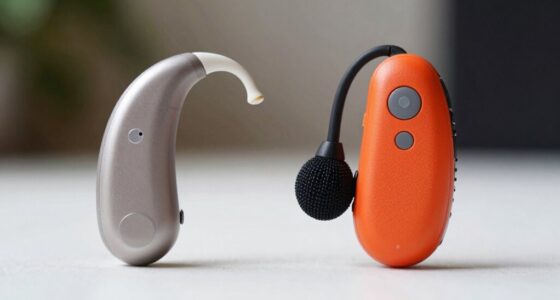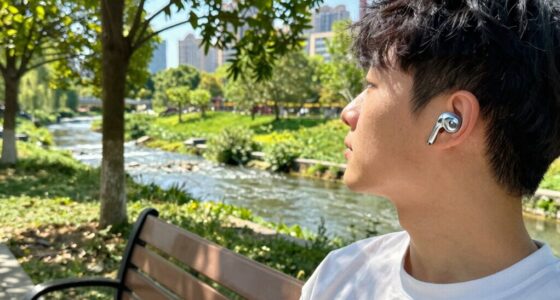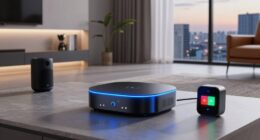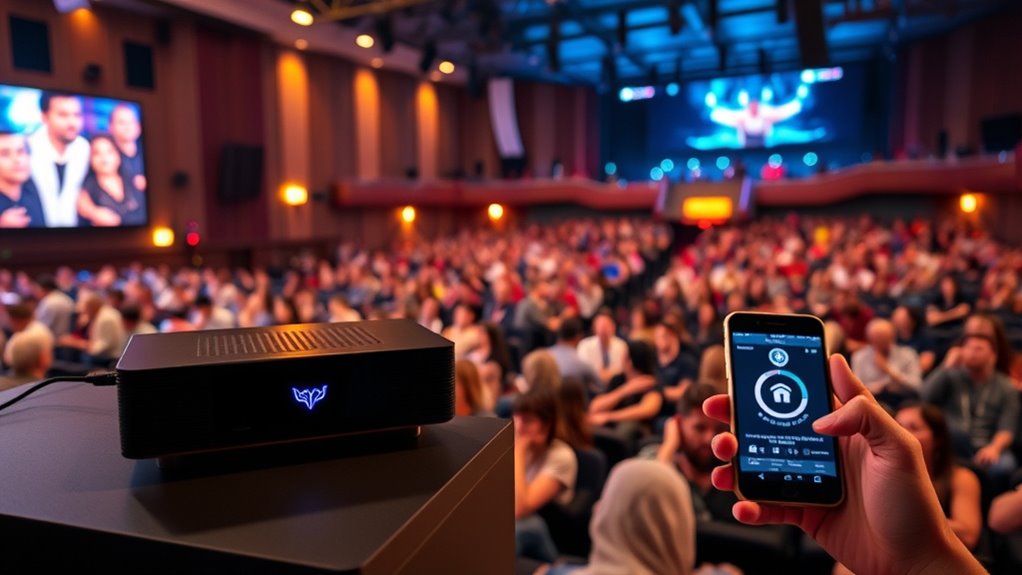

Implementing Auracast in public venues involves setting up wireless speakers that connect automatically to user devices via Bluetooth, creating synchronized audio zones. Confirm venue audio systems are compatible and that the wireless network supports seamless connections. Position speakers strategically for ideal coverage and accessibility. Simplify user experience by enabling automatic detection, allowing guests to effortlessly connect. If you want to discover how these essentials come together to transform public experiences, keep exploring the details.
Key Takeaways
- Ensure venue audio systems are compatible with Auracast technology for seamless integration.
- Strategically deploy wireless speakers to create synchronized, accessible audio coverage throughout the venue.
- Enable automatic detection and connection of user devices to Auracast signals upon entry.
- Educate staff and users on how to connect and troubleshoot Auracast-enabled audio streams.
- Implement management platforms for monitoring, controlling, and optimizing the Auracast audio distribution system.
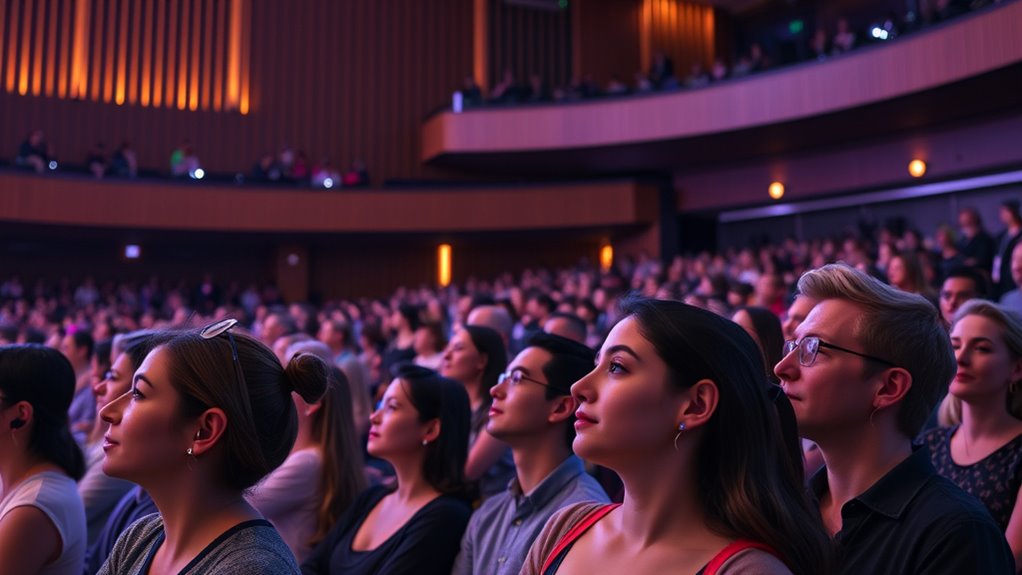
Auracast technology is transforming how we experience public venues by enabling seamless, real-time audio sharing. This innovation allows you to connect directly to a venue’s audio system using your mobile device, eliminating the need for bulky headphones or personal transmitters. As you walk into a stadium, theater, or concert hall, you might notice wireless speakers strategically placed throughout the space, broadcasting the same audio feed you’re listening to on your device. These speakers provide a clear, synchronized sound experience, ensuring you don’t miss any part of the performance or event. This setup isn’t just about convenience; it’s about making public venues more inclusive and accessible for everyone.
One of the key benefits of Auracast in these settings is the significant accessibility improvements it offers. For individuals with hearing impairments, traditional audio experiences can sometimes be challenging due to distance from speakers or background noise. Auracast technology addresses this by enabling direct audio streaming to compatible devices, making it easier to follow dialogue, music, or announcements. Venue operators can implement systems that automatically connect to a person’s device, providing a personalized audio experience without the need for additional equipment or complicated setups. This level of accessibility guarantees that everyone, regardless of their hearing ability, can enjoy the event fully. Additionally, the technology’s ability to support multiple connections enhances group experiences, allowing more people to enjoy synchronized audio comfortably.
Auracast enhances accessibility by streaming audio directly to devices, helping those with hearing impairments enjoy events fully.
Implementing Auracast in public venues also involves integrating wireless speakers that are compatible with the technology. These speakers are designed to communicate seamlessly with user devices, creating a network of synchronized audio sources. When you enter the venue, your device detects the Auracast signal and connects automatically, providing a smooth listening experience. The process is simple and unobtrusive, allowing you to focus on enjoying the event rather than managing complex technology. For venue operators, deploying these wireless speakers means setting up a reliable, scalable audio distribution system that can serve diverse audiences efficiently.
Furthermore, Auracast’s ability to support multiple simultaneous connections enhances group experiences. Whether you’re with friends, family, or colleagues, you can all connect to the same audio stream without crowding around a single speaker or sharing earphones. This promotes social interaction and inclusivity, especially in crowded venues. As more venues adopt Auracast technology, you’ll find that public events become not only more accessible but also more engaging, with everyone able to experience the event in their preferred way. Overall, the combination of wireless speakers and accessible features makes Auracast a game-changer in how public venues deliver audio content to diverse audiences.

Avantree Harmony A1 – Auracast Multi-Room Wireless Speaker with 100 m Coverage, 3 EQ Stereo Sound, Expandable System, Easy Setup, Bluetooth/Opt/AUX Input for Music, Parties & House Gatherings
【Expandable Auracast Audio System】 Harmony A1 is designed as a scalable Auracast speaker system, enabling synchronized audio sharing…
As an affiliate, we earn on qualifying purchases.
As an affiliate, we earn on qualifying purchases.
Frequently Asked Questions
What Are the Initial Costs for Implementing Auracast Technology?
Your initial costs for implementing Auracast technology vary based on your cost analysis and vendor selection. You’ll need to budget for hardware like beacons or transmitters, software licenses, and installation services. Costs can range from a few thousand to tens of thousands dollars, depending on venue size and complexity. By comparing vendors and evaluating your needs, you can identify the most cost-effective options and plan your budget accordingly.
How Does Auracast Impact Existing Public Venue Infrastructure?
You might wonder how Auracast impacts your venue’s infrastructure. It prompts essential accessibility upgrades, ensuring everyone can participate. You’ll also notice acoustics enhancement, improving sound clarity and audience experience. While it requires some adjustments, these upgrades seamlessly integrate with existing systems, elevating your venue’s capabilities. Embrace the change; it’s a step toward a more inclusive, engaging environment that will leave your guests captivated and enthusiastic to return.
Are There Privacy Concerns With Auracast in Public Spaces?
You might have privacy concerns with Auracast in public spaces, especially regarding data security. While it’s designed to protect user privacy, some worry that location tracking or data collection could occur without proper safeguards. To address this, make sure venues implement strong data security measures and transparent privacy policies. Staying informed about how your data is handled helps you feel more confident about using Auracast-enabled services in public areas.
What Training Is Required for Staff to Manage Auracast Systems?
You need to provide staff training that covers both technical skills and system management for Auracast systems. Focus on teaching staff how to operate the hardware and software, troubleshoot common issues, and guarantee privacy protocols are followed. Hands-on practice and clear documentation are essential. Additionally, training should emphasize user privacy awareness and how to assist visitors effectively, helping your team manage Auracast seamlessly and securely.
How Is Auracast Integrated With Other Venue Communication Systems?
Think of Auracast as a puzzle piece that easily fits into your venue’s communication system. You guarantee wireless interoperability and system compatibility by working with vendors who support open standards. Integrate Auracast with existing PA systems, digital signage, and emergency alerts, creating a seamless flow of information. This harmony boosts accessibility and keeps your venue connected, making sure everyone stays informed without missing a beat.

Bluetooth Audio Adapter for Music Streaming Sound System, Esinkin Wireless Audio Adapter Works with Smartphones and Tablets, Bluetooth Receiver for Home Stereo
Listen music wireless: Connect with computer speakers, home stereo systems or other speaker systems via the 3.5 mm…
As an affiliate, we earn on qualifying purchases.
As an affiliate, we earn on qualifying purchases.
Conclusion
By now, you’ve seen how Auracast transforms public venues into more accessible spaces. Implementing it properly guarantees everyone benefits from clearer, personalized audio experiences. Remember, “A journey of a thousand miles begins with a single step.” So, take that first step confidently—embrace Auracast and make your venue welcoming for all. With this technology, you’re not just keeping up; you’re leading the way toward a more inclusive future.

Wireless Induction Speaker 5-in-1 Bluetooth Speaker with Phone Stand,Stereo Sound, 3500mAh Rechargeable, 8 RGB Ambient Light, 360° Adjustable Holder for iPhone/Android/iPad,Gifts for Men Women (Black)
Smart Induction Playback: No Bluetooth connection required – The induction speaker for iphone uses advanced automatic induction technology….
As an affiliate, we earn on qualifying purchases.
As an affiliate, we earn on qualifying purchases.
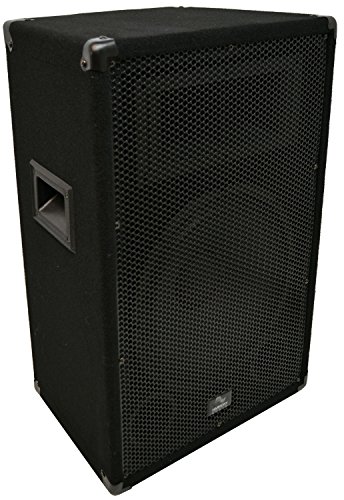
Harmony Audio HA-V12P Pro DJ Venue Series 12" Passive 150W RMS PA Speaker 2-Way Cabinet
DURABLE CONSTRUCTION: Built to withstand the rigors of touring and live performance, the HA-V12P features a sturdy enclosure…
As an affiliate, we earn on qualifying purchases.
As an affiliate, we earn on qualifying purchases.