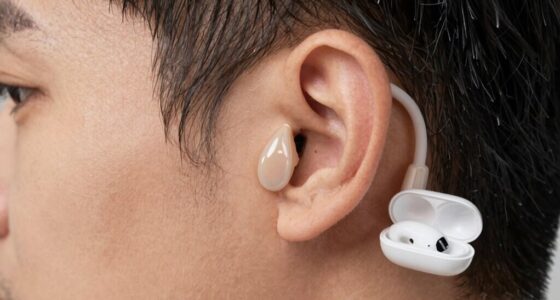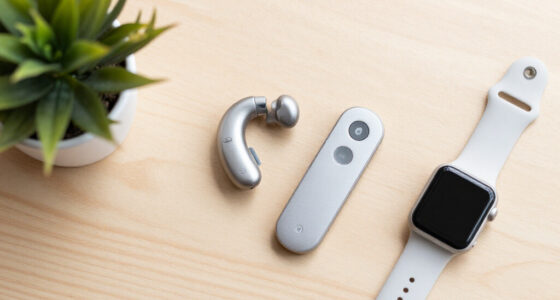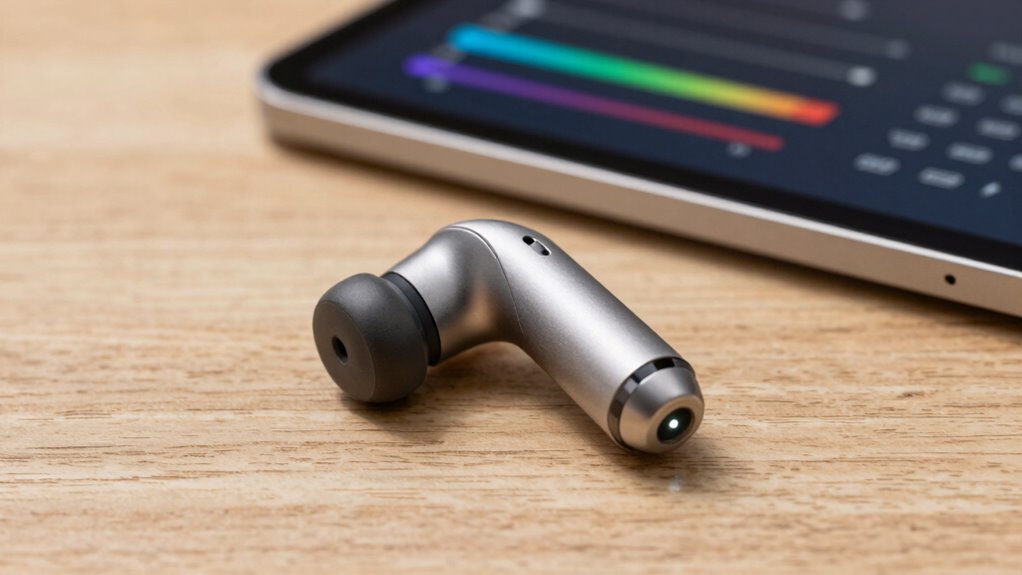

A hearing device firmware update is a simple process that improves your device’s performance through software updates. It helps keep your hearing aids functioning smoothly, fixing bugs, enhancing sound quality, and adding new features. Updating guarantees better compatibility, longer battery life, and increased security. By staying current, you get the best listening experience and reliable performance. Keep going to discover more about how updates can make your device work even better for you.

Get everyday helpers delivered free with Prime
- Fast, free delivery on millions of items
- Prime Video, Amazon Music and more included
- Member-only deals all year
Key Takeaways
- A firmware update improves the device’s performance, features, and sound quality through software enhancements.
- It fixes bugs, resolves issues, and enhances security to keep the hearing device reliable and safe.
- Updates are performed via dedicated apps or software, often over Bluetooth or special connectors.
- Regular updates ensure compatibility with new technology and prolong device lifespan.
- Staying current with firmware updates provides clearer sound, longer battery life, and a better user experience.
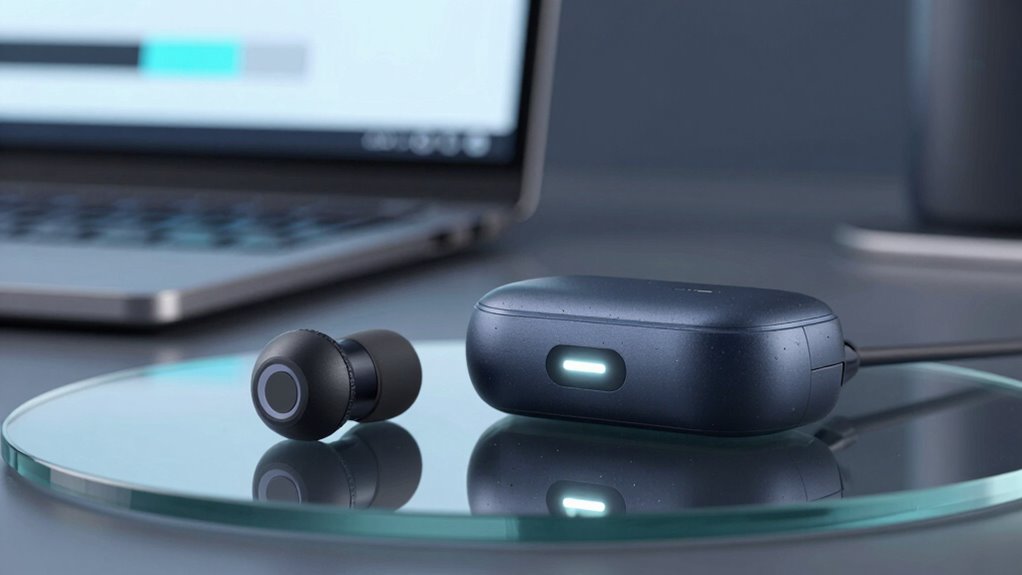
Updating the firmware on your hearing device is indispensable for maintaining peak performance and guaranteeing you get the most out of your investment. Firmware updates are like software upgrades for your device, designed to enhance functionality, fix bugs, and improve overall user experience. When you perform a firmware update, you’re fundamentally installing the latest code provided by the manufacturer, which can directly impact how well your hearing device performs in everyday situations.
Updating your hearing device’s firmware ensures optimal performance, enhanced features, and a better listening experience.
One of the main reasons to keep your firmware current is to improve sound quality. Over time, manufacturers identify ways to make your hearing device interpret sounds more naturally and clearly. Updates can refine how the device processes different frequencies, reducing distortion, background noise, or static, so you hear more accurately. This means you’ll notice clearer speech, more balanced sound, and a more natural listening experience. Besides sound quality, firmware updates also play an essential role in optimizing battery life. Newer firmware versions often include power management improvements, helping your device conserve energy and extend the time between charges. This is especially important if you rely heavily on your hearing device throughout the day, as longer battery life reduces the inconvenience of frequent recharging or battery replacements.
Performing a firmware update is usually straightforward. Most manufacturers provide a dedicated app or software that guides you through the process. You may need to connect your hearing device to a smartphone or computer via Bluetooth or a special connector. Once connected, the app checks for available updates and prompts you to install them. During this process, it’s imperative to follow instructions carefully—interrupting the update can cause software corruption, which might impair your device’s performance. It’s also a good idea to guarantee your device has sufficient battery charge before starting, so the update proceeds smoothly. Regular firmware updates are crucial because they ensure your device stays compatible with new features and improvements released by the manufacturer. Additionally, firmware updates often include software bug fixes that address common issues users may encounter. Staying informed about new firmware releases can help you determine the best time to perform updates and benefit from recent improvements.
Staying current with firmware updates is also important for security patches, which can otherwise leave your device vulnerable to potential threats. Manufacturers often release these patches to protect your device from potential vulnerabilities, making it vital to keep your software up-to-date. Keeping your device’s software up-to-date is essential for optimal security and performance. Think of it as giving your device a tune-up—keeping everything running smoothly and making sure you get the best possible hearing experience. Ultimately, updating your hearing device’s firmware is a small step that offers significant benefits, helping you enjoy clearer sound, longer-lasting battery life, and a more reliable, satisfying listening experience.
As an affiliate, we earn on qualifying purchases.
Frequently Asked Questions
How Often Should I Check for Firmware Updates?
You should check for firmware updates regularly, ideally every few months, to guarantee device compatibility and peak performance. Manufacturers often release updates to improve functionality, fix bugs, and enhance security. Staying up-to-date minimizes issues and maximizes your hearing device’s effectiveness. If your device prompts you or you notice performance changes, check for updates sooner. Consistent update frequency helps keep your hearing aids working smoothly and in sync with the latest technology.
Can Firmware Updates Improve Hearing Device Battery Life?
Think of firmware updates as a secret weapon for your hearing device’s battery life. Yes, they can improve battery optimization when designed for compatibility, helping your device run longer between charges. By ensuring firmware compatibility, manufacturers fix bugs and optimize power management, which ultimately conserves battery life. So, updating your hearing device’s firmware isn’t just about features—it’s about giving your device a power boost and extending its usability.
Are Firmware Updates Safe to Install Myself?
Yes, you can safely install firmware updates yourself, but make sure firmware compatibility with your hearing device first. Follow the manufacturer’s instructions carefully, and if you encounter issues, consider resetting your device to its default settings. A device reset can resolve update-related problems and ensure smooth operation. Always use official software and stay updated on guidelines to prevent potential risks or damage during the update process.
Do Firmware Updates Require Professional Assistance?
Firmware updates usually don’t require professional help if you follow instructions carefully. However, you need to verify firmware compatibility with your hearing device to avoid issues. Sometimes, a device reset might be necessary after updating to fix minor glitches. If you’re unsure or encounter problems, consulting a professional guarantees proper installation and maximum device performance, minimizing risks and ensuring your hearing aid functions correctly.
Will Updates Change My Hearing Device’s Sound Quality?
Think of your hearing device like a garden—updates are the gentle rain that helps it flourish. Firmware updates can enhance sound quality, making your user experience clearer and more natural. While they might seem subtle, they often fix bugs and improve performance, leading to better sound clarity. So, yes, updates can positively change your device’s sound quality, helping you hear the world more beautifully and comfortably.
Conclusion
Think of a hearing device firmware update as giving your device a tune-up, sharpening its senses like a finely tuned instrument. It’s your way of ensuring everything runs smoothly, so you can focus on what matters most—sounds and conversations around you. Just like a gardener tending to their plants, updating keeps your hearing device healthy and thriving. Stay current, and let your device continue to be your trusted companion in a world full of sounds.
Halloween Picks
halloween
As an affiliate, we earn on qualifying purchases.