
For the best accessible home phone setup, choose a central, well-lit room near main activities like the living room or kitchen. Make certain it’s close to comfort areas such as the bed or sofa for quick reach during emergencies. Position the phone where Wi-Fi signals are strong and free from obstructions to guarantee reliable calls. Keeping this setup simple and within easy reach means you can stay connected effortlessly—discover more tips for seamless accessibility as you go along.

Get everyday helpers delivered free with Prime
- Fast, free delivery on millions of items
- Prime Video, Amazon Music and more included
- Member-only deals all year
Key Takeaways
- Place the phone in a central, well-lit area near main activities for easy access during emergencies.
- Ensure proximity to beds or chairs for quick reach, especially for those with mobility challenges.
- Position the device on flat surfaces with minimal clutter to enhance visibility and safety.
- Avoid obstructions and maintain strong Wi-Fi signals by placing the phone away from thick walls or furniture.
- Select a location accessible from multiple angles, supporting convenience for caregivers and household members.
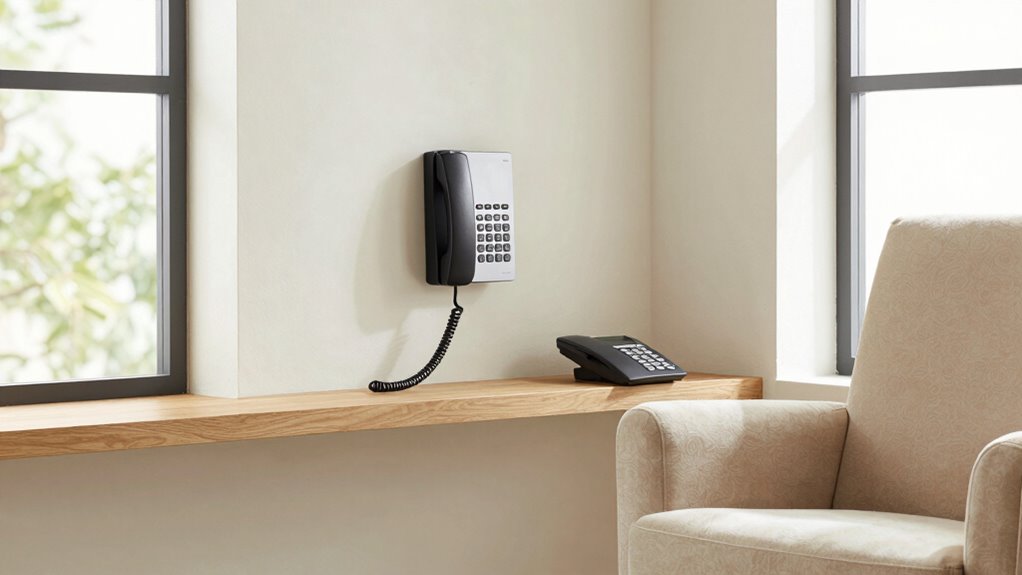
Choosing the right room for your accessible home phone setup is essential to guarantee easy use and reliable connectivity. When selecting a space, consider how wireless technology can enhance your experience. Wireless phones eliminate the clutter of cords and provide flexibility, allowing you to move freely within the room or even transfer the device to different areas as needed. This mobility is especially beneficial if you need to reach someone quickly during an emergency or if you have mobility challenges. Ensuring your phone setup supports wireless technology also means fewer obstacles and easier access, making communication more efficient and comfortable.
Wireless technology enhances accessibility, flexibility, and ease of use for your home phone setup.
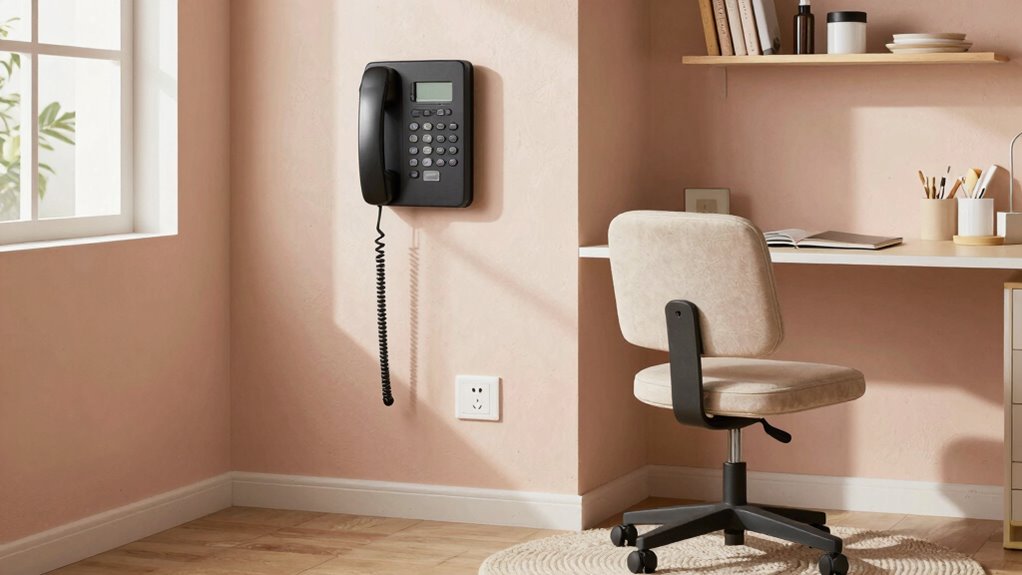
You should place your phone in a room that’s central to your daily activities. A common choice is the living room or kitchen, where you spend most of your time and where you’re most likely to need quick access during urgent situations. Position the phone within arm’s reach, ideally on a flat surface like a table or countertop, so you don’t have to bend or stretch to answer or dial. Keep the area clutter-free to prevent accidents and to make sure the phone is easily visible and accessible. If you use a voice-activated or large-button phone, position it where you can comfortably see and reach it, especially if you have visual impairments.
Emergency accessibility is another critical factor in your room placement. You want your phone close enough to your bed or main living space so you can reach it without difficulty if you’re resting or in a hurry. If you have a caregiver or family member assisting you, consider placing the phone in a spot that’s convenient for both of you. In addition, check the Wi-Fi coverage in the room to guarantee strong wireless signals, which are essential for maintaining reliable connections. Weak signals can cause dropped calls or delays, which are serious issues during emergencies. Reliable wireless technology is key to ensuring seamless communication, especially in urgent situations.
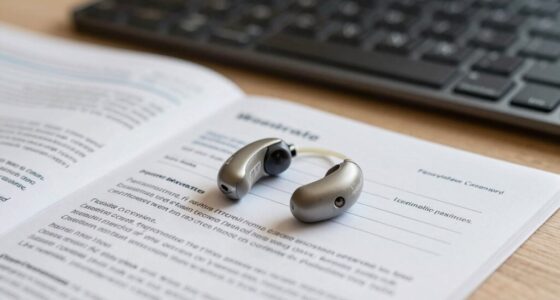
Think about lighting as well. A well-lit room makes it easier to see buttons, read displays, and operate the phone efficiently. Avoid placing your phone in dim or hard-to-reach corners. If you use hearing aids or assistive listening devices, pick a room where the phone’s sound quality can be optimized, and where you can easily hear incoming calls. Proper placement of assistive devices can further improve your overall communication experience and safety. Additionally, consider the overall layout of the room to ensure the phone remains accessible from multiple angles and is not obstructed by furniture or other items. Proper placement of wireless technology and signal strength can prevent connectivity issues, ensuring you stay connected when it matters most. Ultimately, your goal is to create a setup that combines wireless technology, emergency accessibility, and comfort, guaranteeing you can communicate effectively whenever needed.
wireless home phone with large buttons
As an affiliate, we earn on qualifying purchases.
As an affiliate, we earn on qualifying purchases.
Frequently Asked Questions
What Is the Optimal Height for Phone Placement for Accessibility?
You should place your phone at about 48 to 52 inches from the floor for ideal accessibility. This height allows you to reach the phone comfortably while seated in ergonomic seating. Consider wall-mounted options to keep the phone at a consistent height, reducing strain and making it easier to use, especially for those with mobility challenges. Adjust the height slightly based on your specific needs for maximum comfort.
How Can I Reduce Background Noise in the Phone Area?
Imagine your phone area as a peaceful oasis in a noisy city. To create this calm, you can implement soundproofing techniques like adding thick curtains, weatherstripping doors, or installing acoustic panels. Using noise reduction methods, such as placing a small rug or furniture to absorb sound, also helps. These steps will help block out background noise, making your conversations clearer and more private, ensuring your oasis remains tranquil.
Are There Specific Lighting Recommendations for the Phone Station?
For your phone station, opt for soft, warm lighting that creates a comfortable lighting ambiance. Use adjustable fixtures or task lamps to prevent glare and eye strain. Incorporate natural light sources, like nearby windows, to brighten the space during the day. Position the phone station where natural light doesn’t cause reflections on screens, ensuring clear visibility. This combination enhances accessibility and makes your phone setup more inviting and functional.
Should the Phone Be Near Other Emergency or Medical Equipment?
Should your phone be near other emergency or medical equipment? Absolutely. Placing your phone close to your emergency contact and crucial medical device placement guarantees quick access during urgent moments. It minimizes delays in reaching help, especially if you’re in a confined space or have mobility issues. Think about the flow of emergency response: proximity to essential equipment can make all the difference in a crisis.
How Can I Prevent the Phone Cord From Becoming a Tripping Hazard?
To prevent your phone cord from becoming a tripping hazard, focus on cord organization by securing excess slack with clips or ties. Use safety barriers like furniture or cord covers to keep cords neatly contained and out of walkways. Regularly check your setup to make certain cords stay tidy and secure, reducing the risk of accidents. Proper organization and barriers make your home safer and more accessible for everyone.
Conclusion
Choosing the right room for your accessible home phone setup isn’t just about convenience—it’s about reclaiming independence in a space that feels safe and familiar. Imagine the comfort of knowing help is just a call away, even in moments of vulnerability. While technology connects you instantly, your thoughtfully chosen room creates a sanctuary of reassurance. In this quiet corner, accessibility and peace intertwine, reminding you that support and comfort can coexist in the simplest of spaces.
Halloween Picks
halloween
As an affiliate, we earn on qualifying purchases.