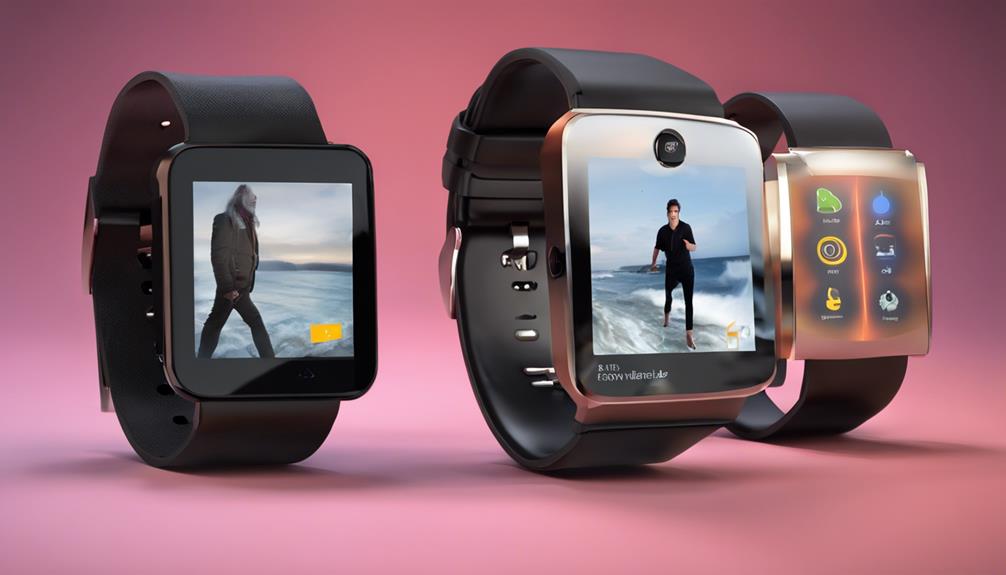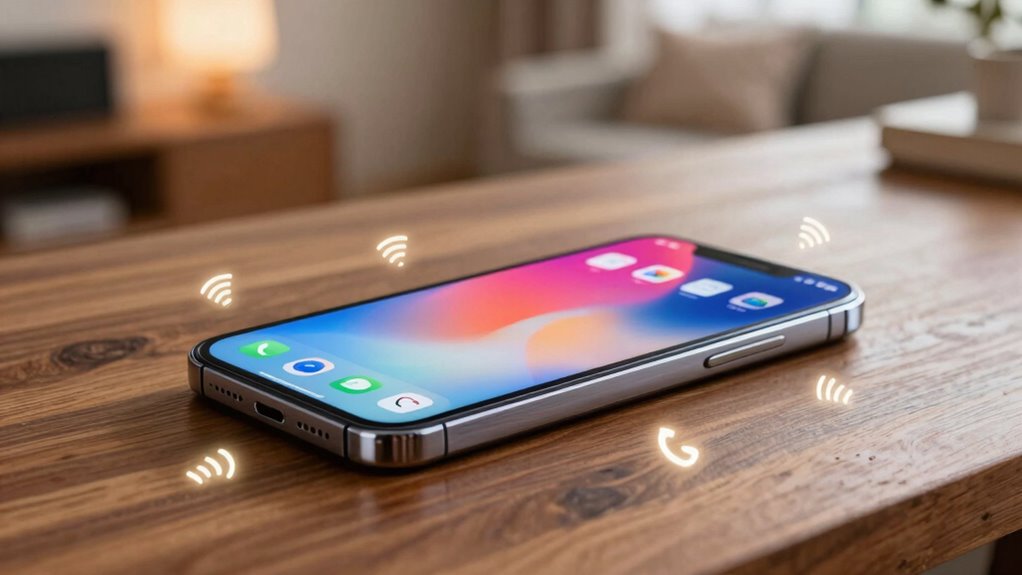

If you want to stop missing calls without increasing your phone’s volume, phone ring signalers are a great solution. They detect incoming calls and activate visual alerts like flashing lights, vibrate modes, or loud sounds, ensuring you notice calls in quiet or noisy environments. Choosing the right type for your setting and properly setting up your device can improve call awareness. Keep exploring for tips on setup, troubleshooting, and making your signalers work best for you.
Key Takeaways
- Use visual alert signalers like flashing lights or LED indicators to detect calls silently.
- Incorporate vibration-based signalers for discreet notifications without increasing volume.
- Adjust notification and volume settings to ensure alerts are loud enough without raising overall device volume.
- Regularly calibrate and test signalers to prevent false alerts and maintain reliability.
- Choose environment-specific alert systems, such as bright LEDs for noisy areas or silent vibrations for quiet spaces.

PILSAMAS WiFi Caregiver Pager Smart Call System – Display Caller ID & App Alerts, No Monthly Fee, IP65 Waterproof Wristband + 2 Call Buttons, Emergency Alert Button for Elderly at Home & Nursing Care
Wi-Fi Smart Hub & 328ft Range: HUB connects to 2.4G Wi-Fi (not 5G) for global APP access. 3…
As an affiliate, we earn on qualifying purchases.
As an affiliate, we earn on qualifying purchases.
Why Missing Important Calls Can Be Frustrating: and How Signalers Help
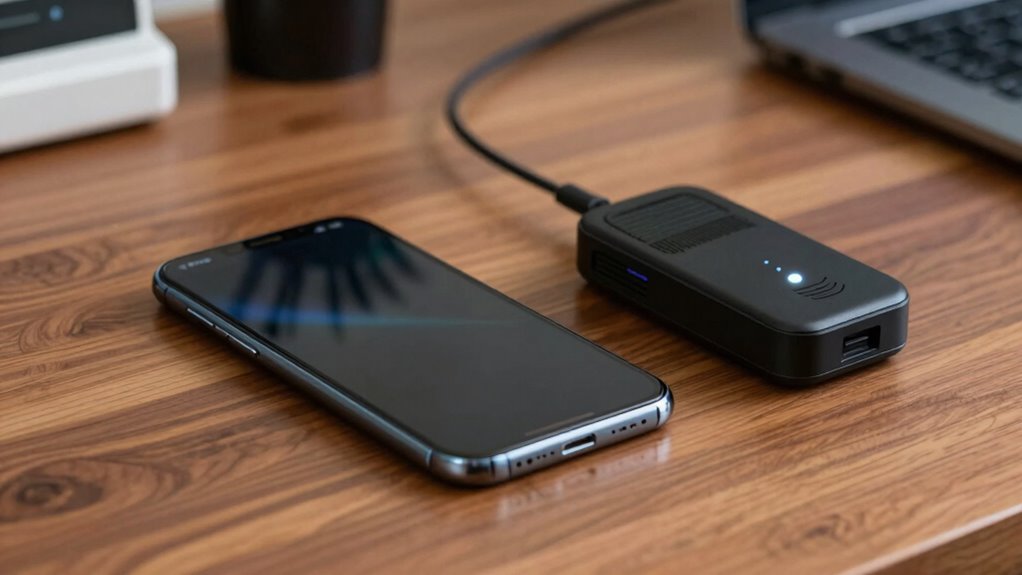
Missing an important call can be incredibly frustrating because it often means missing out on essential information, opportunities, or connections. Without a way to notice calls easily, you might keep your phone silent or tucked away, risking missed messages. That’s where call detection features and visual alerts come in. A call detection system can identify incoming calls and trigger a visual alert—like flashing lights or notifications—so you’re immediately aware without hearing the ring. This is especially helpful in quiet environments or when you don’t want to disturb others. Signalers provide a reliable, non-intrusive way to stay connected, ensuring you never miss critical calls just because your phone’s volume is off or you didn’t hear it ring. Additionally, understanding contrast ratio can help you choose devices with better visual alerts, making sure notifications stand out clearly. Incorporating visual alert technologies can further improve the effectiveness of signalers, making sure you notice calls promptly regardless of your surroundings. Using modern signalers that leverage these advanced visual cues ensures better accessibility and fewer missed calls, especially in busy or noisy environments. Moreover, integrating electric bike concepts into your understanding of signalers can inspire innovative ways to enhance alert systems, like wearable or bike-mounted visual indicators, which could be particularly useful for active or outdoor users. This approach aligns with the growing trend of assistive technologies designed to improve accessibility for diverse users.
vibration call notifier for smartphones
As an affiliate, we earn on qualifying purchases.
As an affiliate, we earn on qualifying purchases.
What Do Phone Ring Signalers Do? An Overview of How They Catch Your Calls
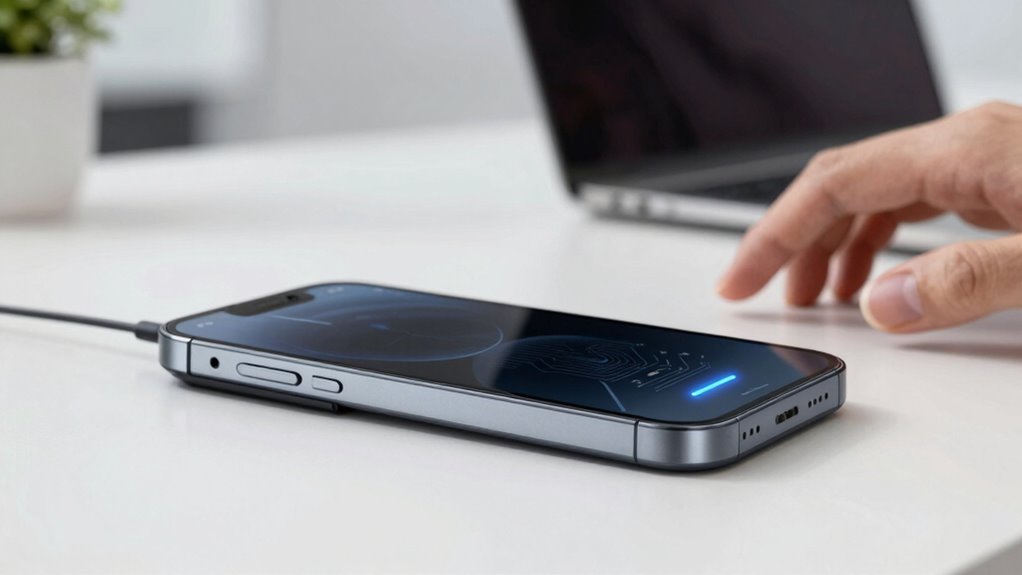
Phone ring signalers work by detecting incoming calls and alerting you through visual cues or vibrations, ensuring you’re aware even if your phone is silent or out of sight. They use advanced call detection technology to sense when a call is incoming, then activate alert mechanisms that grab your attention. Here’s how they operate:
- Call Detection: Sensors or software identify an incoming call based on network signals or phone activity. Understanding how call detection works can help you choose the right device. Incorporating reliable detection methods can further improve accuracy and reduce false alerts. Leveraging energy-efficient technology ensures these devices remain sustainable and cost-effective in the long run.
- Alert Mechanisms: Once a call is detected, they trigger visual lights, vibrations, or sounds to notify you.
- Immediate Notification: These alert mechanisms work instantly, so you never miss an important call, even if your device is muted or hidden. Incorporating effective notification methods can further improve your responsiveness.
- Effective communication with art care and living principles ensures that users remain connected without constantly listening for ringtones or checking their phone.
This seamless process helps you stay connected without constantly listening for ringtones or checking your phone.

CallToU Wireless Caregiver Pager Nurse Call Button for Elderly LED Call Light Nurse Alert System Call Bell for Patients at Home Clinic/Medical Institution/Nursing Home (15 Call Button + 2 Receiver)
EASY TO USE: The wireless calling system includes 15 call buttons and 2 plug-in receiver. Pre-paired before shipment,…
As an affiliate, we earn on qualifying purchases.
As an affiliate, we earn on qualifying purchases.
The Different Types of Phone Ring Signalers: Lights, Vibrations, and Sounds

To guarantee you never overlook an incoming call, phone ring signalers utilize a variety of alert types, including lights, vibrations, and sounds. These options cater to different environments and preferences. Visual alerts, like flashing lights, catch your attention without noise. Vibrations provide haptic feedback, alerting you discreetly through your device. Sounds, from ringtones to alerts, ensure you hear calls even in noisy settings. Here’s a quick look at these types:
| Type | Description | Ideal Use |
|---|---|---|
| Lights | Flashing LEDs for visual alerts | Quiet or noisy environments |
| Vibrations | Haptic feedback through device | Silent mode or discreet alerts |
| Sounds | Ringtones and alerts | When audible alerts are preferred |
Additionally, integrating smart home technology can enhance your alert system by customizing notifications across multiple devices and environments. Incorporating accessible alert options ensures that everyone can stay informed regardless of hearing ability or environmental noise. A variety of alert customization features allow users to tailor notifications to their specific needs, further reducing missed calls. Some systems even allow for multi-sensory alerts, combining different alert types for maximum effectiveness.

Panic Button for Personal Safety – Silent Beacon Bluetooth Emergency Alert with 2-Way Calls, Text & Email. Speaker & Mic, Wearable Rechargeable, Key Finder, 5 Modes – for Workers, Families, Offices.
Calls Any Phone Number Including 911: Our panic button allows you to choose which phone number you want…
As an affiliate, we earn on qualifying purchases.
As an affiliate, we earn on qualifying purchases.
Which Phone Ring Signaler Is Best for Your Environment? A Quick Guide
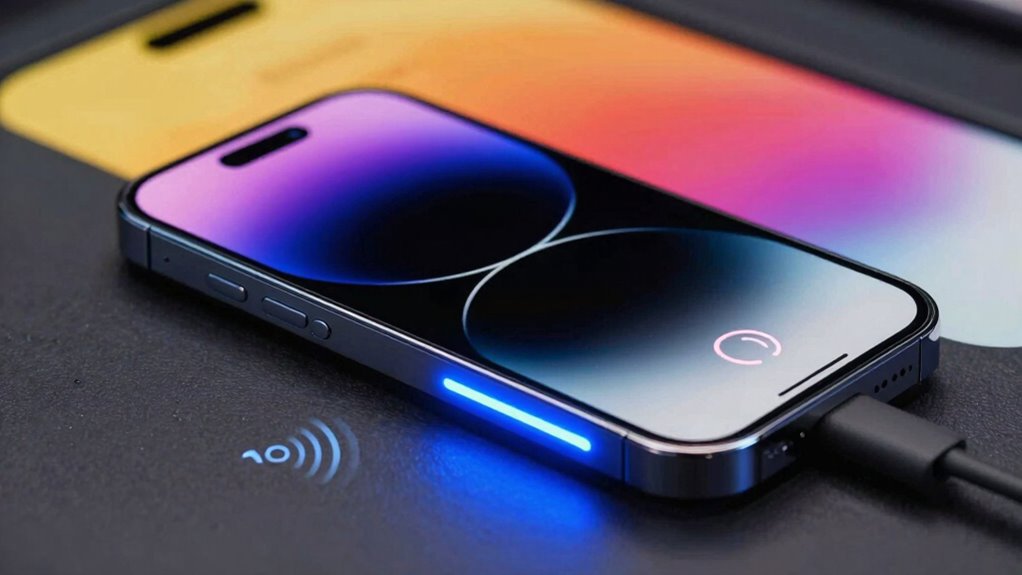
Choosing the right phone ring signaler depends on your environment and personal preferences. If you need silent alerts, consider vibrational signals or flashing lights. For noisy areas, loud sounds or visual cues work best. Consider these options:
- Quiet environments: Silent alerts like vibrations or flashing lights prevent disturbances. Using personal notification methods can also help you stay aware without disrupting others. Additionally, selecting appropriate alert types ensures you get reliable notifications suited to your setting. Incorporating environment-specific features can further enhance alert effectiveness in different surroundings.
- Noisy environments: Bright LEDs or loud sounds ensure you don’t miss calls.
- Shared spaces: Combination alerts, such as vibration with visual signals, help accommodate multiple preferences.
Assess your environment considerations carefully to pick a signaler that alerts you effectively without causing disruption. For instance, a vibrating device suits quiet offices, while a bright flashing signal is ideal for busy workshops. Tailor your choice to ensure you stay connected without missing important calls. Incorporating load‑planning tools can help determine the most suitable alert type based on your specific setting.
How to Set Up and Use Phone Ring Signalers for Reliable Alerts
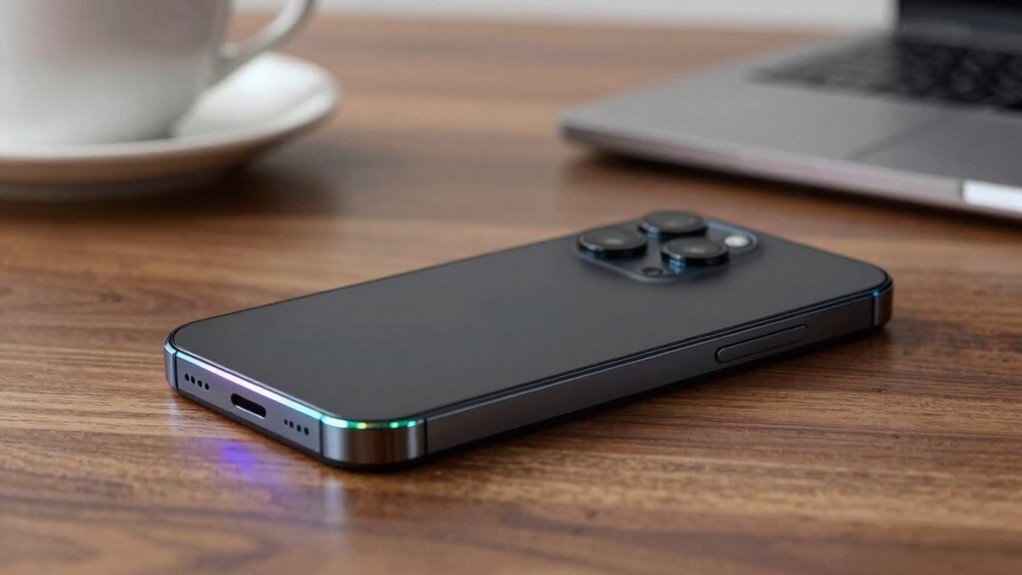
Setting up your phone ring signaler correctly is essential for ensuring you receive reliable alerts. First, check the device’s compatibility with your phone model to avoid compatibility issues that could prevent it from working properly. Follow the manufacturer’s instructions to pair or connect the signaler, ensuring the connection is secure. To maximize battery life, adjust settings so the device isn’t constantly active, and turn off features you don’t need. Regularly recharge or replace the batteries to keep alerts consistent. Test the signaler after setup to confirm it works as intended. Proper setup prevents false alarms and missed calls, providing peace of mind. Staying mindful of compatibility issues and managing battery life ensures your ring signaler remains reliable over time. Additionally, choosing a vetted device with proven performance can further enhance its dependability. Incorporating proper maintenance practices can also extend the lifespan and reliability of your signaler, ensuring consistent alerts. To further improve reliability, consider device calibration to fine-tune the alert sensitivity and reduce false triggers, which is essential for ensuring your device helps you stay connected and aware.
Common Problems With Phone Ring Signalers and How to Fix Them
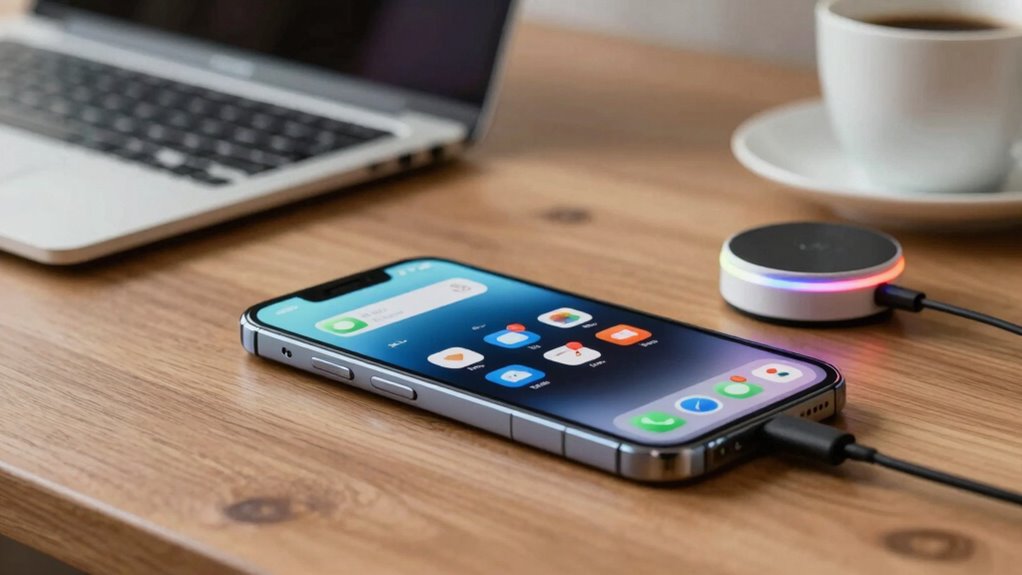
You might notice your phone ring signaler isn’t loud enough or doesn’t alert you properly. Sometimes, notification settings are misconfigured, causing alerts to be missed or not work at all. Fixing these issues is usually straightforward, once you identify whether it’s a volume adjustment or a settings error. Additionally, ensuring your notification system is properly configured can prevent missed calls. Regularly updating your device’s software can also resolve bugs that affect alert sounds and notifications. Checking your device’s notification settings regularly can help you maintain reliable alerts and avoid missing important calls.
Volume Adjustment Issues
One common issue with phone ring signalers is that the volume may be too low or too inconsistent, making it difficult to hear incoming calls. To fix this, start by checking your device’s volume control to make certain it’s turned up enough. Next, explore alert customization options to select a louder or more noticeable ringtone. Finally, consider resetting your device’s sound settings if problems persist. Here are some tips:
- Adjust the volume control to a higher level.
- Choose a distinctive, loud ringtone in alert customization.
- Reset sound settings to default if changes don’t stick.
These steps can help guarantee you never miss an important call due to volume issues. Proper volume adjustment and alert customization are key to staying connected.
Notification Settings Errors
Notification settings errors are a common cause of missed calls on phone ring signalers. If your alerts aren’t working, it’s likely due to incorrect notification errors or app permissions. Check if the app responsible for your signaler has the necessary permissions, such as access to notifications and sounds. Sometimes, updates or system glitches disable these permissions, preventing alerts from sounding.
| Issue | Solution |
|---|---|
| Notification errors | Reset app notifications in settings |
| Missing app permissions | Grant permissions in app settings |
| Disabled notification alerts | Enable alerts in system and app settings |
Ensure your app permissions are correctly set, and notification errors are resolved to avoid missing calls on your phone ring signaler.
Frequently Asked Questions
Can Phone Ring Signalers Work With All Mobile Devices?
Yes, phone ring signalers can work with most mobile devices, but you should verify their mobile device compatibility first. Signalers often integrate easily with smartphones through Bluetooth or other wireless methods. Confirm your device supports the necessary connection features. Once integrated, they reliably alert you to calls without needing to increase your phone’s volume, making them a practical solution for anyone who frequently misses calls due to low volume or noisy environments.
Are Phone Ring Signalers Safe for Hearing-Impaired Users?
Yes, phone ring signalers are safe for hearing-impaired users. They enhance user accessibility by providing visual alerts, reducing the need for loud sounds that could harm hearing safety. These devices are designed to be gentle on your ears while effectively alerting you to incoming calls. By using visual notifications, you protect your hearing while ensuring you never miss important calls, making communication safer and more accessible for everyone.
How Long Do the Batteries Last in Wireless Signalers?
The batteries in wireless signalers typically last between six months to a year, depending on the device’s power consumption. You can extend battery life by choosing models with low power consumption and turning off the signaler when not in use. Regularly check the battery status and replace batteries as needed to guarantee reliable alerts. Proper maintenance keeps your signaler functioning effectively without frequent replacements.
Do Signalers Require Wi-Fi or Internet Connection?
Imagine you’re effortlessly catching every call, even in a bustling café. Most signalers don’t need Wi-Fi or internet; they rely on wireless connectivity like Bluetooth or RF signals. You just need to guarantee signal compatibility between your device and the signaler. With the right setup, you’ll stay connected and never miss an important call, no matter where you are, without needing a Wi-Fi connection.
Can Signalers Be Used for Other Types of Alerts Besides Calls?
Yes, signalers can be used for other types of alerts besides calls. You can set up visual alert systems and emergency notification devices to notify you of messages, reminders, or urgent situations. These alert systems help guarantee you don’t miss important updates, whether they’re calls, texts, or emergency alerts. By customizing your alert preferences, you stay informed with clear signals without relying solely on audio notifications.
Conclusion
With a phone ring signaler, you’ll never miss an important call again, no matter how busy or noisy your surroundings. Think of it as your personal call guardian, ensuring you catch every ring without turning up the volume. By choosing the right type and setting it up properly, you turn missed calls into a thing of the past. It’s like having a loyal watchdog that alerts you whenever your phone needs you—peace of mind is just a signal away.