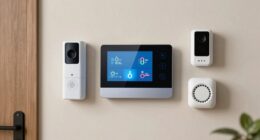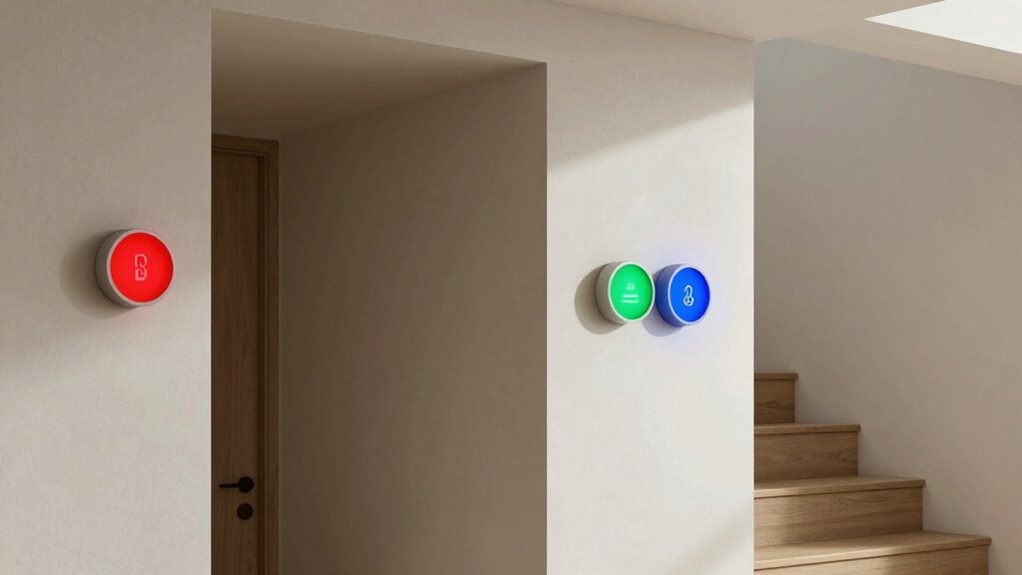
To enhance apartment accessibility with wireless visual alerts, choose devices compatible with your smart home setup, such as strobe lights or vibrating pads. Place them strategically near entrances, bedrooms, and common areas for maximum coverage. Make certain they have strong wireless signals and long battery life to stay reliable. Regularly check and update your system for peak performance. If you want to discover more ways to make your apartment safer and more accessible, keep exploring.
Key Takeaways
- Choose wireless visual alert devices compatible with your existing smart home system or alarm signals.
- Position alerts near entry points, bedrooms, and common areas for maximum visibility.
- Use battery-powered, sleek devices that are easy to install without wiring or complex tools.
- Incorporate high-contrast colors and flashing lights to ensure alerts are noticeable.
- Regularly check batteries and update device firmware to maintain reliable visual notification performance.

WiFi Door Alarm System, Wireless DIY Smart Home Security System, with Phone APP Alert, 8 Pieces-Kit (Alarm Siren, Door Window Sensor, Remote), Work with Alexa, for House, Apartment, by tolviviov
WIFI Network: WIFI connection, Only works on 2.4GHz WiFi network, does NOT support 5GHz WiFi networks.
As an affiliate, we earn on qualifying purchases.
As an affiliate, we earn on qualifying purchases.
Why Wire-Free Visual Alerts Are Essential for Apartment Accessibility
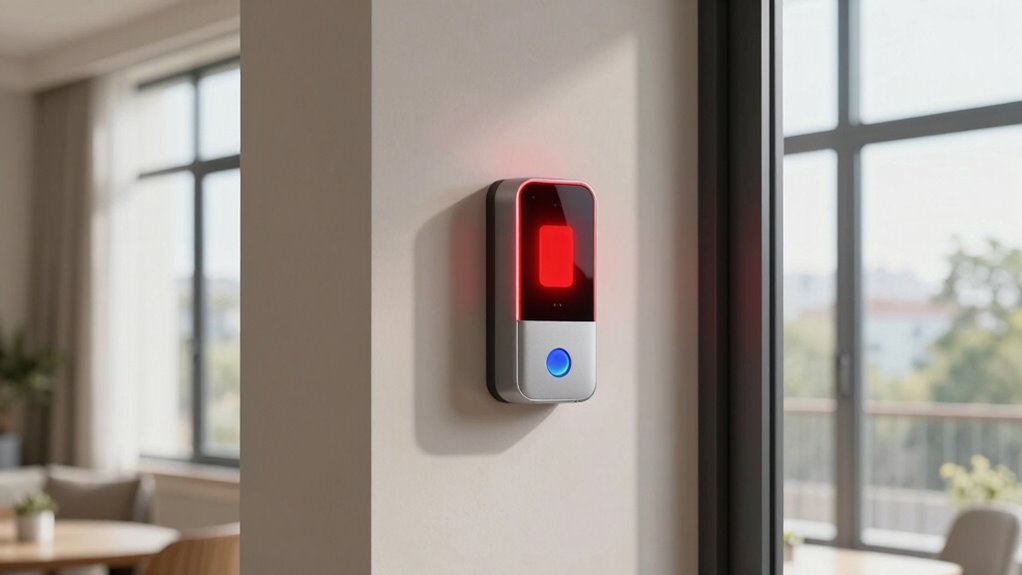
Wire-free visual alerts are essential for apartment accessibility because they provide a reliable way to notify residents of important events without relying on complicated wiring systems. These alerts enhance emergency preparedness by ensuring residents are immediately aware of critical situations, such as fire alarms or medical emergencies. They also support sensory accommodations by offering visual cues that cater to individuals with hearing impairments or other sensory sensitivities. Unlike wired systems, wire-free alerts can be easily installed and adjusted to suit specific needs, making them flexible and accessible. This adaptability helps create a safer, more inclusive environment where all residents can respond quickly and effectively to emergencies or daily notifications, promoting independence and peace of mind. Additionally, wireless communication technology ensures that alerts remain functional even during power outages or system failures, further increasing reliability. Incorporating smart home automation can also enhance the responsiveness and customization of these alerts, making them more effective for diverse resident needs. Moreover, the use of battery-powered devices ensures continuous operation without dependence on external power sources, increasing overall safety and dependability. Furthermore, understanding the importance of projector technology in home entertainment can inspire innovative solutions for visual alert displays in shared living spaces. Recognizing wireless signaling methods can also help optimize alert effectiveness across different environments and device compatibilities.

Magnetic Wireless Beacon Light, USB-C Rechargeable LED Strobe Lights for Truck, Mini Portable Flashing Emergency Safety Warning Light for Postal Car Plowing Tractor UTV Golf Cart IP67 Waterproof Amber
【PLUG AND PLAY】Bult-in magnetic base, NeaLia wireless beacon light is easy to use while friendly to your truck…
As an affiliate, we earn on qualifying purchases.
As an affiliate, we earn on qualifying purchases.
How to Choose the Right Wireless Visual Alert System for Your Apartment
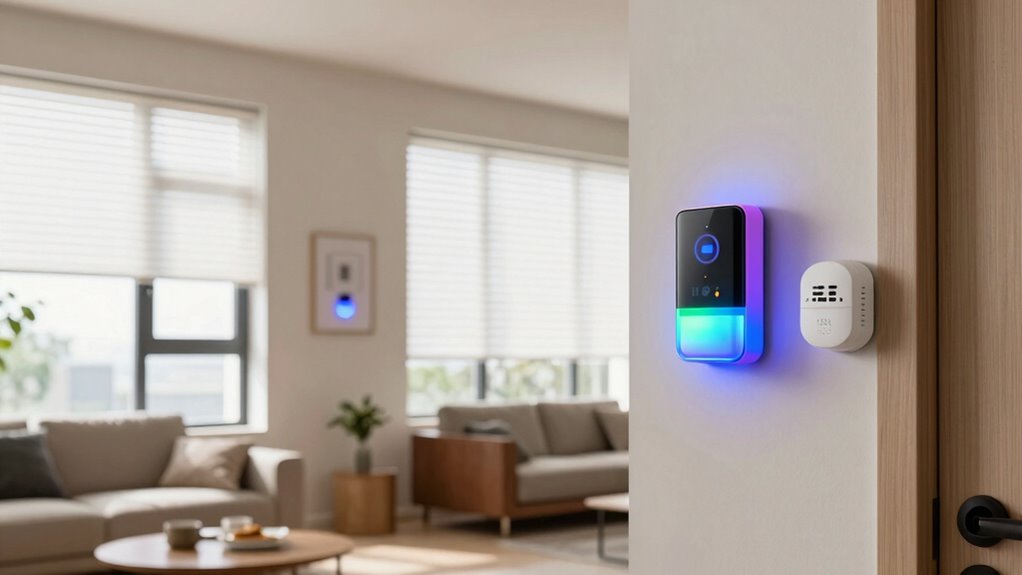
When choosing a wireless visual alert system, make sure it’s compatible with your existing devices to avoid connectivity issues. You also need to take into account the range and signal strength to ensure alerts reach you reliably throughout your apartment. Paying attention to these points helps you select a system that works seamlessly in your space. Additionally, considering field‑of‑view and imaging‑scale concepts can help you better understand how alerts will be perceived within your environment. Evaluating wireless communication protocols can further ensure the system maintains stable connectivity and performance. Understanding thermal behavior can also aid in selecting alert placements that remain visible in various lighting conditions. Moreover, assessing signal interference can improve the reliability of alerts by minimizing disruptions caused by other electronic devices. Recognizing signal propagation principles can help optimize placement and reduce blind spots for your alerts.
Compatibility With Devices
Choosing a wireless visual alert system that works seamlessly with your apartment’s existing devices is vital for reliable alerts. You need to take into account device integration and accessory compatibility to guarantee smooth operation. Check if the system can connect with your current smart home devices, doorbells, or alarm systems. Compatibility with accessories like strobe lights or vibrating pads is also fundamental for customization. A robust infrastructure ensures that your wireless signals remain strong and reliable throughout your apartment, preventing missed alerts due to connectivity issues. Additionally, selecting systems that leverage European cloud infrastructure can enhance security and data management for your alert network. Ensuring the system supports wireless signal strength and minimal interference is essential for consistent performance. Look for systems that support: – Universal compatibility with various smart devices – Easy integration with existing alarms and doorbells – Compatibility with different accessory types – Open protocols for future device additions – Compatibility with your smartphone or tablet apps Ensuring these factors helps you avoid frustration and guarantees your alert system functions reliably in your apartment. A strong wireless network is crucial for maintaining consistent alert delivery across your devices.
Range and Signal Strength
Ever wonder how reliable your wireless alert system will be throughout your apartment? Range and signal strength are key factors. If your system has limited range, alerts might not reach distant rooms, or signals could weaken over walls. Signal interference from Wi-Fi devices, microwaves, or thick walls can also disrupt performance. To find the right system, consider these factors:
| System Type | Range Limitations | Signal Interference Risk |
|---|---|---|
| Wi-Fi-based | Up to 100 feet | High |
| RF (Radio Frequency) | Up to 300 feet | Moderate |
| Bluetooth | Up to 30 feet | Low |
Choosing a system with sufficient range and minimal interference guarantees your alerts stay dependable wherever you need them. Understanding wireless signal reliability can help you select a system that provides consistent alerts throughout your apartment, especially when considering signal strength and how well it penetrates walls and obstacles.

Lunderg Early Alert Bed Alarm for Elderly Adults – Wireless Sensor Pad & Pager – with Pre-Alert Smart Technology – Safety Bed Alarms and Fall Prevention for Elderly and Dementia Patients
Absolute Peace of Mind: knowing you'll be alerted before your loved one gets up from bed is an…
As an affiliate, we earn on qualifying purchases.
As an affiliate, we earn on qualifying purchases.
Step-by-Step Guide to Installing Visual Alerts Without Wiring
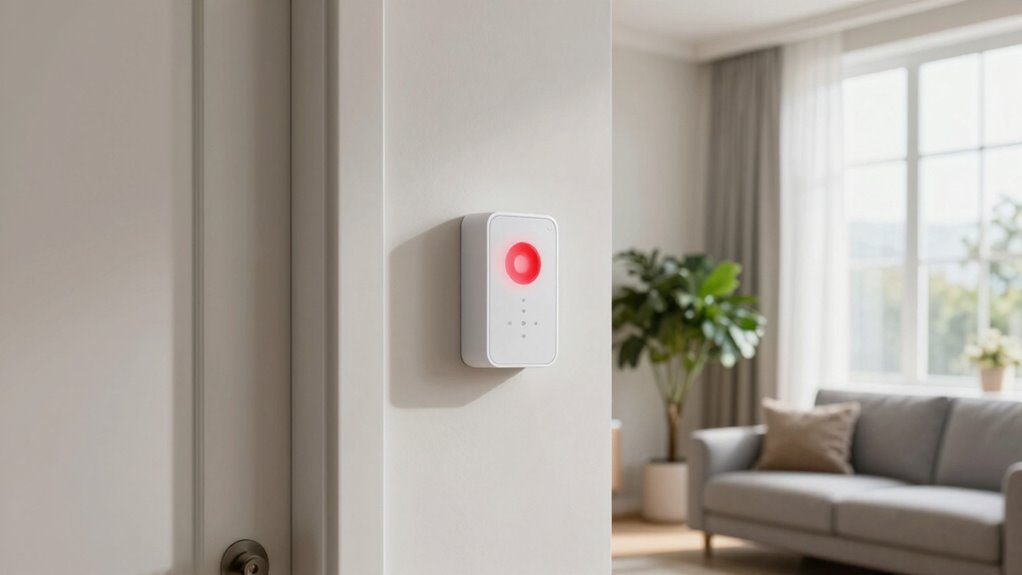
Installing visual alerts without wiring is an accessible and flexible way to enhance apartment safety. To get started, choose wireless devices with long battery life and sleek aesthetic design. Next, follow these steps:
- Select strategic locations for visibility, like near doors or bedrooms
- Mount the alert devices securely, ensuring they’re easily seen
- Insert batteries, checking for proper placement and connection
- Test each device to confirm they activate correctly with sound or light cues
- Regularly monitor battery levels and replace them when needed to maintain functionality
- Understanding filtration systems helps ensure your alert devices operate reliably and are less affected by dust or debris buildup. Incorporating wireless technology can further improve ease of installation and reduce maintenance needs. Additionally, choosing devices with long-lasting batteries ensures consistent alert performance over time. Proper placement and smart-home integrations can also enhance responsiveness and user convenience. It’s also beneficial to select alerts designed with durability to withstand a variety of environmental conditions inside apartments.
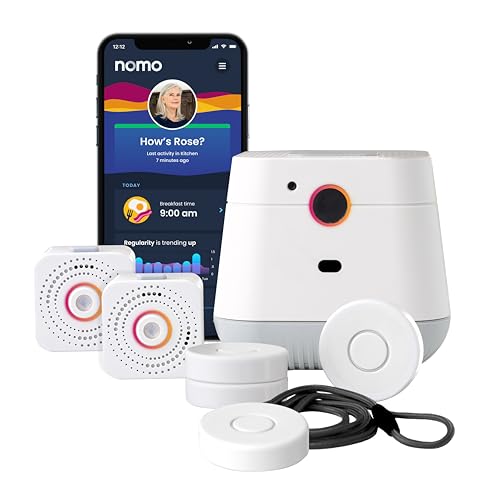
NOMO Smart Care Medical Alert System, Fall Detection for Seniors, WiFi in Home Monitoring Safety System, Emergency Call Button, Custom Fall Alert, Virtual Caregiver, 30-Day Trial Monthly Subscription
NOMO SMART CARE ESSENTIAL KIT – A complete in-home monitoring safety system featuring a Smart Hub, two motion…
As an affiliate, we earn on qualifying purchases.
As an affiliate, we earn on qualifying purchases.
What Features Should You Look for in Wireless Visual Alert Devices?
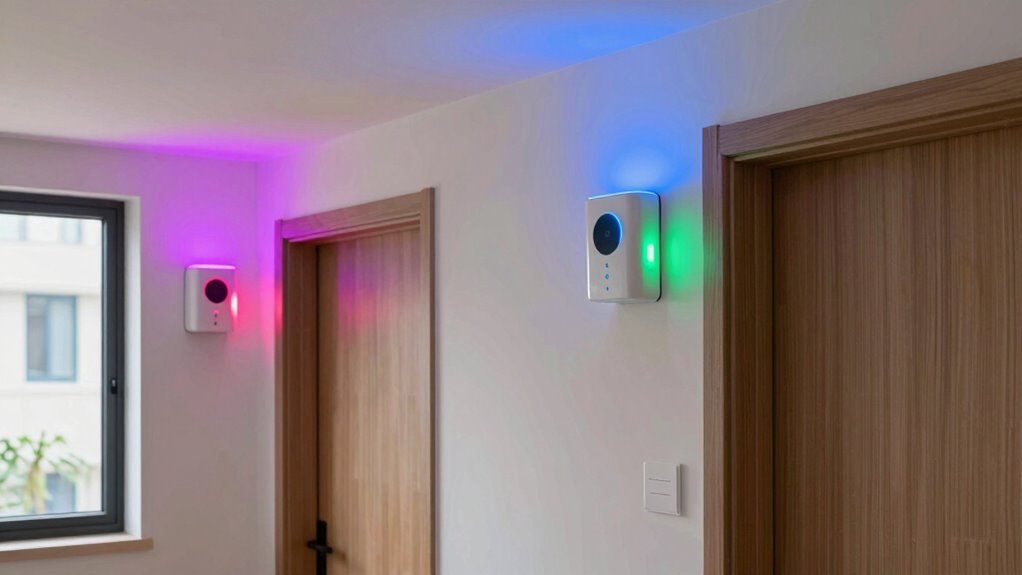
When choosing wireless visual alert devices, you need to guarantee they work seamlessly with your existing systems. Look for options that offer clear visual signals and sound alerts so you can respond quickly. Considering these features helps you select devices that are both effective and easy to integrate. Additionally, selecting devices with reliable connectivity ensures consistent performance and reduces the chances of missed alerts. To maximize effectiveness, opt for alerts that are easy to set up and compatible with smart home integrations for greater convenience. Incorporating user-friendly controls can also make it simpler to customize alerts to suit your specific needs and environment. Ensuring the devices have durable construction can contribute to long-term reliability and safety in your home. Prioritizing long-lasting battery life can help maintain alert functionality without frequent replacements.
Compatibility With Existing Devices
To guarantee your wireless visual alert devices work seamlessly with your existing setup, it is vital to look for compatibility features. Ensuring they integrate smoothly with your current devices prevents frustration and maintains interior design and aesthetic integration. Check if the device:
- Works with your smart home system or hub
- Supports common communication protocols like Wi-Fi or Zigbee
- Is compatible with your smartphone app for easy control
- Offers customizable alerts to match your environment
- Easily connects to existing alarms or notification systems
Visual and Sound Alert Options
Choosing the right wireless visual alert device involves considering both its visual and sound notification features. Look for devices with high color contrast to guarantee alerts are easily noticeable, even in different lighting conditions. Bright, bold colors like red or flashing lights can draw attention quickly. Sound integration is also essential—you want alerts that can emit loud, clear sounds to complement visual cues, especially for those with vision impairments. Some devices allow you to customize sound levels or tones, making alerts more effective. Guarantee the device offers multiple alert options, such as flashing lights combined with audible signals, so you can tailor alerts to your specific needs. Prioritize devices that balance visual clarity with reliable sound integration for comprehensive accessibility.
Where to Place Visual Alerts in Different Areas of Your Apartment

Placing visual alerts strategically throughout your apartment guarantees you receive important notifications promptly. Think about high-traffic or vital areas where alerts can make a difference. For example, near your door, position visual alerts for the doorbell placement so you don’t miss visitors. In the kitchen, place alerts where you cook or spend time, ensuring you notice alerts related to timers or appliances. Consider these key spots:
- Near the front door for doorbell alerts
- In the kitchen for cooking or appliance alerts
- By your bed for wake-up or emergency alerts
- In the living room for general notifications
- Close to the bathroom for safety alerts
This placement guarantees you stay informed without missing essential signals.
Troubleshooting Common Issues With Wireless Visual Alerts
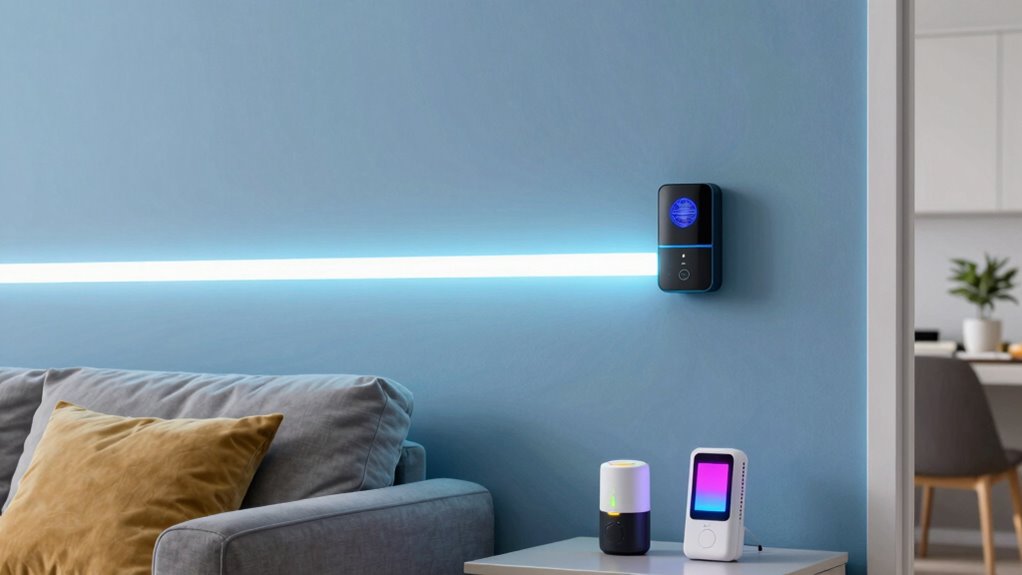
Wireless visual alerts can sometimes face connectivity problems or fail to activate when needed, which can be frustrating and compromise your safety. One common issue is battery life; if the batteries are low, the alert may not function properly. Regularly check and replace batteries to guarantee consistent operation. Signal interference is another culprit—devices like Wi-Fi routers or other electronics can disrupt the alert’s signal, causing delays or failures. To troubleshoot, move the alert closer to the receiver or away from potential interference sources. Also, ensure that your device’s firmware is up to date, as updates can improve connectivity and performance. Keeping these factors in mind will help you maintain reliable visual alerts and enhance your apartment’s safety.
How to Expand Your System for Better Safety and Accessibility

Expanding your alert system can considerably enhance safety and accessibility throughout your apartment. A well-integrated smart home setup allows you to add more visual alerts that can be easily customized for different emergencies. To improve emergency preparedness, consider these options:
- Integrate additional wireless visual alerts for various hazards
- Connect alerts to your smart home system for centralized control
- Add motion-activated alerts for extra safety at entrances
- Incorporate voice-activated commands for quick adjustments
- Use multiple alert locations for better visibility from all areas
Tips for Maintaining and Upgrading Your Wire-Free Visual Alert System
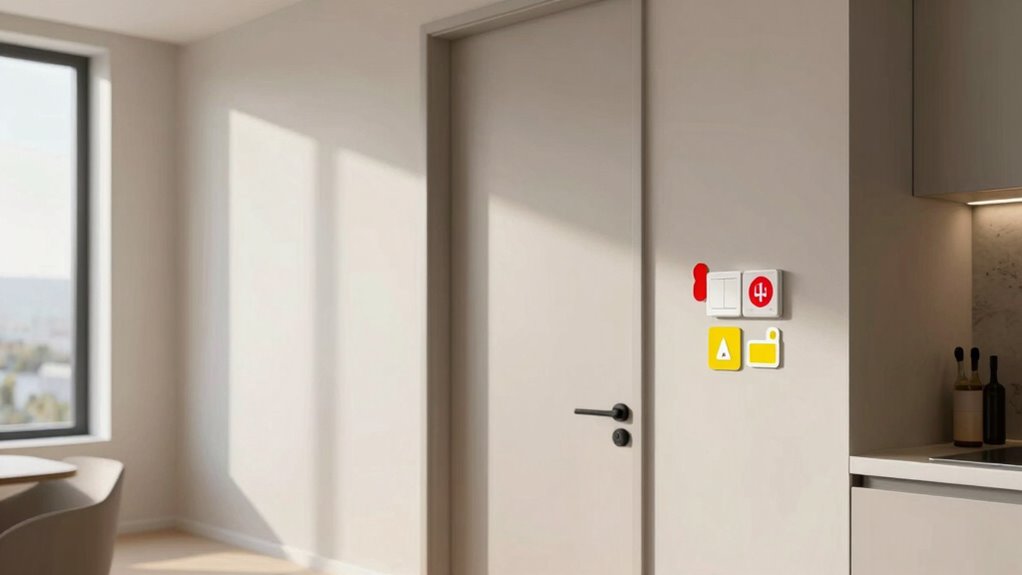
Regular maintenance is essential to guarantee your wire-free visual alert system functions reliably when you need it most. Start by checking the batteries regularly to prevent unexpected failures; replace them as needed and keep spare batteries on hand. Proper battery maintenance ensures consistent alerts and extends device lifespan. Additionally, consider aesthetic considerations when upgrading your system—choose alert designs and placements that blend seamlessly with your apartment decor, avoiding clutter or distraction. Keep the devices clean and free from dust or debris, which can impair visibility. Periodically review the system’s effectiveness and update components if newer, more reliable options are available. By staying proactive with battery maintenance and mindful of aesthetic considerations, you’ll ensure your visual alert system remains functional, unobtrusive, and visually appealing.
Frequently Asked Questions
Are Wireless Visual Alerts Compatible With Smart Home Systems?
Yes, wireless visual alerts are compatible with smart home systems. You can easily integrate them by checking their wireless compatibility and ensuring they work with your existing smart home platform. Many alerts connect via Wi-Fi or Bluetooth, allowing seamless smart home integration. This setup enables you to customize alerts, receive notifications, and control the system remotely, making your apartment more accessible without the need for complicated wiring.
How Long Do Battery-Powered Visual Alert Devices Typically Last?
You might worry about frequent battery replacements, but most battery-powered visual alert devices last between 6 to 12 months. This means less maintenance for you and fewer interruptions. Keep in mind, battery life depends on usage and the device’s features. To extend battery life, consider choosing models with low power consumption. Regularly checking your device and replacing batteries when needed guarantees consistent alerts without hassle.
Can These Systems Be Used in Rental Apartments Without Modifications?
Yes, you can use portable, battery-powered visual alert devices in rental apartments without modifications. Just verify you have renters’ permissions before installing or placing these devices. Their portability allows you to move them easily between units or rooms, making them ideal for renters who want accessible alerts without permanent changes. Keep in mind, always check with your landlord to confirm that temporary setups are allowed and won’t cause issues.
What Is the Approximate Cost of a Complete Wireless Visual Alert Setup?
Did you know that wireless visual alert systems can cost around $50 to $200 per device? For a complete setup, you should budget approximately $200 to $600, depending on the number of alerts needed. The cost estimation varies based on device compatibility and features like flashing lights or strobe effects. You can find affordable options that are easy to install without wiring, making them perfect for rental apartments.
Are There Any Legal or Building Code Considerations for Portable Alert Devices?
You should check local regulations and building codes before using portable alert devices. Many areas have specific rules about the types of alerts permitted, especially regarding safety and electrical standards. Make sure your devices meet these requirements to avoid fines or safety issues. It’s a good idea to consult with building management or local authorities to confirm your portable visual alerts comply with all applicable regulations and codes.
Conclusion
By thoughtfully adding wireless visual alerts, you create a more inviting and secure home where everyone feels comfortable and cared for. These subtle enhancements quietly brighten your space, ensuring no important signal goes unnoticed. With the right system in place, you’ll foster a sense of peace and confidence, knowing help is always just a glance away. Embrace these simple upgrades—you’re weaving a gentle safety net that nurtures independence and tranquility within your apartment.