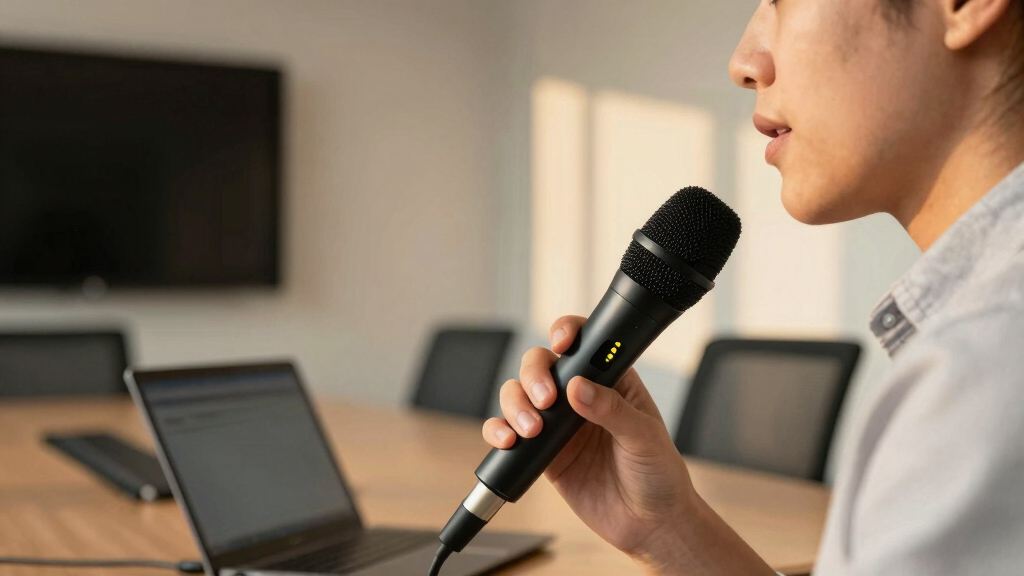

Finding the best remote microphones for conference rooms can be challenging due to varying needs for range, audio quality, and ease of setup. The Melonare 4-Channel Wireless System stands out for its robust UHF technology and four gooseneck mics, making it ideal for larger spaces. Meanwhile, the Anker PowerConf S500 offers seamless connectivity with popular collaboration tools and straightforward plug-and-play setup suitable for smaller or medium rooms. The main tradeoffs often involve balancing sound quality, coverage, and affordability. Continue reading for an in-depth comparison of these options and more to find your perfect fit.
Key Takeaways
- Range and flexibility vary significantly, with wireless systems offering more mobility than wired options.
- Built-in smart features like AI noise suppression can greatly improve audio clarity in busy conference environments.
- Price correlates with advanced features—higher-end models generally provide better coverage and audio quality.
- Ease of setup and compatibility with conferencing platforms are critical for quick deployment and reliable performance.
- The best choice depends heavily on room size, number of participants, and desired audio quality.


More Details on Our Top Picks
MELONARE 4-Channel Wireless Conference Microphone System with UHF Technology, 200ft Range, and 4 Gooseneck Mics
This system stands out for its high-fidelity audio quality combined with an impressive 200ft wireless range, making it ideal for larger conference rooms where mobility and sound clarity are priorities. Compared to the Anker PowerConf S500, it offers greater range and more microphones, but at the cost of a more complex setup with multiple components. Its noise-reducing foam covers and frequency hopping technology help avoid interference in busy RF environments, though the need for multiple units and antennas can complicate installation. The built-in antenna and color-coded mics streamline the setup, and 12 hours of battery life support extended meetings. This pick is perfect for organizations needing flexible, high-quality wireless audio for large spaces. However, battery life may decline with continuous use, and setup requires more effort than simpler plug-and-play options.
Pros:- High-resolution audio with noise reduction
- 200ft wireless range with interference mitigation
- Compact, portable design with built-in antenna
- Multiple microphones with individual mute controls
Cons:- Requires multiple components for complete setup
- Battery life may vary with continuous use
Best for: Large conference rooms requiring flexible, high-fidelity wireless audio with multiple microphones
Not ideal for: Small offices or quick setup environments where simplicity and minimal equipment are preferred
- Channels:4
- Technology:UHF Digital Transmission
- Range:200ft (61m)
- Microphones Included:4 Gooseneck Mics
- Battery Life:12 Hours
- Included Accessories:Receiver, 4 Mics, Power Adapter, Cables
Bottom line: This system is best suited for large spaces where mobility and audio clarity are critical, despite setup complexity.
SoundTech CM-1000 3.5 mm Omni-Directional Conference Microphone
The SoundTech CM-1000 excels at providing clear, 360-degree audio capture in small to medium group settings, making it a solid choice for budget-conscious users. Unlike the Anker PowerConf S500, which offers advanced noise cancellation and platform certification, this mic delivers straightforward omnidirectional pickup with built-in echo cancellation, but lacks the platform-specific certifications and advanced digital features. Its simple 3.5mm connection makes it compatible with a variety of devices, though it misses out on features like mute controls or stand options found in more advanced models. The noise reduction helps improve clarity in noisy rooms, but its basic design might be less appealing for professional setups that benefit from more flexible mounting options. This microphone is ideal for small meetings where ease of use and affordability outweigh advanced features.
Pros:- Excellent clarity with echo cancellation
- 360-degree pickup covers entire room
- Compatible with Mac, PC, and portable devices
- Simple plug-and-play operation
Cons:- Limited for professional, large-room setups
- No built-in stand or shock mount for optimal placement
Best for: Small teams or casual users needing reliable, easy-to-use audio capture on a budget
Not ideal for: Large conference rooms or professional environments requiring integrated control and platform certification
- Connector Type:3.5 mm
- Pickup Pattern:Omni-Directional
- Features:Echo cancellation, noise reduction
- Compatibility:Mac, PC, portable devices
Bottom line: This mic suits small, budget-conscious meetings needing straightforward, reliable audio capture without advanced features.
Anker PowerConf S500 USB-C Bluetooth Speakerphone with Zoom Rooms and Google Meet Certifications for Conference Rooms
The Anker PowerConf S500 offers a compelling combination of certified platform compatibility, immersive sound, and noise cancellation with VoiceRadar tech, making it ideal for small to medium rooms. Its four 32KHz microphones and 1.75-inch Hi-Fi speaker deliver clear, natural audio, surpassing basic USB models like the MXL AC-404 in sound quality and platform flexibility. Compared with larger systems, its compact design and certifications for Zoom Rooms and Google Meet streamline deployment in professional settings. The dual-unit pairing expands coverage, but the device isn’t weatherproof, limiting outdoor or rugged use. The 16-hour battery life supports long meetings, yet its limited room size capacity means it’s less suited for larger spaces or open-plan environments.
Pros:- Certified for Zoom Rooms and Google Meet
- Excellent noise cancellation with VoiceRadar
- Supports dual-unit pairing for larger rooms
- Hi-Fi-grade sound quality
Cons:- Not weather-resistant or waterproof
- Limited to small/medium room coverage without pairing
Best for: Small to medium conference rooms requiring certified platform compatibility and high-quality audio
Not ideal for: Outdoor or rugged environments where weather resistance is needed
- Product Type:Speakerphone
- Number of Microphones:4
- Battery Life:16 Hours
- Compatibility:Zoom Rooms, Google Meet
- Connectivity:USB-C, Bluetooth
- Speaker Diameter:1.75 Inches
Bottom line: This speakerphone is ideal for professional, certified conferencing in small to medium spaces with a focus on platform compatibility and sound quality.
360° Omnidirectional USB Conference Speakerphone with Microphone and Built-in USB Hub
The Q95mini blends omnidirectional microphone coverage with a built-in USB hub, making it a flexible choice for small team meetings. Its DSP-driven echo cancellation and noise suppression ensure clear conversations, especially when multiple peripherals need connection, unlike the SoundTech CM-1000, which lacks a USB hub. While its wired setup provides stability, the 3-meter cable limits mobility, and its size could be unwieldy in cramped spaces. The all-in-one design simplifies connectivity for platforms like Zoom, Skype, and Teams, but the lack of wireless options might be a drawback for users needing freedom of movement during meetings. This device is best for environments where a stable, all-in-one wired solution is acceptable and space is not overly tight.
Pros:- Omnidirectional pickup with echo and noise suppression
- Built-in USB hub for peripherals
- Plug-and-play setup with no driver needed
- Compatible with major conferencing platforms
Cons:- Limited mobility due to wired connection
- Bulky design might be unsuitable for tight spaces
Best for: Small conference rooms or hybrid setups needing a plug-and-play wired solution with peripheral connectivity
Not ideal for: Large, open spaces or users requiring wireless mobility during meetings
- Connectivity Technology:USB 2.0
- Polar Pattern:Omnidirectional
- Frequency Response:20Hz – 20KHz
- Built-in USB Hub:Yes
- Item Weight:310 Grams
- Dimensions:7.01 x 7.99 x 1.57 inches
Bottom line: This device is perfect for small, fixed conference setups where reliable wired connectivity and peripheral expansion are needed.
MXL AC-404 USB Boundary Condenser Conferencing Microphone
The MXL AC-404 excels in noisy conference settings, delivering crisp, clear audio thanks to its condenser design and high-quality build. It surpasses basic models like the SoundTech CM-1000 in audio detail and durability, thanks to its robust metal construction. Its built-in headphone/speaker monitoring jack offers real-time feedback, which is advantageous for detailed audio adjustments during critical presentations. However, its compatibility is somewhat limited to Zoom, and the 6-foot cable might be restrictive for larger setups. Unlike wireless options, this boundary mic requires direct placement on a table, which can be less flexible but ensures stable audio. It’s best suited for environments where high sound quality amid noise is a priority, and wired connectivity is acceptable.
Pros:- Exceptional sound quality in noisy rooms
- Durable metal construction
- Includes monitoring jack for real-time feedback
- Long 6-foot USB cable for flexible placement
Cons:- Limited platform compatibility beyond Zoom
- Wired setup reduces mobility
Best for: Zoom-based conference rooms in noisy environments needing premium sound quality
Not ideal for: Mobile or outdoor environments where wireless flexibility is essential
- Type:Condenser Microphone
- Connectivity:USB
- Construction:Metal
- Cable Length:6 feet
- Color:Black
Bottom line: This boundary condenser microphone is ideal for high-quality audio in noisy, fixed conference settings where durability and detail matter.
TONOR Conference USB Microphone, Omnidirectional Condenser PC Mic for Video Conferencing, Recording, Skype, Online Classes, and Court Reporting – Plug & Play with Mac OS X/Windows (Model G11)
This model stands out for offering a straightforward, plug-and-play setup that suits a wide range of conference environments. Its omnidirectional pickup captures sound from all directions, making it ideal for rooms where multiple participants sit around the microphone. Compared with the EMEET M0 Plus, the TONOR G11 provides a longer cable and more stable metal construction, though the omnidirectional pattern can also pick up background noise more readily. Its 11.5 ft pickup range is suitable for medium-sized rooms but might fall short in larger spaces where more coverage is needed. The built-in mute button with an indicator adds convenience, but the 1.8m cable could limit placement flexibility. This pick makes the most sense for teams needing a simple, reliable USB microphone that works out of the box and offers decent sound coverage without complex setup.
Pros:- Omnidirectional pickup captures audio from all directions
- Plug-and-play setup with no drivers needed
- Durable metal construction and anti-slip base
- Convenient mute button with visual indicator
Cons:- Cable length may be insufficient for larger rooms
- Omnidirectional pattern can pick up ambient noise
Best for: Small to medium conference rooms where ease of use and reliable audio are priorities.
Not ideal for: Large rooms or spaces requiring long cable runs, as the 1.8m cable may be restrictive.
- Pickup Distance:11.5 ft (3.5 meters)
- Compatibility:Windows/macOS
- Mute Button:Yes with blue indicator light
- Cable Length:1.8m (6 ft)
- Material:Metal with anti-slip base
Bottom line: An excellent choice for small to medium rooms needing simple, all-around audio capture without complicated setup.
EMEET Luna Plus Conference Speaker and Microphone Kit with Satellite Mic
The EMEET Luna Plus shines in environments where clear voice pickup over multiple participants is essential. Its 9-mic array, including a dedicated satellite mic, provides superior coverage for meetings up to 14 people, outperforming the simpler 4-mic EMEET M0 Plus in larger settings. Its VoiceIA noise reduction and echo cancellation help maintain audio clarity even in noisy rooms. While the daisy-chaining feature allows expanding to 25 attendees, the separate cable for chaining adds complexity and cost, and lack of waterproofing limits outdoor use. Compared to the M0 Plus, the Luna Plus prioritizes voice quality and room coverage at a higher price point, making it more suitable for professional conference rooms rather than casual or small team settings. It strikes a balance between ease of use and extensive coverage, with some added setup considerations.
Pros:- 9-mic array ensures comprehensive voice pickup
- VoiceIA noise reduction for clear, interference-free audio
- Daisy-chaining supports up to 25 attendees
- 10-hour battery for all-day meetings
Cons:- Daisy-chain cable sold separately, adding to cost
- Designed primarily for indoor use, not waterproof
Best for: Medium to large conference rooms hosting up to 14-25 participants, especially where audio clarity is a priority.
Not ideal for: Small or outdoor environments, due to its higher price and indoor focus, plus the need for additional cables to expand coverage.
- Number of Microphones:9 (8 main + 1 satellite)
- Battery Life:10 hours
- Speaker Output:5W, 89 dB max volume
- Dimensions:1.43″D x 5.11″W x 5.11″H
- Compatibility:Windows, Mac OS, iOS, Android; Zoom, Teams, Skype
Bottom line: Ideal for larger conference rooms where high-quality microphone coverage and noise reduction outweigh the need for portability or outdoor use.
EMEET Conference Speakerphone M0 Plus with 4 AI Microphones and USB-C/Bluetooth Connectivity
The EMEET M0 Plus delivers impressive 360° voice pickup in a compact form factor, making it ideal for small to medium rooms or on-the-go professionals. Its 4 AI microphones intelligently distinguish voices from noise, providing clear audio without requiring extensive setup. Unlike the Luna Plus, it’s more portable and affordable, but with a smaller microphone array, coverage is more suited for smaller groups up to 10 people. The device’s Bluetooth 5.0 and USB-C connectivity support quick, cable-free connections to laptops, tablets, or smartphones. While its plastic enclosure feels less robust than metal alternatives, it still offers a reliable performance for everyday use. It’s a strong choice for those prioritizing mobility, simplicity, and decent audio coverage, but less suited for large, fixed conference rooms where multiple microphones are necessary.
Pros:- 360° voice pickup with noise reduction
- Daisy chaining supports up to 16 participants
- Plug-and-play via USB-C or Bluetooth
- Lightweight and portable for mobile use
Cons:- Plastic enclosure feels less durable
- Limited Bluetooth range of approximately 10 meters
Best for: Small conference rooms or mobile teams needing a portable, easy-to-use microphone that covers up to 10 participants.
Not ideal for: Large rooms or environments requiring extensive sound coverage, as four microphones may not suffice for bigger spaces.
- Number of Microphones:4
- Battery Life:10 Hours
- Dimensions:1.6″D x 4.6″W x 4.6″H
- Weight:0.57 lbs (0.26 kg)
- Connectivity:USB-C, Bluetooth 5.0
Bottom line: Best suited for small, portable conference setups where ease of use and mobility take precedence over large coverage.
How We Picked
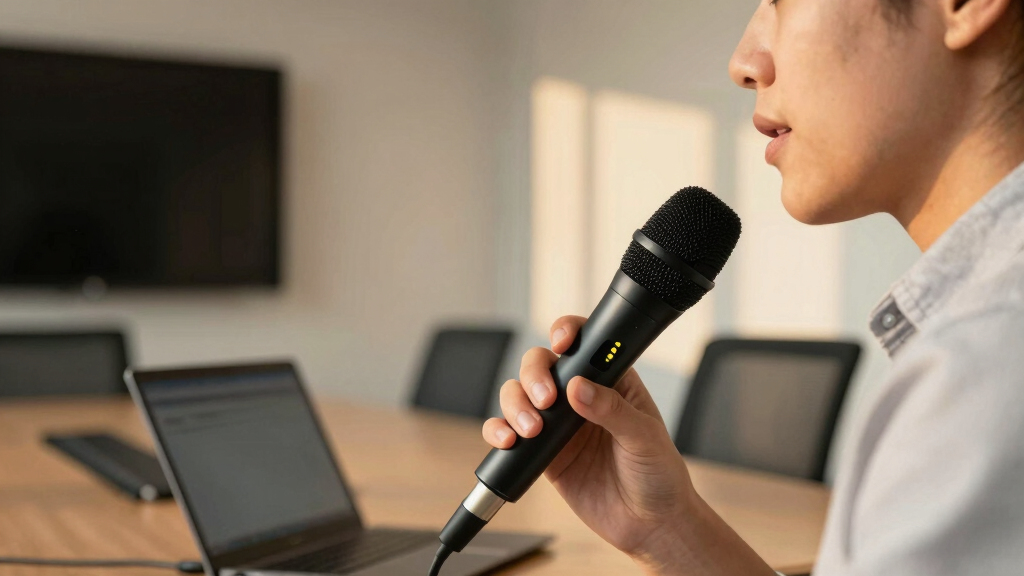
Our evaluation focused on performance, usability, build quality, and value. We prioritized microphones that deliver clear audio with minimal latency, especially in larger or acoustically challenging rooms. Ease of setup and compatibility with common conferencing platforms like Zoom, Microsoft Teams, and Google Meet also played a major role. We considered user reviews and expert insights to identify models that balance affordability with advanced features. The ranking reflects a combination of these factors, emphasizing real-world usefulness and versatility in varied conference settings.
Factors to Consider When Choosing Best Remote Microphones For Conference Rooms
Choosing the right remote microphone for your conference room involves weighing several key factors. Beyond raw audio quality, consider how the microphone integrates with your existing setup, the size of your space, and your budget. Making the right choice can improve meeting clarity, reduce background noise, and ensure everyone is heard clearly. Here’s what you should keep in mind when selecting a microphone for conference rooms.Room Size and Coverage
Assess the size of your conference room to determine the necessary microphone coverage. Larger spaces may require wireless systems with extended range and multiple microphones, while smaller rooms might do well with a single, high-quality USB or plug-and-play device. Overestimating coverage can lead to unnecessary costs, but underestimating may result in poor audio pickup. Consider models with omnidirectional pickup patterns for wide areas or directional mics for targeted sound capture.
Connectivity and Compatibility
Ensure the microphone system integrates seamlessly with your existing conferencing hardware and platforms. USB microphones are generally easier to set up and compatible with most computers, while wireless systems offer greater flexibility but may need pairing and network considerations. Some models include Bluetooth or proprietary connections. Compatibility with conference software like Zoom, Teams, or Google Meet ensures plug-and-play operation without additional adapters or drivers.
Audio Quality and Features
Look for microphones that provide clear, natural sound with minimal background noise. Features like noise suppression, echo cancellation, and automatic gain control can make a significant difference in noisy environments. Higher-end models often include AI-driven features that adapt to meeting dynamics, but these come at a premium. Balance your need for professional audio against your budget to find the best technological fit.
Ease of Use and Maintenance
Choose microphones that are straightforward to set up and operate, especially if multiple users will handle the system. Wireless models should have reliable pairing and minimal latency, while wired options benefit from simple plug-and-play design. Consider the durability and ease of cleaning, especially in shared environments, to reduce long-term maintenance challenges.
Budget and Value
Budget constraints influence the range of options, but investing in quality can pay off through durability, better sound, and fewer technical issues. Recognize that more expensive options often include advanced features like smart noise cancellation or larger coverage areas. However, for smaller rooms or casual use, budget-friendly models can still deliver satisfactory performance without unnecessary extras. Weigh the features against your specific needs to avoid overspending.
Frequently Asked Questions
Will a wireless microphone system cause interference in my conference room?
Wireless microphone systems can sometimes experience interference, especially if multiple wireless devices operate on similar frequencies. Choosing a system with UHF or digital transmission can reduce this risk, as these are less prone to interference compared to traditional VHF systems. Proper placement and ensuring your environment has minimal competing signals will also improve performance. Investing in reputable brands with automatic frequency hopping can further guarantee reliable audio transmission during meetings.
Can I use a single microphone for a large conference room?
Using a single microphone in a large space can often result in poor coverage and inconsistent audio pickup. For bigger rooms, multiple microphones or a microphone array with automatic mixing features are recommended to ensure everyone is heard clearly. Alternatively, wireless systems with extended range or boundary microphones can help cover larger areas effectively. Always consider the room’s acoustics and participant distribution when choosing the number of microphones needed.
Are USB conference microphones suitable for professional, large-scale meetings?
USB microphones are generally best suited for small to medium-sized rooms or personal use, thanks to their ease of setup and affordability. For larger or more professional environments, dedicated wireless or boundary microphones with better coverage and advanced noise reduction features tend to perform more reliably. If your meetings involve many participants or require high audio fidelity, investing in a more robust system might be worthwhile to avoid audio dropouts or background noise issues.
How important is noise cancellation in conference microphones?
Noise cancellation is a critical feature in conference microphones, especially in environments with background chatter, typing sounds, or HVAC noise. Advanced noise suppression technologies can significantly improve clarity by filtering out unwanted sounds, making it easier for participants to focus on the speaker. However, overly aggressive noise reduction may sometimes cut off parts of speech, so look for a system that balances noise suppression with natural sound reproduction. Higher-end models tend to include smarter algorithms that adapt to ambient noise conditions.
What is the typical lifespan of a good conference room microphone system?
The lifespan of a conference room microphone system depends on build quality, usage, and maintenance. High-quality models with sturdy components and good warranties can last 5-10 years with proper care. Regular cleaning, avoiding excessive physical stress, and firmware updates for digital models can extend their usability. Cheaper or poorly built systems may need replacement sooner, often within 2-3 years, due to wear or technical failures. Investing in reputable brands generally provides better longevity and support.
Conclusion
For smaller, budget-conscious setups, the Anker PowerConf S500 offers excellent value with plug-and-play simplicity and platform compatibility. Larger conference rooms requiring extensive coverage will benefit from the Melonare 4-Channel Wireless System, which provides flexible miking with reliable UHF technology. For those prioritizing professional sound quality and advanced features, the EMEET Luna Plus Microphone Kit stands out as a premium choice. Beginners or infrequent users should focus on ease of use, while enterprise or high-stakes environments should consider investing in systems with AI noise reduction and extensive coverage. Tailoring your choice to your room size, usage frequency, and budget will ensure the best conferencing experience.