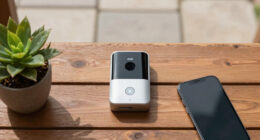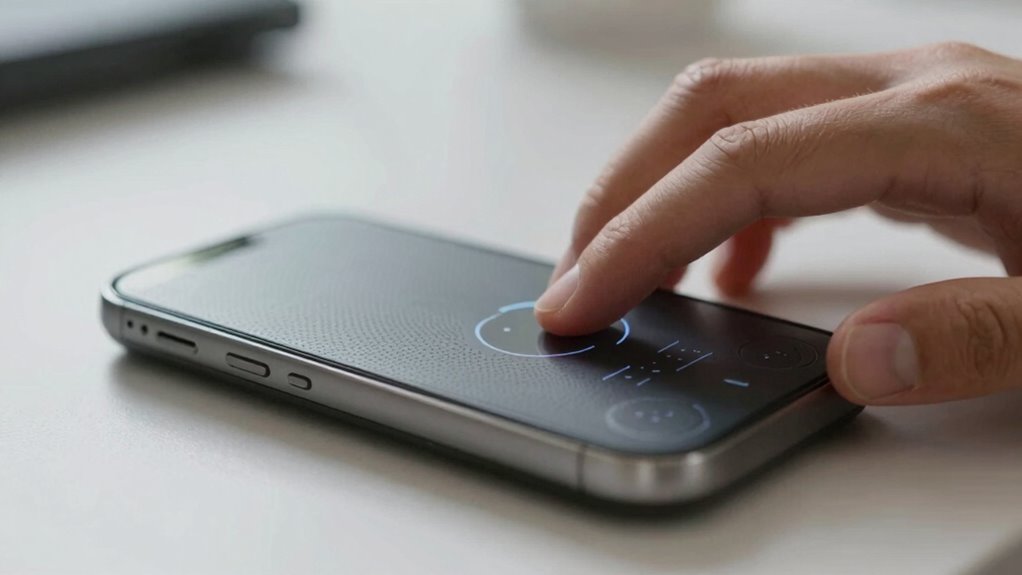
Smart devices for deafblind cueing translate visual and auditory info into tactile signals, helping you stay aware of your environment. They use vibration patterns or tactile feedback to alert you to hazards, incoming people, or messages, all customizable to your preferences. Connecting seamlessly to smartphones and smart systems, these devices boost your independence and safety. If you keep exploring, you’ll discover more about how these innovative tools can support your daily life.
Key Takeaways
- Smart devices convert visual and auditory cues into tactile feedback to enhance environmental awareness for DeafBlind users.
- They utilize sensory substitution methods like vibrations and haptic patterns to reliably convey critical information.
- Customization options allow users to personalize vibration patterns, intensity, and alerts for comfort and effectiveness.
- Connectivity with smartphones and smart systems broadens notification capabilities, including weather updates and reminders.
- These devices significantly improve independence, safety, and communication by providing real-time, accessible environmental cues.
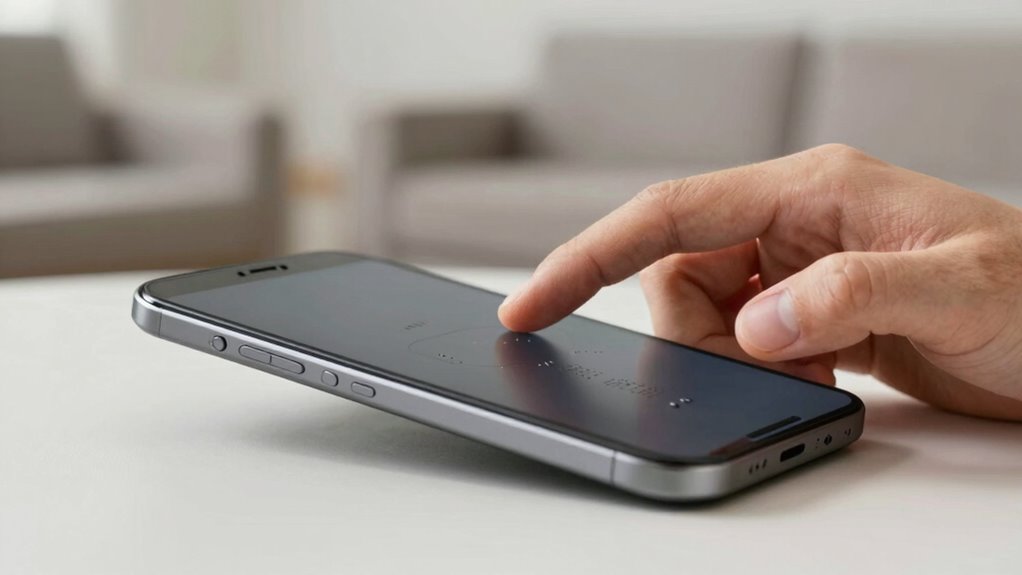
Have you ever wondered how technology can enhance communication for DeafBlind individuals? It’s a fascinating area where assistive technology plays a pivotal role. Smart devices designed for DeafBlind cueing leverage sensory substitution to bridge the gap between the world and those with dual sensory loss. These devices are built to convert visual or auditory information into tactile signals, enabling users to stay connected and aware of their surroundings. Instead of relying solely on sight or sound, you can receive important cues through touch, making communication more accessible and immediate.
Assistive tech for DeafBlind individuals transforms visual and auditory cues into tactile signals for better connection and awareness.
These smart devices often incorporate a variety of sensory substitution methods. For example, they might translate audio cues into vibrations or tactile patterns on a wearable device, allowing you to feel alerts about approaching people, environmental hazards, or notifications. Visual information, like text messages or signs, can be converted into braille or haptic feedback, providing a new channel for understanding your environment. The goal is to create a seamless flow of information, so you don’t miss critical cues just because traditional senses are impaired. This approach guarantees that essential alerts—like a doorbell ringing or a phone vibrating—are conveyed reliably through tactile means.
What makes these devices particularly effective is their customization. Many smart cueing devices allow you to personalize the sensory substitution signals to suit your preferences and specific needs. For example, you might assign different vibration patterns for different alerts or adjust the intensity based on your comfort level. This adaptability makes the technology more intuitive and easier to integrate into daily life. Additionally, these devices often connect to smartphones and other smart systems, expanding their functionality and guaranteeing you stay informed about everything from weather updates to appointment reminders.
Using assistive technology for cueing isn’t just about replacing lost senses; it’s about empowering you to navigate your environment confidently. The tactile feedback provided by these devices acts as an extension of your senses, giving you real-time information that helps you make decisions and stay safe. As technology advances, these devices become more sophisticated, offering more seamless and discreet ways to stay connected. Whether it’s through vibrations, braille displays, or other tactile signals, smart cueing devices are transforming how DeafBlind individuals engage with the world. They’re not just tools—they’re gateways to greater independence, communication, and awareness in everyday life. Recognizing the importance of sensory substitution helps us understand how these innovative solutions are expanding accessibility and improving quality of life.
smart tactile cueing device for deafblind
As an affiliate, we earn on qualifying purchases.
As an affiliate, we earn on qualifying purchases.
Frequently Asked Questions
How Do Smart Devices Adapt to Individual Deafblind Needs?
Smart devices adapt to your deafblind needs through customization features and accessibility settings. You can personalize alerts, vibrations, and visual signals to match your preferences, ensuring you receive cues effectively. Adjusting contrast, font size, or tactile feedback helps make the device more accessible. These flexible options allow you to tailor the technology, making communication and environmental awareness easier and more comfortable, all based on your unique requirements.
Are There Affordable Smart Device Options for Deafblind Cueing?
Yes, there are affordable smart device options for deafblind cueing. You should compare prices across brands, focusing on features that meet your needs. Reading user testimonials helps you understand real experiences and reliability. Some devices, like vibrating wristbands or simple alert apps, are budget-friendly and effective. By doing a price comparison and listening to others’ feedback, you can find a device that offers good value and supports your communication needs without overspending.
What Training Is Required to Effectively Use These Devices?
You need proper user training to effectively use smart devices for deafblind cueing. Focus on device customization to tailor alerts and notifications to your needs. Training should cover basic functions, troubleshooting, and how to adjust settings for ideal performance. Many manufacturers offer tutorials or workshops. Regular practice and ongoing support help you become confident in managing features, ensuring you maximize the benefits of your device for effective cueing.
How Do Smart Devices Integrate With Other Assistive Technologies?
Imagine your smart device seamlessly working alongside other assistive tools—wireless connectivity makes this possible, allowing devices to sync effortlessly. You can customize settings to suit your needs, ensuring smooth integration with your existing technology. This interoperability enhances your independence, letting you receive alerts, messages, or environmental cues through various devices. By combining these features, your assistive tech ecosystem becomes more efficient, reliable, and tailored to support your daily activities.
What Are the Long-Term Maintenance Requirements for These Devices?
You’ll need to regularly check the battery life of your smart devices, making certain they stay charged for reliable cueing. Firmware updates are essential; they fix bugs, improve performance, and add features. Set reminders to update your devices periodically, and keep spare batteries or chargers handy. Proper maintenance, like cleaning and software updates, guarantees your devices work efficiently over the long term and continue supporting your independence effectively.
Conclusion
Embracing smart devices for deafblind cueing can open new doors to independence and connection. By integrating these tools into your daily life, you gain a greater sense of control and community. Remember, “A journey of a thousand miles begins with a single step.” Taking that first step towards technology can transform your experience, making communication smoother and more accessible. Don’t wait—explore these innovations and empower yourself to navigate the world with confidence.