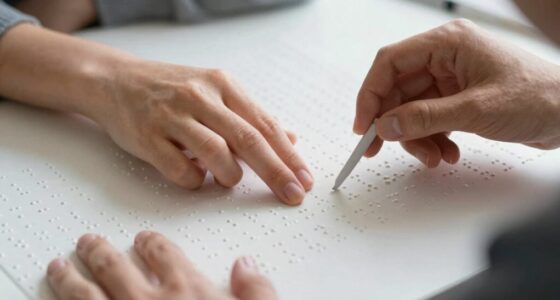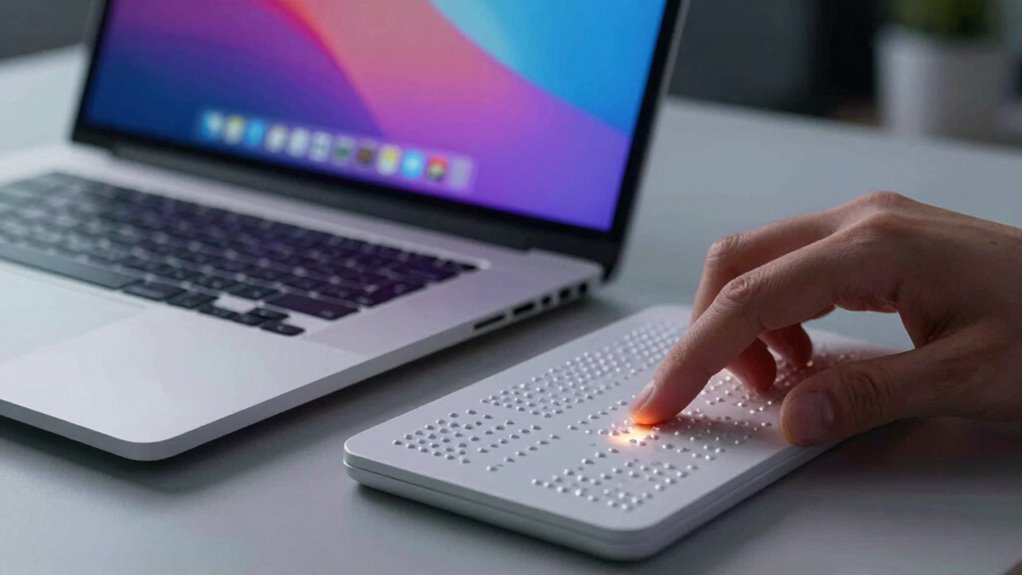

Screen readers like VoiceOver, JAWS, and NVDA work with Braille displays by converting on-screen text and content into tactile feedback using specialized algorithms and hardware. They translate digital information into refreshable Braille cells, allowing you to feel the text with your fingers. These tools process navigation cues, formatting, and multimedia, helping you access information efficiently. If you want to understand how these systems integrate and function seamlessly, keep going to explore more details.

Get everyday helpers delivered free with Prime
- Fast, free delivery on millions of items
- Prime Video, Amazon Music and more included
- Member-only deals all year
Key Takeaways
- Screen readers convert visual content into audio and tactile feedback for users with visual impairments.
- They process digital information to generate real-time speech and Braille output via refreshable devices.
- Compatibility with screen readers like VoiceOver, JAWS, and NVDA ensures seamless integration with Braille displays.
- These systems utilize algorithms and hardware integration to synchronize on-screen content with tactile feedback.
- Customizable settings optimize the tactile and audio experience, enhancing comprehension and navigation for users.
Products Worth Considering

Bose SoundLink Flex Bluetooth Speaker (2nd Gen), Portable Waterproof Speaker, Black

Anker SOLIX C200 DC Portable Power Station, 192Wh, 200W

Logitech MX Master 4 for Mac, Ergonomic Bluetooth Mouse with Haptic Feedback, Ultra-Fast Scrolling, USB-C Charging, for MacOS, iPadOS, Windo
As an affiliate, we earn on qualifying purchases.
What Are Screen Readers and Braille Displays?
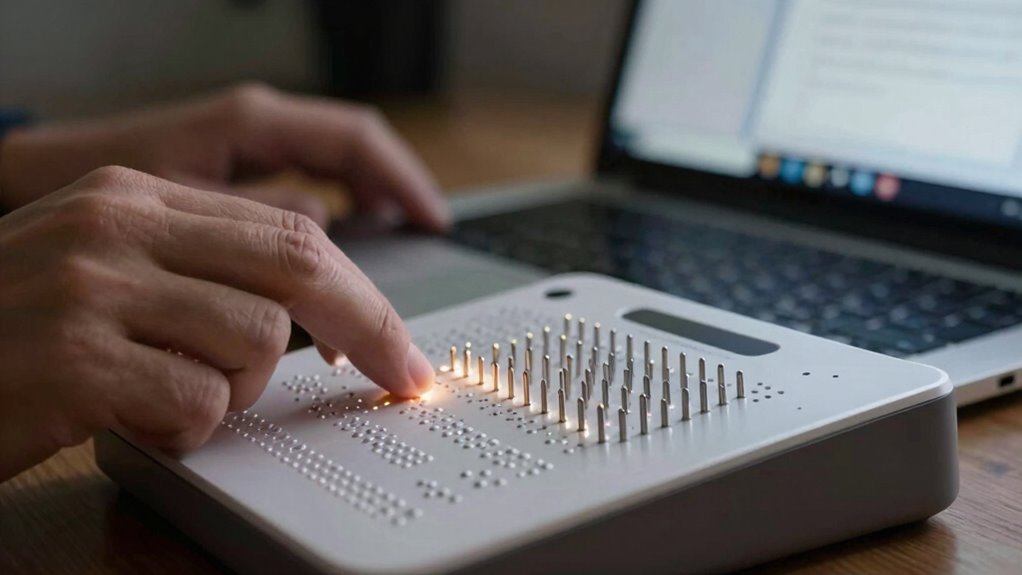
Have you ever wondered how visually impaired people access digital content? Screen readers and braille displays are essential tools that bridge this gap. Screen readers convert text on a screen into synthesized speech, helping users navigate websites, documents, and apps. Braille displays, on the other hand, are tactile devices that present digital information through refreshable braille cells, supporting tactile literacy and braille literacy. These devices enable users to read and interpret digital text through touch, fostering independence. accessible design principles can further enhance usability for all users. Additionally, the integration of assistive technology ensures a seamless and inclusive digital experience for users with diverse needs. Understanding the mechanisms behind these tools helps to promote better digital accessibility and inclusive design practices. Implementing secure and reliable cybersecurity measures is also vital to protect sensitive user data in assistive technologies.
How Do Screen Readers Convert Content Into Audio and Tactile Feedback?
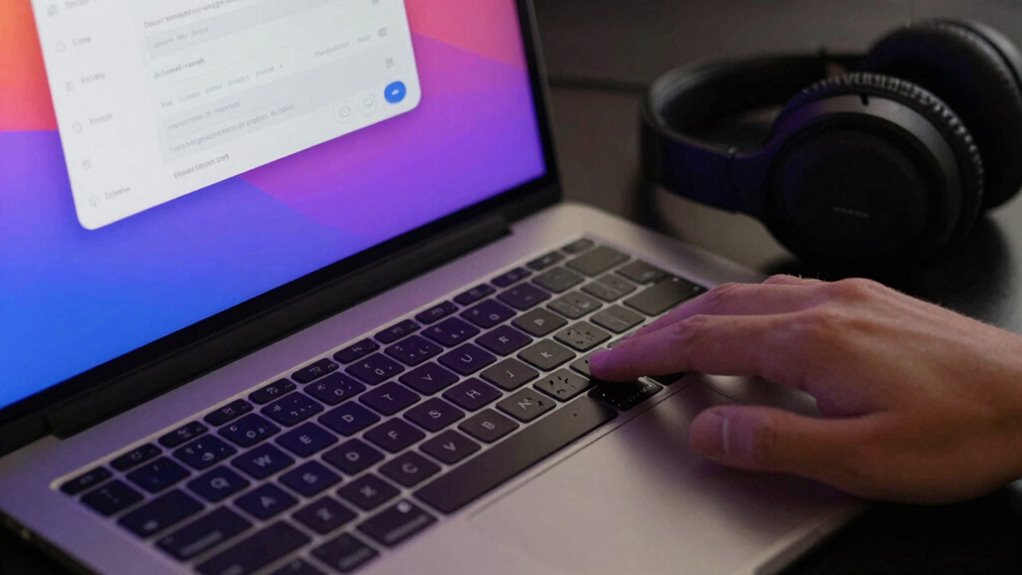
Screen readers convert digital content into audio and tactile feedback through sophisticated algorithms and hardware integration. When you navigate a webpage or document, the software processes the visual information, transforming it into audio conversion that reads text aloud, including punctuation and formatting cues. Additionally, digital content accessibility is enhanced through this processed information, ensuring users can comprehend complex layouts and multimedia elements. The tactile feedback is generated through Braille displays, which translate on-screen content into raised dots you can feel. This tactile feedback helps you understand structure, headings, and links, providing a tactile representation of digital information. The combination of audio and tactile feedback ensures you receive all-encompassing, real-time information about the content. Furthermore, adaptive technologies continue to evolve, supporting users with diverse needs and preferences in accessing digital content. Additionally, European cloud innovation supports the development of accessible digital tools, enhancing the reach of assistive technologies. Modern advancements in hardware integration enable more seamless and responsive feedback, making digital content even more accessible. This seamless conversion allows you to navigate digital environments efficiently, gaining access to information through your senses in a way that’s both intuitive and accessible. Moreover, ongoing research into user-centered design helps improve how these technologies cater to individual needs, ensuring a more inclusive digital experience.
Choosing the Right Screen Reader and Braille Display: Features to Know
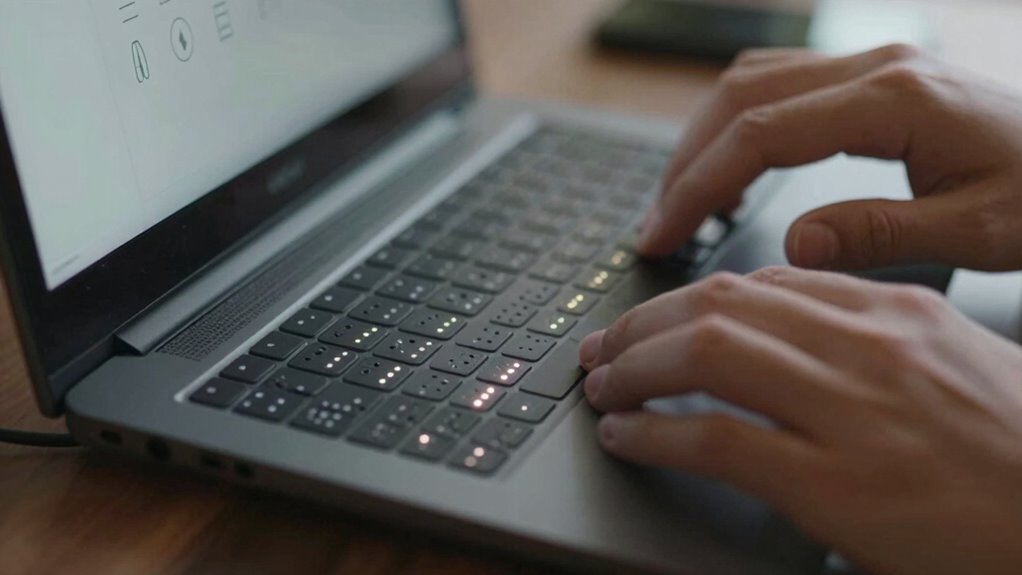
Choosing the right screen reader and Braille display involves understanding the key features that best support your needs. Accessibility innovations have expanded options, making it easier to find a device that fits your preferences. Look for user customization options, such as adjustable Braille sensitivity, display layouts, and speech settings, to tailor the experience to your comfort. Consider how well the device integrates with your existing technology and whether it offers features like multiple language support or easy navigation controls. The right combination should enhance your independence and efficiency. Staying informed about the latest features and innovations, such as insulated jackets for winter, guarantees you select equipment that best meets your requirements. Additionally, understanding the compatibility of assistive technology devices can significantly improve your overall user experience. Familiarity with the Wealth of options in the market ensures you can select a device that aligns with your specific needs and lifestyle.
Setting up Your Screen Reader With a Braille Device: Step-By-Step
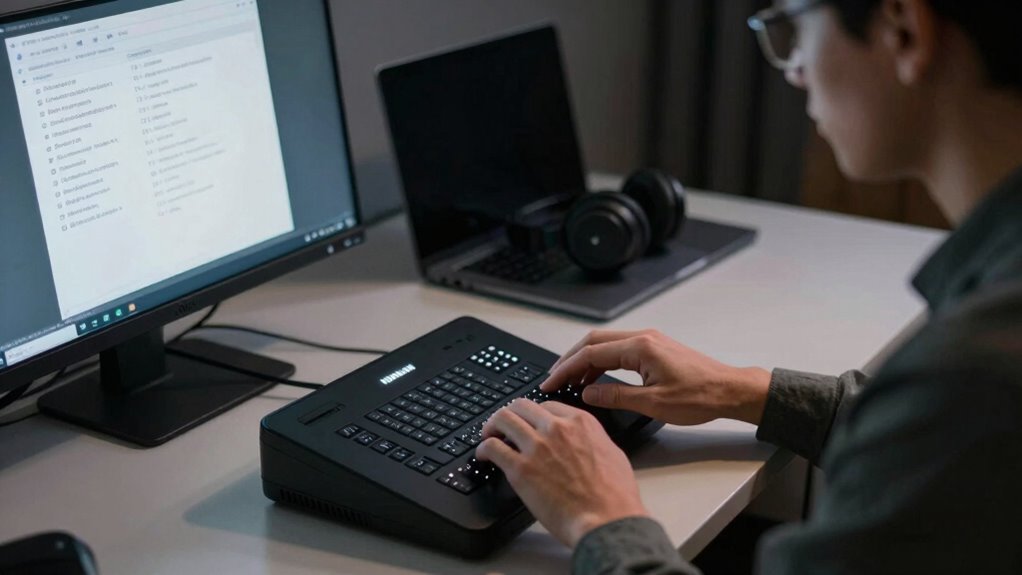
Setting up your screen reader with a Braille device is a straightforward process that guarantees you can start using your equipment effectively. First, verify your device complies with accessibility standards and is compatible with your chosen screen reader. Connect your Braille display via USB or Bluetooth, then access your screen reader’s settings. Adjust configuration options such as language, baud rate, and echo mode for optimal performance. Confirm device recognition by navigating through the menus. It’s also beneficial to consult device-specific compatibility guidelines to ensure optimal integration. Use the table below to match device features with your needs:
| Feature | Compatibility Check | Recommended Settings |
|---|---|---|
| Connection Type | USB/Bluetooth | Set as per device specs |
| Refresh Rate | Screen reader support | Customize for responsiveness |
| Language Support | Accessibility standards | Select preferred language |
Following these steps ensures seamless integration and compliance with accessibility standards. Additionally, reviewing your device’s wave and wind compatibility can enhance performance and reliability during use.
Integrating Voiceover, JAWS, and NVDA With Braille Displays
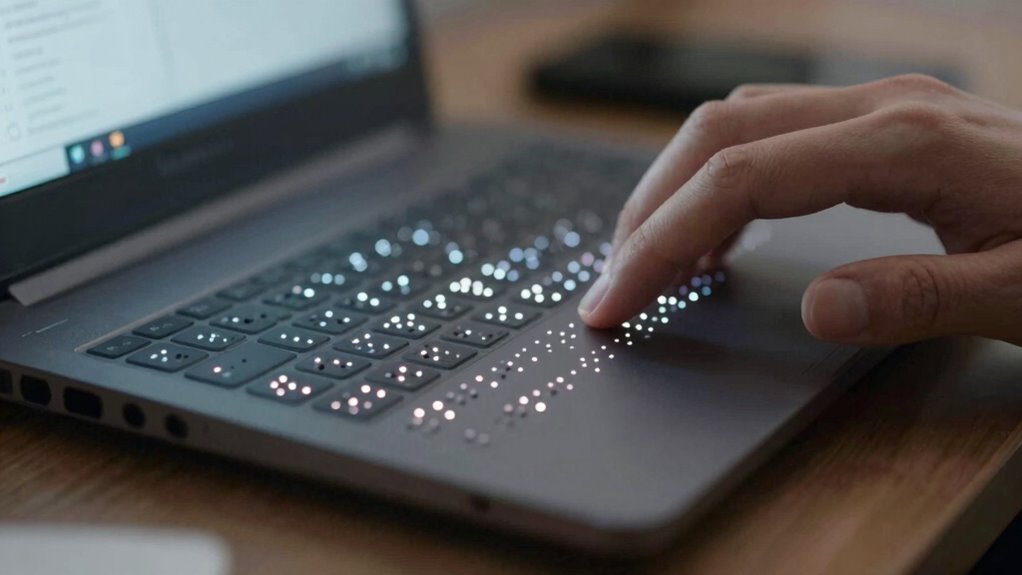
Once your Braille display is connected and configured, you can integrate it seamlessly with popular screen reading software like VoiceOver, JAWS, and NVDA. This integration enhances your experience by providing accurate tactile feedback and clear navigation. To optimize this setup:
- Confirm your screen reader’s settings are configured for Braille, enabling smooth communication.
- Adjust haptic feedback levels to improve tactile cues without overwhelming your senses.
- Verify that the display’s tactile resolution matches your needs for detailed Braille reading.
- Test commands to confirm that text and navigation updates are accurately reflected on your Braille device.
- Ensure your device’s compatibility with different screen readers for a seamless experience.
This integration allows you to access information efficiently, leveraging the tactile resolution and haptic feedback for a more natural reading experience.
Tips to Maximize Tactile Reading With Your Devices
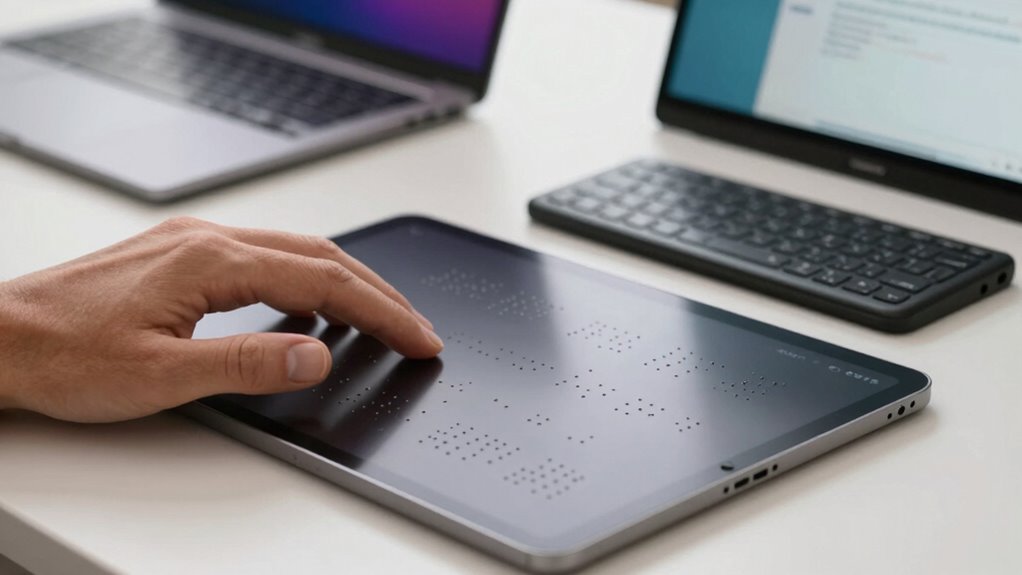
To get the most out of your tactile reading experience, start by ensuring your device is positioned comfortably and securely. Next, customize your braille settings to match your preferences for easier reading. Incorporating fundamental techniques can also help you become more proficient and efficient in using your screen reader and braille device. Developing maintenance routines can prolong the lifespan of your device and ensure consistent performance. Additionally, practicing with various types of content can expand your familiarity and adaptability with different reading scenarios. Being aware of piercing care and hygiene practices can help maintain your device’s cleanliness and performance, ensuring a better tactile experience. Understanding the importance of reliable gear for survival can also contribute to overall preparedness and confidence in your reading setup.
Proper Device Placement
Proper device placement is essential for maximizing tactile reading efficiency with screen readers and Braille devices. Correct device alignment ensures smooth tactile feedback, making it easier to interpret the Braille cells accurately. To optimize your experience, consider these tips:
- Position your device at a comfortable height to reduce strain.
- Keep your hands relaxed and close to the device for better tactile feedback.
- Ensure your fingertips are aligned with the Braille display for consistent readings.
- Maintain steady pressure and avoid unnecessary movement to enhance device alignment and tactile sensation.
- Regularly calibrate your device to maintain accurate tactile feedback and improve overall reading comfort.
- Be mindful of device positioning to help maintain consistent tactile sensations and reduce fatigue during extended reading sessions. Proper device placement can also help prevent physical strain, ensuring long-term comfort and efficiency during tactile reading.
Customize Braille Settings
Have you explored customizing your Braille device settings to improve your tactile reading? Your device offers various customization options that can enhance comfort and efficiency. Adjusting the sensitivity, refresh rate, or the number of active cells helps you tailor the experience to your preferences. Accessibility settings allow you to modify the display for better clarity, such as changing contrast or enabling specific feedback features. Taking control of these options ensures your Braille reading is smoother and more comfortable, reducing fatigue and increasing accuracy. Spending time exploring these settings to find the most suitable setup for your needs can also help you better understand assistive technology and how it adapts to individual users. Remember, personalized adjustments can make a significant difference in how effectively you interact with your device and access information through tactile reading. Additionally, understanding smart home technology principles can help you optimize your environment for better accessibility and comfort.
Practice Tactile Exercises
Once you’ve customized your Braille device settings for ideal comfort, incorporating regular tactile exercises can greatly boost your reading skills. These exercises enhance your tactile sensitivity, which is essential for improving braille literacy. To maximize benefits, try these practices:
- Trace simple shapes or patterns to strengthen finger movement and dexterity.
- Read familiar braille passages daily to develop muscle memory.
- Practice identifying individual braille characters by touch without looking.
- Use different textures and materials to diversify tactile input and increase sensitivity.
Consistent practice helps you become more comfortable with tactile reading, making it easier to interpret braille quickly and accurately. Over time, this focus on tactile sensitivity will elevate your braille literacy and confidence with your devices.
Troubleshooting Common Problems With Screen Readers and Braille Displays?
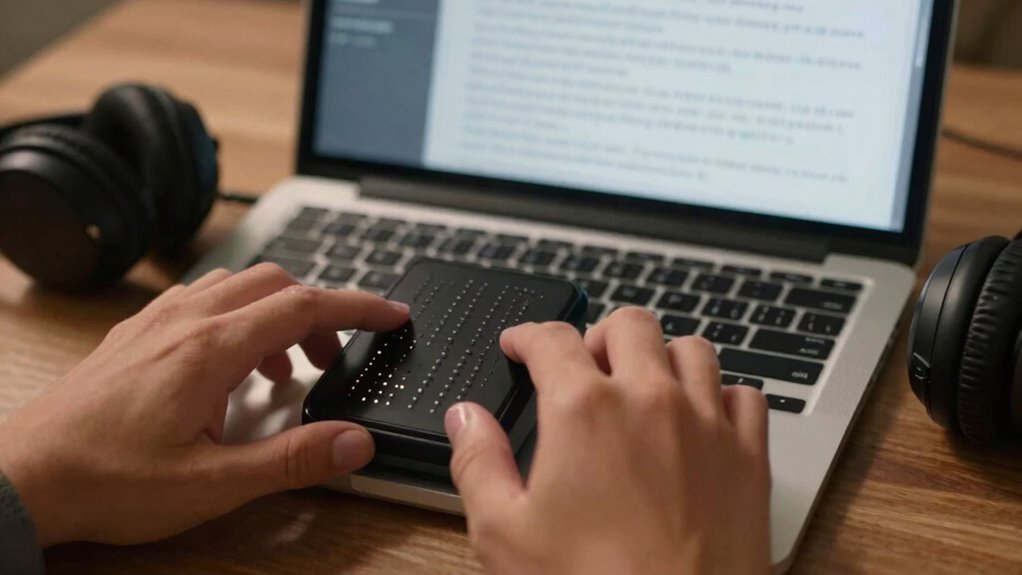
When your screen reader or Braille display isn’t working smoothly, syncing your devices correctly can often solve the problem. Software glitches also cause issues, but many can be fixed with simple updates or resets. Let’s explore how to troubleshoot these common problems effectively.
Syncing Devices Effectively
Syncing your screen reader or Braille display with your device can sometimes be tricky, but troubleshooting common issues can often resolve the problem quickly. Ensuring device compatibility is key; check that your Braille display supports your operating system. Poor tactile feedback may indicate a connection issue. To improve syncing:
- Restart both your device and Braille display.
- Confirm Bluetooth or USB connections are secure.
- Update device firmware and screen reader software.
- Remove and re-pair the device if needed.
Addressing Software Glitches
Software glitches can disrupt the smooth operation of your screen reader or Braille display, making troubleshooting necessary. Often, these issues stem from hardware compatibility problems or outdated software updates. First, check that your device meets the recommended specifications and that your Braille display is properly connected. If glitches persist, ensure you have the latest software updates installed, as developers release patches to fix bugs and improve performance. Restart your device and reconnect your hardware to reset the connection. If problems continue, consult the manufacturer’s support resources or community forums for specific solutions. Keeping your software current and verifying hardware compatibility are key steps to minimize glitches and ensure your screen reader and Braille display function seamlessly.
Frequently Asked Questions
How Do Screen Readers Adapt to Different Languages and Braille Codes?
Screen readers adapt to different languages and braille codes through multilingual support and adherence to braille standards. You can switch language settings easily, allowing the screen reader to recognize the correct language and braille code. It then adjusts pronunciation, text-to-speech, and braille output accordingly. By respecting braille standards, these tools ensure accurate and consistent braille translation, making it accessible for users across various languages and regions.
Can Users Customize the Tactile Feedback for Different Types of Content?
Did you know that over 80% of users find tactile feedback customization essential? You can personalize tactile feedback for different content types, enabling a more intuitive experience. Most screen readers let you adjust the tactile feedback settings, so you get specific sensations for text, images, or alerts. This customization helps you better understand and navigate content, making your interaction more efficient and tailored to your needs.
What Safety Features Are Available When Using Braille Displays With Screen Readers?
When using braille displays with screen readers, you have access to safety features like emergency alerts and custom safety settings. You can configure alerts to notify you of critical updates or hazards, ensuring your safety. Custom safety settings allow you to tailor notifications and tactile feedback, so you stay informed without distraction. These features provide reassurance and security, keeping you connected and protected during your device use.
How Do Screen Readers Handle Complex Graphics or Multimedia Content?
Think of screen readers as your digital storyteller, transforming complex graphics and multimedia into accessible narratives. They use detailed graphical descriptions to convey visual information and embed multimedia accessibility features like alt text and audio descriptions. These tools guarantee you grasp intricate visuals and multimedia content, making rich digital experiences inclusive. By translating visuals into tactile and auditory formats, screen readers help you engage fully with all types of multimedia.
Are There Compatibility Issues Between Specific Screen Reader and Braille Device Models?
Device compatibility can sometimes be an issue between certain screen readers and braille device models. You might encounter problems if the braille device’s firmware isn’t up-to-date or if the screen reader isn’t optimized for that hardware. To guarantee smooth operation, regularly check for firmware updates and verify compatibility before purchasing new devices. Keeping both your screen reader and braille device current helps prevent connectivity issues and improves overall user experience.
Conclusion
Imagine your screen reader and braille display as a symphony, harmonizing to bring digital content to life through sound and touch. When you understand how they work together, steering your device becomes seamless, turning complex information into a clear, tactile melody. With the right setup and tips, you’ll master this dance of technology, ensuring every note is heard and felt. Embrace this harmony, and let your devices speak and read for you with confidence.