
If your hearing devices start to feel less reliable, look for signs like declining sound quality, muffled or distorted sounds, and static or feedback. Check for physical issues such as cracks, water damage, or loose parts. Notice if they turn off unexpectedly or become uncomfortable due to poor fit. Increased battery replacements and internal problems may also indicate service is needed. Keep an eye out for these signs to maintain peak performance and find out more tips below.

Get everyday helpers delivered free with Prime
- Fast, free delivery on millions of items
- Prime Video, Amazon Music and more included
- Member-only deals all year
Key Takeaways
- Notice if your hearing devices have reduced battery life or drain quickly.
- Experience discomfort, itching, or fit issues with the devices.
- Observe muffled sounds, static, or feedback during use.
- Encounter power failures or devices turning off unexpectedly.
- See physical damage, cracks, or water exposure on the devices.
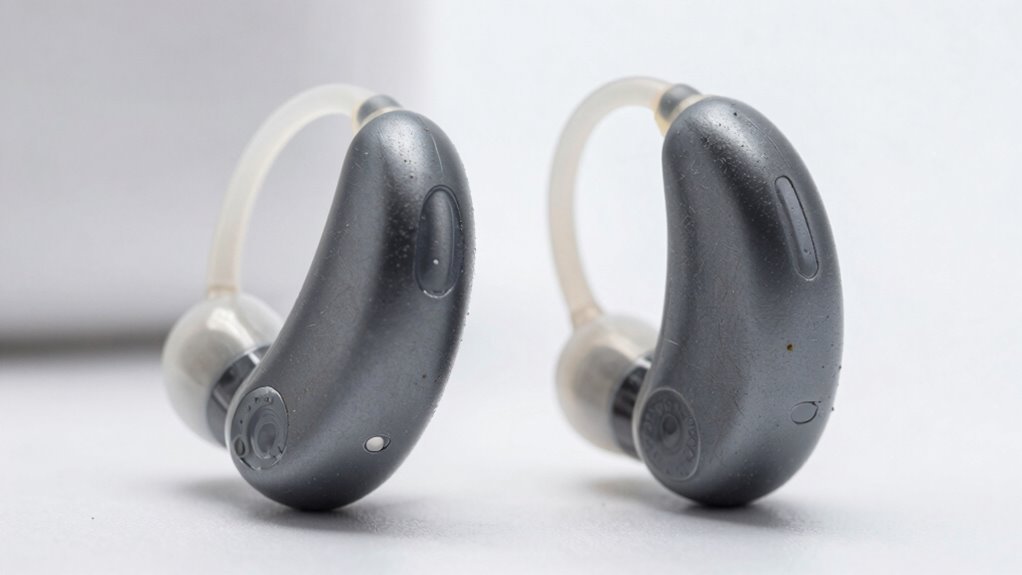
Have you noticed your hearing devices aren’t working as well as they used to? If so, it might be time to check whether they need service. One of the first signs is a decline in battery life. If you find yourself replacing batteries more frequently or your device suddenly runs out of power faster than before, that’s a clear indicator something’s amiss. Modern hearing devices rely on batteries to function properly, and reduced battery performance can signal internal issues or the need for cleaning. Don’t ignore this; it can affect your overall hearing experience and lead to frustration.
Declining battery life signals your hearing device may need cleaning or repair to maintain optimal performance.
Another sign to watch out for is discomfort or a change in device comfort. If your hearing aids begin to feel itchy, tight, or cause soreness after wearing them for a while, it could mean the device needs adjustment or maintenance. Over time, ear molds can become dislodged or damaged, causing discomfort and poor fit. Comfort is essential because if your devices aren’t fitting well, you’re less likely to wear them consistently, which diminishes their benefit. Regular checkups ensure the devices are fitting properly and that any worn-out parts are replaced before discomfort escalates.
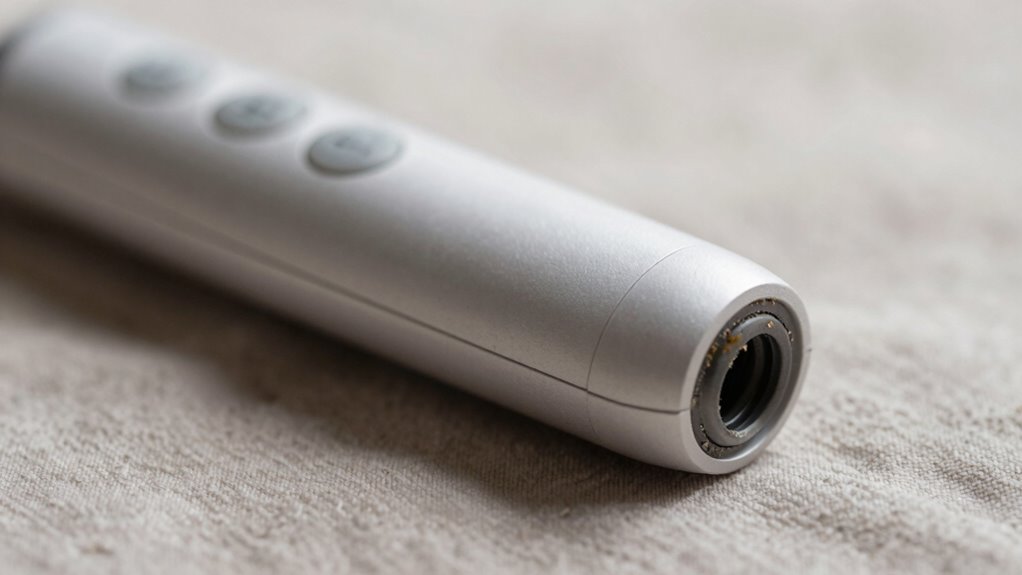
In addition to battery life and comfort, listen for changes in sound quality. If your hearing devices suddenly produce muffled sounds, static, or feedback, it’s a sign that they might need cleaning or repair. Dust, earwax, or debris can clog the microphones or speakers, impairing performance. You may also notice that certain sounds are distorted or inconsistent. These issues often stem from buildup or internal component failures, and professional servicing can restore clarity. Staying aware of sound quality issues can help prevent further damage and ensure optimal performance. Regular maintenance can also extend the lifespan of your devices and improve their overall function.
Furthermore, if your devices are turning off unexpectedly or failing to turn on at all, it’s a clear sign they need attention. Power issues can be caused by faulty batteries, loose connections, or internal damage. Attempting to troubleshoot with new batteries is a good first step, but if that doesn’t solve the problem, professional servicing is essential. Ignoring power failures can lead to more significant problems and reduced hearing aid lifespan.
Finally, if your devices are physically damaged—cracked shells, broken parts, or water exposure—they’ll need servicing to prevent further deterioration. Damage can interfere with the device’s functionality and comfort. Regular inspections and prompt repairs help ensure your hearing aids perform at their best and last longer. Paying attention to these signs and addressing issues early can make all the difference in maintaining your hearing health and comfort. Additionally, understanding device maintenance can help you better care for your hearing aids and prevent future problems.
As an affiliate, we earn on qualifying purchases.
Frequently Asked Questions
How Often Should I Have My Hearing Devices Professionally Checked?
You should have your hearing devices professionally checked at least once a year, but more often if you notice issues. Regularly replace hearing aid batteries and keep your custom mold care up to date to guarantee peak performance. Schedule check-ups sooner if you experience distorted sound, discomfort, or reduced battery life. Regular professional assessments help catch problems early, maintaining your hearing aid’s effectiveness and comfort.
Can Environmental Factors Damage My Hearing Devices?
Environmental hazards can indeed damage your hearing devices, impacting their device durability. Exposure to moisture, extreme temperatures, dust, or debris can cause malfunctions or reduce lifespan. You should protect your devices by keeping them dry, avoiding harsh environments, and storing them properly when not in use. Regular cleaning and maintenance help prevent damage from environmental factors, ensuring your devices stay functional and durable for longer.
Are There DIY Troubleshooting Tips for Hearing Device Issues?
Think of your hearing device as a tiny orchestra conductor, guiding sound smoothly. For DIY repairs, start with troubleshooting tips like cleaning the microphone and checking the battery. Gently remove debris and guarantee batteries are fresh. If issues persist, avoid forcing parts; instead, consult your audiologist. Sometimes, a simple troubleshooting tip can restore harmony, but knowing when to seek professional help ensures your device continues to perform at its best.
What Is the Typical Lifespan of Hearing Devices?
The typical lifespan of hearing devices is around 3 to 7 years, depending on your usage and device maintenance. Advanced hearing aid technology tends to last longer, especially if you regularly clean and store your devices properly. Proper device maintenance, like replacing batteries and keeping them free of debris, helps extend their life. Regular check-ups with your audiologist also ensure your hearing aids stay in the best possible condition for as long as possible.
How Do I Prevent My Hearing Devices From Getting Damaged?
Think of your hearing device as a delicate garden needing care. You prevent damage by regularly cleaning it like tending to fragile blooms, removing debris that could cause harm. Manage the batteries carefully — don’t let them leak like neglected watering cans. Keep your device dry, store it safely, and handle gently. Consistent device cleaning and proper battery management protect your investment, ensuring your hearing remains clear and vibrant, just like a healthy garden in full bloom.
Conclusion
Regularly checking your hearing devices guarantees they perform at their best, helping you stay connected and confident. Remember, about 60% of users don’t get their devices serviced promptly, risking reduced effectiveness. By staying alert to signs like diminished sound quality or unusual noises, you can catch issues early. Keeping your devices in top shape means better hearing and a more vibrant life. Don’t wait—prioritize maintenance to enjoy clear, consistent sound every day.
Halloween Picks
halloween
As an affiliate, we earn on qualifying purchases.