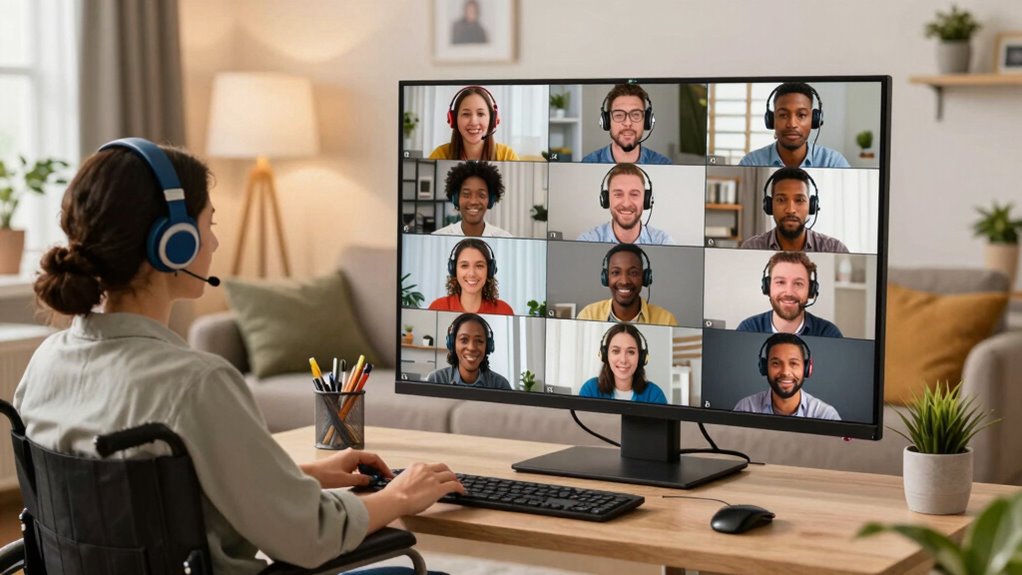

To make virtual social events more accessible, support captioning services, like real-time transcriptions, to help those with hearing impairments or language barriers. Use platforms that work with assistive devices and offer keyboard navigation. Promote diverse ways for attendees to engage, like polls or chat, and clearly communicate accessibility options beforehand. Foster a welcoming atmosphere by encouraging patience and clear communication. Keep exploring these strategies to create inclusive, enjoyable experiences for everyone involved.

Get everyday helpers delivered free — and shop member deals
- Fast, free delivery on millions of items
- Access to Prime Big Deal Days deals on October 6–7
- Prime Video, Amazon Music and more included
Key Takeaways
- Implement real-time captioning and sign language interpretation for inclusive communication.
- Use accessible platform features like keyboard navigation and screen reader compatibility.
- Provide pre-event instructions on how to access and use accessibility options.
- Offer multiple interaction methods, such as polls, chat, and breakout rooms, to engage diverse participants.
- Foster a welcoming environment with clear communication and encouragement of patience and understanding.
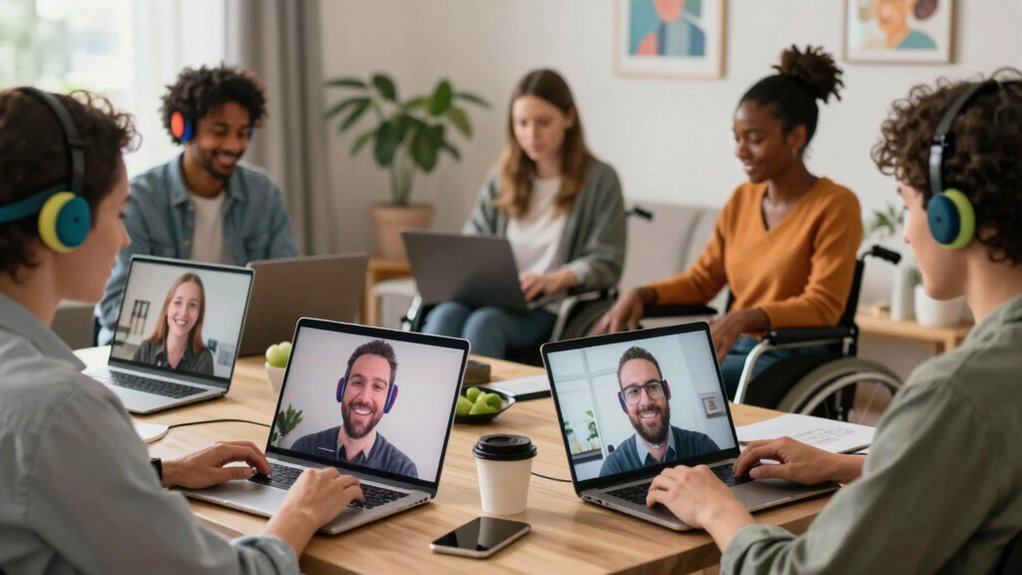
Virtual social events have become a popular way to connect, but they can still present barriers for many participants. If you want to make your online gatherings more inclusive, you need to focus on implementing inclusive technology that caters to diverse needs. One effective way to do this is by offering captioning services. Captioning provides real-time text of spoken words, making it easier for individuals with hearing impairments, those in noisy environments, or participants who are non-native speakers to follow along comfortably. Incorporating captioning services into your event isn’t just a nice-to-have; it’s a crucial step toward ensuring everyone feels welcome and engaged.
When you set up your virtual event, consider selecting platforms that support integrated captioning or allow third-party captioning tools. Many video conferencing services now offer built-in captioning options that you can enable with a simple click. If the platform you’re using doesn’t support this feature, you can hire captioning services or work with captioning providers who can deliver accurate, real-time captions. This not only enhances accessibility but also demonstrates your commitment to inclusivity. Keep in mind that captions should be clear, synchronized, and easy to read, so invest in professional services if necessary.
Beyond captioning, think about how your choice of technology impacts participants with different abilities. Use accessible features like keyboard navigation, screen reader compatibility, and adjustable display settings. Make sure your event platform is compatible with assistive devices and that your content is presented in a straightforward manner, avoiding unnecessary complexity. It’s also helpful to provide participants with instructions ahead of time on how to access these features, so they’re comfortable and prepared. Clear communication about available accessibility options reassures attendees that their participation matters. Additionally, staying informed about the latest accessibility features can help you continually improve the inclusivity of your virtual events. Incorporating universal design principles can further enhance the experience for all users. Being aware of assistive technology options can help you tailor your event to meet diverse needs more effectively. Recognizing the importance of user-centered design can lead to more thoughtful and effective accessibility solutions. To further support diverse participation, consider offering multiple interaction methods like polls, breakout rooms, or captioned Q&A sessions, which can foster greater engagement for all attendees.
Furthermore, encourage an inclusive environment by promoting patience and understanding. Remind attendees to speak clearly and avoid talking over one another, especially if captions are being used. Consider incorporating multiple ways for people to interact, such as chat functions or captioned Q&A sessions, giving everyone multiple avenues to participate. Remember, accessibility isn’t just about technology; it’s about creating a welcoming atmosphere where all participants feel valued and heard.
real-time captioning device for virtual meetings
As an affiliate, we earn on qualifying purchases.
As an affiliate, we earn on qualifying purchases.
Frequently Asked Questions
How Can I Ensure All Devices Support Accessibility Features?
To guarantee all devices support accessibility features, you should check device compatibility and encourage participants to update their accessibility settings. Test your event on various devices and operating systems to identify any issues. Provide clear instructions on enabling features like screen readers, captions, or text size adjustments. Communicate with attendees beforehand, offering technical support if needed, so everyone can fully participate without barriers.
What Are Best Practices for Inclusive Virtual Event Design?
You might think designing an inclusive event is rocket science, but it’s really about embracing universal design and disability awareness. You guarantee all features are accessible—like captions, screen reader compatibility, and adjustable interfaces—so everyone can participate. You foster a welcoming atmosphere by encouraging open communication. Ironically, the best virtual events are the simplest, proving that thoughtful planning makes inclusivity effortless and enriching for all attendees.
How Do I Gather Feedback on Accessibility From Attendees?
You gather feedback on accessibility by sending out surveys or polls after your event, asking attendees about closed captioning and sign language accommodations. You can also create open channels like chat or email for direct suggestions. Encourage honest input about their experiences with accessibility features, and be sure to ask if they felt included and supported. This way, you’ll identify areas for improvement to make future events more inclusive.
Are There Specific Tools for Real-Time Accessibility Adjustments?
Yes, there are tools for real-time accessibility adjustments. You can use platforms that support live captioning and live audio description, which help attendees with hearing or visual impairments. Tools like Otter.ai or Rev offer real-time captioning, while services like Aira provide live audio descriptions. These options allow you to adapt quickly during events, ensuring everyone can participate comfortably and without barriers.
How Can I Train Staff to Manage Accessible Virtual Events Effectively?
You might worry that staff training is too complex, but with simple, focused sessions, you can master accessibility management. Start by teaching your team how to use real-time accessibility tools and recognize diverse needs. Encourage ongoing learning and practice, ensuring they’re comfortable managing captions, sign language interpreters, and other accommodations. This way, your team confidently creates inclusive virtual events, making everyone feel welcomed and engaged.
Conclusion
By making virtual social events more accessible, you open the door to a vibrant, inclusive world where everyone can join the dance. Remember, small changes—like closed captioning or adjustable audio—can turn a quiet room into a lively community. Think of accessibility as the bridge that connects hearts and minds, ensuring no one is left on the sidelines. When you prioritize inclusivity, you create a space where all voices can sing in harmony.
Fall Picks
fall essentials
As an affiliate, we earn on qualifying purchases.