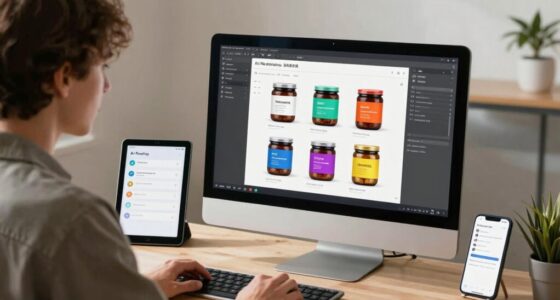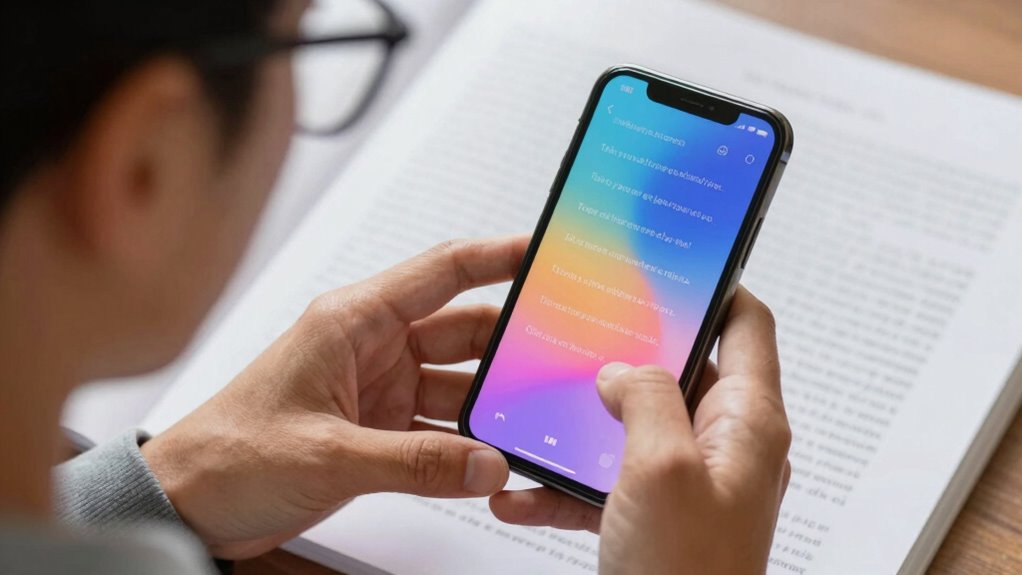

Text-to-speech helps you handle printed materials by converting text into spoken words, making them easier to access without straining your eyes. You can adjust the voice, speed, and pitch to suit your comfort, while highlighting features keep you on track. It supports various formats like PDFs and web pages, giving you flexibility. If you keep exploring, you’ll discover even more ways TTS can transform your experience with printed content.

Get everyday helpers delivered free — and shop member deals
- Fast, free delivery on millions of items
- Access to Prime Big Deal Days deals on October 6–7
- Prime Video, Amazon Music and more included
Key Takeaways
- Converts printed text into spoken words, making it accessible without needing to see the material.
- Reduces eye strain and fatigue associated with reading physical or digital print.
- Enables multitasking by allowing users to listen to content while performing other activities.
- Supports customization of speech settings for comfortable listening tailored to individual preferences.
- Facilitates engagement with diverse formats like PDFs, web pages, and e-books for comprehensive access.
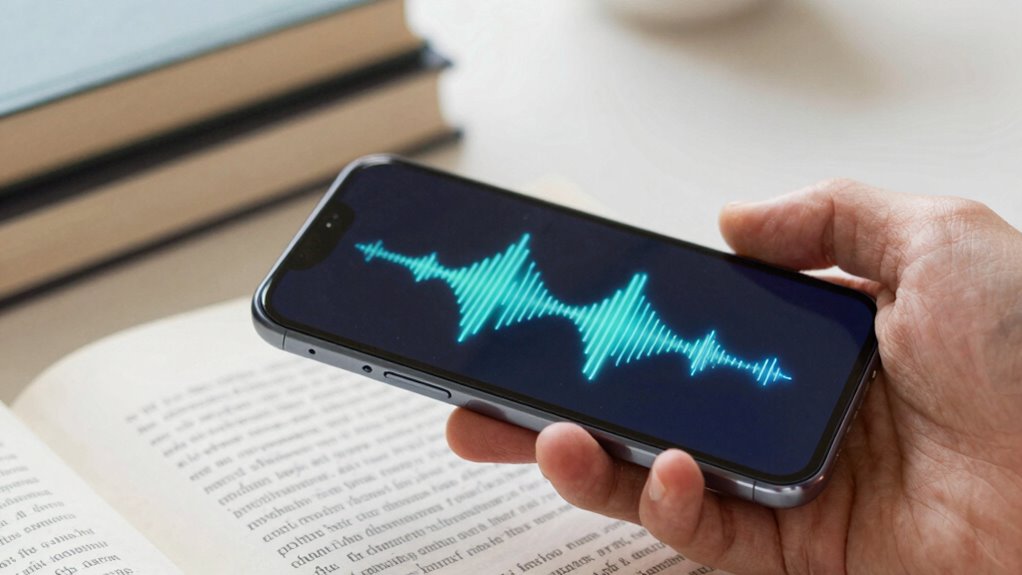
For low vision users, reading digital content can be a constant challenge, but text-to-speech (TTS) technology offers a powerful solution. TTS is a form of assistive technology designed to convert written text into spoken words, making it easier for you to access printed material without straining your eyes. This technology leverages accessibility features built into many devices, allowing you to customize how content is read aloud to suit your needs. Whether you’re browsing a website, reading an e-book, or working with documents, TTS helps bridge the gap between visual limitations and the desire for independent access to information.
Using TTS enhances your ability to process printed material quickly and comfortably. Instead of squinting at small fonts or struggling with high contrast settings, you can listen to the content being read aloud. This not only reduces eye fatigue but also enables you to multitask—listening while walking, cooking, or doing chores. Many devices have accessibility features that allow you to adjust speech speed, pitch, and voice type, giving you control over your listening experience. You can choose voices that sound natural or more robotic, depending on your preference, helping you engage with content more effectively. Accessibility features further expand the ways TTS can be tailored to meet individual needs.
TTS reduces eye strain and allows multitasking by customizing speech speed, pitch, and voice preferences for a comfortable listening experience.
Assistive technology like TTS doesn’t just read text; it transforms how you interact with information. For example, if you’re reading a lengthy document, TTS can help you stay engaged without the physical strain of reading. It also improves comprehension by allowing you to hear the material, which can be especially useful if you process auditory information better than visual. Incorporating assistive technology into your daily routine can significantly enhance your independence and confidence. Accessibility features integrated into smartphones, tablets, and computers make TTS easy to activate and customize, ensuring that you spend less time configuring settings and more time enjoying the content. Additionally, understanding biodiversity and conservation efforts can be made more accessible through TTS, helping you stay informed about environmental topics. Moreover, the integration of accessibility features into devices further enhances the flexibility and usability of TTS technology, ensuring that you can adapt it to your specific needs seamlessly.
Furthermore, TTS supports a wide range of content formats, including PDFs, web pages, and e-books, making it highly versatile. Many programs also offer highlighting features that follow along as the text is read, helping you keep track of where you are in the material. This combination of assistive technology and accessibility features empowers you to take control of your reading experience, reducing dependency on others and boosting your confidence when handling printed materials. The integration of accessibility features into devices further enhances the flexibility and usability of TTS technology, ensuring that you can adapt it to your specific needs seamlessly. Fundamentally, TTS transforms printed content from a challenge into an accessible, engaging experience, helping you stay informed, entertained, and connected in daily life.
Text-to-Speech device for low vision
As an affiliate, we earn on qualifying purchases.
As an affiliate, we earn on qualifying purchases.
Frequently Asked Questions
Can TTS Devices Read Handwritten Text Accurately?
Text-to-speech devices struggle with handwritten text because they rely on digital handwriting recognition, which isn’t always accurate for handwritten recognition. Your device may have trouble reading cursive or messy handwriting because it’s designed primarily for clear, printed text. For better results, you might need specialized tools that focus on digital handwriting, but generally, TTS devices are more reliable with printed rather than handwritten material.
How Does TTS Handle Complex Document Layouts?
Text-to-Speech (TTS) systems handle complex document layouts through advanced text interpretation and layout adaptation. They analyze the structure, identify columns, images, and headings, then convert the relevant text into speech. This process guarantees you receive a coherent and natural reading experience, even with intricate designs. By adapting to different layouts, TTS devices make it easier for you to access and understand complex printed materials effortlessly.
Is TTS Technology Compatible With All Smartphones?
Yes, TTS technology is compatible with most smartphones, thanks to built-in accessibility features. Many devices come with native TTS support, allowing you to customize voice, speed, and pitch to suit your preferences. You can also download third-party apps for enhanced user customization. Just make certain your smartphone’s operating system supports these features, and you’ll be able to easily listen to printed material, making reading more accessible and tailored to your needs.
What Are the Costs Associated With High-Quality TTS Systems?
Costly, yet essential, high-quality TTS systems can come with considerable costs, but the benefits often outweigh the expenses. A cost comparison reveals prices vary widely, depending on features and sophistication. While accessibility challenges might seem intimidating, investing in advanced TTS technology enhances reading ease and independence. You’ll find options from free, basic apps to premium solutions, so weigh your needs carefully to find the perfect, affordable accessibility aid.
Can TTS Be Used for Real-Time Conversation Translation?
Yes, TTS can be used for real-time conversation translation, helping you overcome language barriers and cultural differences. When integrated with translation software, TTS converts spoken words into your preferred language instantly. This enables smooth communication with people from different backgrounds, making interactions more natural and less frustrating. You can participate confidently in conversations, bridging gaps caused by language and cultural differences, and fostering better understanding across diverse settings.
Conclusion
Imagine a world where printed words leap off the page directly into your mind’s ear, transforming reading into an effortless symphony of sound. With text-to-speech, you don’t just read—you conquer mountains of printed material with the ease of a superhero. No longer are words hidden in shadows or lost in the dark corners of vision loss; instead, they roar to life, empowering you to navigate reading’s vast universe with unstoppable confidence and boundless freedom.
Fall Picks
fall essentials
As an affiliate, we earn on qualifying purchases.