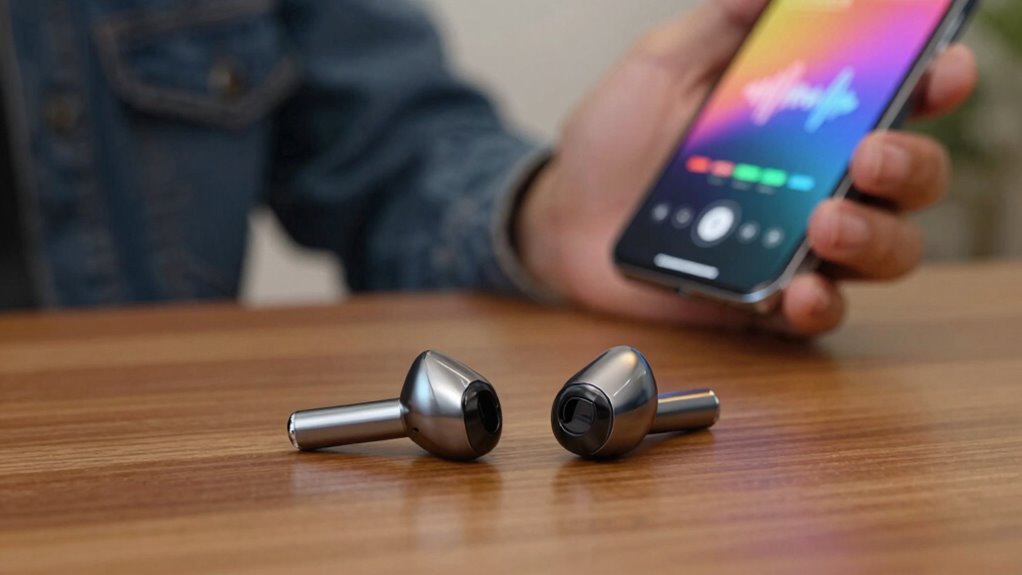

Auracast makes sharing audio easy by wirelessly syncing multiple devices, so you can listen together without delays or echoing sounds. It removes tangled cords and simplifies connections, so you can switch sources quickly. This technology manages interference and keeps sound high-quality across many gadgets. With Auracast, your listening experience becomes more social and hassle-free. Curious about how this is changing the way we enjoy sound? Keep going to discover more.

Get everyday helpers delivered free with Prime
- Fast, free delivery on millions of items
- Prime Video, Amazon Music and more included
- Member-only deals all year
Key Takeaways
- Wireless synchronization ensures synchronized, high-quality audio across multiple devices without delays or echoing.
- Simplifies sharing audio, enabling easy connection and seamless switching between sources for a social listening experience.
- Manages multiple device connections intelligently, preventing interference and maintaining stable, reliable sound.
- Advances in wireless tech support more versatile, user-friendly, and flexible audio sharing environments.
- Enhances user experience by eliminating cables, reducing setup time, and promoting immersive, shared listening.
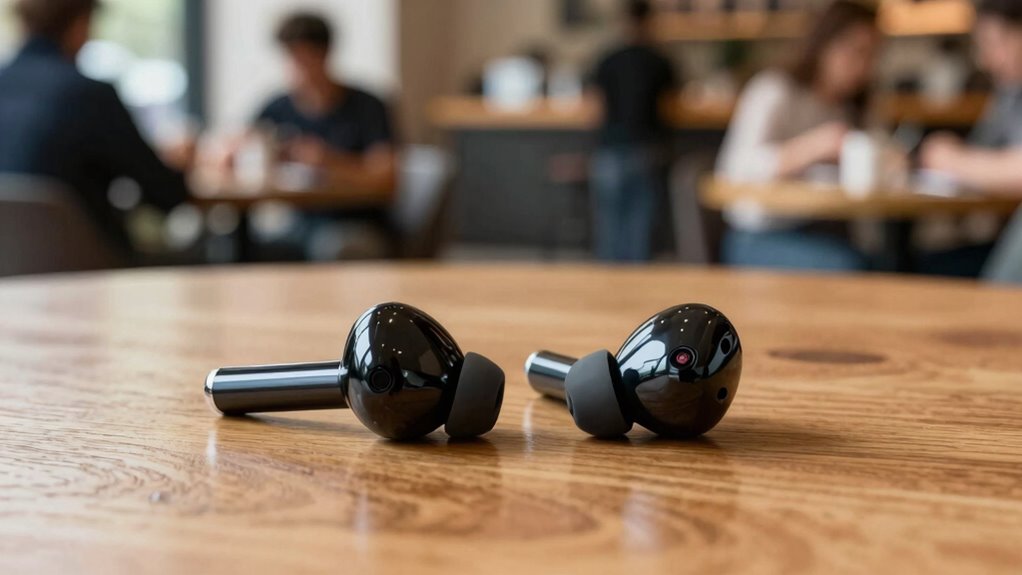
Wireless synchronization is at the core of Auracast’s appeal. It guarantees that audio stays perfectly aligned across all connected devices, eliminating delays or echoing sounds that can ruin the experience. You won’t have to worry about lag or mismatched audio anymore, because Auracast’s technology keeps everyone on the same page. This creates an immersive, natural listening environment that feels almost like everyone is sharing the same space. The convenience of wireless synchronization also means no more tangled cords or bulky adapters—just tap your device, and you’re ready to go. Additionally, because Auracast leverages shared audio technology, it can seamlessly connect multiple devices without compromising sound quality. The wireless synchronization capability ensures a seamless experience even in complex environments with multiple audio sources. This innovation highlights how wireless technology is evolving to improve everyday connectivity and user experience. As audio sharing becomes more prevalent, users can enjoy more flexible and social listening experiences. Enhanced device compatibility further broadens the potential for shared audio experiences across various gadgets and platforms.
Auracast’s wireless sync keeps audio perfectly aligned, creating an immersive, hassle-free shared listening experience without cords or delays.
Your user experience is notably improved with Auracast. It simplifies how you connect and switch between audio sources. With traditional Bluetooth connections, you often have to disconnect and reconnect devices when switching between different audio outputs. Auracast removes this hassle. You can effortlessly connect multiple devices at once, and switching from one to another is quick and intuitive. This ease of use means you spend less time fiddling with settings and more time enjoying your content. Plus, the system intelligently manages connections to prevent interference, so your listening experience remains smooth and stable.
Auracast compatible Bluetooth headphones
As an affiliate, we earn on qualifying purchases.
As an affiliate, we earn on qualifying purchases.
Frequently Asked Questions
What Devices Are Compatible With Auracast Shared Audio?
You can enjoy Auracast shared audio with compatible devices like newer Android smartphones, Windows 10 PCs, and select Bluetooth headphones and earbuds. Device compatibility guarantees seamless pairing, allowing you to share audio effortlessly. Keep in mind, audio quality remains high across supported devices, providing clear, synchronized sound. Confirm your device has the latest updates and supports Bluetooth 5.0 or higher for the best shared audio experience.
How Secure Is Shared Audio via Auracast?
You might wonder how secure shared audio via Auracast truly is. Rest assured, it employs advanced security protocols designed to protect your audio privacy. While no system is entirely invulnerable, Auracast’s encryption and connection controls minimize risks, keeping your shared audio private from external eavesdropping. So, as you enjoy seamless audio sharing, you can also feel confident that your conversations stay secure and protected.
Can Multiple Users Connect to the Same Audio Simultaneously?
Yes, multiple users can connect to the same audio simultaneously via Auracast. As you do, you’ll notice minimal audio latency, ensuring synchronized sound for everyone. However, it’s crucial to take into account user privacy, as shared audio streams can sometimes expose listening habits. Manufacturers are working to enhance security, but always be aware of privacy settings and potential vulnerabilities when connecting multiple devices for shared audio experiences.
What Is the Range of Auracast Shared Audio?
Imagine you’re in a bustling stadium with a Bluetooth walkie-talkie—Auracast’s range varies typically up to 20 meters (65 feet), similar to that vintage device. You’ll enjoy good audio quality and stable connection within this distance, but obstacles like walls or interference can reduce it. As long as you stay within this range, shared audio remains clear and reliable, making your experience seamless and enjoyable.
How Does Auracast Impact Battery Life on Devices?
Auracast can increase battery consumption on your device because it requires continuous Bluetooth activity. To minimize its impact, you should focus on device optimization, such as disabling shared audio when not in use and keeping your device’s software updated. By managing these settings, you help conserve battery life, ensuring your device runs efficiently while enjoying shared audio features.
Conclusion
As you tune into Auracast, imagine a world where shared audio creates a woven tapestry of sound, connecting you effortlessly with others. No more lost details or isolated moments—just pure, shared experiences echoing through the air. With this technology, every conversation, song, or story becomes a collective journey, turning everyday moments into vibrant memories. Embrace the future of sound, where connection and clarity dance together, transforming how you listen and share.
Fall Picks
fall essentials
As an affiliate, we earn on qualifying purchases.