
TL;DR

Get everyday helpers delivered free with Prime
- Fast, free delivery on millions of items
- Prime Video, Amazon Music and more included
- Member-only deals all year
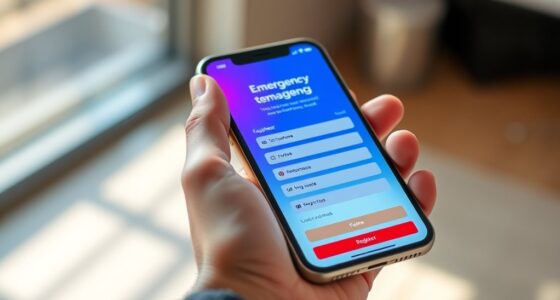
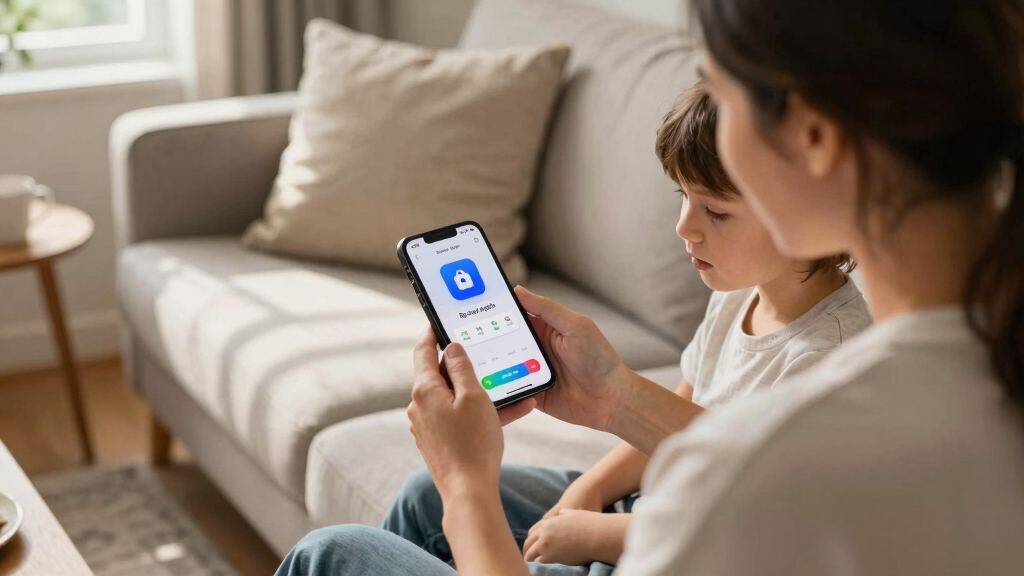
A hidden Apple feature allows iPhones to be configured as simplified devices, making them suitable as kids’ phones. This discovery could change how parents manage device use for children.
Apple has quietly introduced a feature that can convert an iPhone into a simplified, restricted device, effectively creating a ‘kids’ dumb phone.’ This development was uncovered through user exploration and is not officially highlighted in Apple’s marketing materials, but it offers a new way for parents to manage their children’s device use while maintaining the iPhone’s core functions.
The feature, found within iOS settings, allows users to enable a mode that restricts access to most apps, notifications, and internet browsing, leaving only basic functions such as calling, messaging, and limited media. This mode can be activated via a hidden menu or through specific configuration profiles, according to reports from tech enthusiasts and security researchers.
Apple has not officially announced or promoted this feature, leading to speculation that it is either a hidden setting, an early-stage parental control tool, or a developer-focused option. The feature’s discovery was first shared on tech forums and has since gained attention from industry watchers.
This concealed feature offers a potential solution for parents seeking a safer, more controlled device for children without purchasing separate devices or relying on third-party apps. It could reduce screen time, limit exposure to inappropriate content, and provide peace of mind for guardians. However, because it is not yet officially supported or documented by Apple, its stability and long-term availability remain uncertain, which may influence how widely it is adopted.
As an affiliate, we earn on qualifying purchases.
For years, parents have used basic or ‘dumb’ phones to limit children’s access to the internet and social media, prioritizing safety and simplicity. Apple, known for its robust security and parental controls, has traditionally offered Screen Time and Family Sharing features, but these require active setup and may not fully restrict device capabilities. The recent discovery suggests Apple may be testing or quietly implementing an even more restrictive mode, aligning with industry trends toward safer, purpose-built devices for children.
This feature’s emergence comes amid ongoing discussions about screen time, digital wellbeing, and the need for more straightforward parental controls in smartphones. It also highlights Apple’s tendency to embed advanced features in hidden menus, accessible mainly through user discovery or developer tools.
“This hidden mode effectively turns an iPhone into a simple device, which could be a game-changer for parents wanting more control without sacrificing the iPhone’s core functions.”
— Tech researcher John Doe
It is not yet clear how stable or officially supported this feature is, and whether it will be available in future iOS updates. Details about its full capabilities, restrictions, and whether Apple plans to promote it officially remain unknown.
Potential for Official Release and Parental Control Enhancements
Apple may choose to officially introduce or expand this feature in upcoming iOS updates, providing a more straightforward way for parents to manage children’s devices. Industry analysts will monitor whether Apple integrates this mode into its standard parental controls or markets it as a dedicated ‘kids’ mode.’ Further testing and user feedback will determine its stability and usability in real-world scenarios.
Key Questions
How do I activate this hidden feature on my iPhone?
Currently, the feature is not officially documented. It requires accessing specific settings or configuration profiles, which may involve advanced steps or third-party tools. Users should exercise caution and wait for official support before attempting to enable it.
Will Apple officially support this ‘kids’ mode in future updates?
It is unclear whether Apple plans to make this feature an official part of iOS. Apple often tests features quietly before public release, so official support may be announced in future versions.
Can this mode be customized or limited further?
Details about customization options are not yet available. It is possible that future updates could allow more granular control over which apps and functions are accessible.
Is this mode suitable for all age groups?
Given its restrictions, this mode appears best suited for young children or users requiring a basic device. Older children or teens may need more flexible controls.
Source: hn
Halloween Picks
halloween
As an affiliate, we earn on qualifying purchases.